

A client's card payment failed
Help a client whose card payment didn’t go through, and make sure you still get paid.
Who can do this: Admins check card payment setup. Recording a payment needs admin, dispatcher or accountant, or an invoices permission of View, edit, and create or higher.
Also called: card declined, payment didn’t go through.
When a card payment fails, no money moves and nothing is recorded. The invoice keeps its balance and its status, such as Awaiting Payment or Late Payment. Astragal doesn’t tell you about a client’s failed try, so you usually hear about it from the client.
-
Ask the client what they saw. They pay from the invoice link you sent by clicking Pay invoice and typing their card. If the card is declined, the reason from their bank shows on screen, for example “Your card was declined.” or a problem with the card number, expiry date or security code. They can try again, use another card, or call their bank. Banks often block a first payment to a business they don’t know; a quick call usually clears it.
On a computer: Client's invoice link → Pay invoice On a phone: Client's invoice link → Pay invoice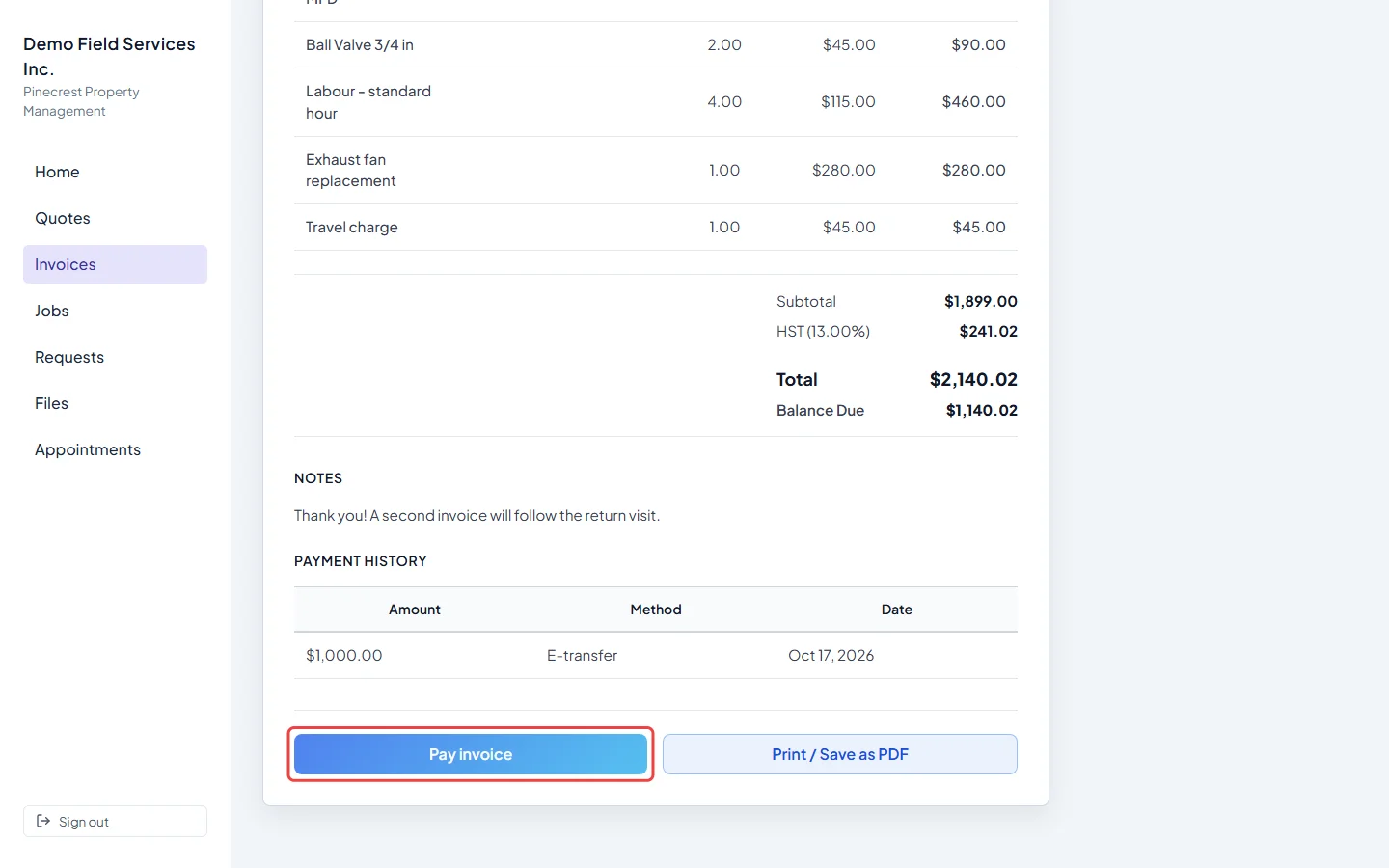
-
If several clients can’t pay, check that card payments are still set up. Open Accept credit cards from customers. It should say Connected. If it says “Stripe needs more information to finish setting up your account.”, click Finish setup and answer what’s asked. If the account can’t be used, it says so in red. The account owner also gets an email titled “Card payments need attention” when this happens. The email calls this section Payment setup.
On a computer: Left menu → Settings → Accept credit cards from customers On a phone: More → Settings → Accept credit cards from customers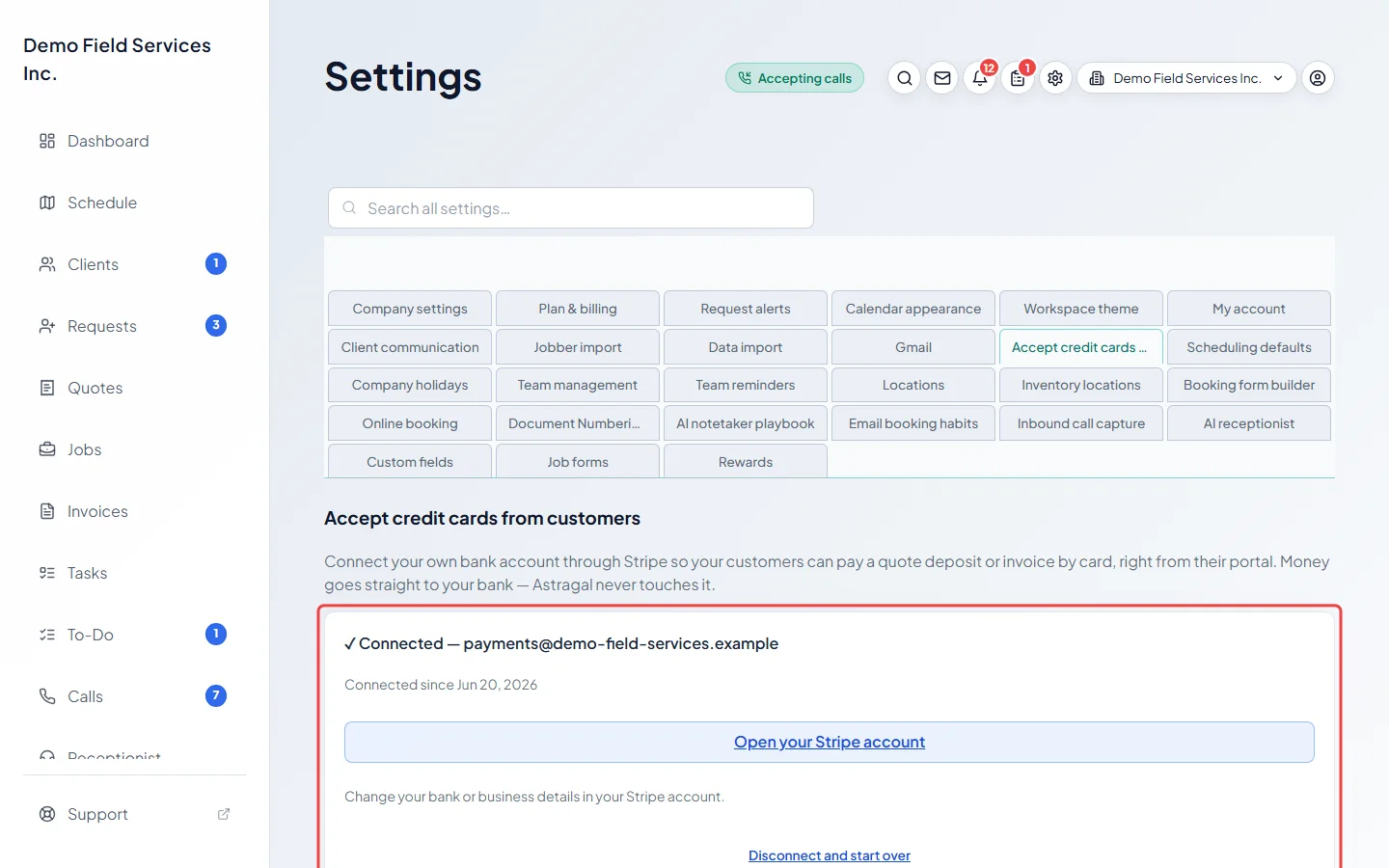
-
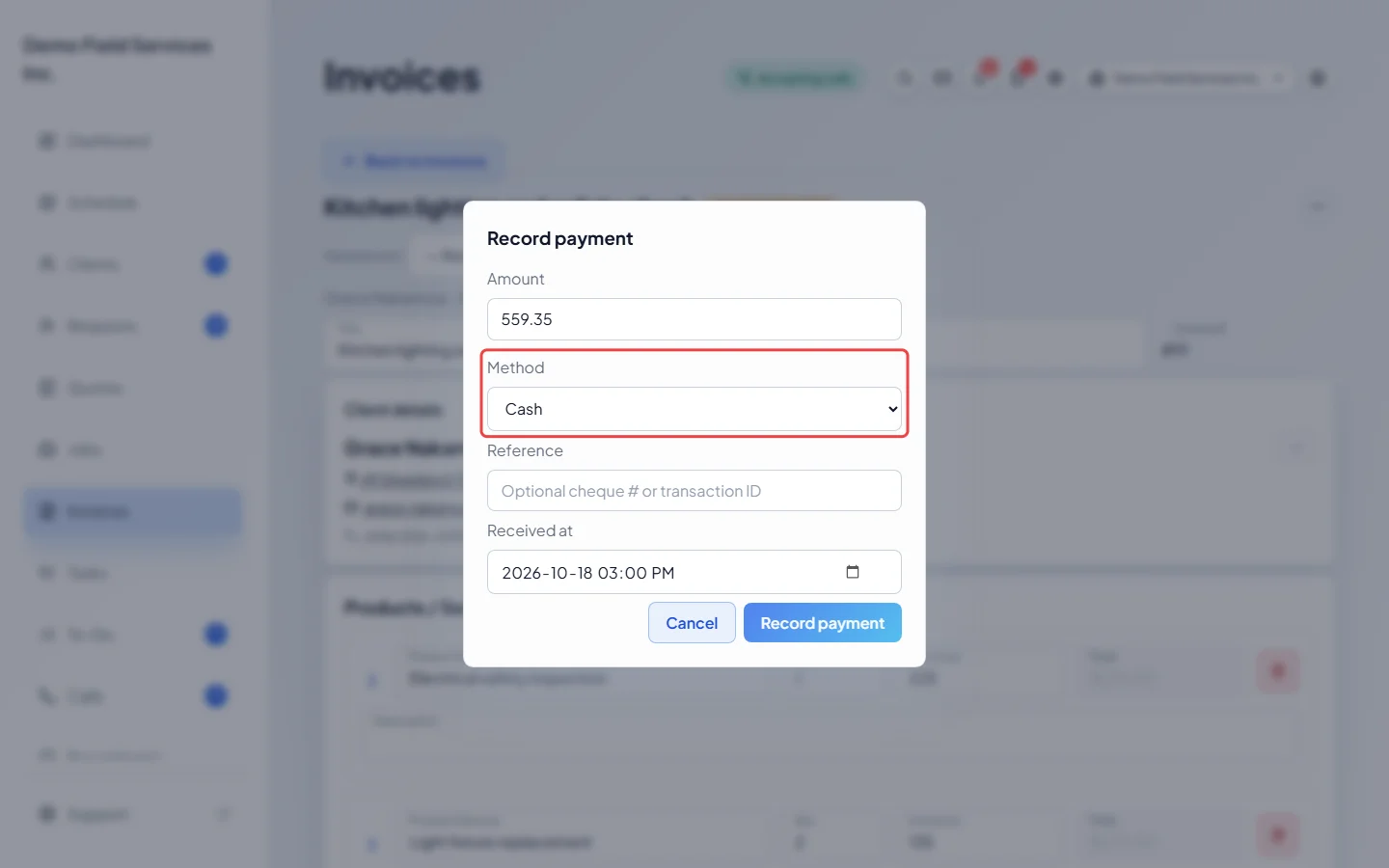
To get paid another way, open the invoice in Astragal and click Record payment. Pick how they paid in Method, such as Cash, Cheque or E-transfer, or pick Credit Card to charge their card yourself while they’re on the phone. Credit Card only shows while card payments are connected. Credit Card (offline) just records a card payment you took some other way.
What the client might see instead
Section titled “What the client might see instead”- “Card payments aren’t set up (or aren’t finished being set up) for this business yet…”: shown in place of Pay invoice when your company doesn’t take cards. Shown after they try to pay, it means the card processor refused the payment for a reason that isn’t about their card. Check step 2.
- “Payment processing”: the bank is still finishing the payment. It shows on the invoice once it clears, so ask them not to pay a second time.
- “Card charged but could not be saved. Please retry.”: the card was charged, but the payment wasn’t saved on the invoice yet. It usually appears by itself within a few minutes. Before the client tries again, check the invoice’s Payments in Astragal and your card processor’s account, so they aren’t charged twice.
Good to know
Section titled “Good to know”- There is no Pay invoice button once nothing is owed.
- A payment taken by card can’t be deleted. To give money back, see Refunding a payment.
Related articles
Section titled “Related articles”Checked against Astragal on October 18, 2026