

Setting up rewards
Switch on points and rewards for your technicians and keep an eye on who’s earning.
Who can do this: Admins only. The Rewards section doesn’t appear for anyone else.
Company switch: Rewards-
Open Rewards in Settings.
On a computer: Left menu → Settings → Rewards On a phone: More → Settings → Rewards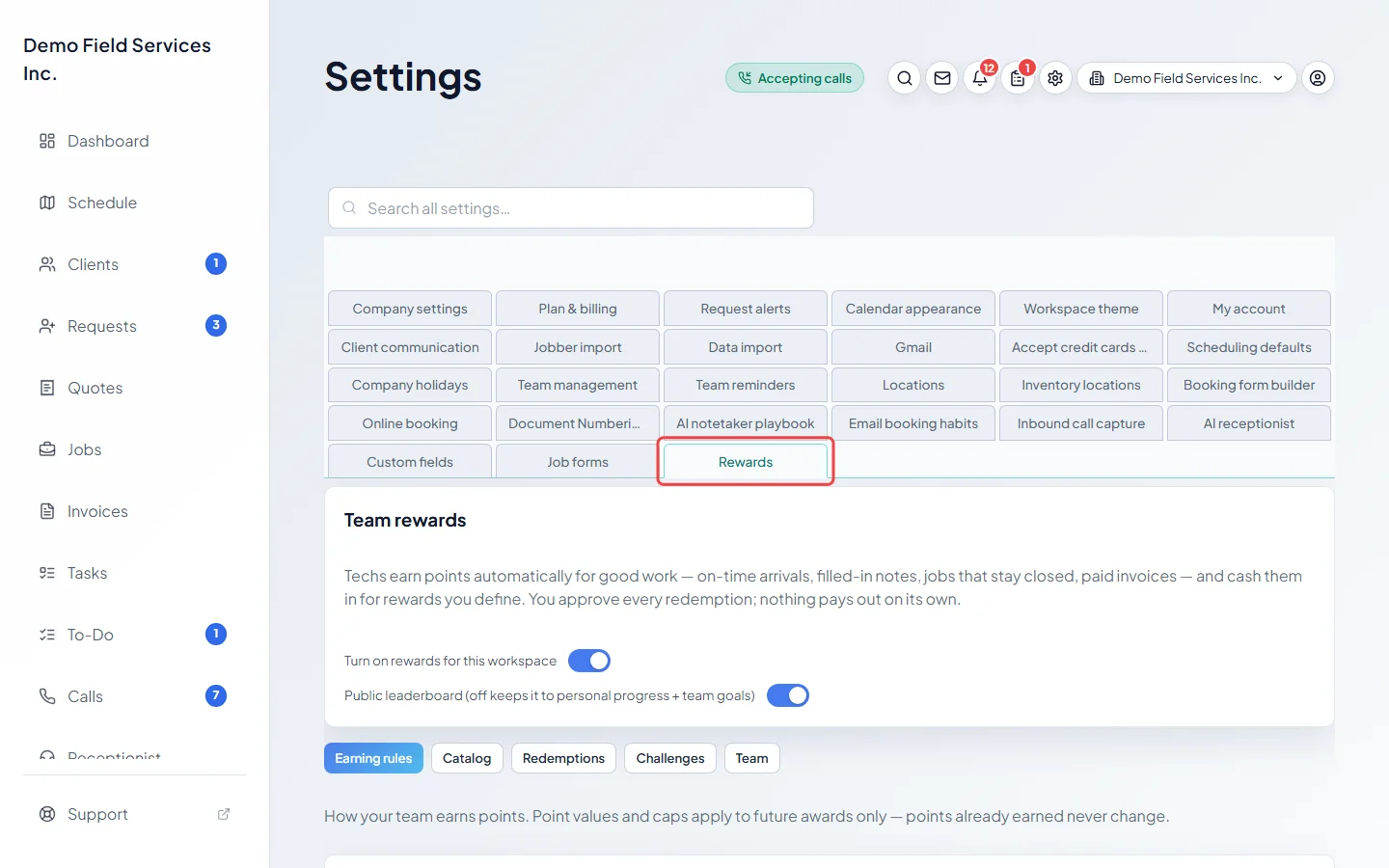
-
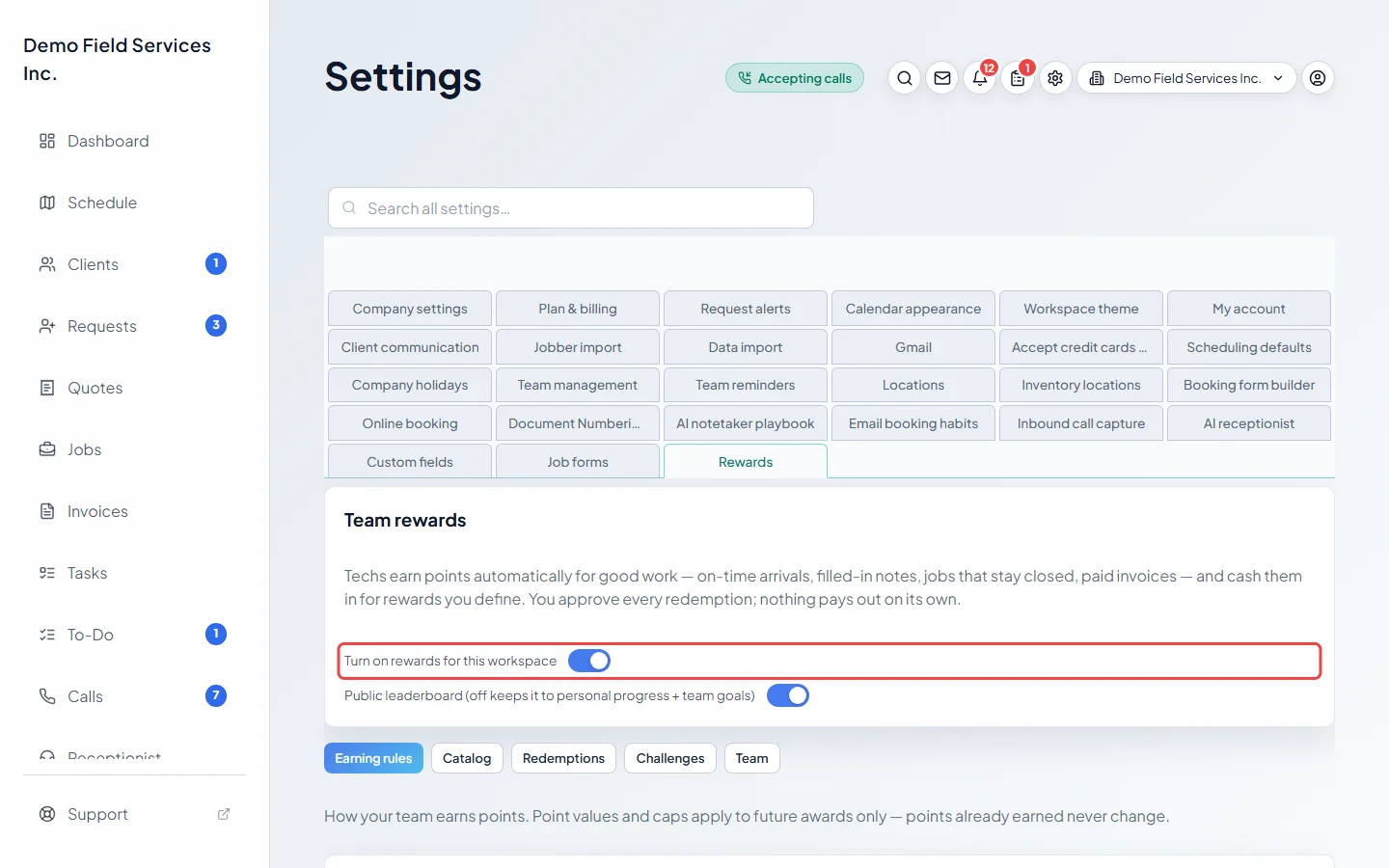
Turn on Turn on rewards for this workspace. It saves straight away. The first time, Astragal adds a starter set of earning rules and rewards for you to edit, and My Rewards appears in your technicians’ menu. The first evening after you turn rewards on, technicians also get points for jobs closed, invoices paid and quotes approved in the past 30 days, up to each rule’s limits.
-
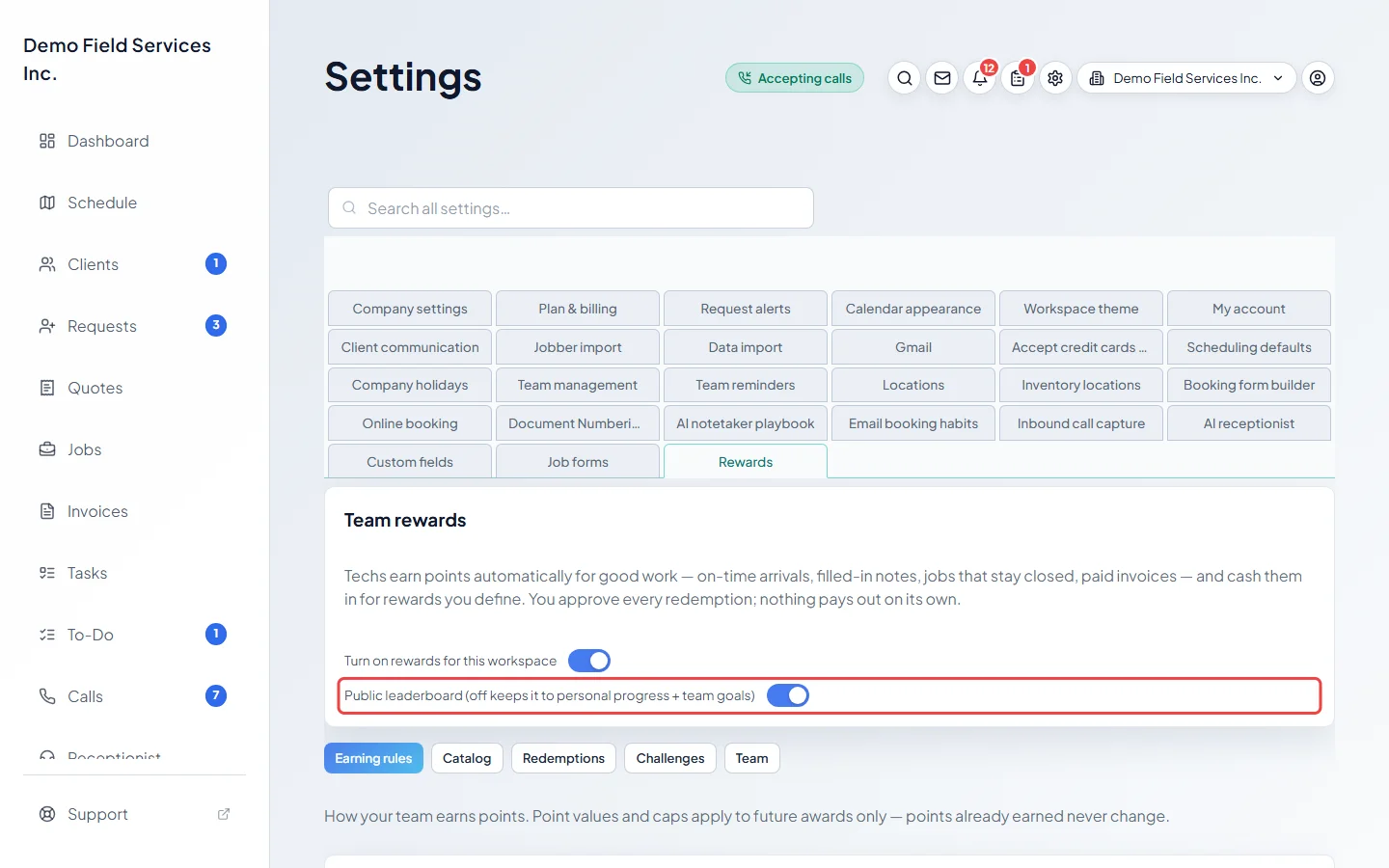
Choose whether to turn on Public leaderboard (off keeps it to personal progress + team goals). With it on, technicians see everyone’s points on their My Rewards page. With it off, they only see their own points and team goals.
-
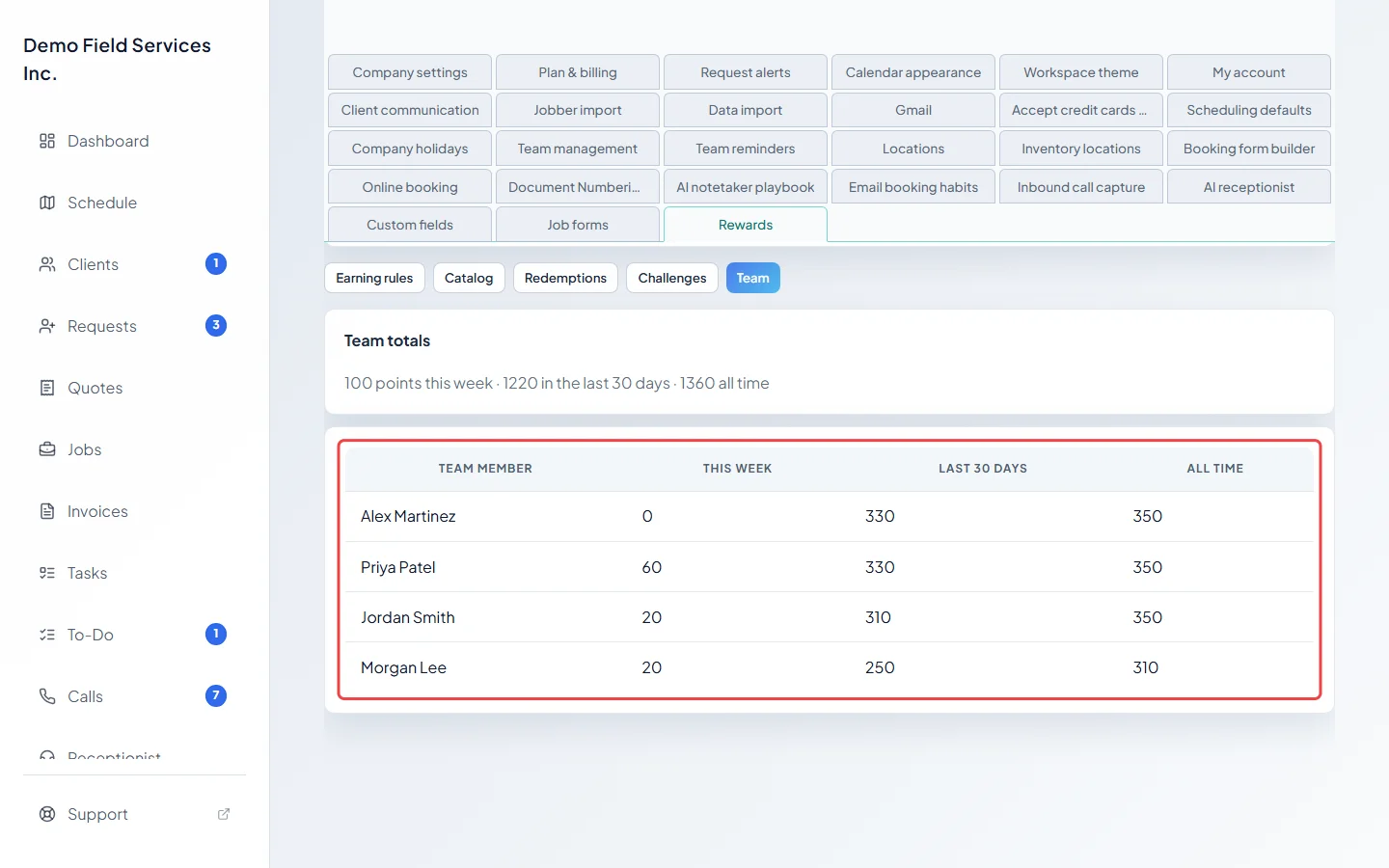
Click Team to see points by person: This week, Last 30 days and All time, with the team’s totals above.
Good to know
Section titled “Good to know”- Turning rewards off hides My Rewards and stops new points, but keeps every point already earned. When you turn it back on, the evening check catches up on jobs, invoices and quotes from the last 30 days.
- While rewards is off, pending requests wait and their points stay on hold.
- Next, review the earning rules and the rewards catalog so the points and prices suit your team.
Related articles
Section titled “Related articles”Checked against Astragal on October 17, 2026