

Stock transfers
Record a transfer whenever stock moves between your locations, so the count at each one stays right.
Who can do this: Admins, dispatchers and accountants.
Also called: restocking a van, moving stock.
-
Open Transfers and choose the From location. A Source location stock card appears above the form, listing everything in stock there and how many are available.
On a computer: Left menu → Inventory → Transfers On a phone: More → Transfers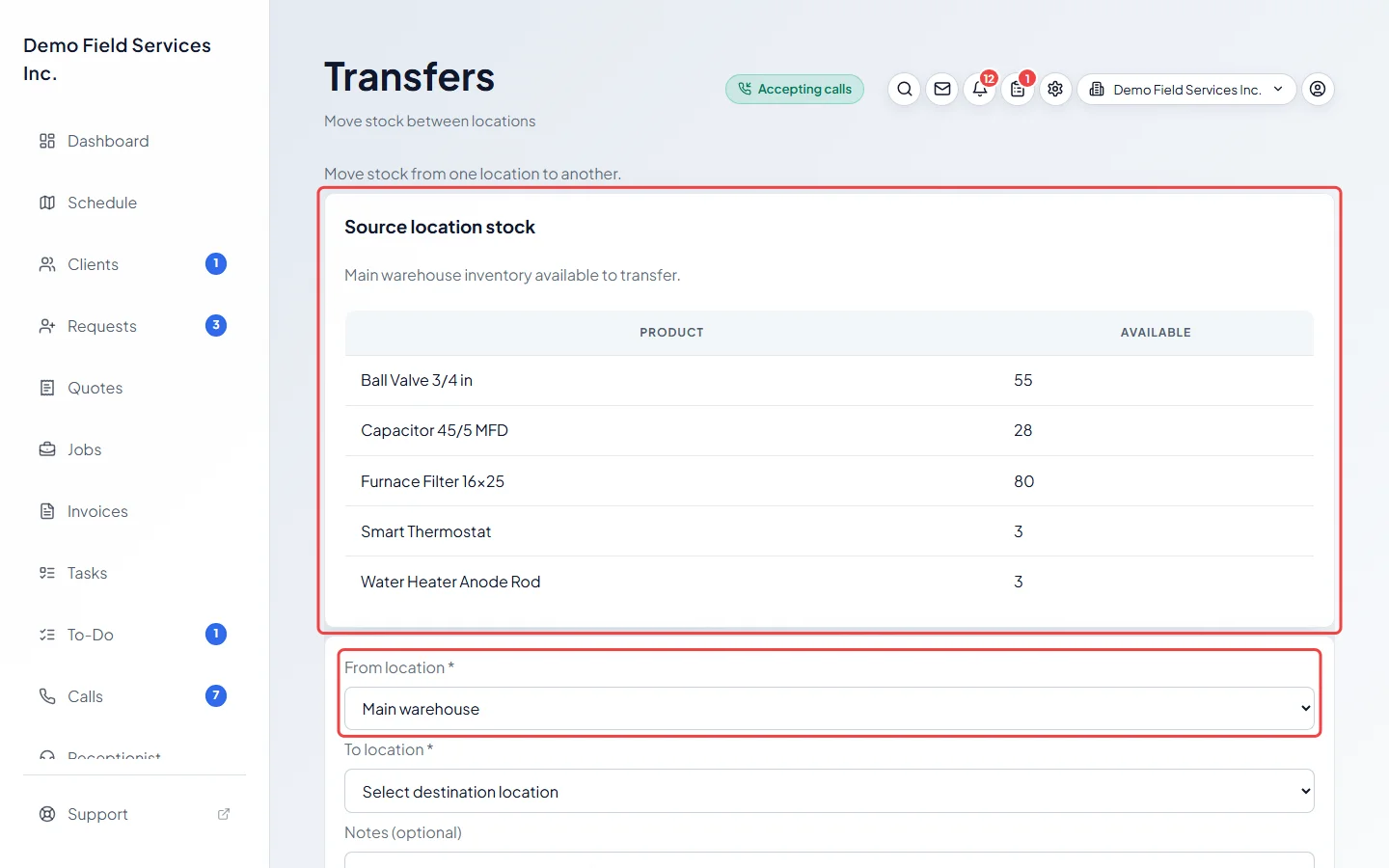
-
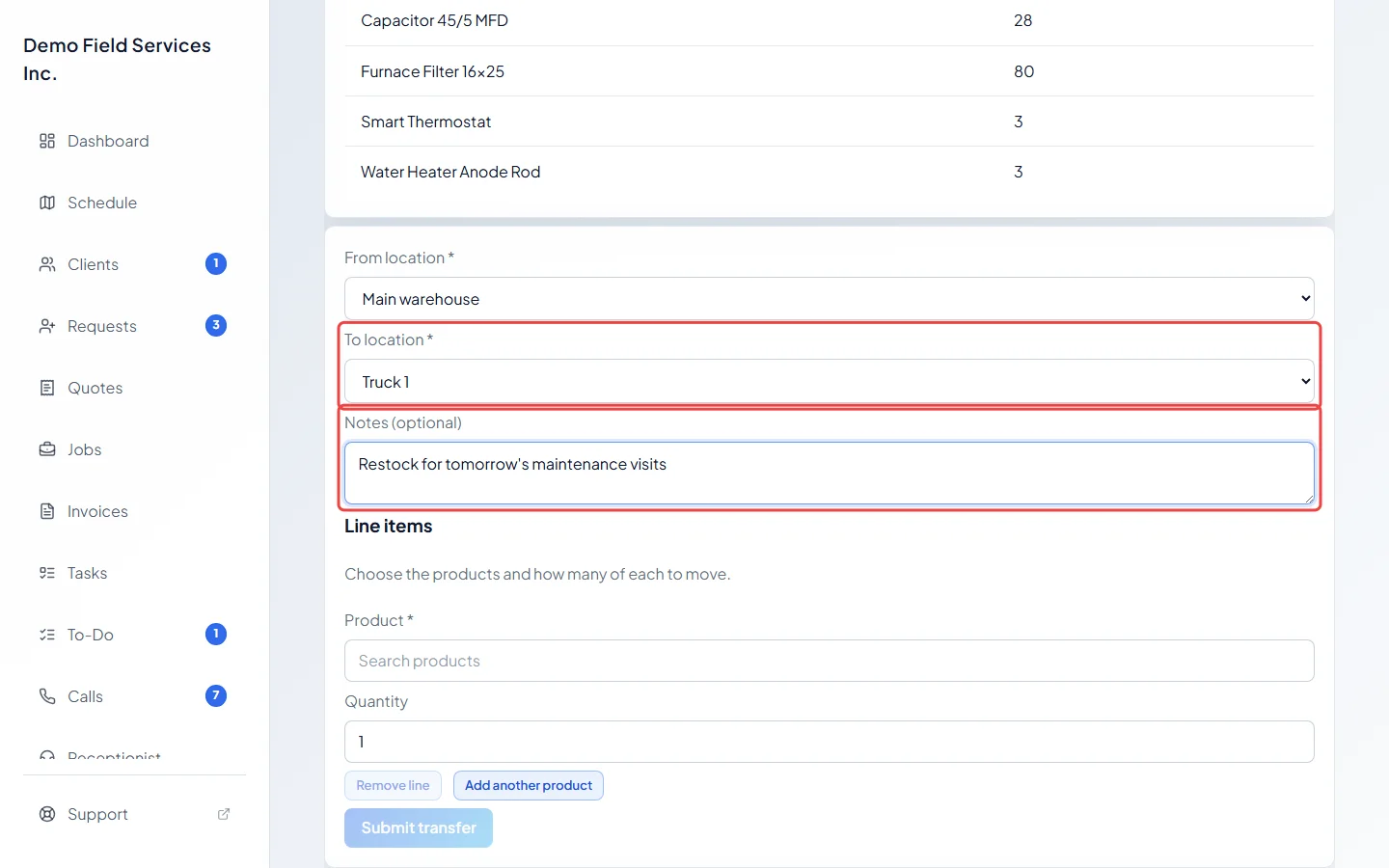
Choose the To location. It has to be a different place. Add a note under Notes (optional) if it helps, such as a ticket number or the reason.
-
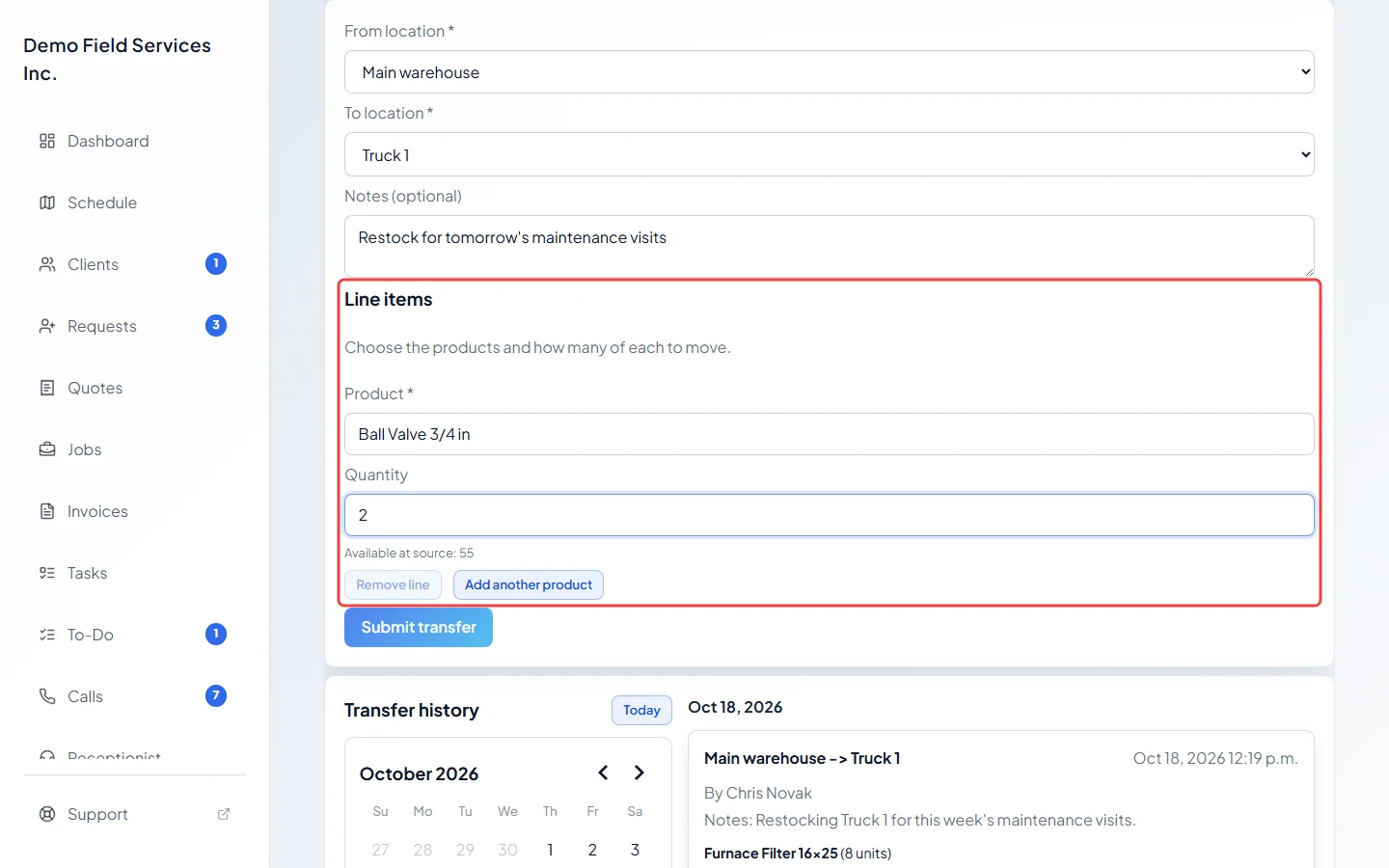
Under Line items, search for a product and type the Quantity to move. The form shows how many are available at the source, and you can’t move more than that. Click Add another product for more items, or Remove line to drop one.
-
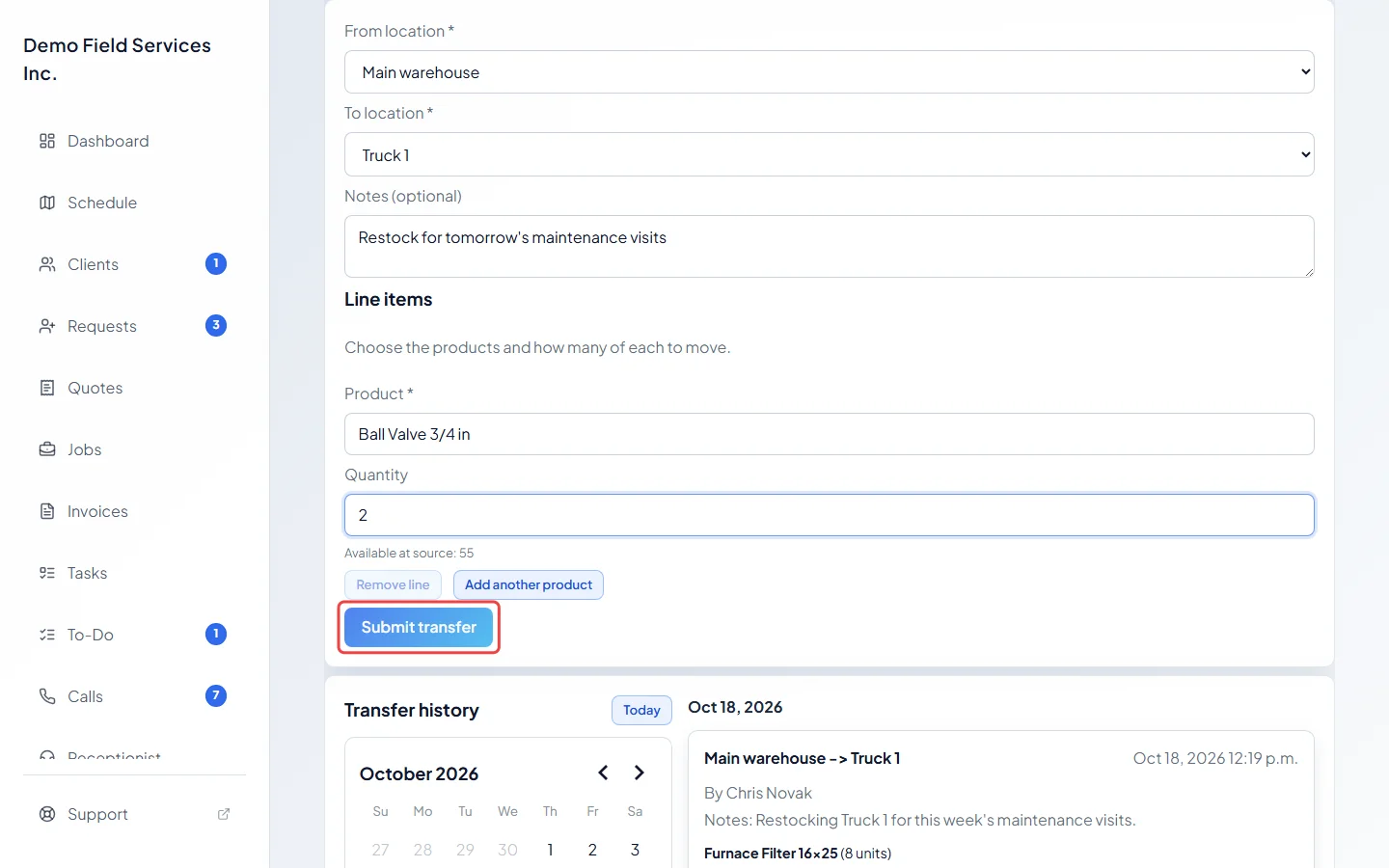
Click Submit transfer. The button only works once every line has a product and a quantity you have in stock.
-
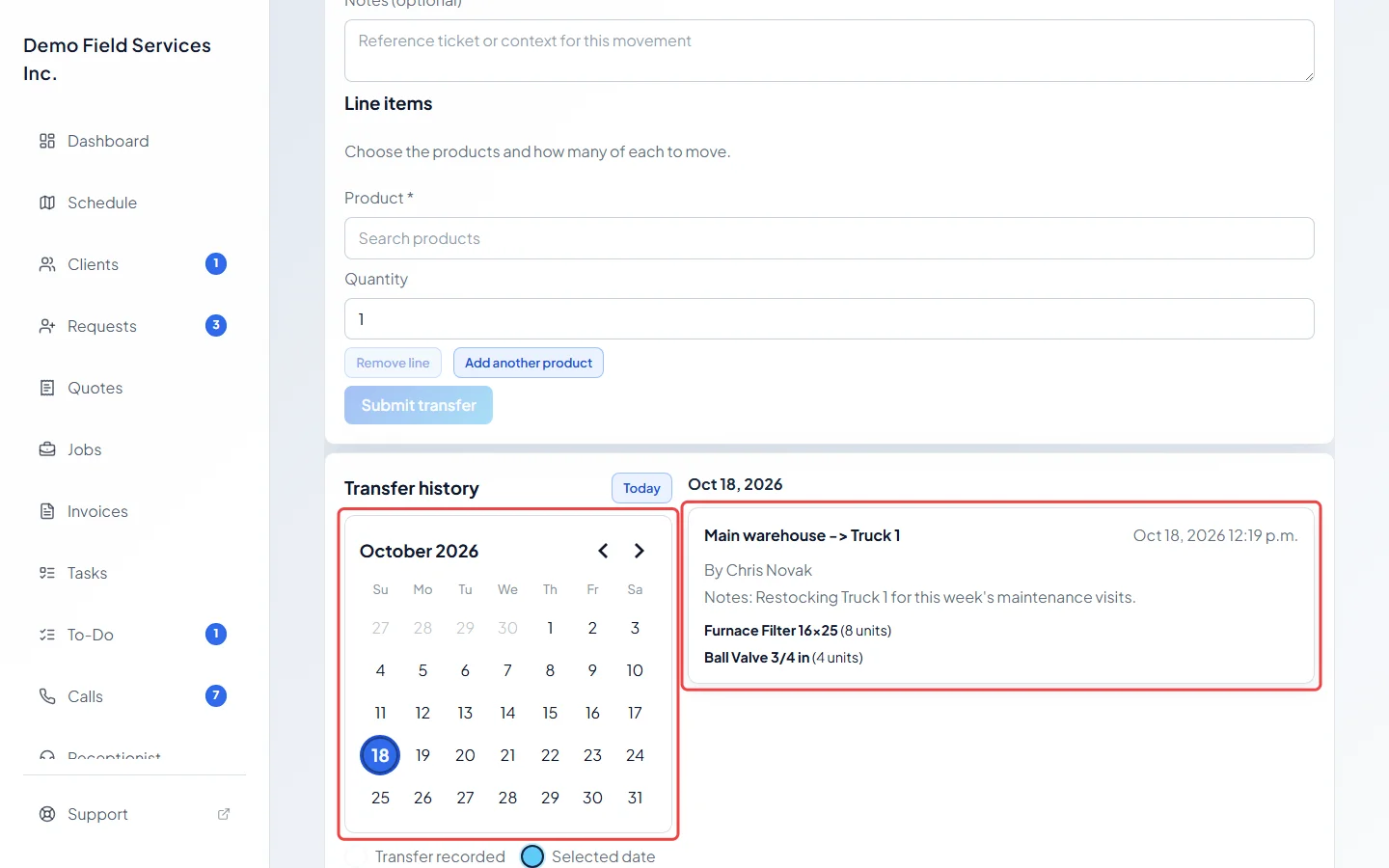
Check past transfers under Transfer history. Days with a transfer are marked on the calendar. Click a day to see each transfer: where it went from and to, when, who recorded it, the note, and the products and amounts. Today jumps back to today.
Good to know
Section titled “Good to know”- Only products that count stock can be moved. Services never appear.
- A transfer can’t be undone. To reverse one, record a transfer the other way.
- The stock you move keeps what you paid for it, and the oldest units go first, so the cost of parts stays right wherever they end up.
- Each transfer shows in the product’s history at both locations. See Stock tracking and locations.
- Add or rename locations under Settings. See Stock tracking and locations.
Related articles
Section titled “Related articles”Checked against Astragal on October 17, 2026