

How to get help
Get an answer fast: open the help for the screen you’re on, and if you still need us, send support the details we need.
Who can do this: Everyone.
Also called: contacting support, reporting a problem.
-
Click Support at the bottom of the menu. It opens this help site on the article for the screen you’re on, in a new tab. If there’s no article for that screen, it opens the help home page. On some iPhone versions it shows the help address to open in Safari. Search the help site for anything else.
On a computer: Left menu → Support On a phone: More → Support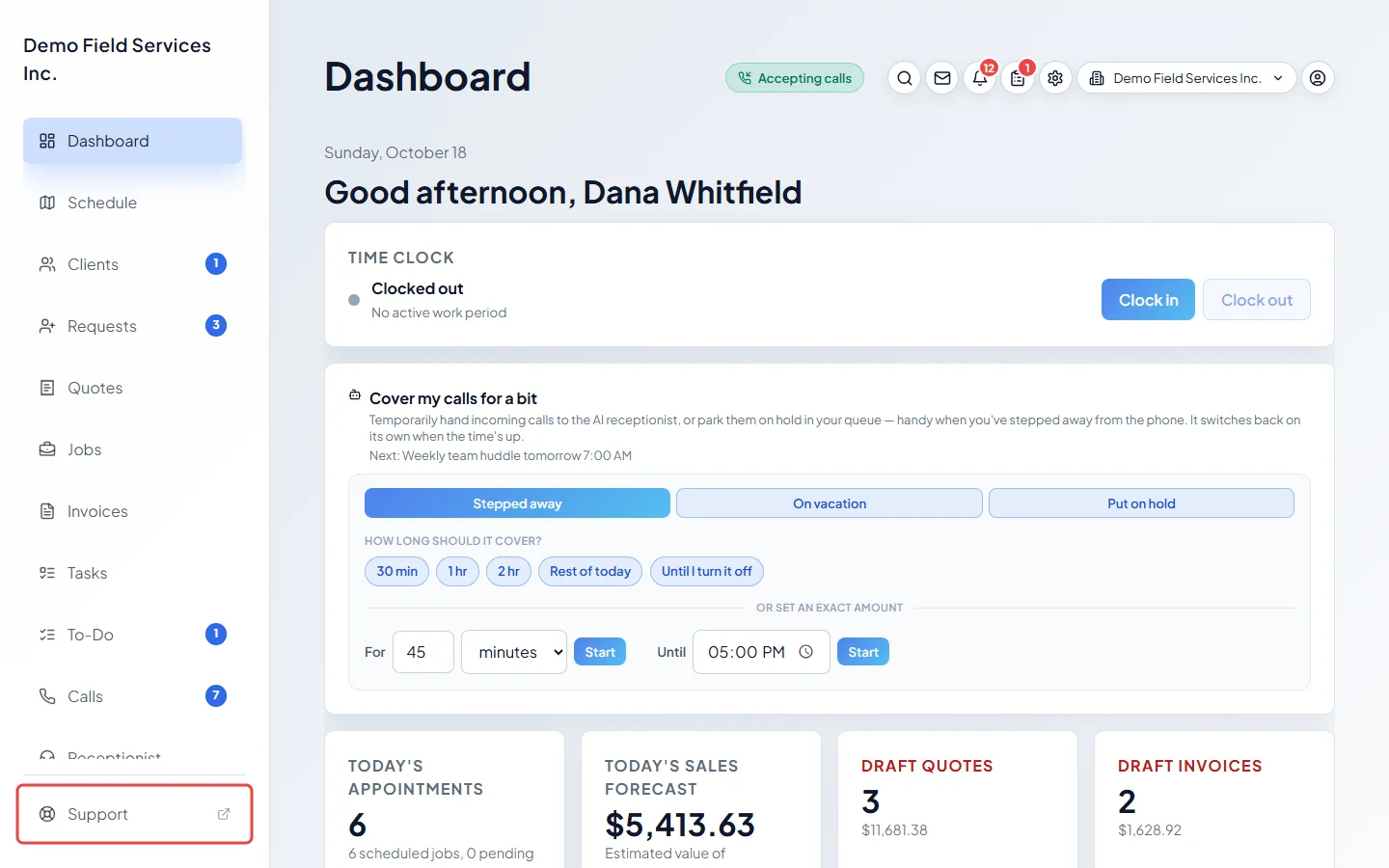
-
If you still need us, open App details under My account. It lists what this computer or phone is running: You are using (web browser, Android app or iPhone app), the Web app version, Notifications and Location access, and in the phone app the App version and more. Click Check again after you change a phone setting.
On a computer: Top right → Settings → My account On a phone: Top of the screen → Settings → My account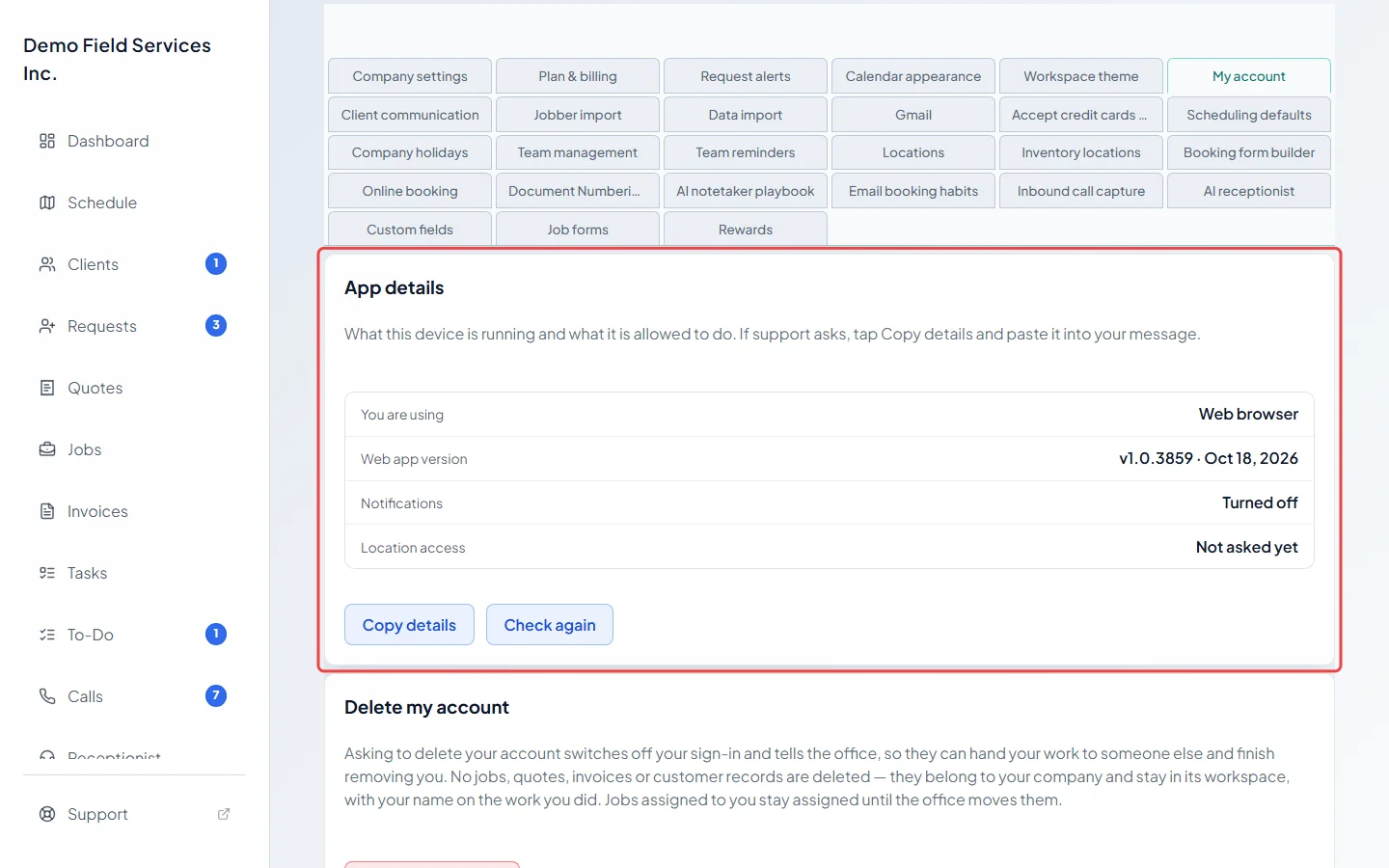
-
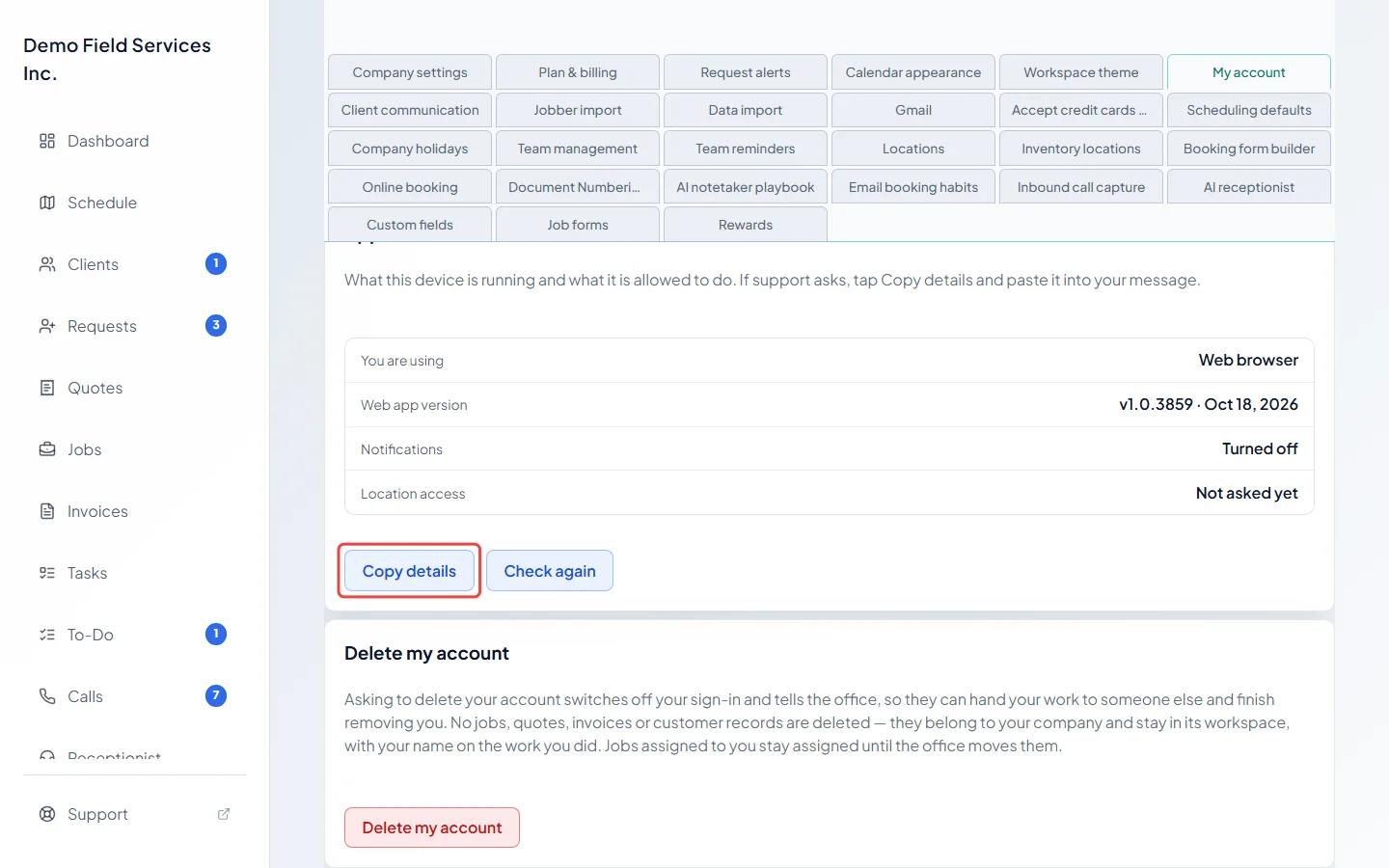
Click Copy details, then email support@astragalhq.com. Paste the details into your email, include your company name and the email you sign in with, and say what you were doing, what you expected, what happened instead, and roughly when (with your time zone). A screenshot helps too. If copying doesn’t work on your device, take a screenshot of the card instead.
Before you email
Section titled “Before you email”Many problems have a quick fix you can try first:
- A button or menu item isn’t on my screen
- Login problems
- Why didn’t my message send?
- A client’s card payment failed
- Data looks wrong or out of date
- My phone didn’t ring
Questions about who can see what in your company go to your company’s admin first. Only an admin, or a dispatcher for anyone who isn’t an admin, can change your role and permissions.
Good to know
Section titled “Good to know”- Admins reach My account from the Settings button at the top of the screen, as a section of Settings. Everyone else gets their own settings page with My account under the colour theme.
- On a phone, App details also shows App features on this phone and a Recent app log. Both are included when you copy the details.
Related articles
Section titled “Related articles”Checked against Astragal on October 18, 2026