

Stepping away and vacations
Step away from the phone without missing callers: the AI receptionist answers, or callers wait on hold, until you’re back.
Who can do this: Admins, dispatchers and accountants. Everyone can see the status at the top of the screen.
Add-on: AI receptionistAlso called: cover my calls, out of office.
-
Open the Calls page and click Have the AI take my calls. The same controls are under Cover my calls for a bit on the dashboard and in Settings. The Calls page needs the phone line add-on and a place on the incoming calls list; the dashboard and Settings don’t.
On a computer: Left menu → Calls On a phone: More → Calls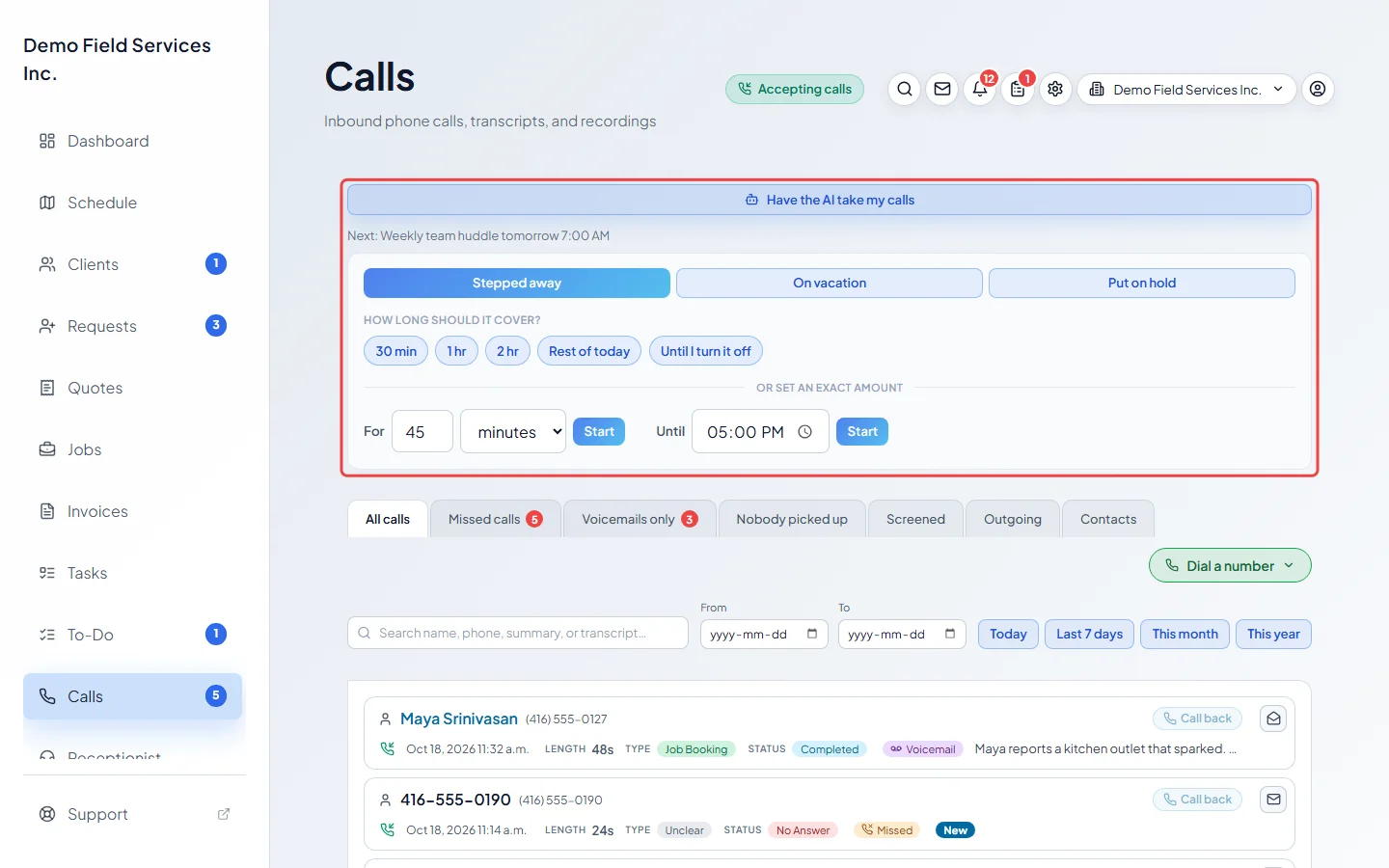
-
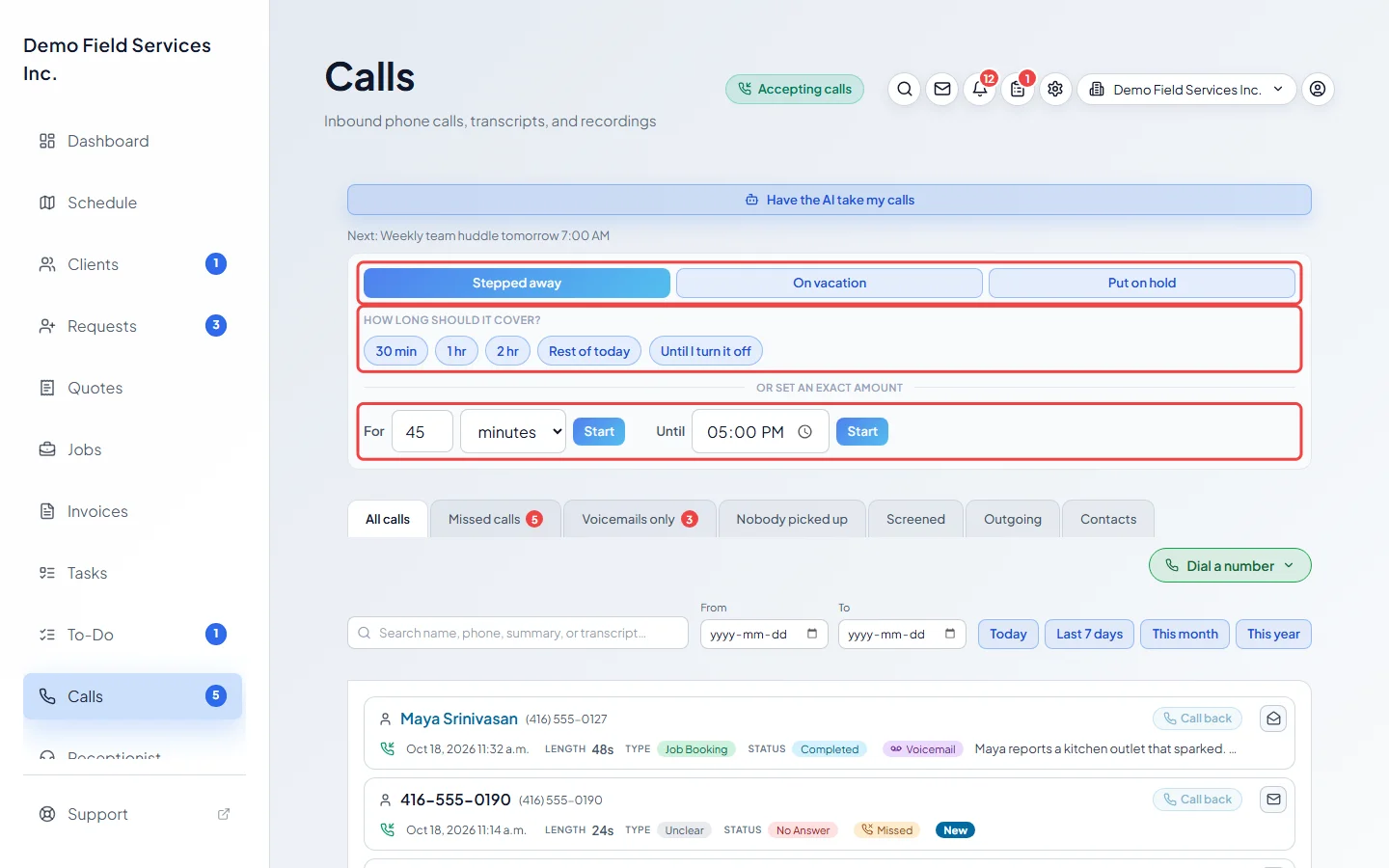
Pick what to tell callers: Stepped away (back in a minute, the office is still open), On vacation (away for a while) or Put on hold (callers wait in line with music). Then pick how long: 30 min, 1 hr, 2 hr, Rest of today or Until I turn it off. To be exact, type an amount next to For and click Start, or pick a time next to Until and click Start.
-
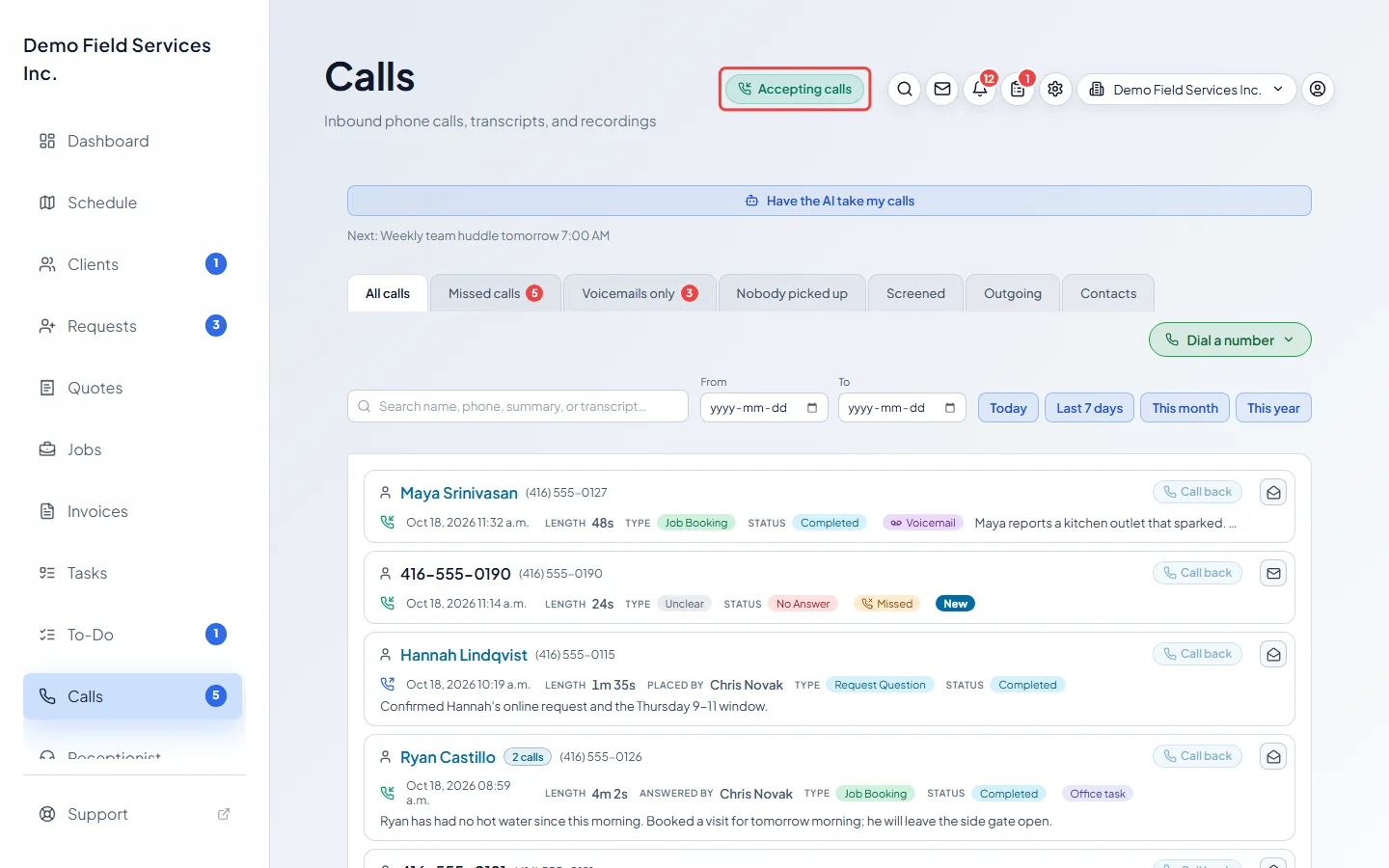
Check the status at the top of every screen: Accepting calls, After hours, “Closed for” a holiday, On vacation — AI answering, “Stepped away — AI answering” or Callers on hold, with the break’s name in brackets when a scheduled break is running. While cover is on, the control shows how long is left. Click Turn off (I’m back after a hold, End this break for a scheduled break) to send calls back to your team early. It also switches off by itself when the time runs out.
-
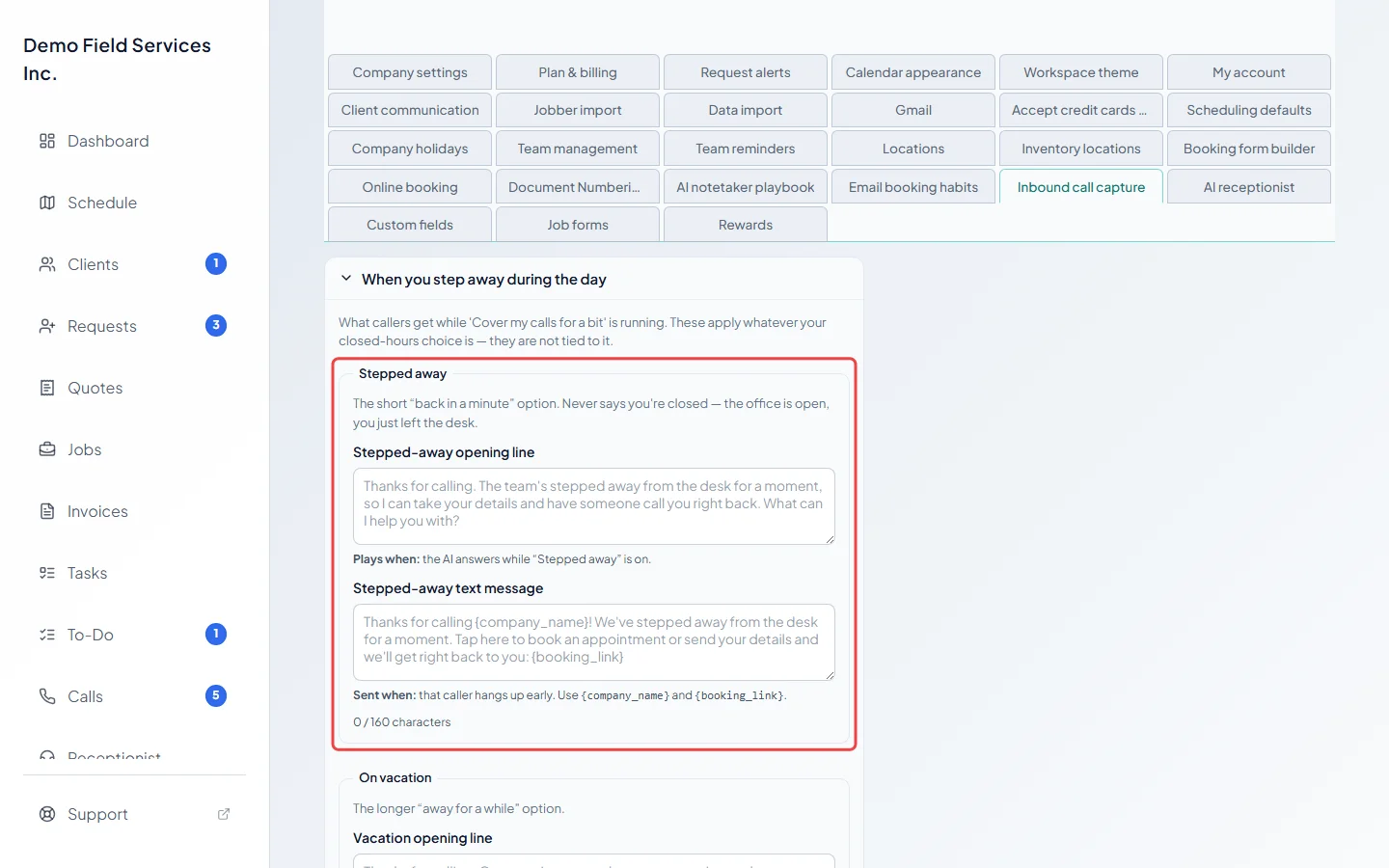
To change what callers hear, open When you step away during the day. Under Stepped away, write the Stepped-away opening line the AI starts with, and the Stepped-away text message sent if the caller hangs up early. Leave a box empty to use the wording shown in grey.
-
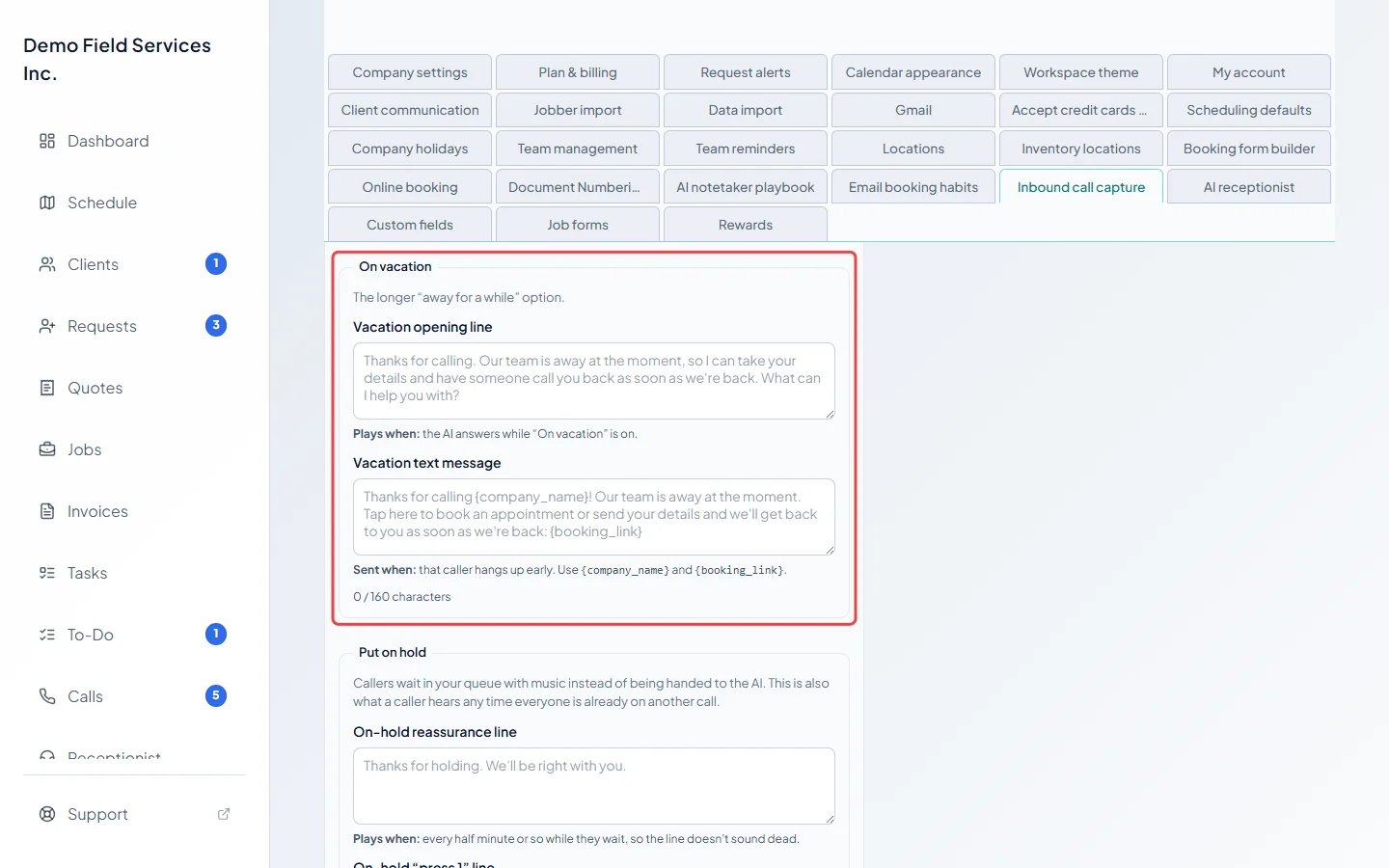
Just below, under On vacation, do the same with the Vacation opening line and Vacation text message.
-
For holidays, open When you’re closed and fill in the Holidays boxes: Holiday greeting, Holiday opening line and Holiday text message. On a holiday listed in Company settings, callers hear these instead of your usual closed wording. Type
{holiday_name}to say the holiday’s name.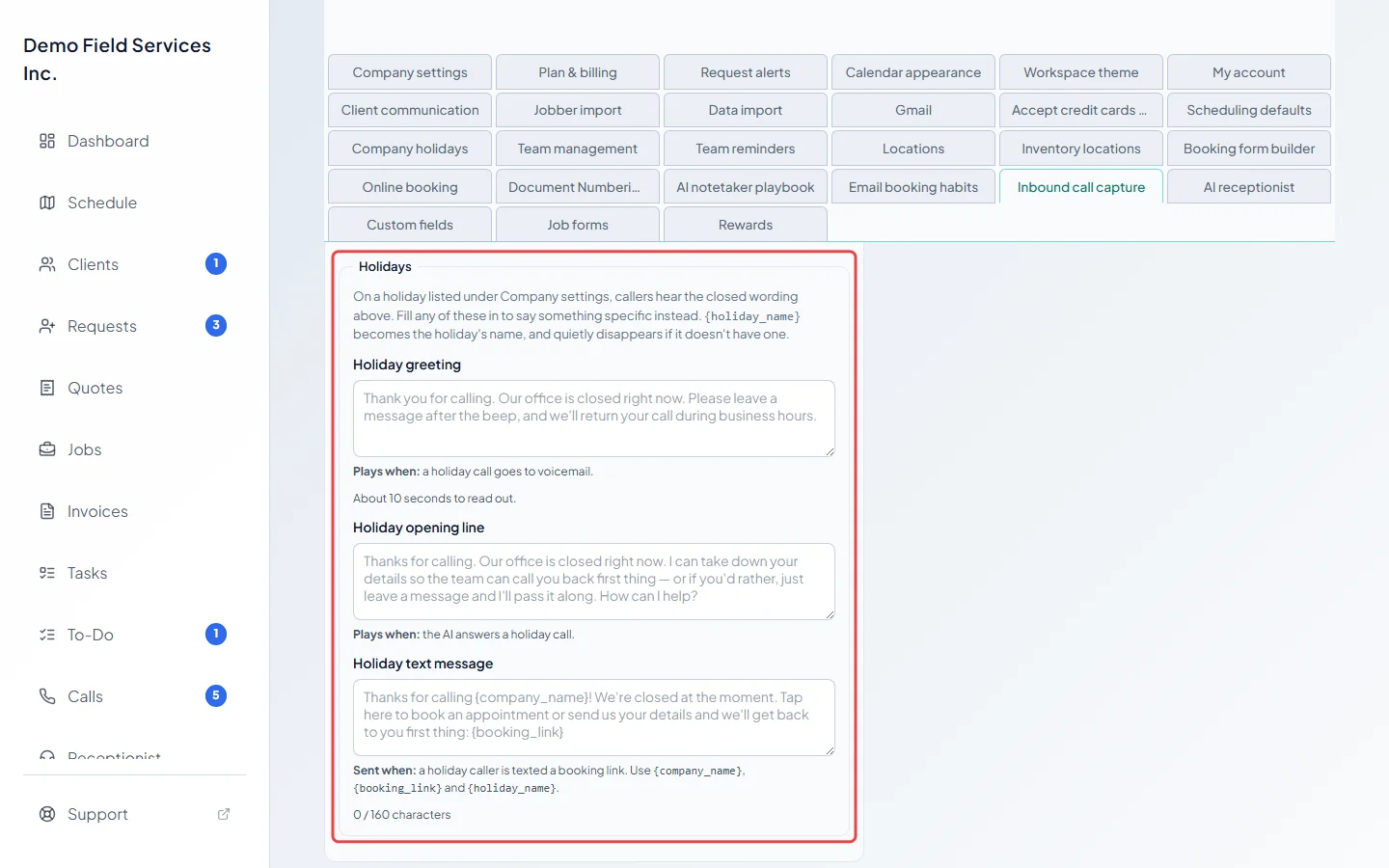
-
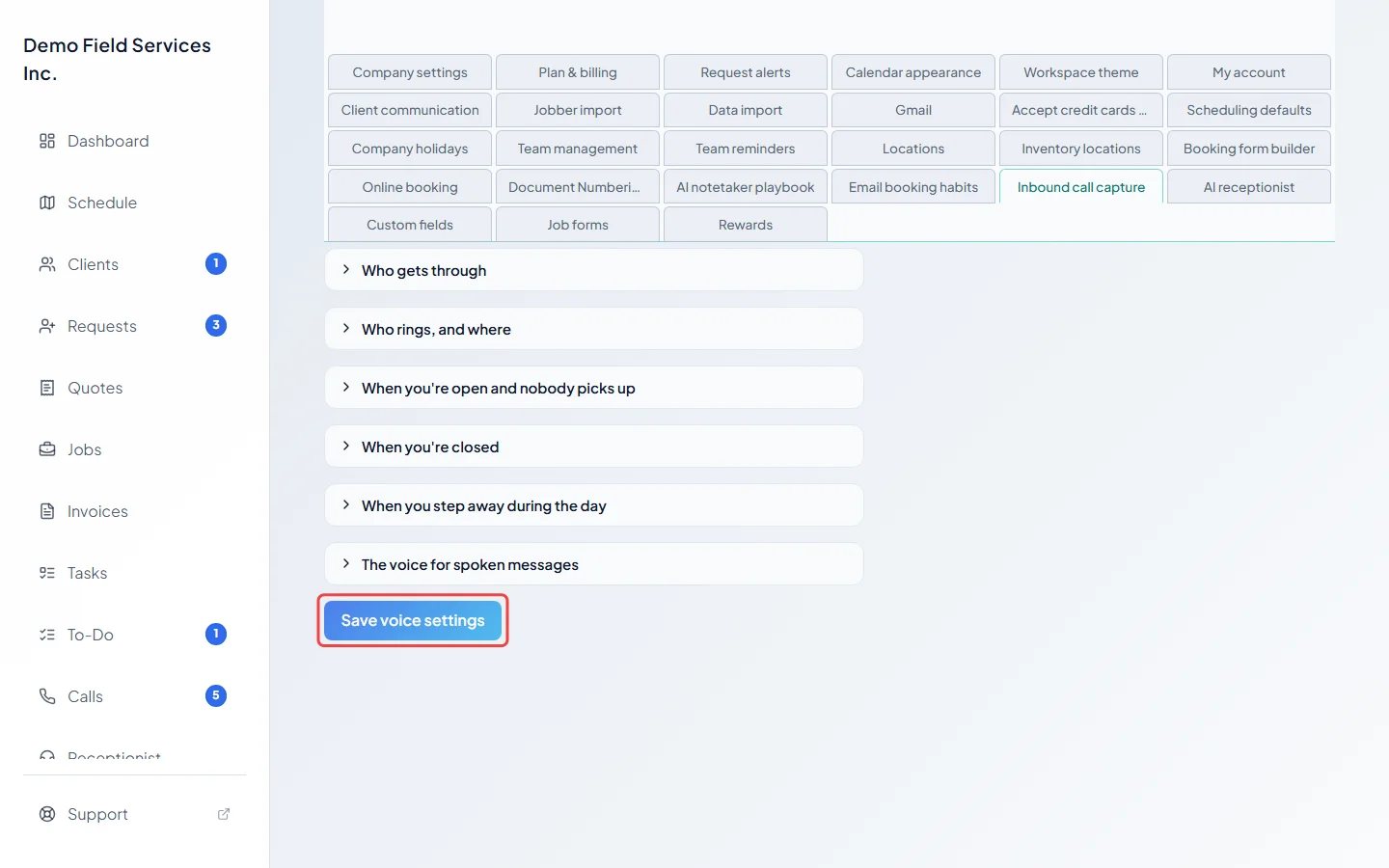
Click Save voice settings.
Good to know
Section titled “Good to know”- These messages apply whatever you chose for after hours. They aren’t tied to that choice.
- Without the AI receptionist add-on, callers during Stepped away or On vacation are texted your booking link instead of talking to the AI.
- Put on hold only appears with the phone line add-on. When you turn a hold off, Astragal rings you with the caller who has waited longest. See Putting a caller on hold.
- Numbers under Always let these numbers through still ring you while cover is on.
- To cover your calls at the same time every day or week, use a scheduled break instead. Turning cover off also ends a break that’s running, for today. See Scheduled breaks.
- Calls the AI answered while you were away say so on the Calls page, for example “Answered by the AI receptionist while you were stepped away”.
- The holiday dates themselves are set in Company holidays. See Holidays.
Related articles
Section titled “Related articles”Checked against Astragal on October 17, 2026