

Your preferences
Change the settings that only affect you, not the rest of your company.
Who can do this: Everyone.
Also called: my account, personal settings, dark mode.
-
Open Preferences. If you’re not an admin, click the gear icon at the top of the screen. Admins, dispatchers and accountants find the same choices in Settings under Workspace theme and My account, but a theme chosen there is saved only on the device you’re using.
On a computer: Top of the screen → Settings (gear icon) On a phone: Top of the screen → Settings (gear icon)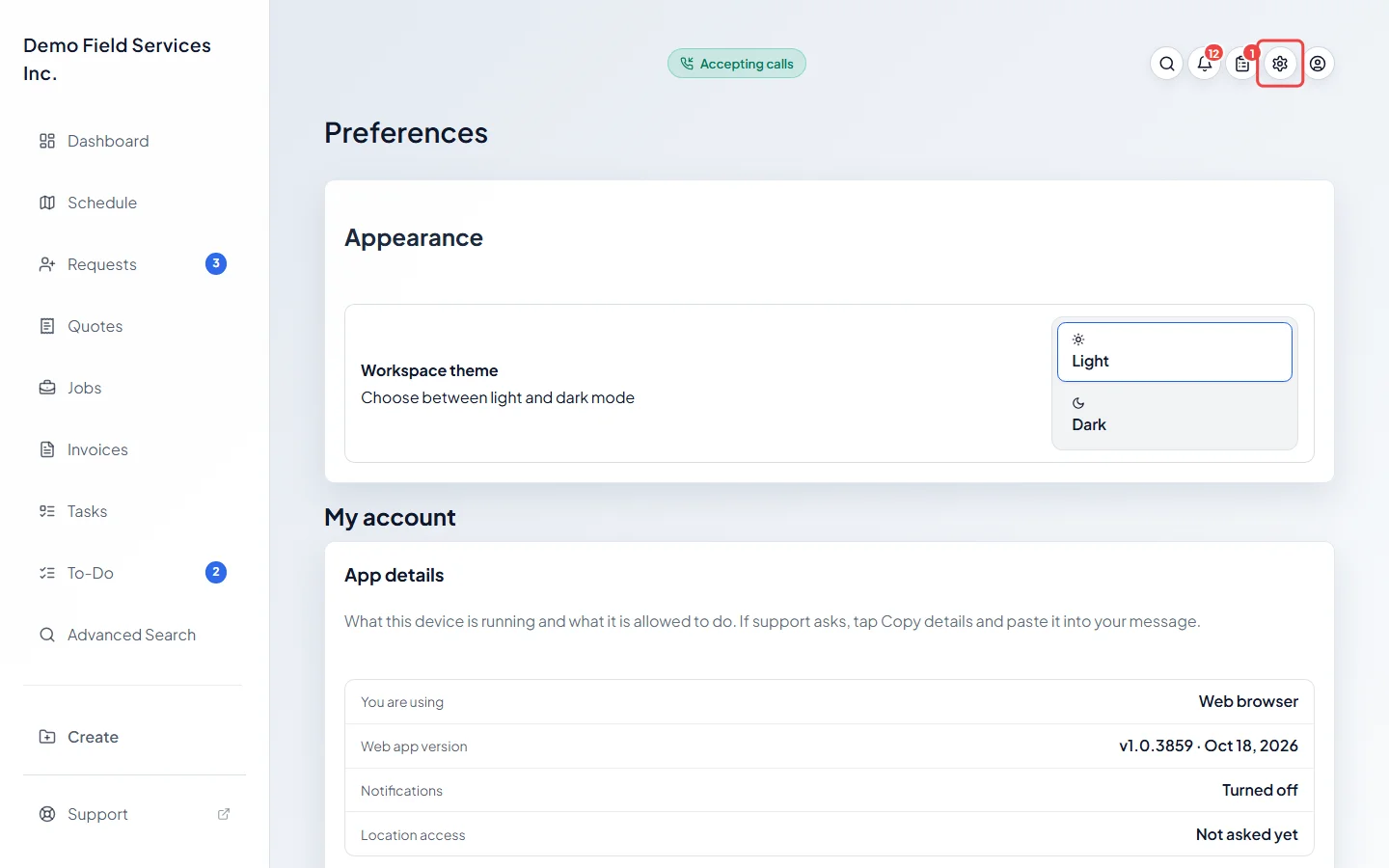
-
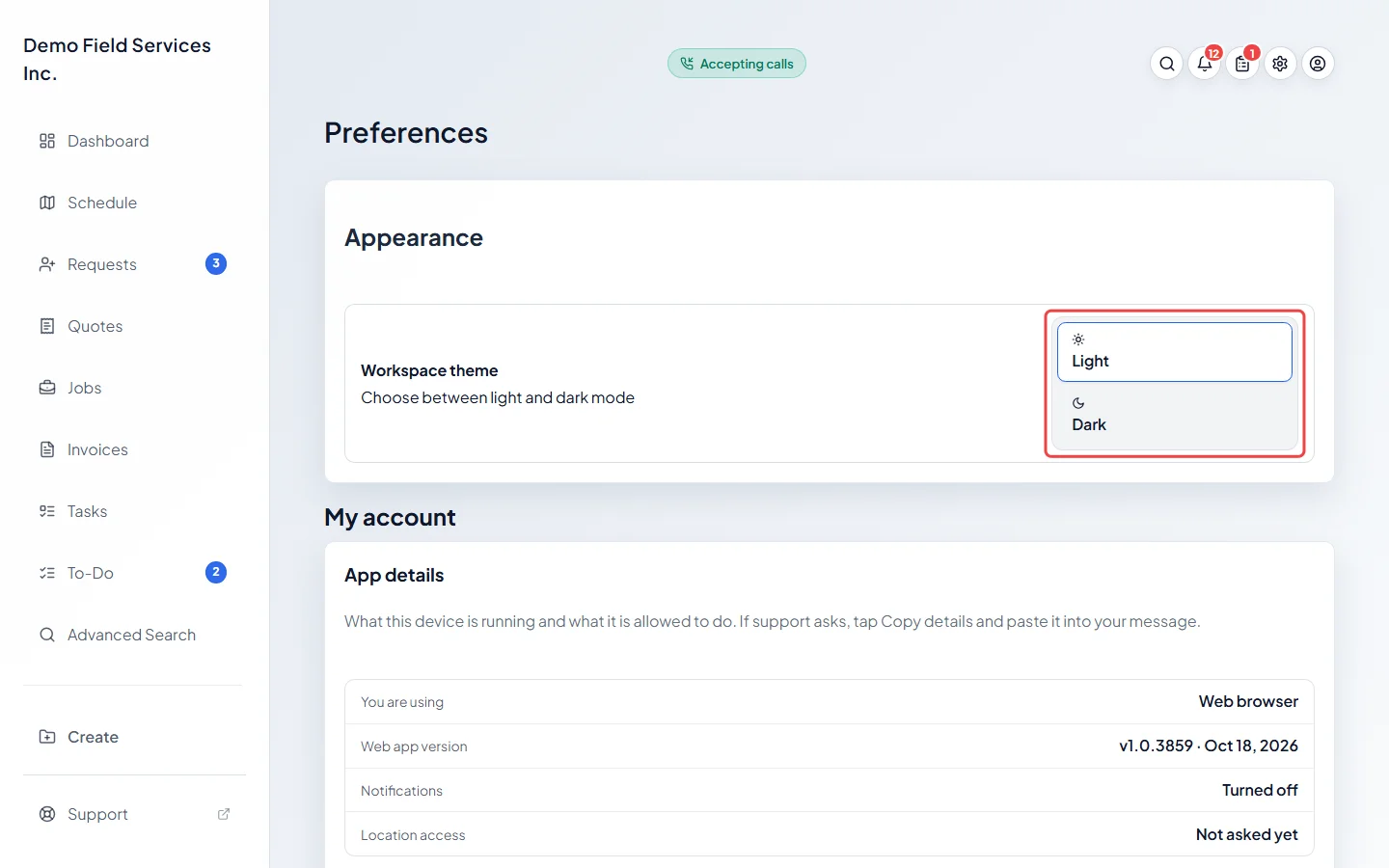
Under Appearance, choose Light or Dark for Workspace theme. On the Preferences page it changes straight away, only for you, and follows you to any device you sign in on.
-
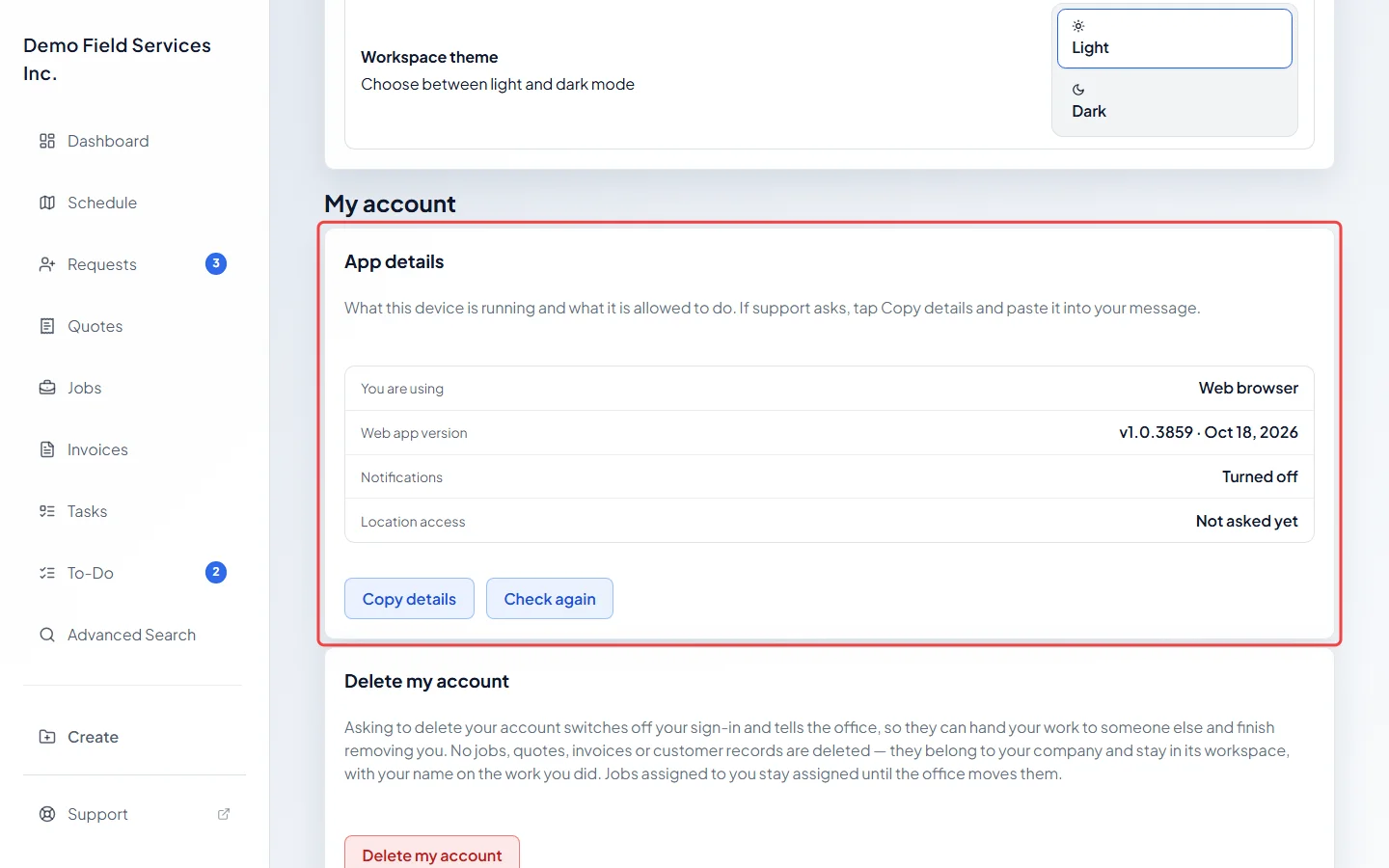
Under My account, App details lists your app version and whether notifications and location are allowed on this device. If support asks for it, click Copy details and paste it into your message. Click Check again after changing a setting on your phone. In the phone app, App lock can also require Face ID, Touch ID or your passcode to open Astragal.
-
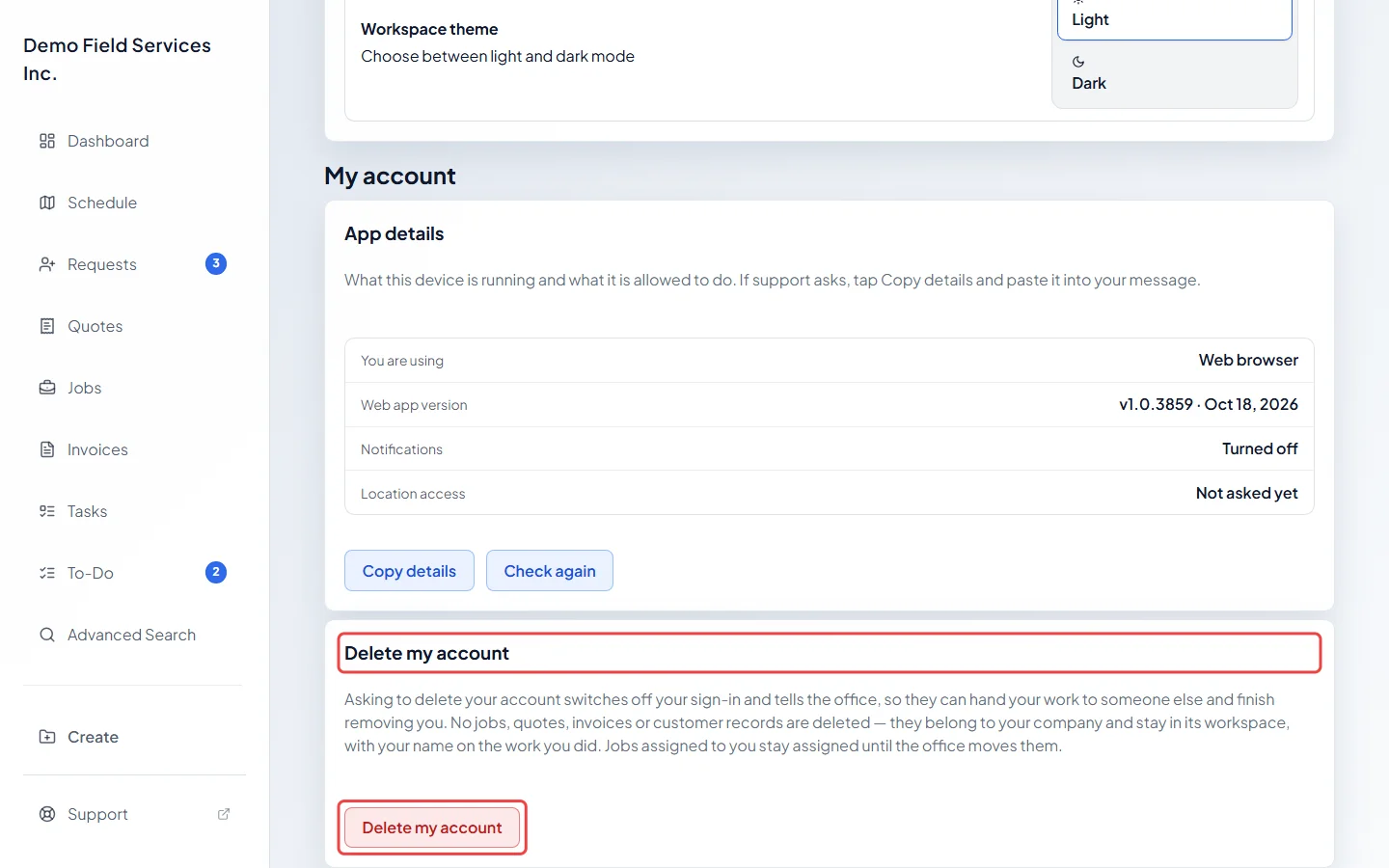
Delete my account switches off your sign-in and tells your office. No jobs, quotes, invoices or client records are deleted; they belong to your company. You have to type DELETE to confirm. Jobs assigned to you stay assigned until the office moves them. If you own the company or are its only admin, your sign-in stays on and someone will be in touch instead. If your sign-in stayed on, you can change your mind with Withdraw my request.
Good to know
Section titled “Good to know”- To change your password, click the person icon at the top right and choose Change password.
- Your role, permissions and working hours are set by an admin or dispatcher in Team management. See Roles and permissions.
Related articles
Section titled “Related articles”Checked against Astragal on October 18, 2026