

The rewards catalog
Choose what your technicians can cash their points in for, and how many points each reward costs.
Who can do this: Admins only.
Company switch: RewardsAlso called: prizes, reward list.
-
Open Rewards in Settings and click Catalog. The starter catalog has a gift card, lunch on the company, leaving two hours early, first pick of routes for a week, and a team MVP badge.
On a computer: Left menu → Settings → Rewards On a phone: More → Settings → Rewards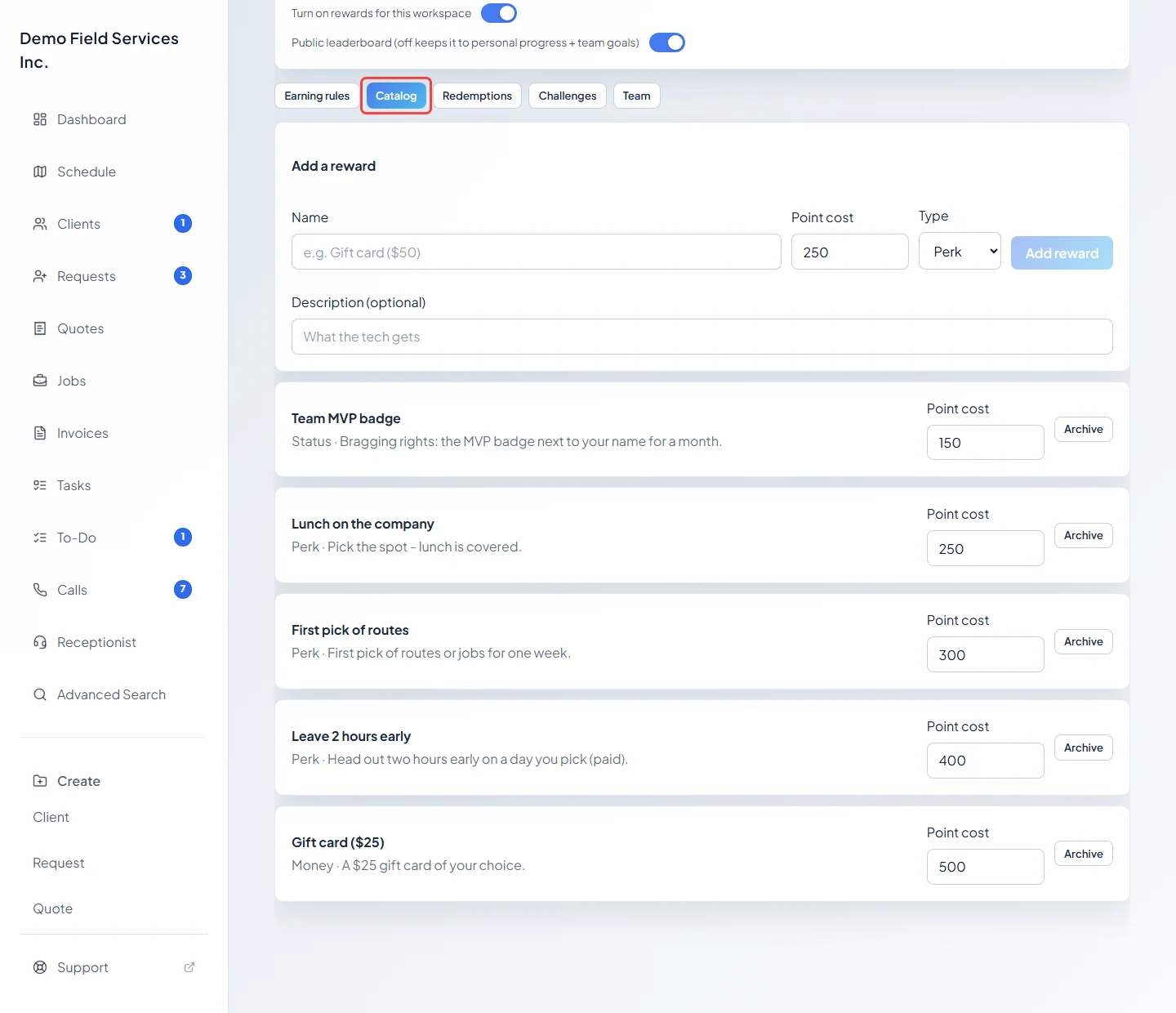
-
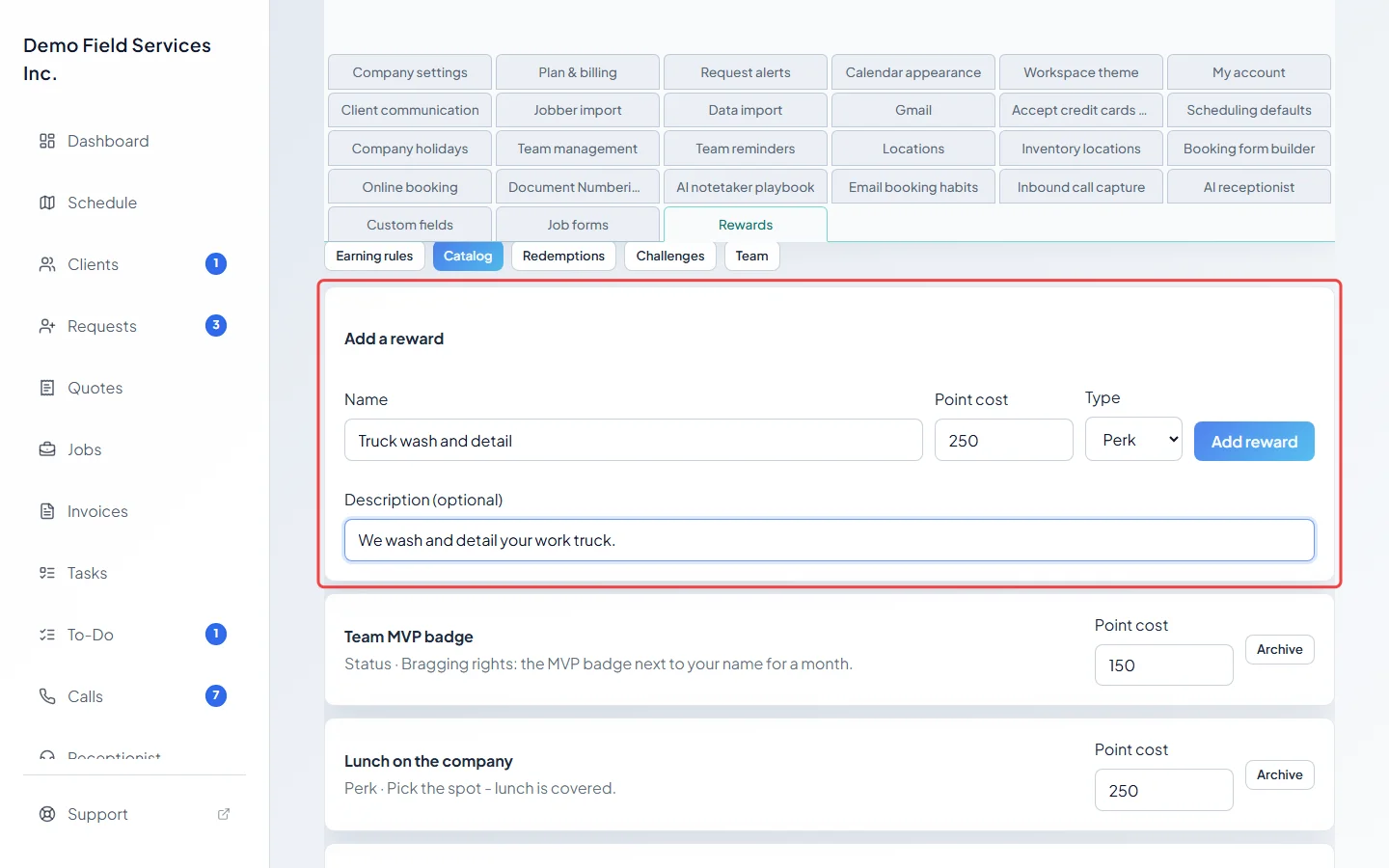
To add one, fill in Add a reward: a Name, the Point cost, the Type (Money, Perk or Status) and a Description (optional) saying what the technician gets. Click Add reward. Type is only a label for you; it doesn’t change how the reward works.
-
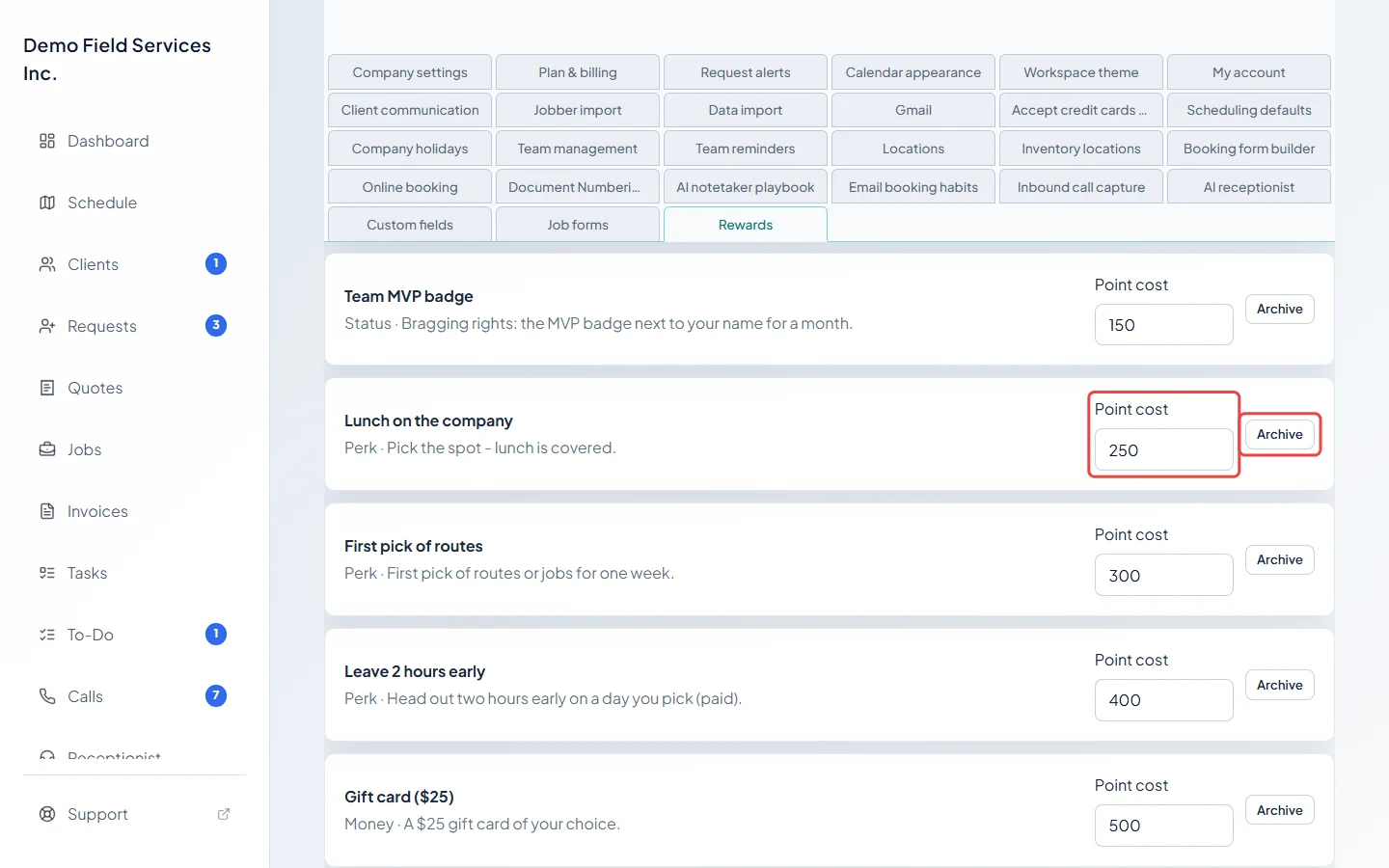
To change a reward, edit its Point cost; it saves when you leave the box. Click Archive and confirm with Archive reward to stop offering it, or Restore to bring an archived one back. To change a reward’s name, type or description, archive it and add a new one.
Good to know
Section titled “Good to know”- Archiving hides the reward from technicians. Requests already made for it stay valid, so you can still approve them.
- A technician can only ask for a reward once they have enough points; their page shows how many more they need.
- Rewards only change hands when you approve them. See Approving redemptions.
Related articles
Section titled “Related articles”Checked against Astragal on October 17, 2026