

Data looks wrong or out of date
Track down why a record is missing, a value looks old, or times are off.
Who can do this: Everyone can check. Only admins, dispatchers and accountants can change the company’s time zone.
Also called: wrong data, missing record, stale screen.
-
Check which company you’re in. If you belong to more than one, the switcher at the top right shows them, and the company name sits at the top of the left menu. Records from one company never show in another.
On a computer: Top right → company name On a phone: Top of the screen → building icon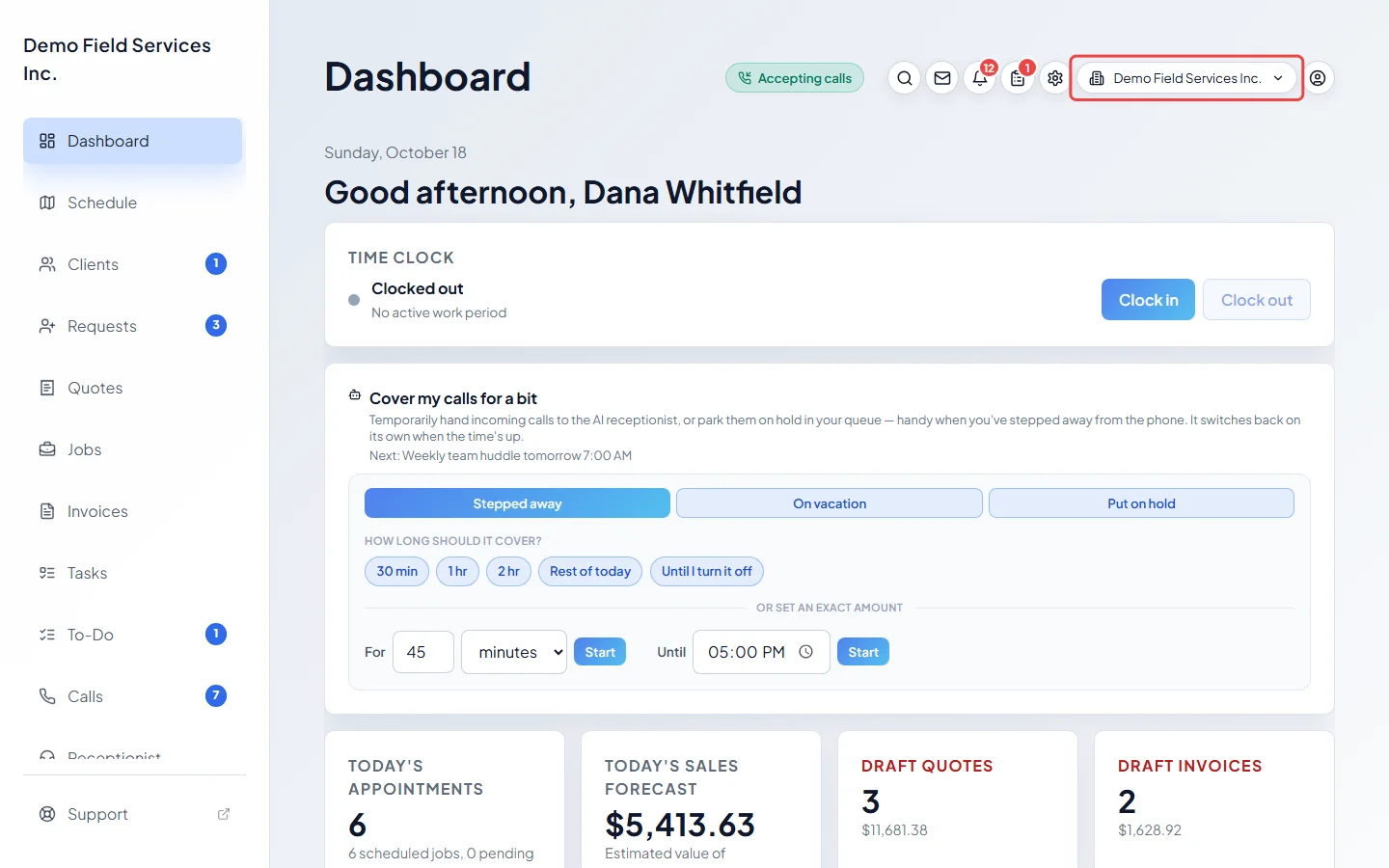
-
Check the list’s filters and search. A list opened from a link or the Back button can arrive with a Status already picked, which can hide the record. Clear the search box and set the filters back to show everything. An archived quote only shows when you pick Archived in the quotes list’s Status.
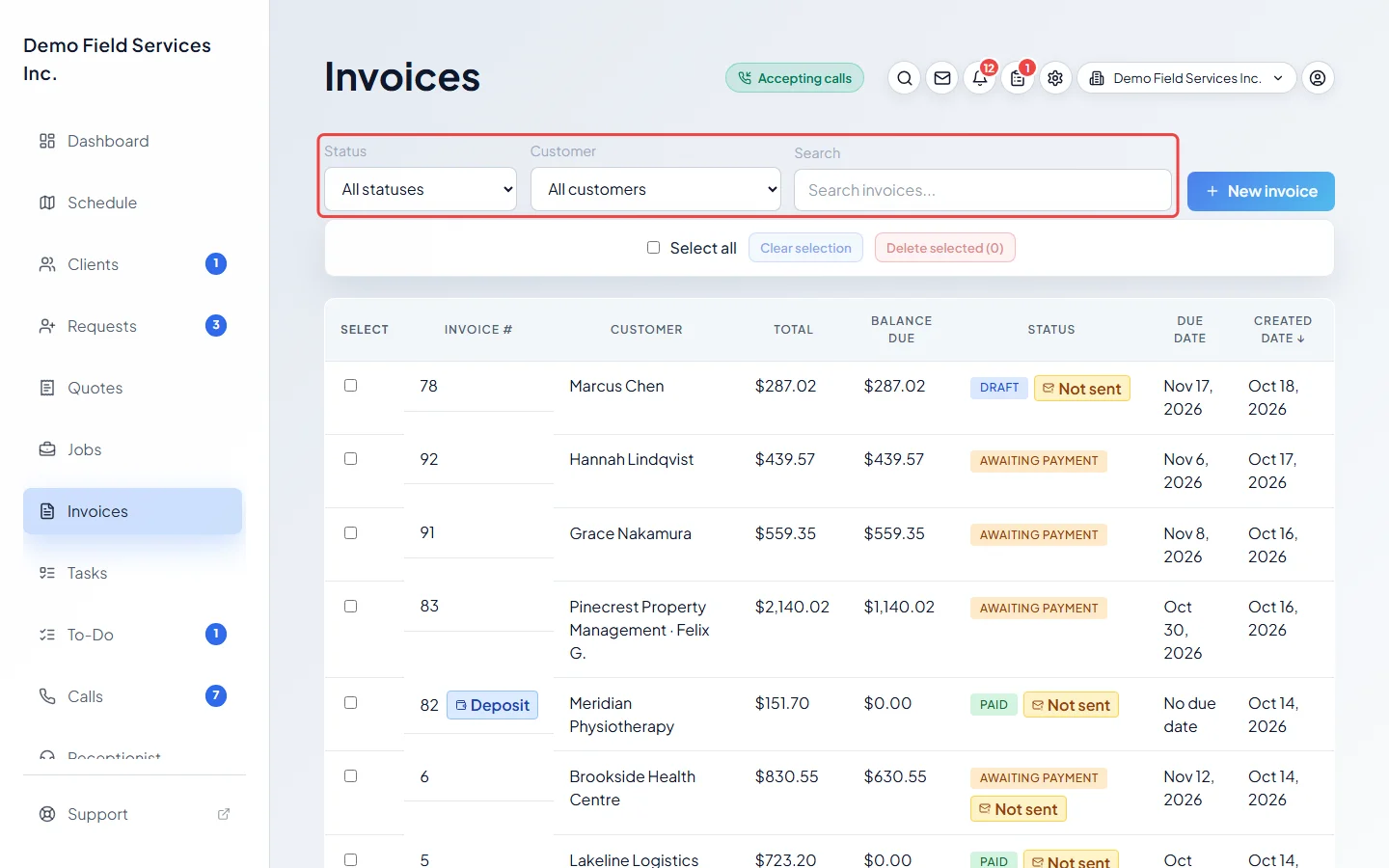
-
If times are off by a few hours, check the time zone on your computer or phone, and the Timezone under Regional settings in Company settings. Messages to clients and online booking use the company’s time zone; most screens use your device’s.
On a computer: Left menu → Settings → Company settings On a phone: More → Settings → Company settings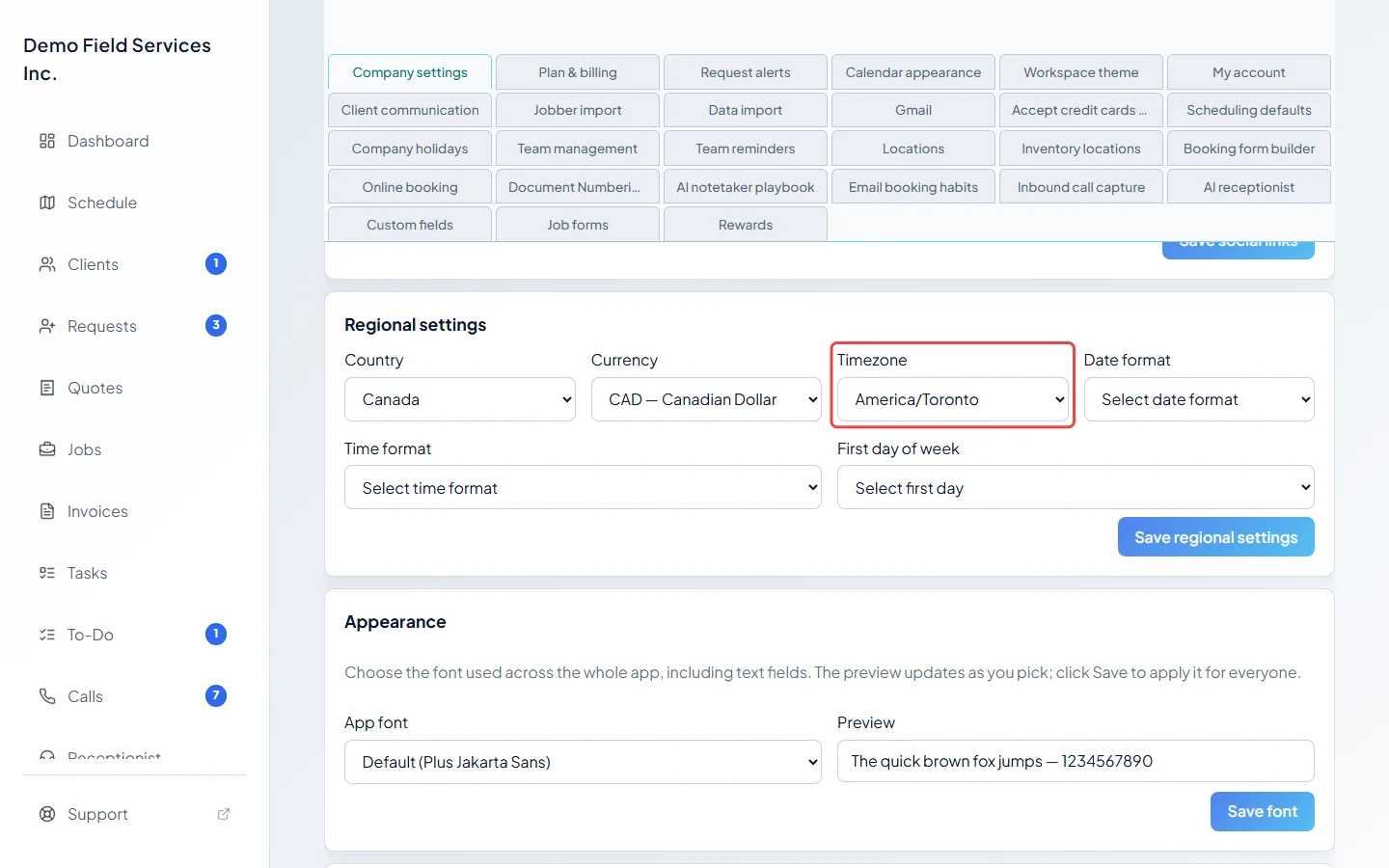
A teammate’s change doesn’t show yet
Section titled “A teammate’s change doesn’t show yet”Astragal fetches fresh data each time you come back to a page or to the browser tab. If you’ve been looking at the same page for a while, reload it (Ctrl+R on Windows, Cmd+R on a Mac) or leave the page and open it again. Changes to your own permissions reach you within about a minute.
You can’t see something a teammate can
Section titled “You can’t see something a teammate can”What you see depends on your permissions. A technician whose Schedule permission covers only their own work (shown as Own only in Team management) sees only their own visits. Areas switched off for you don’t appear at all. See A button or menu item isn’t on my screen.
No signal
Section titled “No signal”- “No signal — changes won’t save yet” means your phone or computer is offline. What you change now isn’t saved. Wait for signal before you save.
- “No signal — forms are saved on this phone” means a job form you’re filling in is kept on the phone and uploads when signal returns.
- “You’re offline — reconnecting” when the app opens means it can’t reach Astragal yet. It keeps trying by itself; tap Try again to check straight away.
Still wrong?
Section titled “Still wrong?”If a record really shows the wrong thing after a reload, take a screenshot, note the time and what you expected, and send it with your app details. See How to get help.
Related articles
Section titled “Related articles”Checked against Astragal on October 18, 2026