

Bad debt
See every invoice you wrote off as bad debt in a period, and what you’ve recovered since.
Who can do this: Anyone who can open Reports (see The reports page).
Also called: write-offs, uncollectible invoices.
-
Open Reports, pick Bad debt, and set the dates. The figures are “Total written off”, Invoices and Recovered.
On a computer: Left menu → Reports On a phone: More → Reports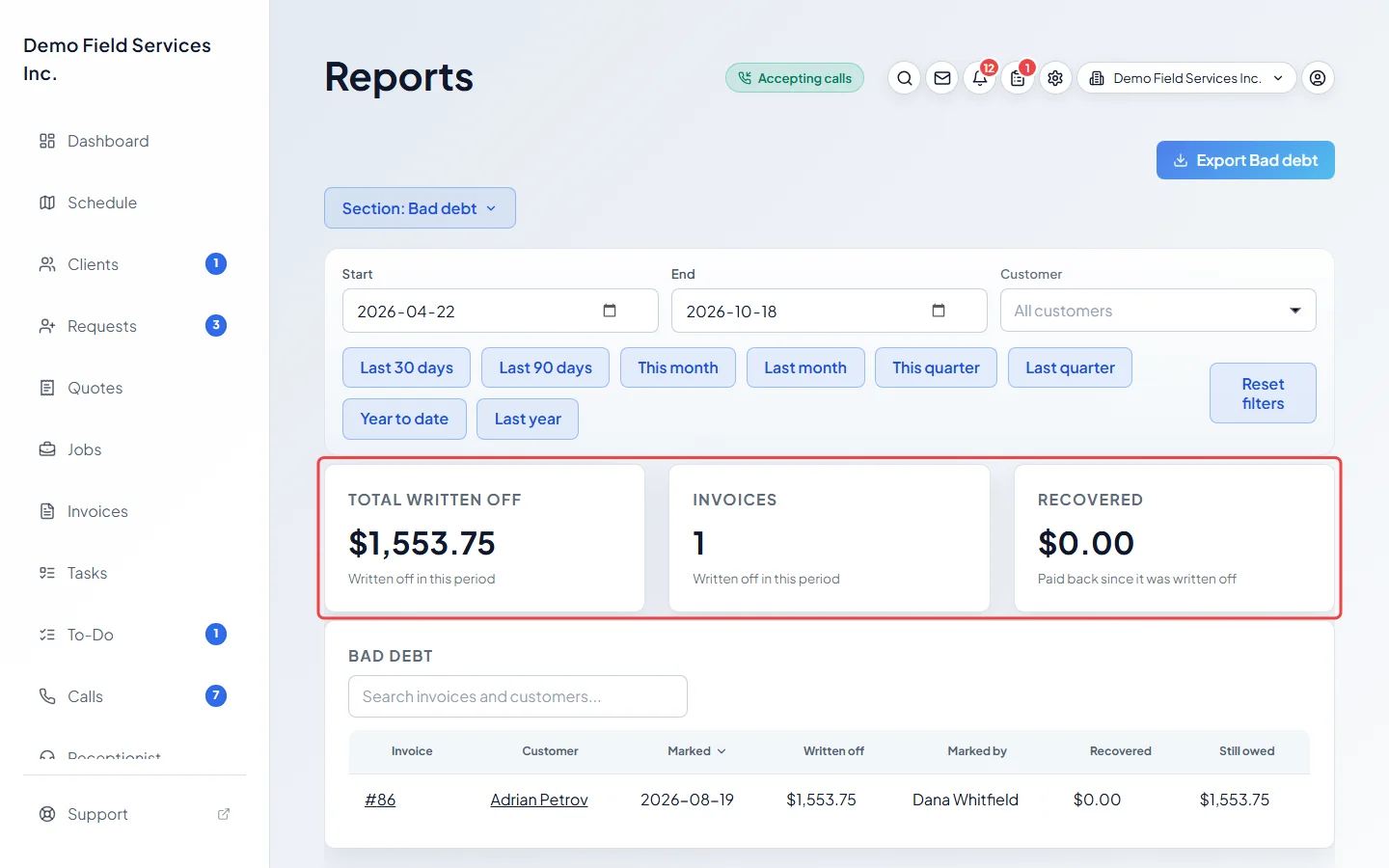
-
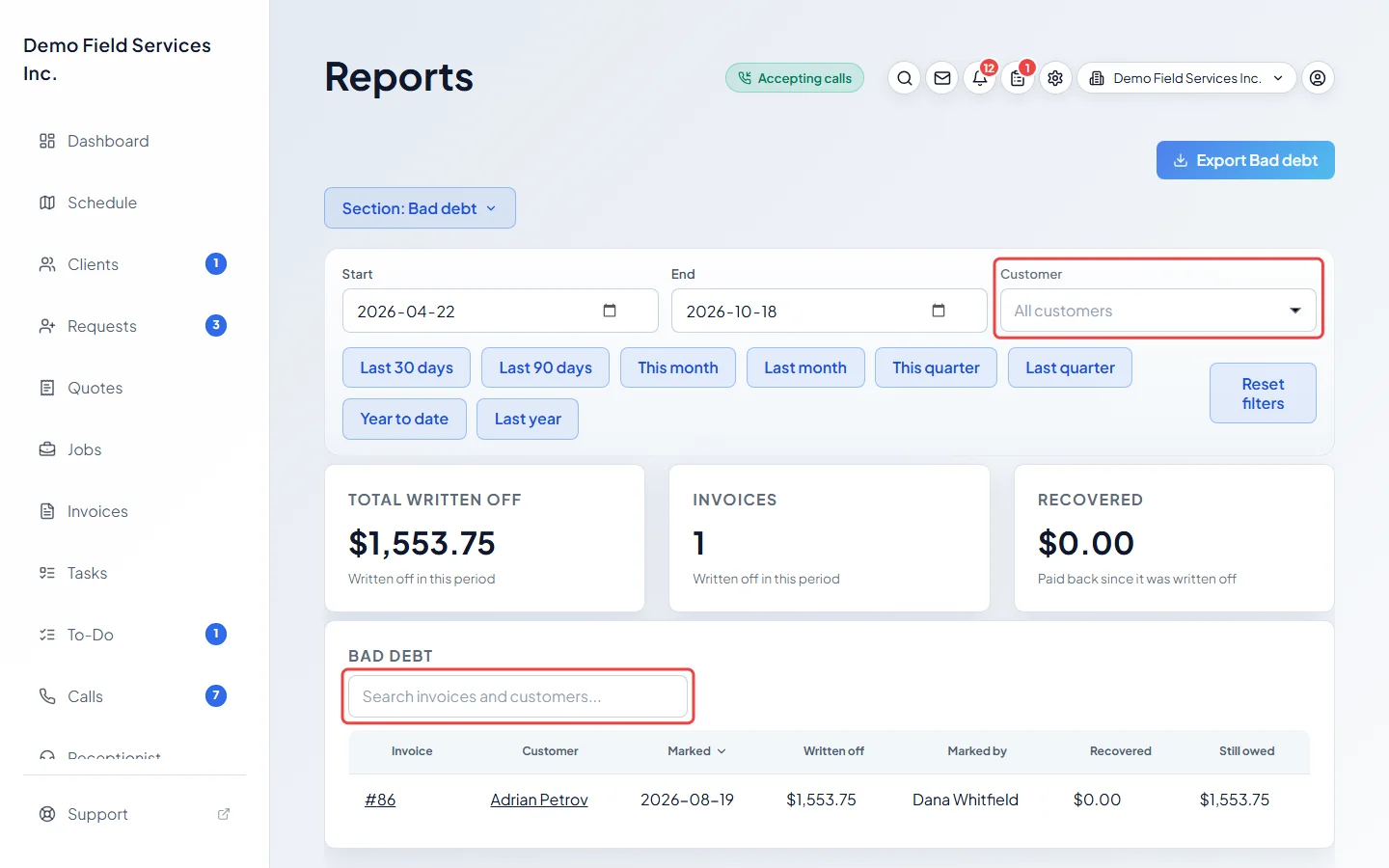
To look at one client, pick them in Customer. You can also type an invoice number or client name in Search invoices and customers… above the list.
-
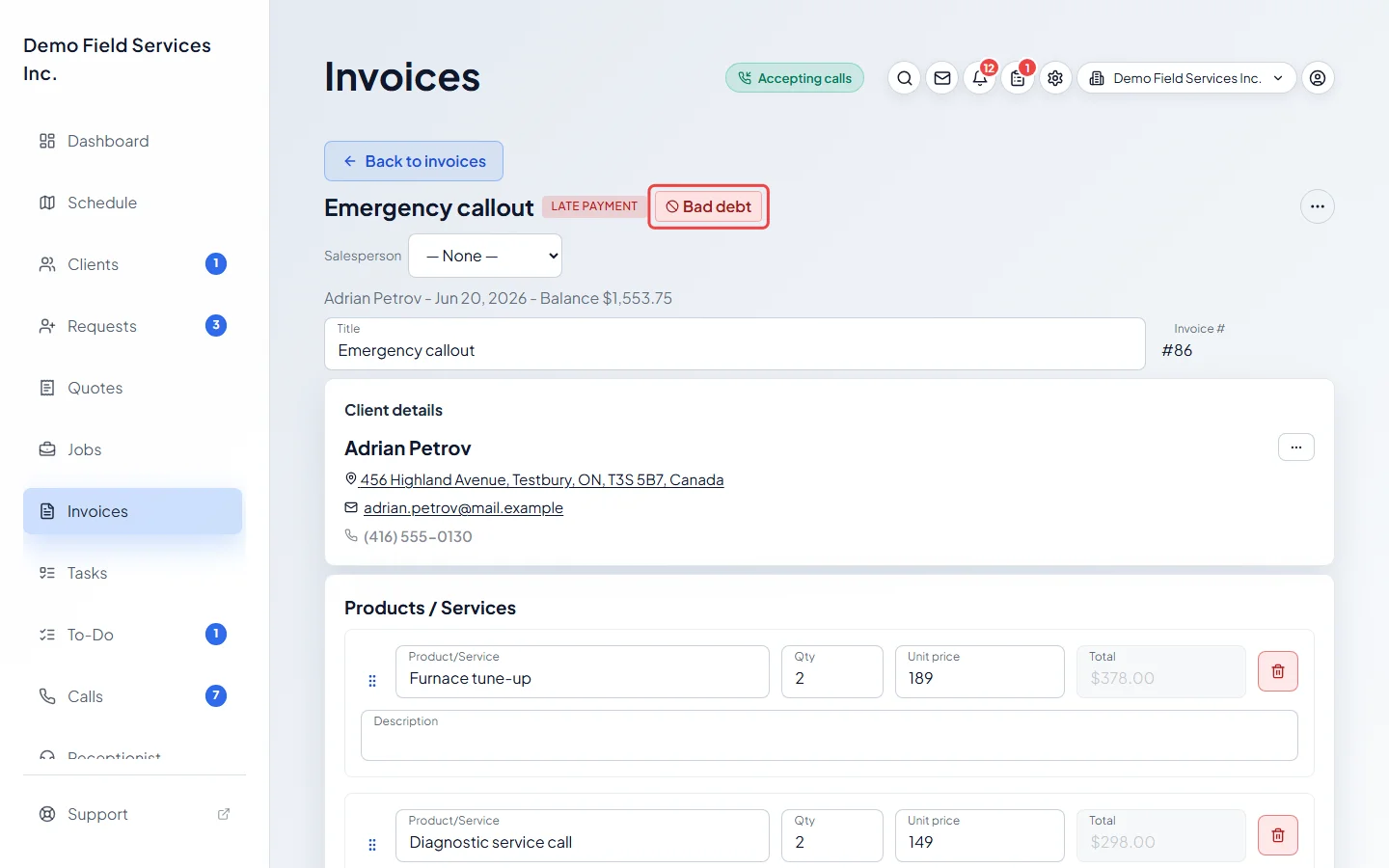
Read the list: Invoice, client, Marked (the day it was written off), Written off, Marked by, Recovered and Still owed. Click an invoice number to open the invoice, which carries a Bad debt badge.
Good to know
Section titled “Good to know”- An invoice shows in the period it was written off, by your company’s own days in its time zone.
- Recovered is money received after the invoice was written off, less any refunds of that money.
- If you undo a write-off, the invoice leaves this report.
- An invoice the client has since paid in full still shows here, with Still owed at zero. It no longer counts as bad debt anywhere else.
- Written-off invoices are left out of the money owed on Accounts receivable, and no reminders go out for them.
- To write an invoice off, or undo it, see Writing off bad debt.
Related articles
Section titled “Related articles”Checked against Astragal on October 17, 2026