

Mileage
See how far each team member drove each day, and work out what to pay them for it.
Who can do this: Admins, dispatchers and accountants who can open Reports. Technicians can’t open it, because it shows location trails.
Also called: distance driven, mileage log.
-
Open Reports, pick Mileage, and set the dates. The figures are “Distance (km)” (or miles), Team members and “Days driven”. Each row is one person on one day: Date, Team member, the distance, First location and Last location (the times of the day’s first and last saved location) and Stops.
On a computer: Left menu → Reports On a phone: More → Reports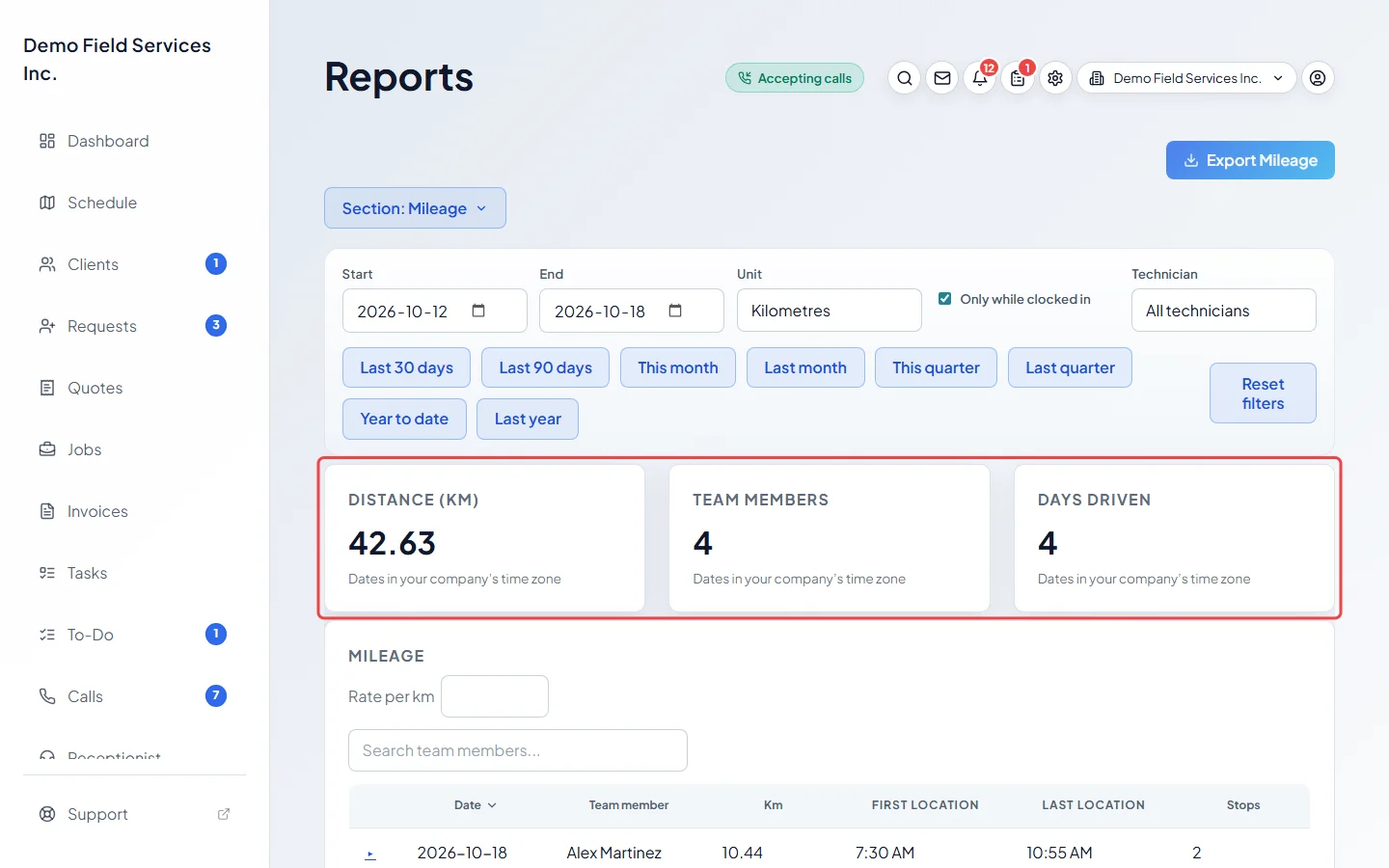
-
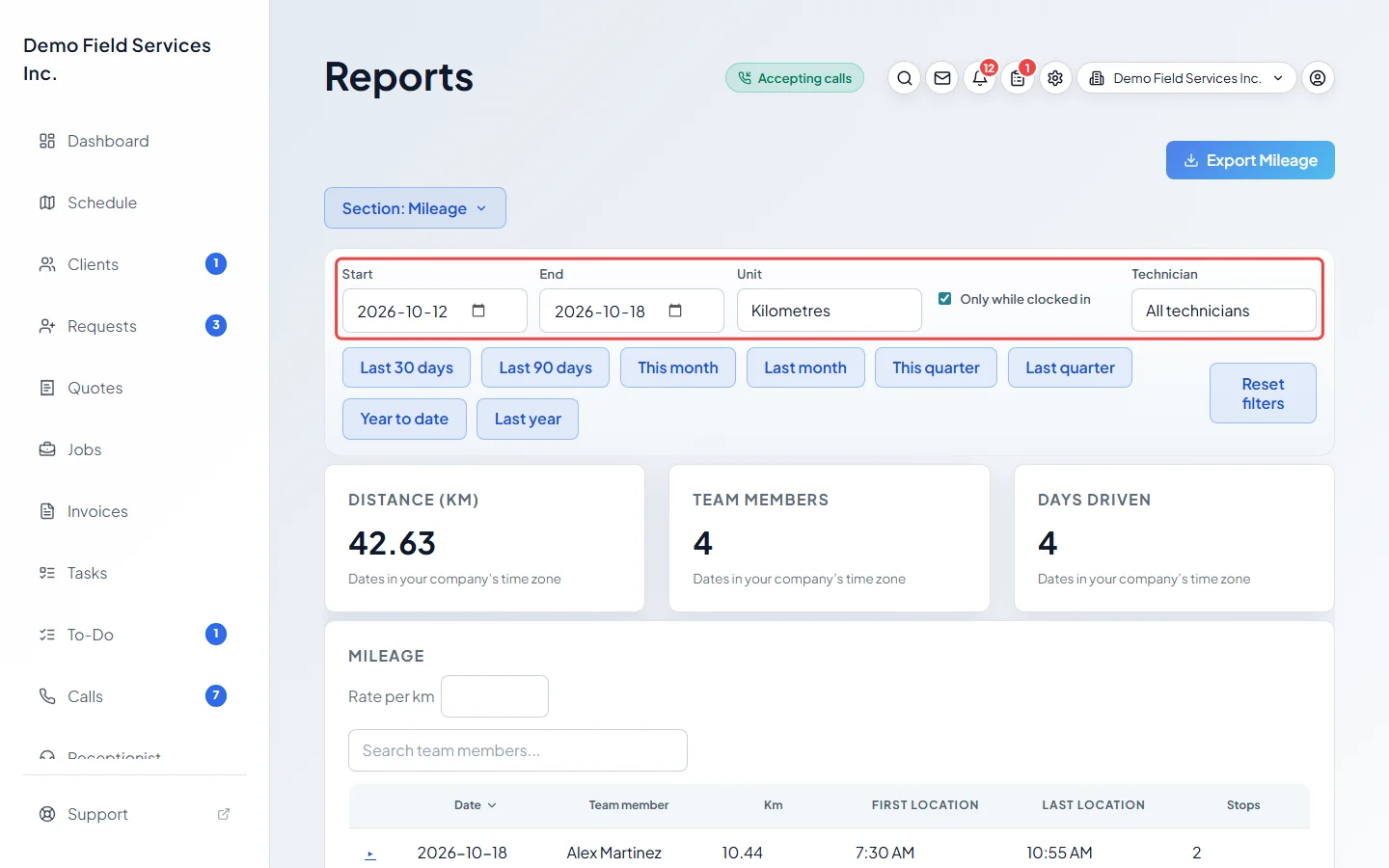
Pick Kilometres or Miles in Unit, and pick a Technician to see one person. Only while clocked in is on to start with, so driving outside shifts (and the drive between two shifts) isn’t counted; untick it to count every location.
-
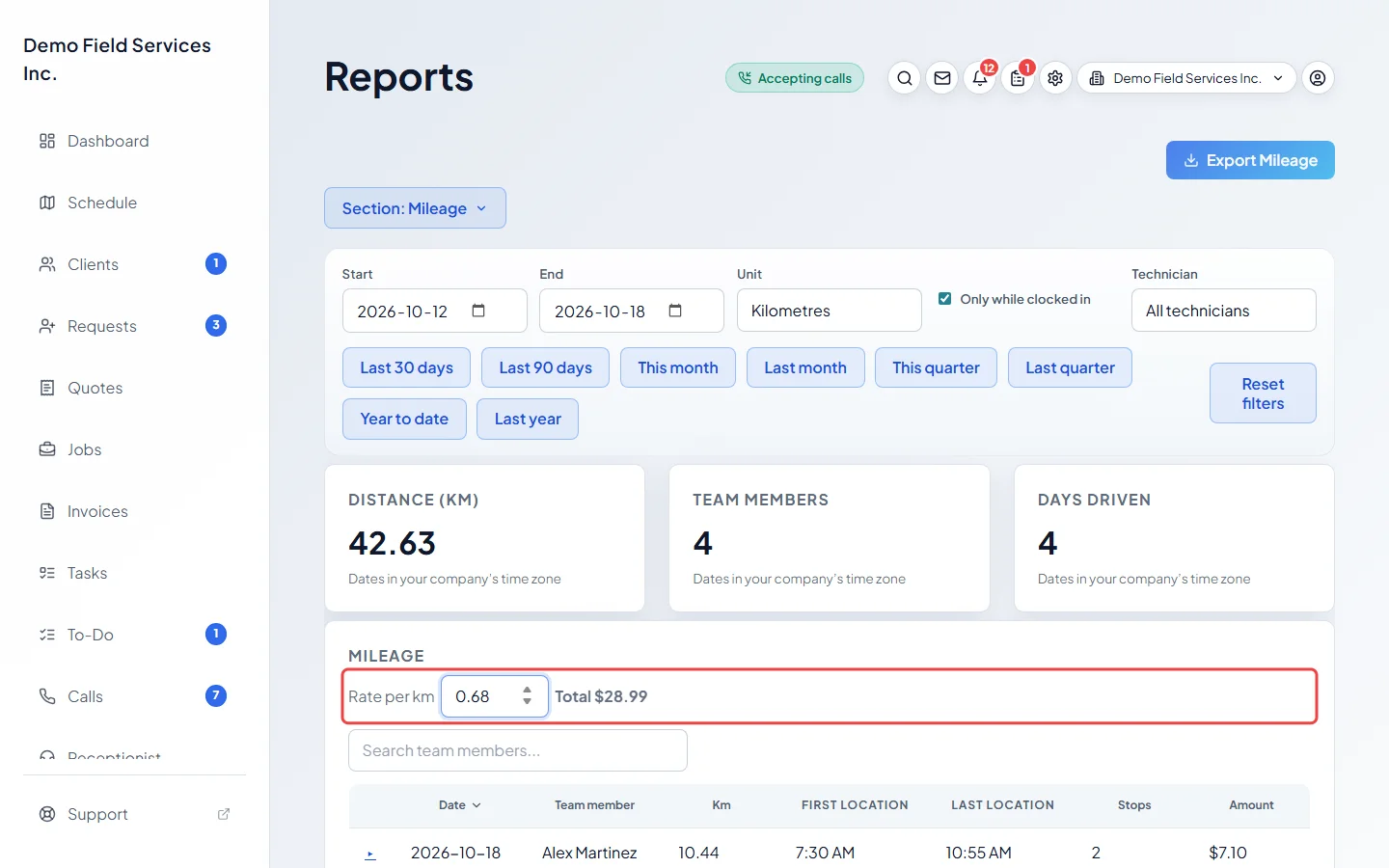
To work out an amount, type your rate per kilometre or mile in the Rate per box. An Amount column appears and the total shows beside the box. The rate isn’t saved.
-
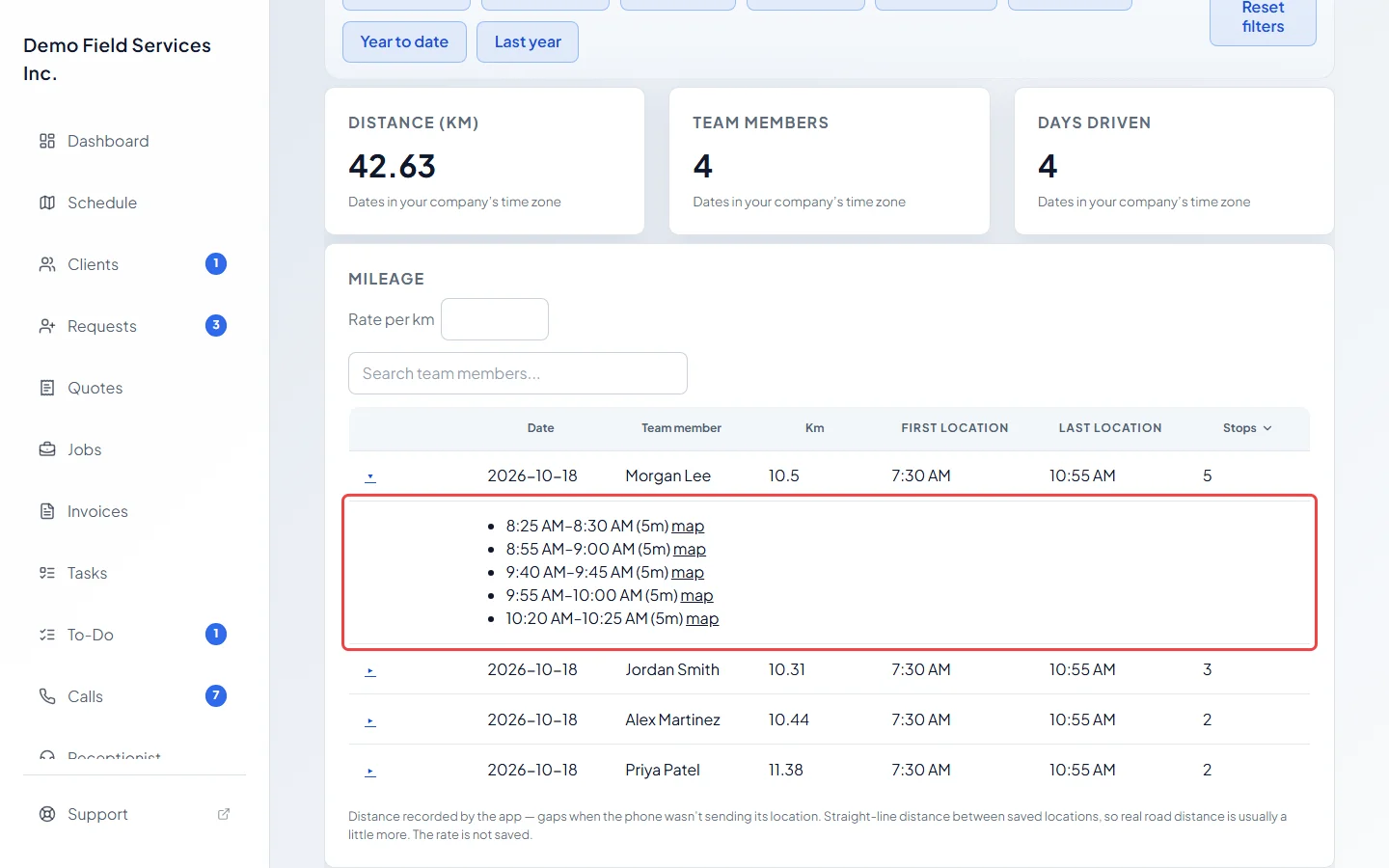
Click the ▸ arrow at the start of a row to see the day’s stops: every place the person stayed within about 100 metres for 5 minutes or more, with the times and a map link.
Good to know
Section titled “Good to know”- Distance comes from the locations the phone app sent while sharing location. See Sharing your location. If the phone stopped sending, there’s a gap.
- It’s the straight-line distance between saved locations, so real road distance is usually a little more. A jump that would mean driving faster than 200 km/h is treated as a bad reading and skipped.
- A shift left open more than 16 hours is treated as a missed clock-out and stops counting at the end of its day.
- Days are your company’s own days in its time zone. The unit starts as your country’s usual one.
- Mileage counts from the day this report was added to Astragal; there’s nothing before that. Locations are kept for 13 months, so you can’t look further back than that. Export the report each month if you need a longer record.
Related articles
Section titled “Related articles”Checked against Astragal on October 17, 2026