

Marking hours paid
Record which approved hours you have paid, so nobody pays the same day twice.
Who can do this: Admins, dispatchers and accountants.
Also called: closing a pay period, marking payroll paid.
Only approved days can be marked paid. Approve them first: see Approving timesheets.
Mark days paid
Section titled “Mark days paid”-
Open Timesheets. In the Approve timesheets card, the line under the total shows how many approved days are ready to mark paid.
On a computer: Left menu → Timesheets On a phone: More → Timesheets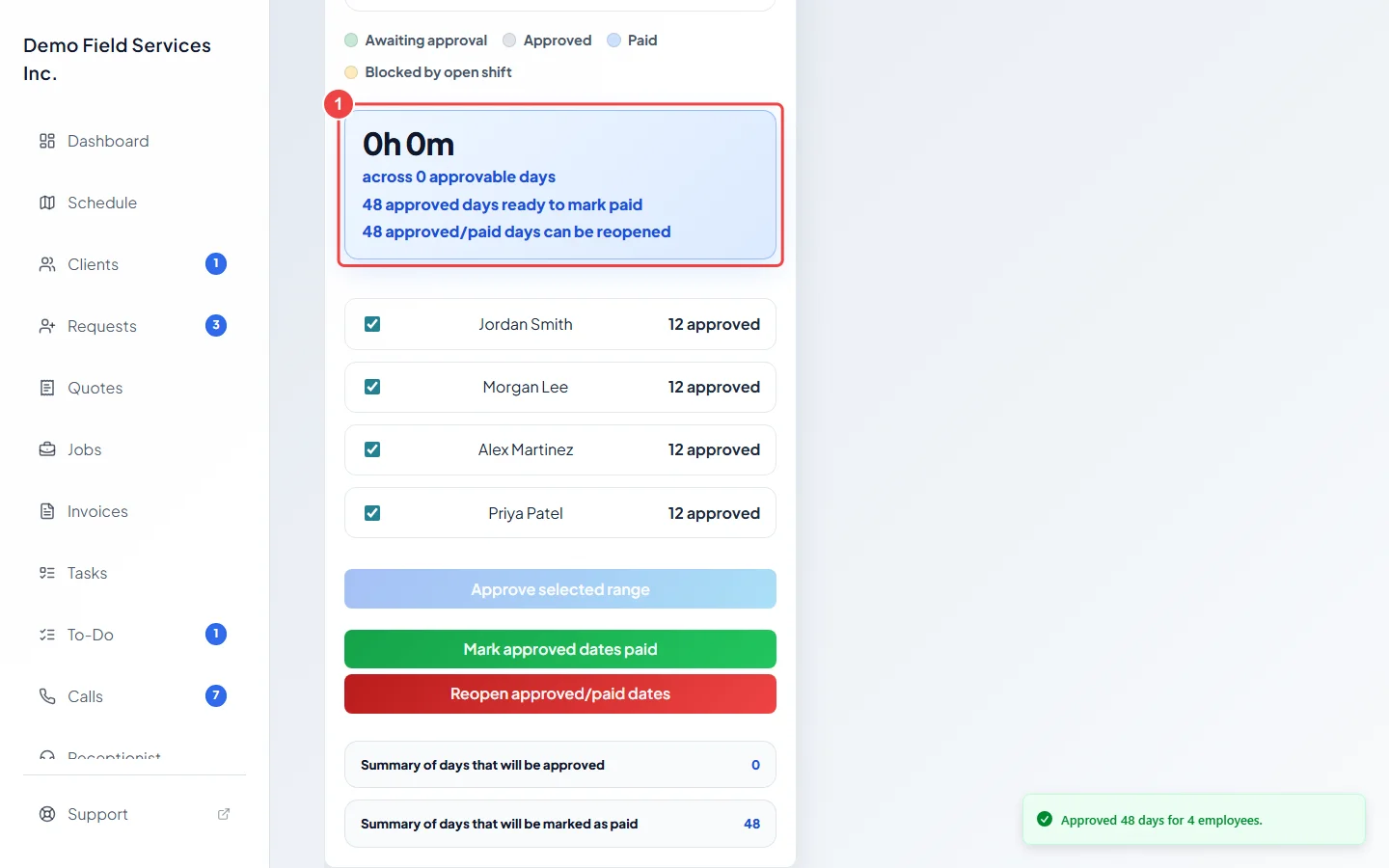
-
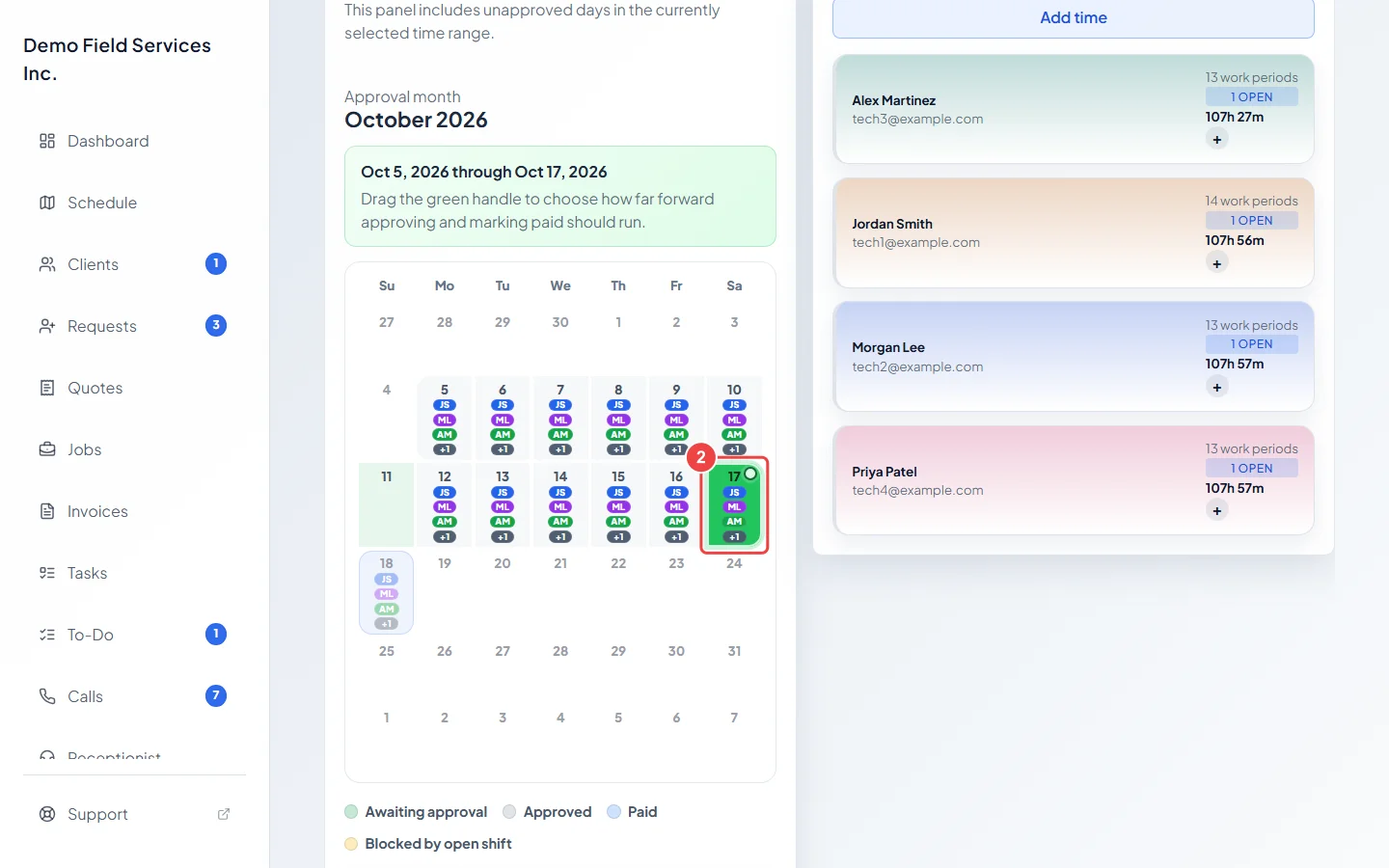
Tick the people you are paying, then click the last day you are paying on the calendar (or drag the green handle to it). Only approved days up to the handle are marked paid.
-
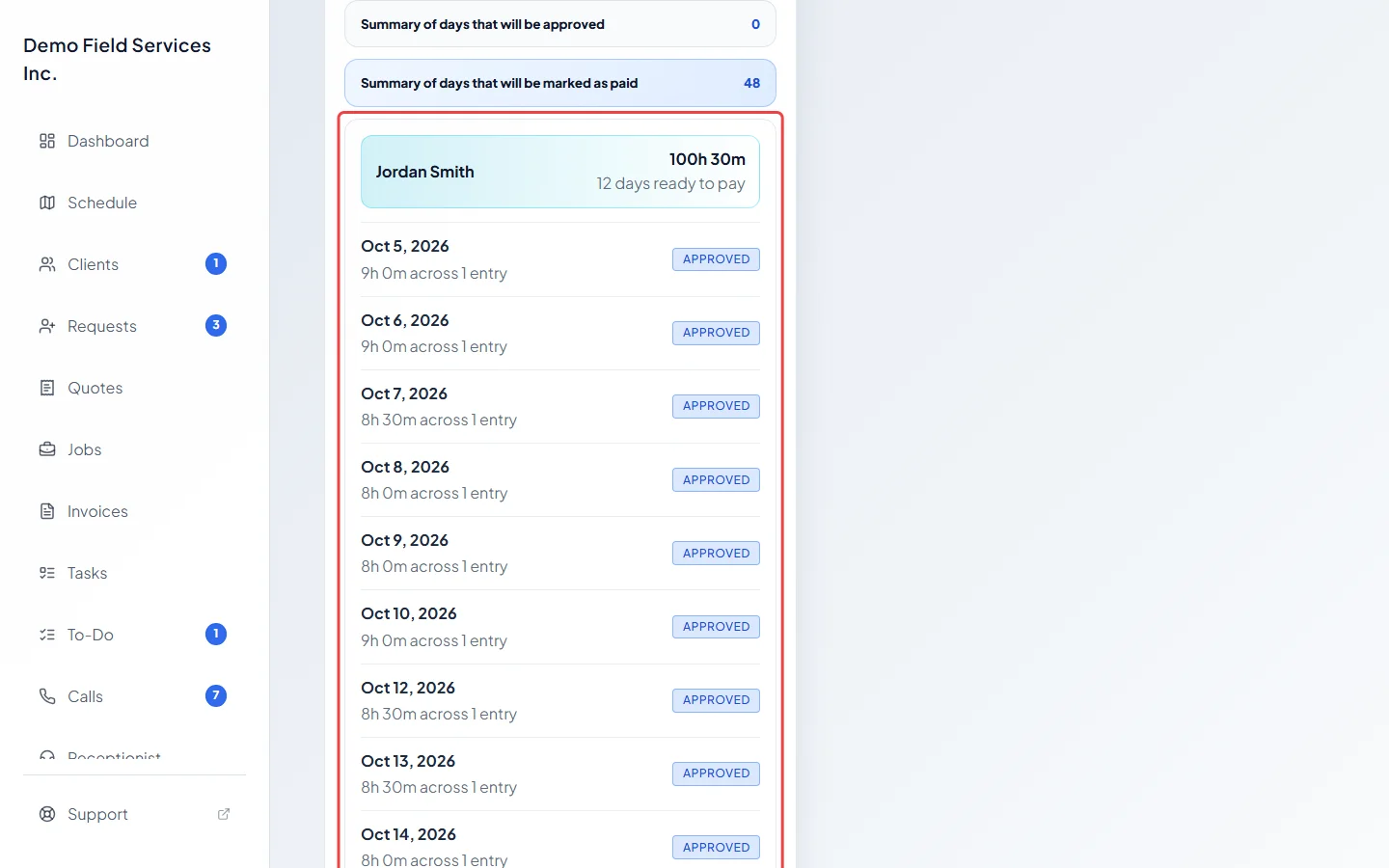
Click Summary of days that will be marked as paid to check each person’s days and hours.
-
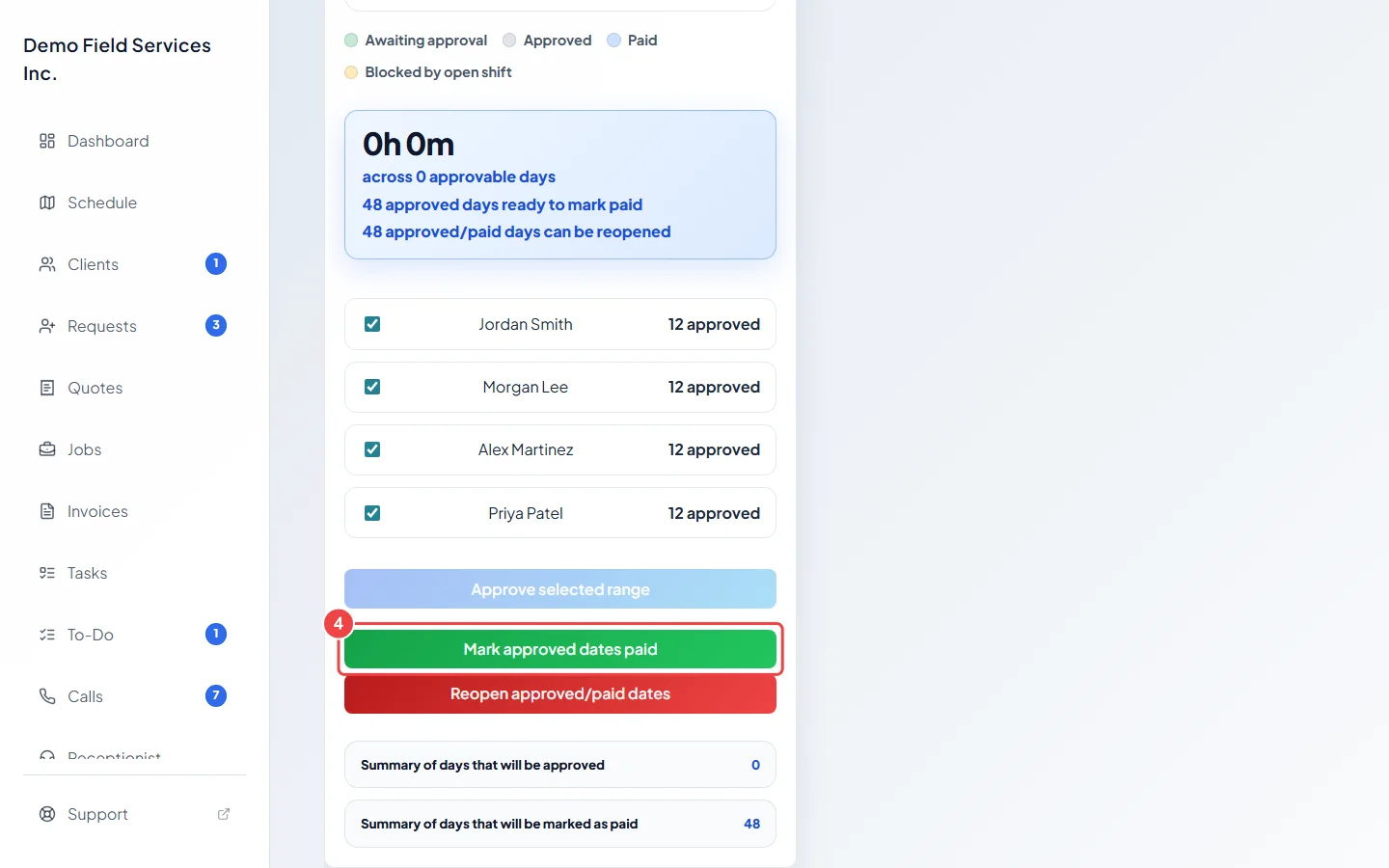
Click Mark approved dates paid. You see “Approved dates marked as paid.” and the days turn to Paid on the calendar.
Undo approval or payment
Section titled “Undo approval or payment”-
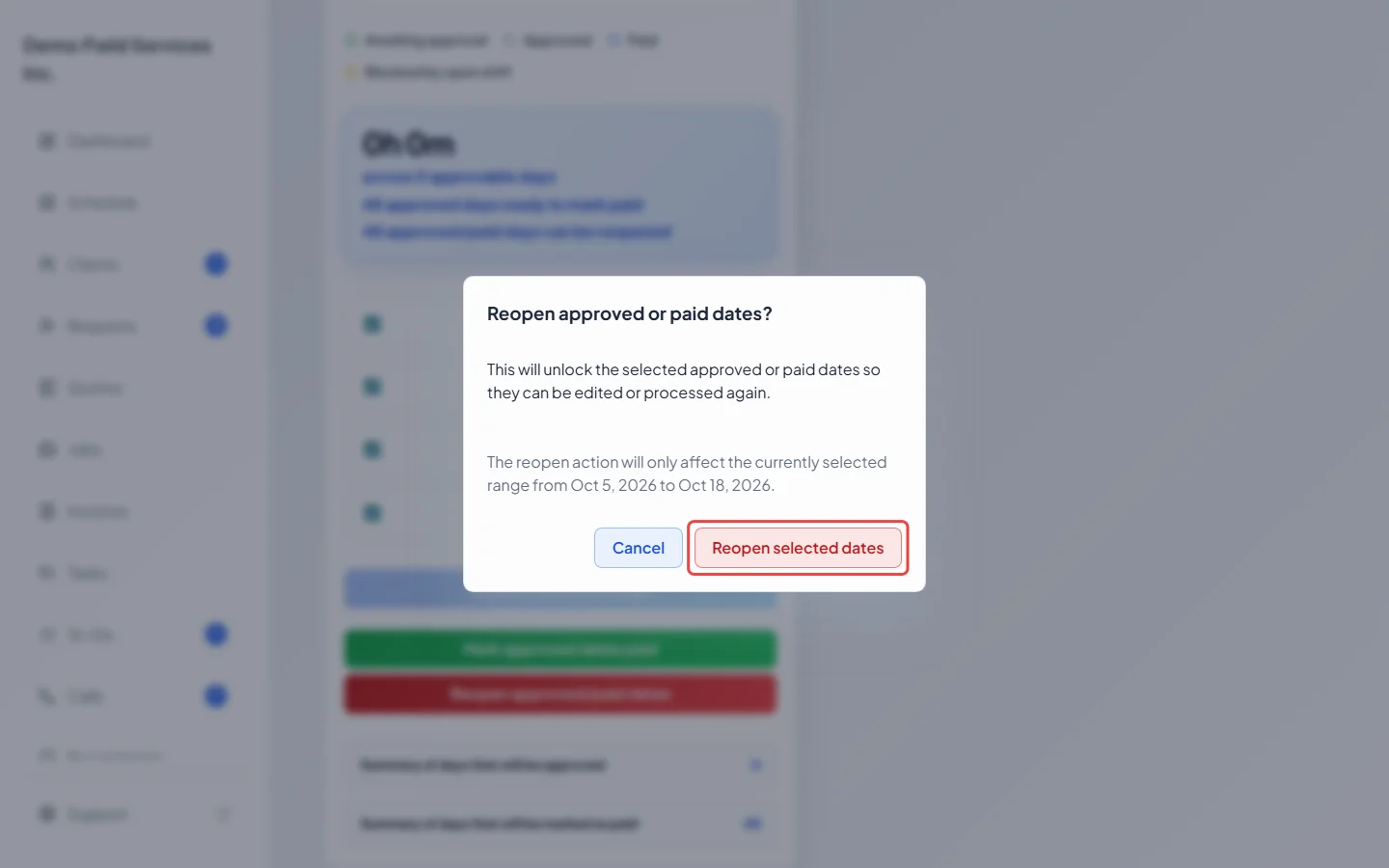
Click Reopen approved/paid dates, then Reopen selected dates in the window that opens. Every approved or paid day in the pay period you are looking at goes back to waiting for approval for the people you ticked, so their work periods can be edited again. You see “Pay period reopened.”
Good to know
Section titled “Good to know”- If someone is still clocked in on a day you are paying, Astragal won’t mark it paid. Clock them out first.
- If earlier pay periods still have approved days that weren’t marked paid, a warning shows above the buttons, and Astragal asks again when you click. Click Mark current selection paid anyway to go ahead with this pay period only.
- Reopen works on the whole pay period you are looking at, not only up to the handle. Pick a narrower range with Start date and End date first if you only want to reopen a few days. See Reviewing pay periods.
- Marking hours paid only records it in Astragal. It doesn’t send any money.
Related articles
Section titled “Related articles”Checked against Astragal on October 17, 2026