

Making calls from the app
Phone people from Astragal so they see your business number, and the call is recorded and written up like an incoming one.
Who can do this: The call buttons next to phone numbers: anyone on the outgoing calls list under Who rings, and where (every role, unless an admin, dispatcher or accountant changes it). The dial pad, Outgoing tab and Contacts are on the Calls page, which also needs the incoming calls list.
Add-on: Phone lineAlso called: click to call, dialling out.
-
Open the Calls page and click Dial a number. A dial pad opens: type the number or tap the keys, then click Call and confirm. The person you call sees your business caller ID. (The demo company has no phone service, so the dial pad isn’t pictured.)
On a computer: Left menu → Calls On a phone: More → Calls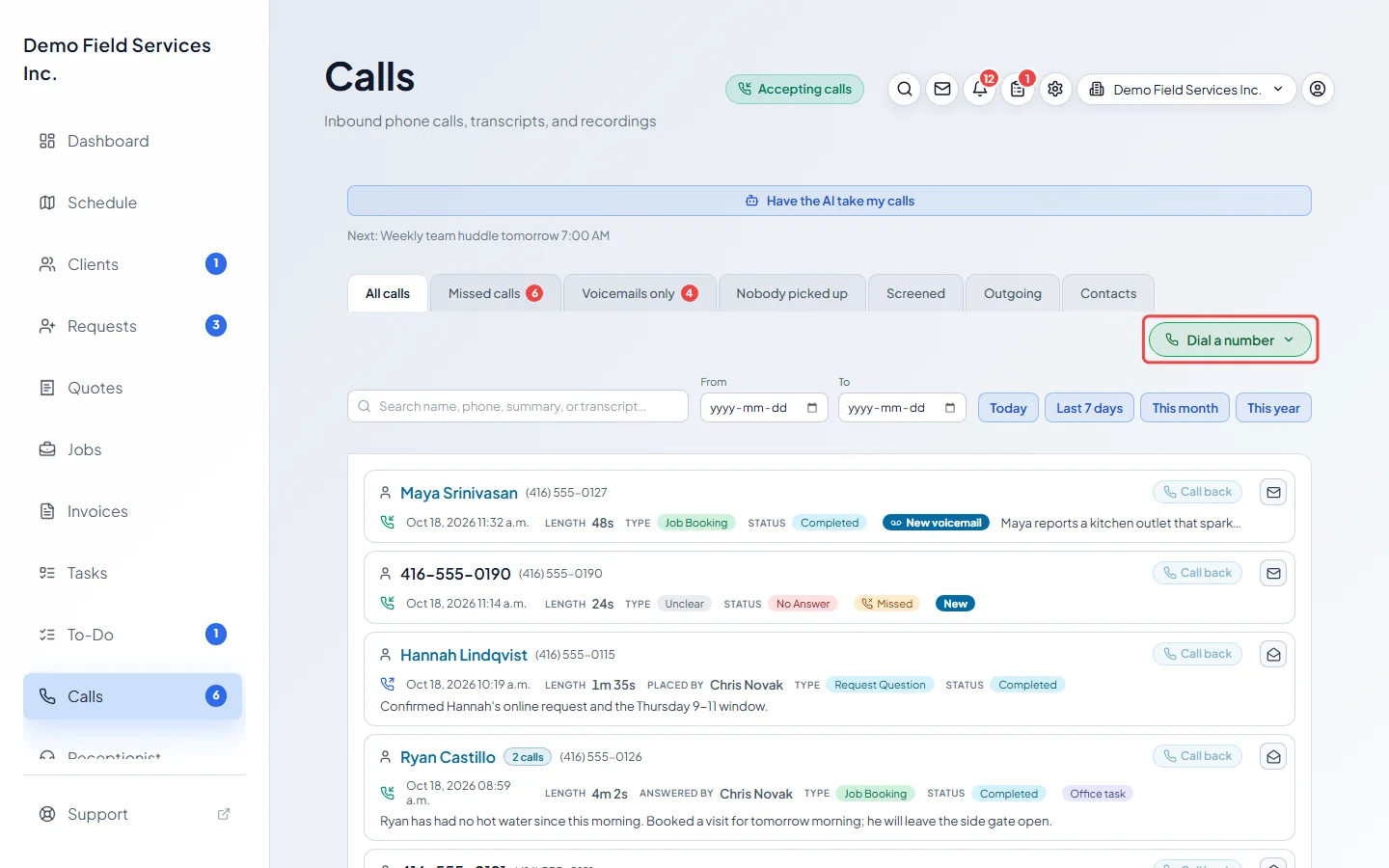
-
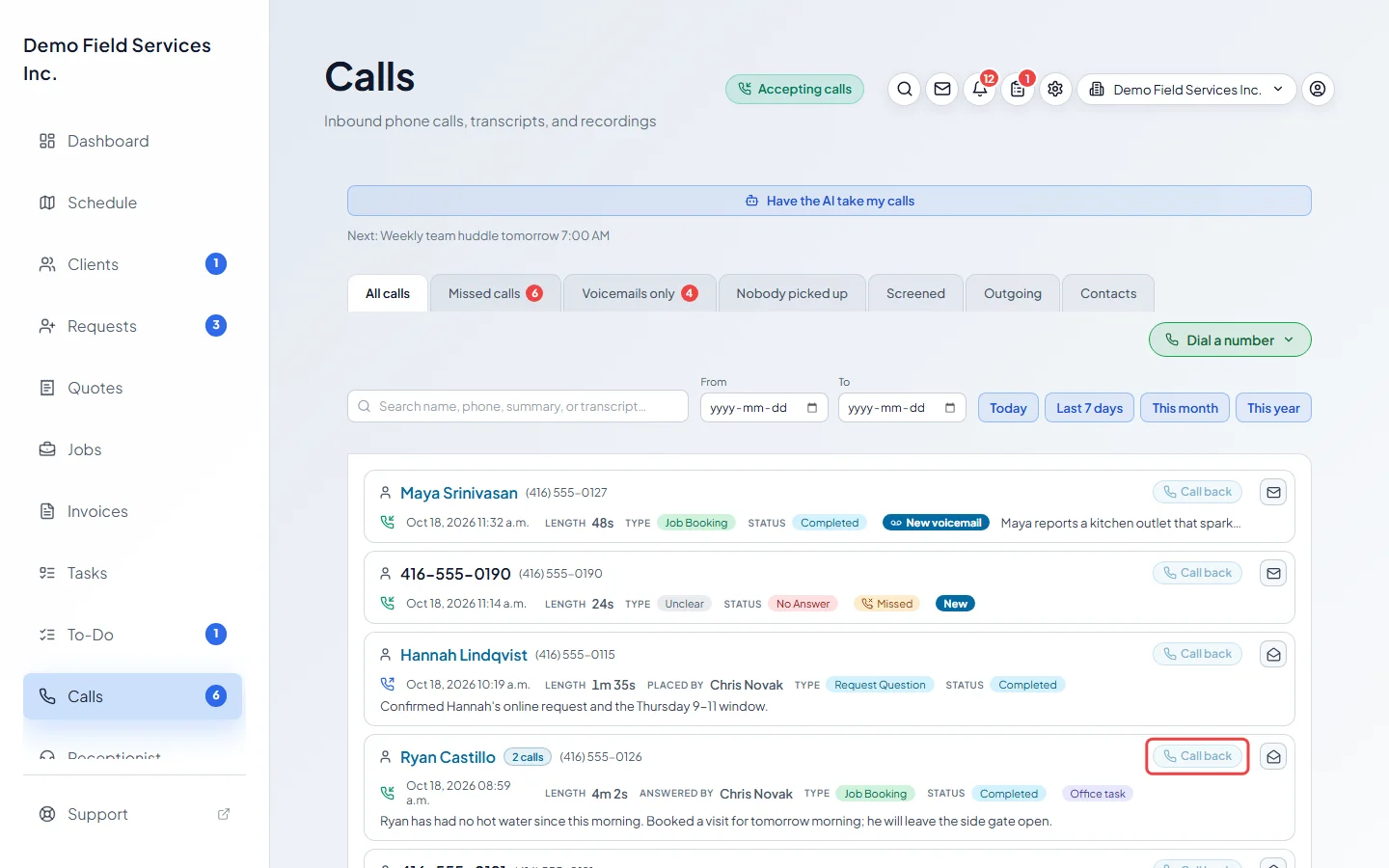
Or click Call back next to any call on the Calls page. Phone numbers on client records, requests, quotes, invoices and visits have the same call button. Astragal asks “Call …?” before it dials.
-
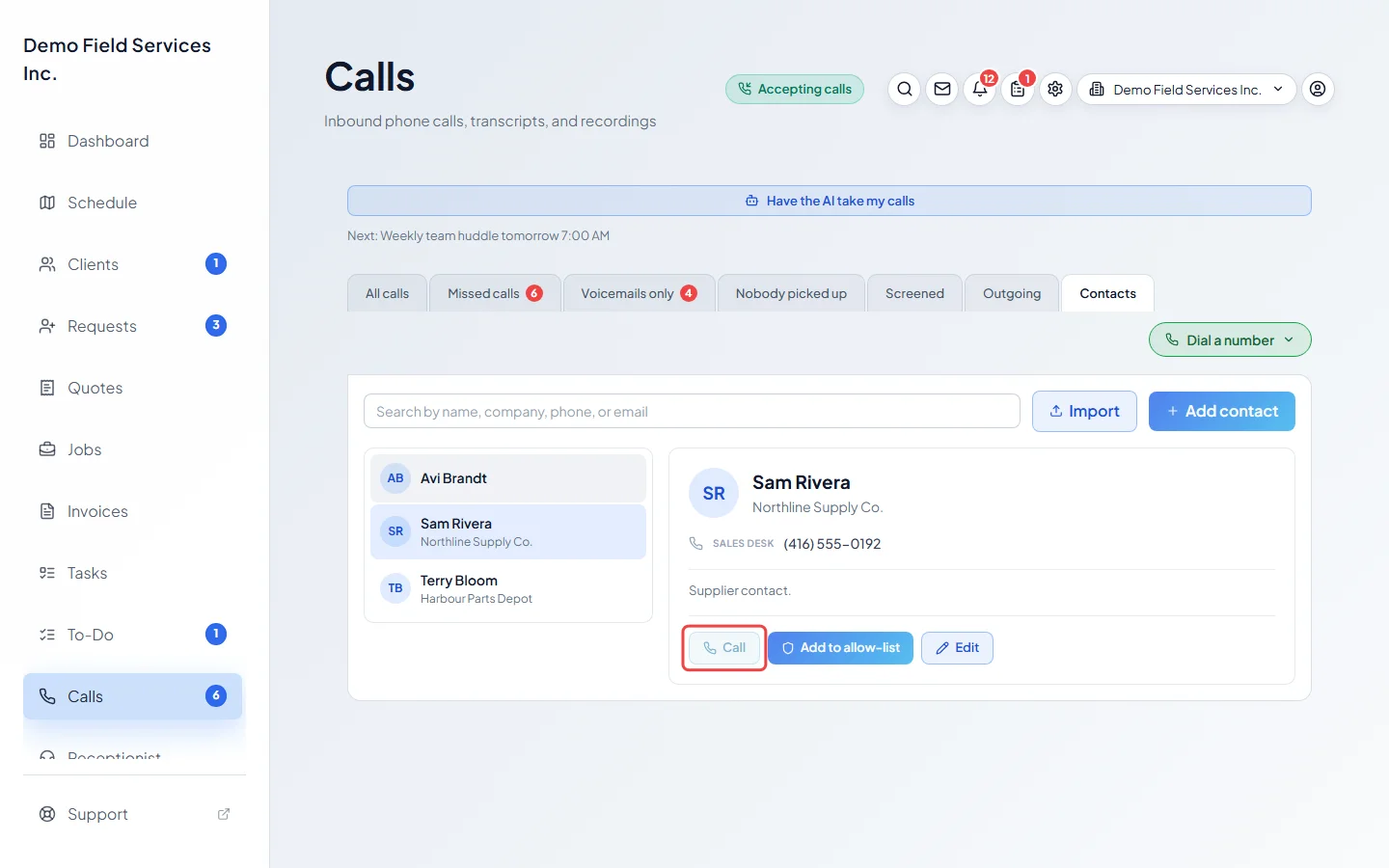
To call a supplier or anyone else who isn’t a client, open Contacts, pick them and click Call. It rings their first number.
-
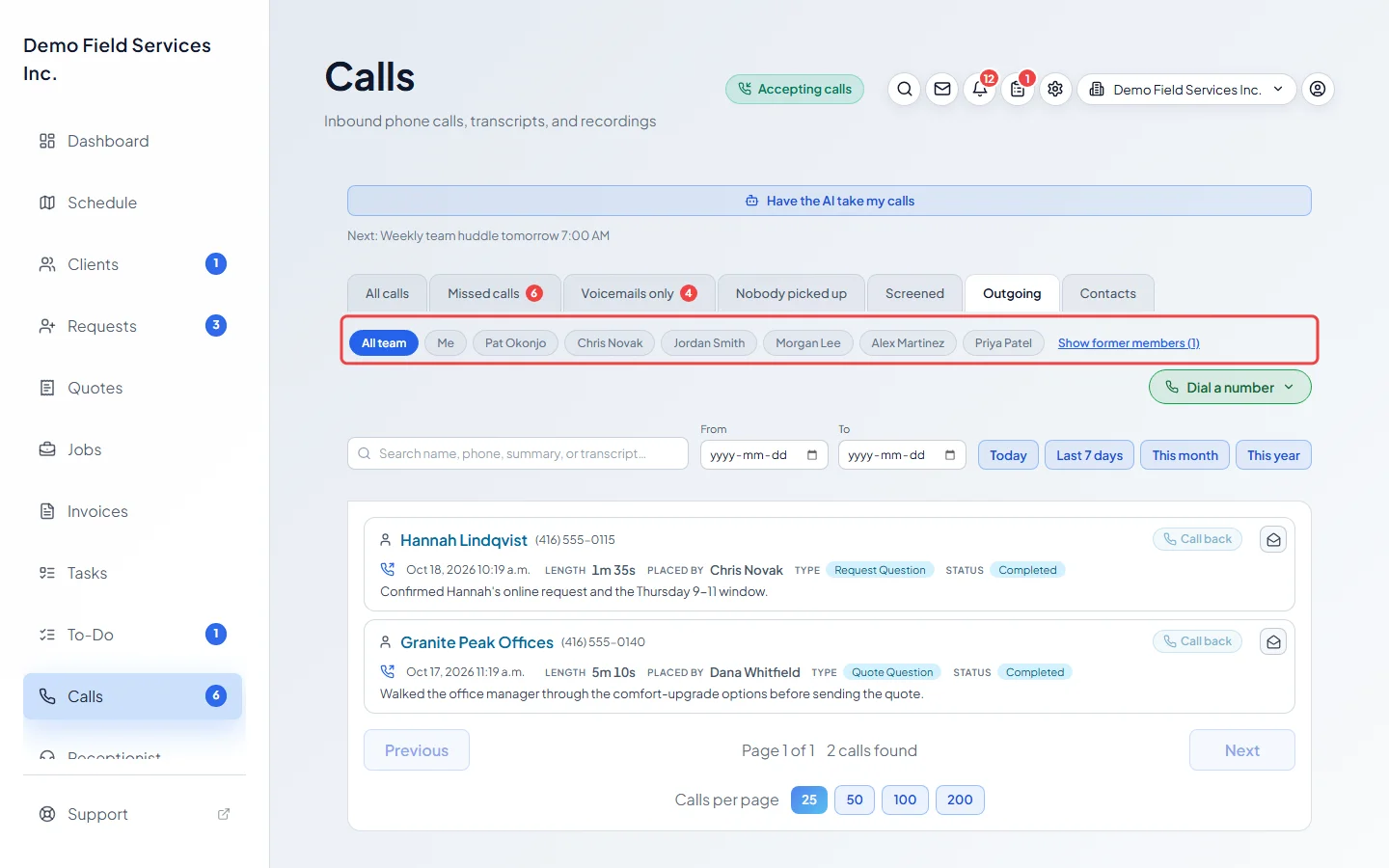
Click Outgoing to see the calls your team placed. Pick Me or a team member’s name to see only their calls, or All team for everyone. Former team members are hidden until you click Show former members.
While it dials
Section titled “While it dials”The call window opens and says Dialing…, then Ringing… until they pick up, then On call. While it rings you can click Silence to stop the ringing sound on your end, or Cancel to stop the call. Once connected you have Mute, Speaker, Bluetooth (with a headset) and Hang up. The conversation is transcribed and the booking details fill in, just like an incoming call. See During a call.
Good to know
Section titled “Good to know”- The call button is greyed out while the app is still getting your device ready, and while you’re already on a call. On the dial pad it says Voice device still initialising… or Already on a call.
- The number people see is set under Outbound caller ID in Phone numbers. Leave it blank to use your inbound number. See Who rings and what callers hear.
- To start outgoing calls on the loudspeaker, turn on Use speaker by default for outgoing calls on this device under Who rings, and where.
- You can also have the AI receptionist make calls for you. See Giving the receptionist tasks.
Related articles
Section titled “Related articles”Checked against Astragal on October 17, 2026