

Voiding or deleting an invoice
Cancel an invoice that shouldn’t be there: delete it if the client never saw it, or void it if they did.
Who can do this: Admins, dispatchers, accountants, and team members whose invoices permission is View, edit, create, and delete.
Also called: cancelling an invoice.
Which one you get depends on whether the invoice was sent. A draft that never went to the client can be deleted, because nobody has a copy of it. Once it has been sent, the client has a copy with that invoice number on it, so it can only be voided: it stays on record, marked Void, but no longer counts toward what the client owes.
Delete a draft that was never sent
Section titled “Delete a draft that was never sent”-
Open the invoice and click Delete invoice at the bottom. (It is also in the ••• menu at the top right.)
On a computer: Left menu → Invoices On a phone: More → Invoices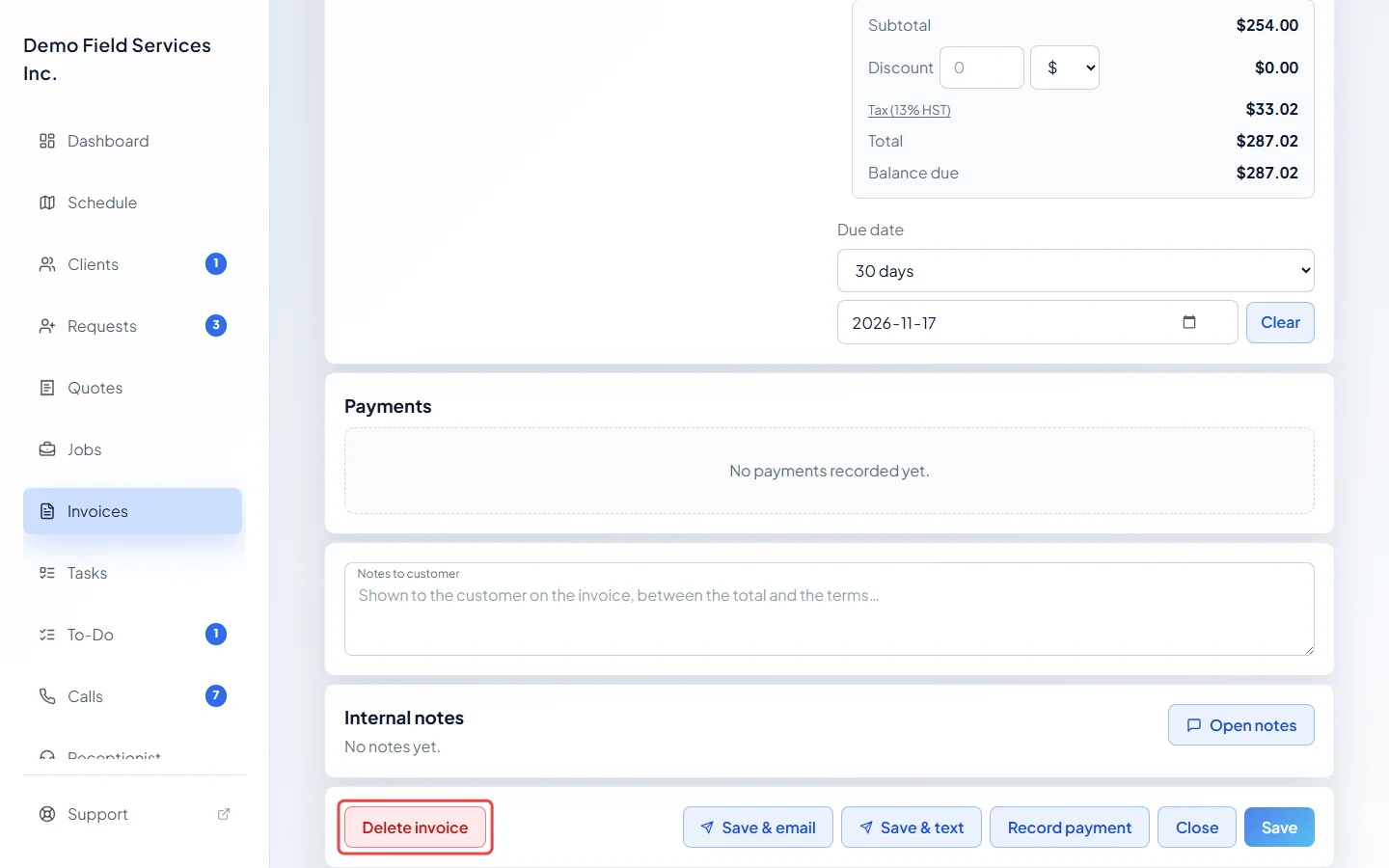
-
Read the window and click Delete invoice to confirm. The invoice is gone for good and can’t be brought back.
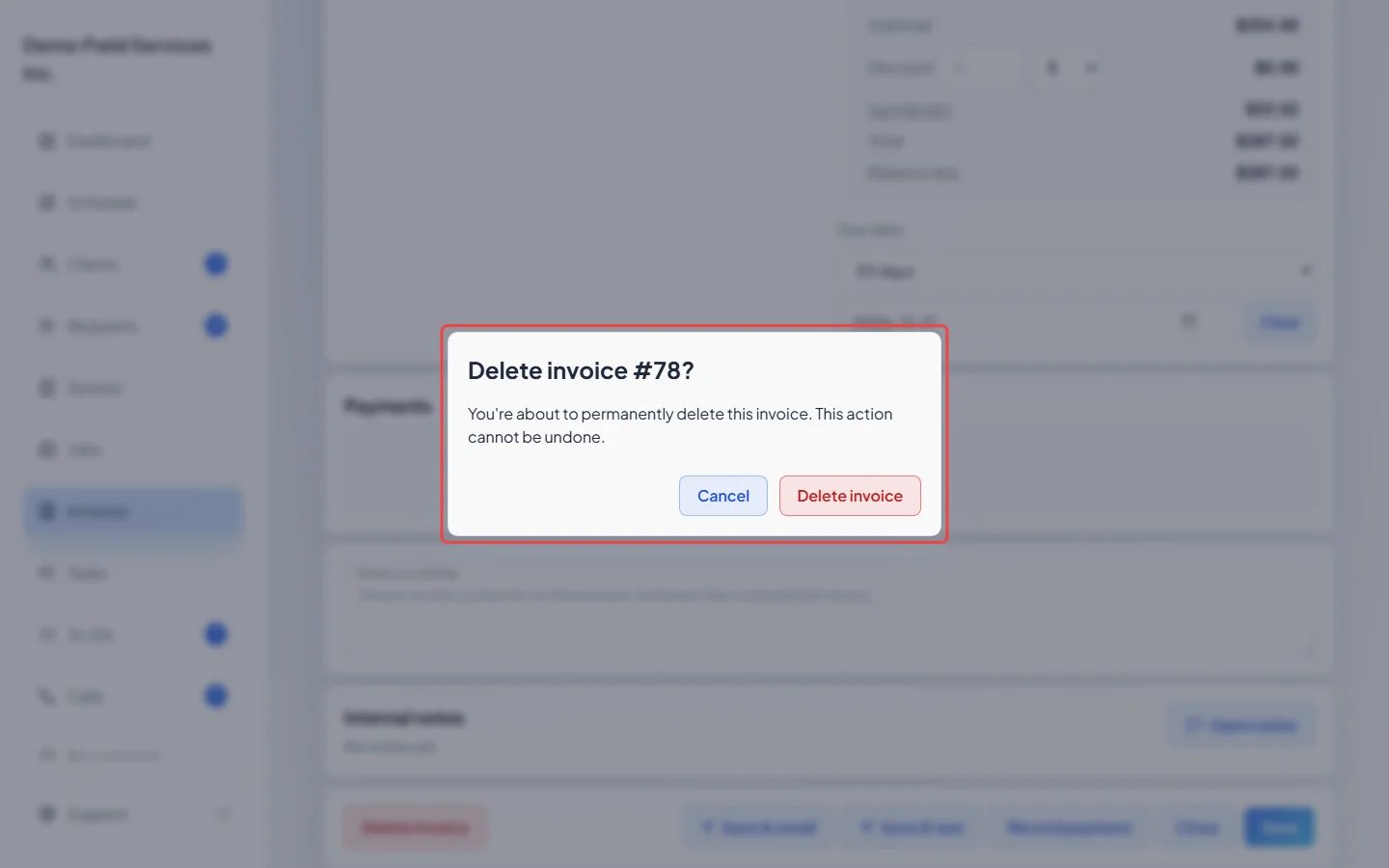
If the draft has payments recorded on it, the window asks you to remove them first: click Delete next to each one under Payments, then delete the invoice. A card payment or a refunded payment can’t be removed. A never-sent invoice can’t be voided either, so choose Mark as sent in the ••• menu first, then void it.
Void a sent invoice
Section titled “Void a sent invoice”-
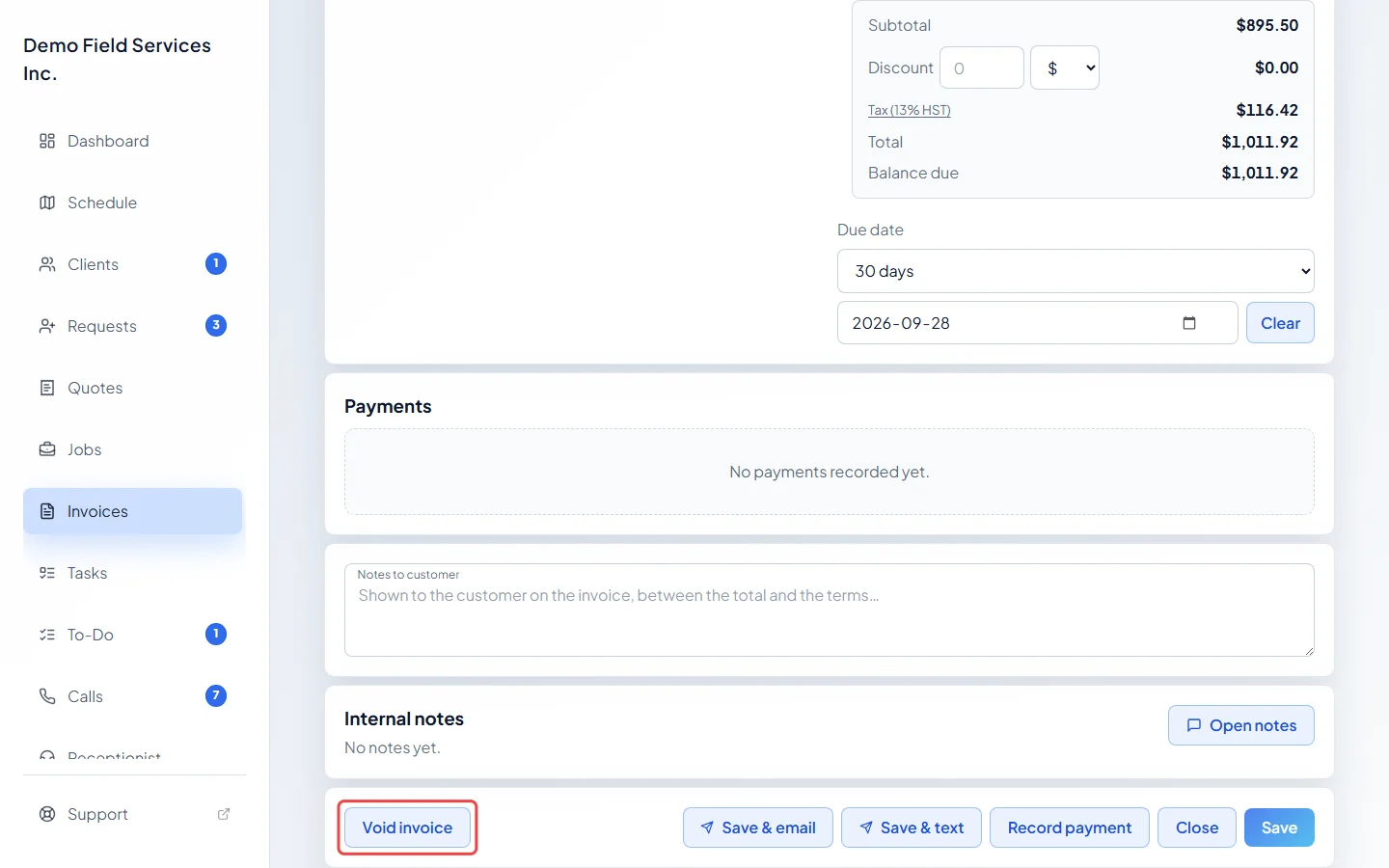
Open the invoice, save any changes, and click Void invoice at the bottom (or in the ••• menu).
-
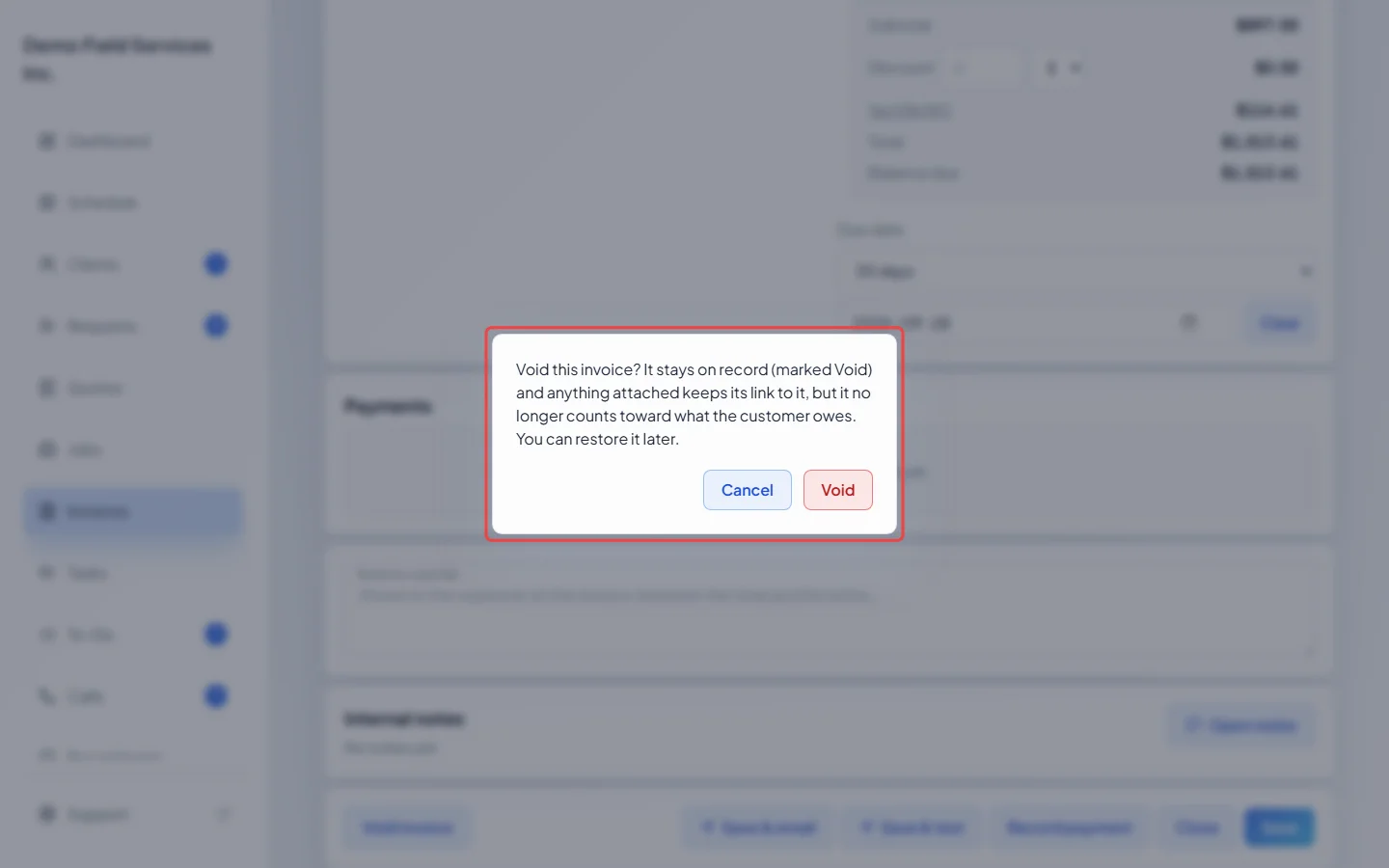
Click Void to confirm. The invoice is marked Void and you can no longer change or send it. Its files and notes stay with it; its visits and job lines are freed so you can bill them again.
-
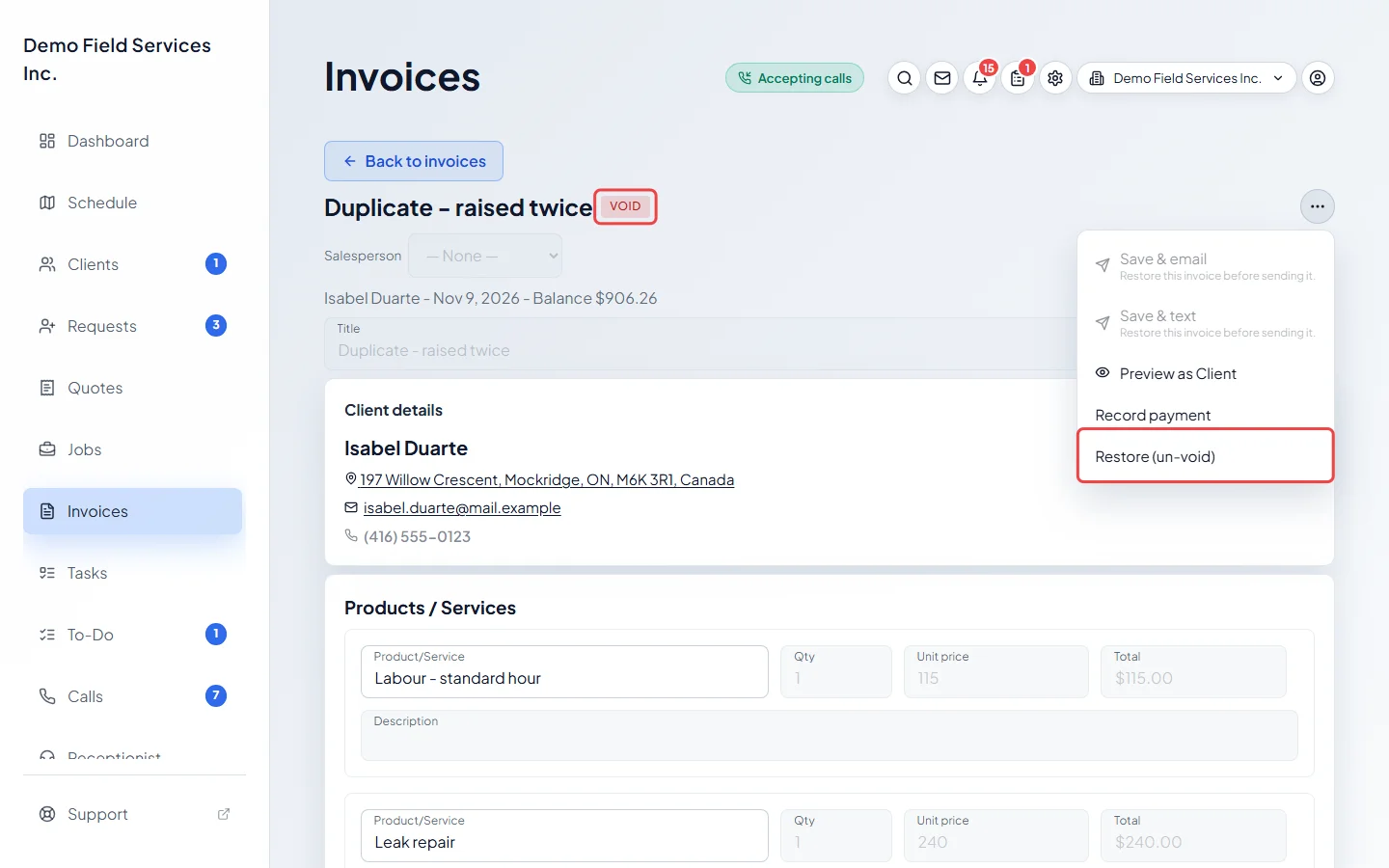
Changed your mind? Open the voided invoice and click Restore invoice at the bottom, or Restore (un-void) in the ••• menu. (A voided invoice still shows its balance and a Record payment button, but Astragal refuses any payment on it.)
Good to know
Section titled “Good to know”- Voiding or deleting a job’s invoice frees the job, so you can make a fresh invoice from it. A voided invoice can’t be restored while the job has another live invoice.
- An invoice made from a quote with Invoice the balance reopens that quote when you void or delete it. If it holds a payment, refund or remove that first. It can’t be restored afterwards: make a new one from the quote. See Billing a product-only sale.
- An invoice written off as bad debt has to have the bad debt undone first. See Writing off bad debt.
- An invoice whose card payment is still being confirmed can’t be voided or deleted until the payment settles.
- Payments on a voided invoice can still be refunded. See Refunding a payment.
- To delete several drafts at once, tick them in the invoices list and click Delete selected. Sent invoices are skipped; Astragal tells you how many couldn’t be deleted and why.
- Restoring a quote’s deposit bill can be refused, for example if the quote has since been invoiced in full or no longer asks for a deposit.
Related articles
Section titled “Related articles”Checked against Astragal on October 17, 2026