

My account
See what your device is running when support asks, and ask for your own account to be deleted.
Who can do this: Everyone. Each person sees only their own account.
Also called: delete account, close my account, app details.
-
Open My account. If you don’t have Settings in your menu, click the gear icon at the top of the screen; My account is on that page.
On a computer: Left menu → Settings → My account On a phone: More → Settings → My account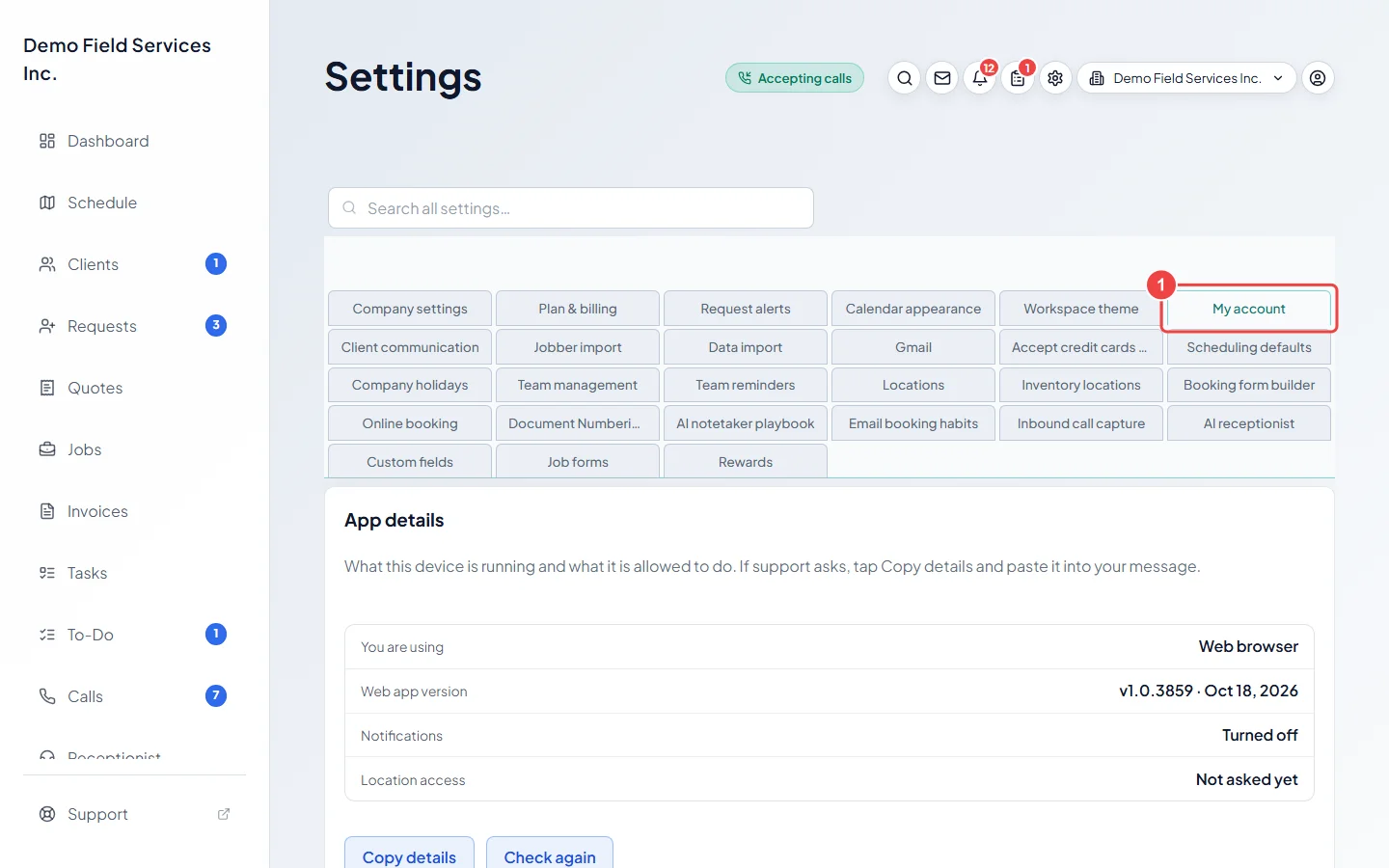
-
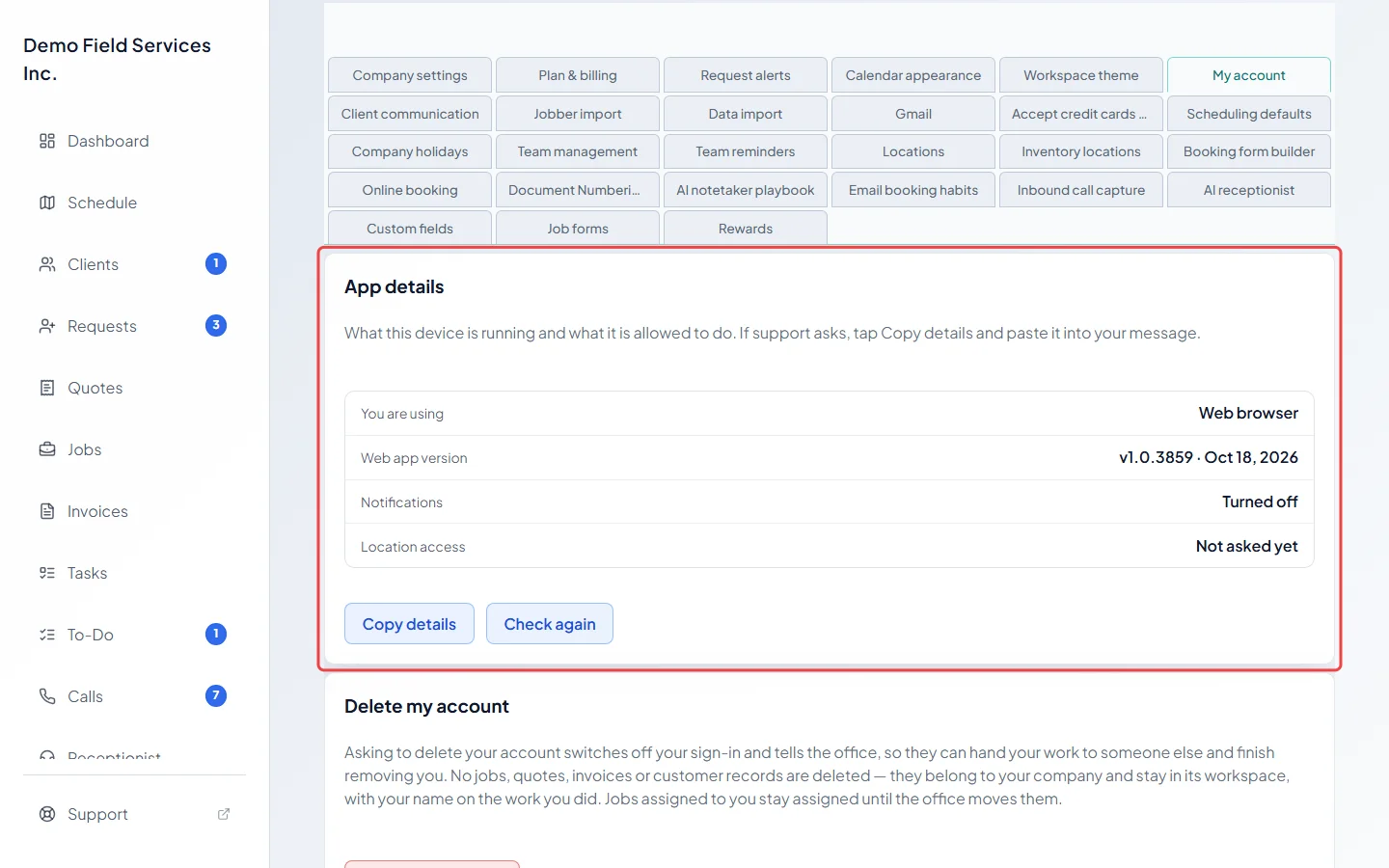
App details shows what you are using, the app version and, on a phone, whether notifications and location are allowed. If support asks, click Copy details and paste it into your message to support@astragalhq.com. Click Check again after changing a setting on your phone.
-
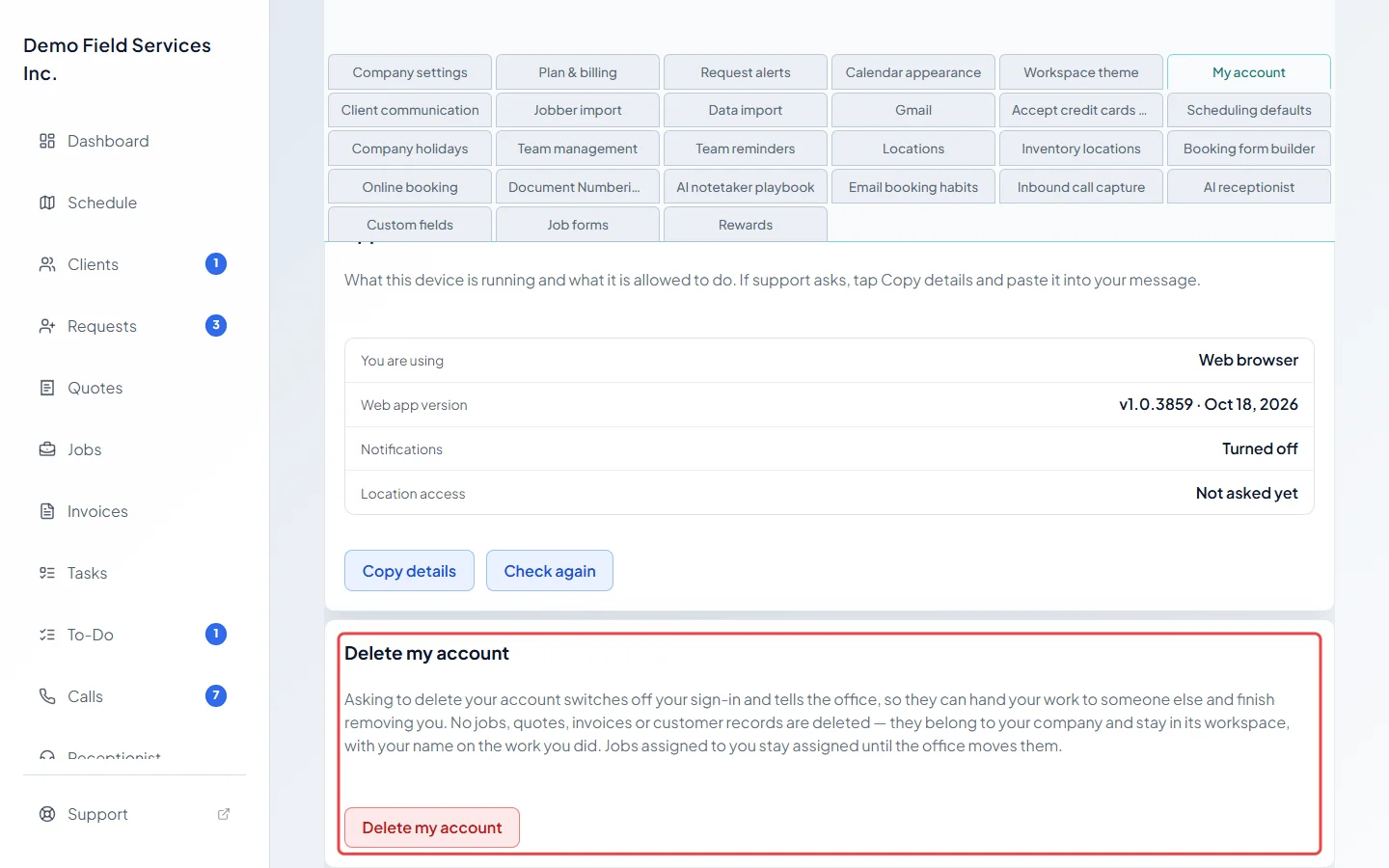
To leave, click Delete my account in the card of the same name. It explains what happens before you go further.
-
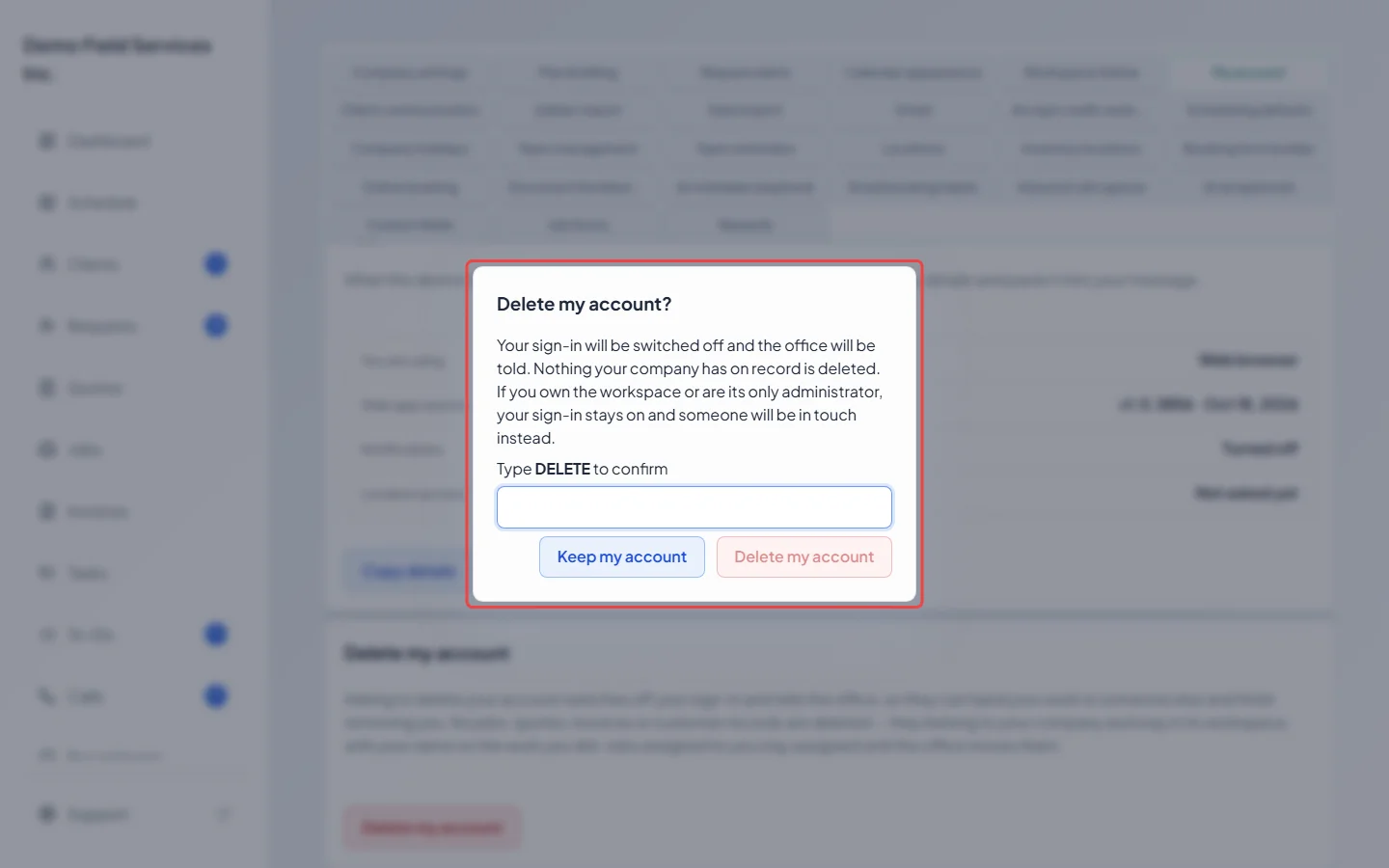
In the window, type DELETE in the box and click Delete my account to send the request, or click Keep my account to stop.
What happens when you ask
Section titled “What happens when you ask”- Your sign-in to this company is switched off, you’re signed out, and the company’s admins, its owner and Astragal support are told by email.
- Nothing is deleted. Jobs, quotes, invoices and client records belong to your company and keep your name on the work you did. Jobs assigned to you stay assigned until the office moves them. If you’re clocked in, your shift is closed.
- If you work for more than one company, only your sign-in to this one is switched off.
- If you own the company or are its only admin, your sign-in stays on so the company isn’t locked out. The page shows your request with the date, and someone will be in touch. Until then you can click Withdraw my request.
Good to know
Section titled “Good to know”- In the phone app, My account also has App lock, which asks for Face ID, Touch ID or your passcode when the app opens. See App lock and app details.
- To remove someone else from your team, an admin does it from Team management. See Removing a team member.
Related articles
Section titled “Related articles”Checked against Astragal on October 18, 2026