

Customers who haven't been back
List past clients who haven’t had work done in a while and have nothing booked.
Who can do this: Admins, dispatchers and accountants who can open Reports. Technicians can’t open it, because it shows client contact details.
Also called: lapsed customers, win-back list.
-
Open Reports and pick Customers who haven’t been back under Customers.
On a computer: Left menu → Reports On a phone: More → Reports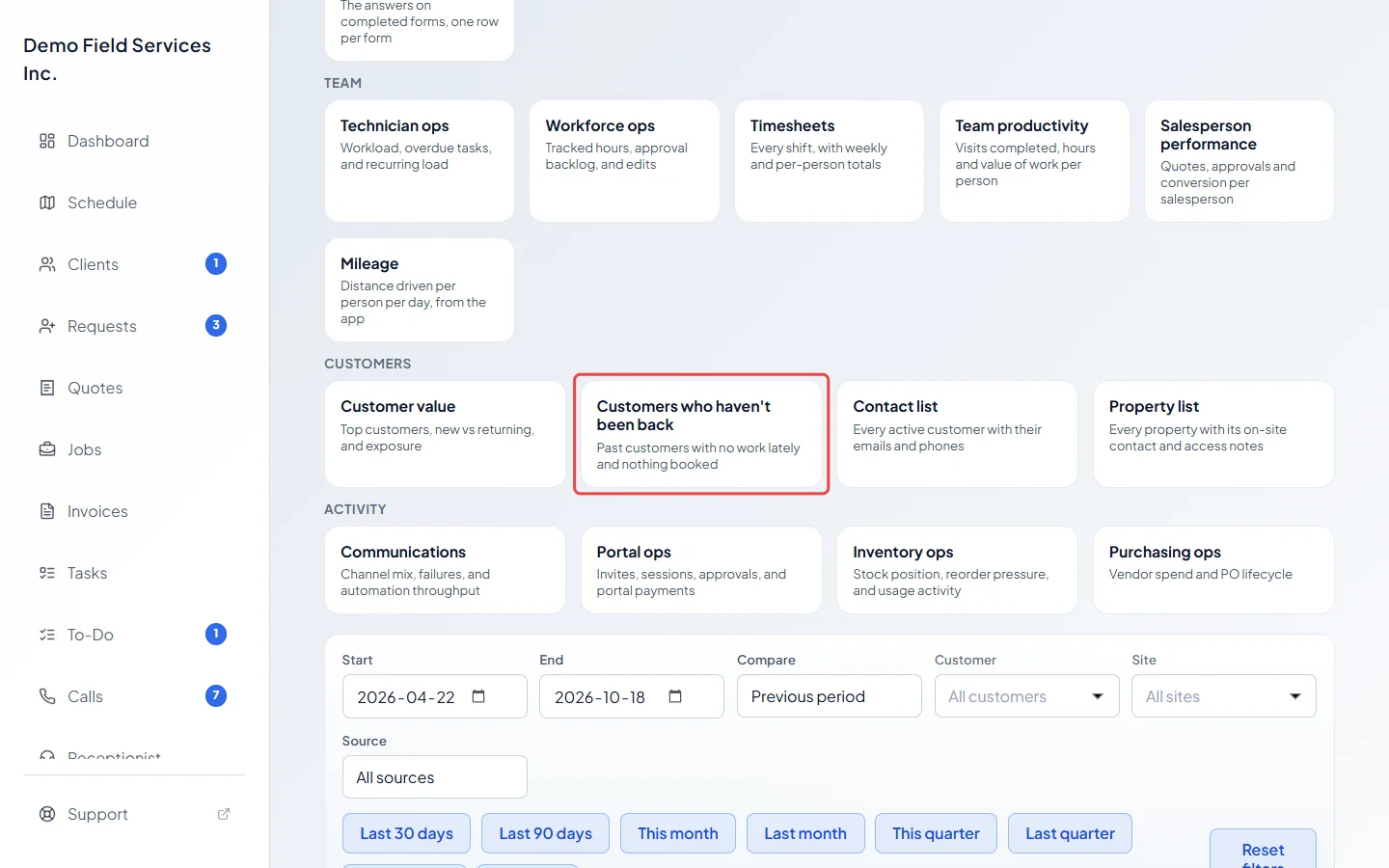
-
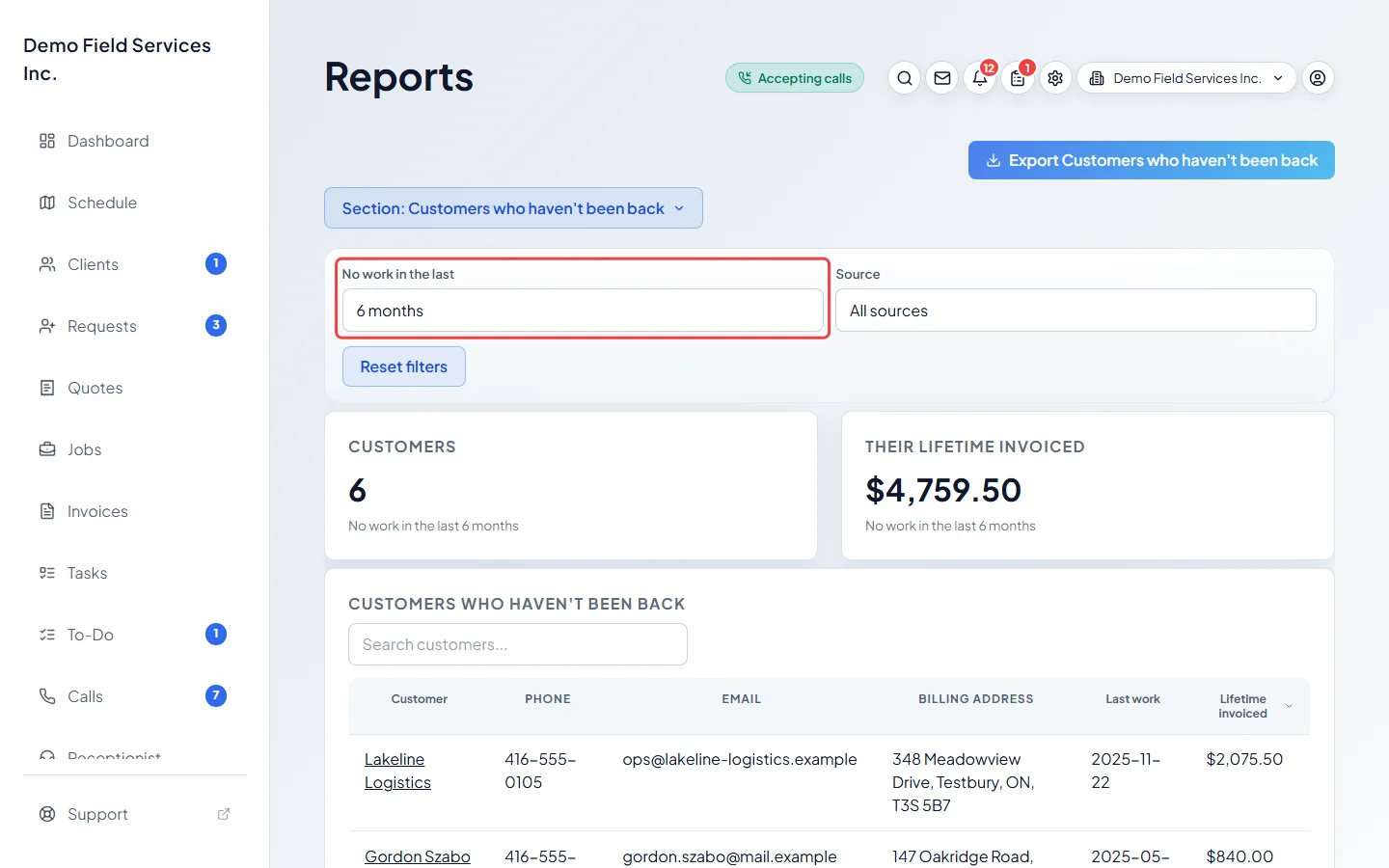
In No work in the last, pick 6 months, 12 months, 18 months or 24 months (12 to start with). Pick a lead Source to narrow it down. For each client you see their Phone, Email, Billing address, Last work date and Lifetime invoiced, with the biggest spenders first.
-
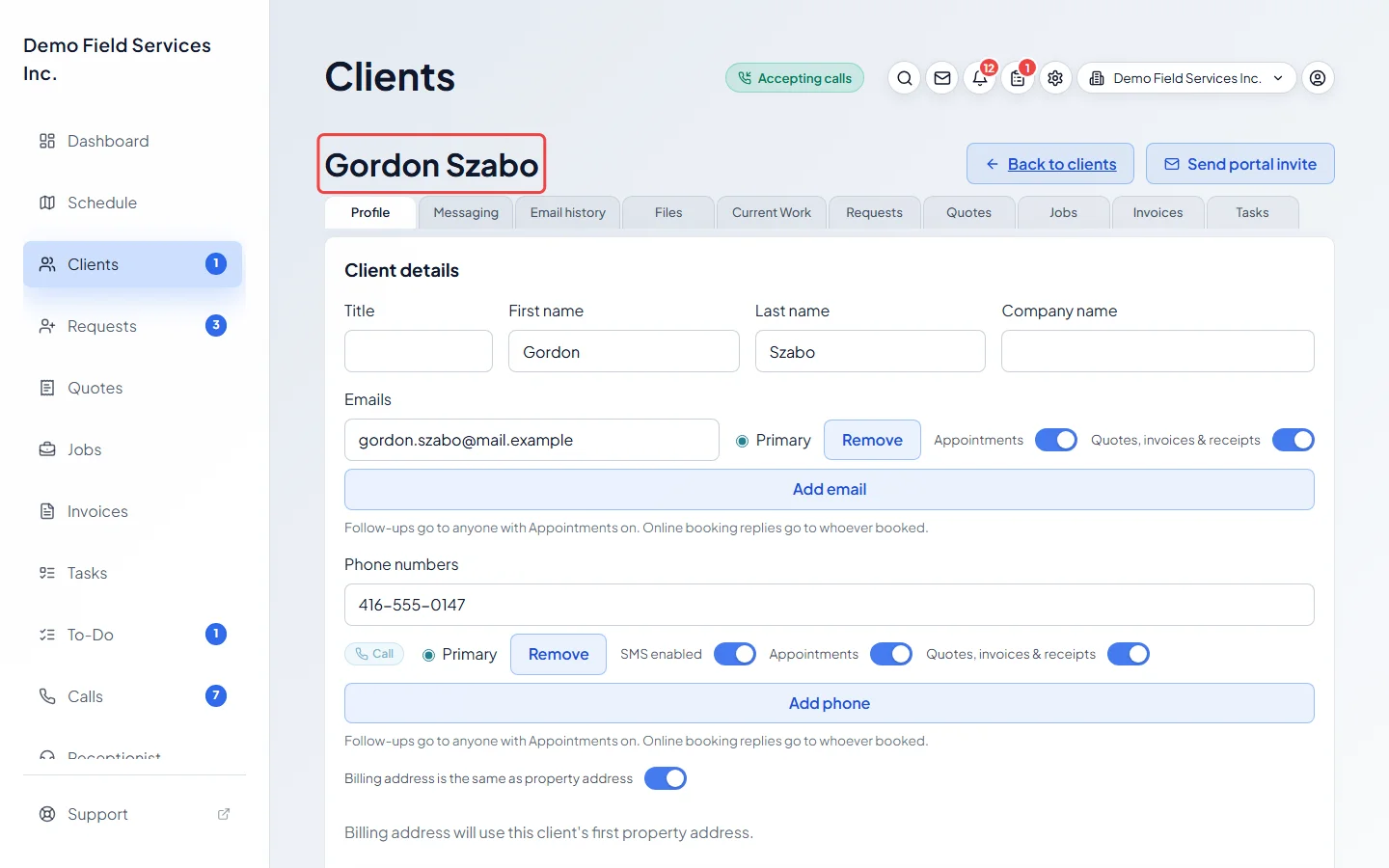
Click a client’s name to open their page and get in touch.
Good to know
Section titled “Good to know”- A client is listed when their last finished work (a completed visit or job) is older than the months you picked, they have no visit booked ahead, and no repeating job running. Jobs closed with only a quote, nothing to fix, or declined don’t count as work, and clients who have never had finished work aren’t listed.
- It looks at your whole history, so it has no date range. Archived and merged clients are left out.
- Lifetime invoiced adds up sent and paid invoices, before tax and after discounts. Drafts, deposit bills and warranty bills are left out.
- Nothing is sent from this list. To reach out, open each client, or export the list and use it for your own mail-out. See Exporting a report.
- Jobs brought in from a spreadsheet keep no finish date, so those clients can look as if their last work was earlier than it really was.
Related articles
Section titled “Related articles”Checked against Astragal on October 17, 2026