

Challenges
Give your team something to aim for this week, like 50 on-time arrivals, with bonus points when they get there.
Who can do this: Admins only.
Company switch: RewardsAlso called: goals, team goals.
-
Open Rewards in Settings and click Challenges.
On a computer: Left menu → Settings → Rewards On a phone: More → Settings → Rewards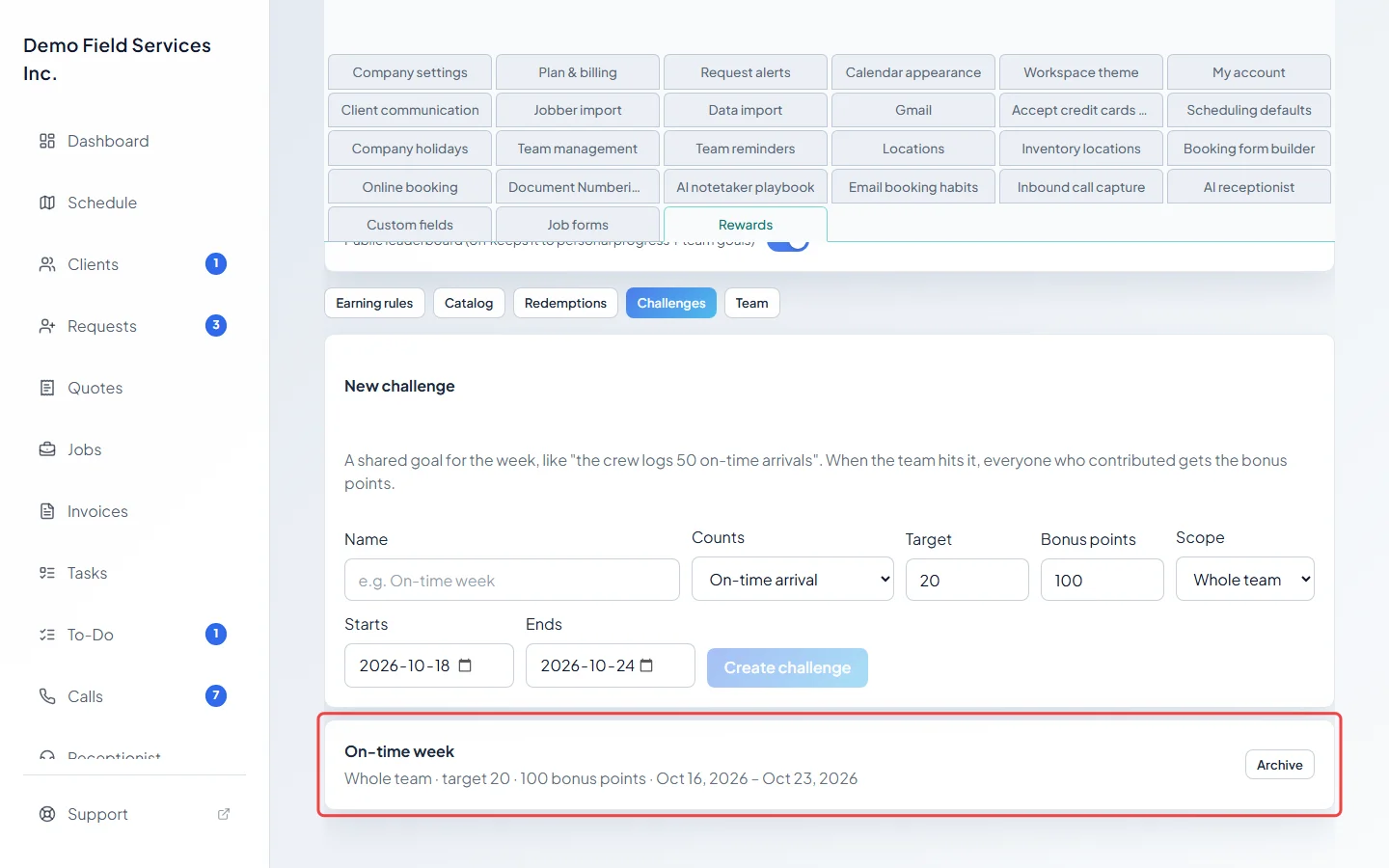
-
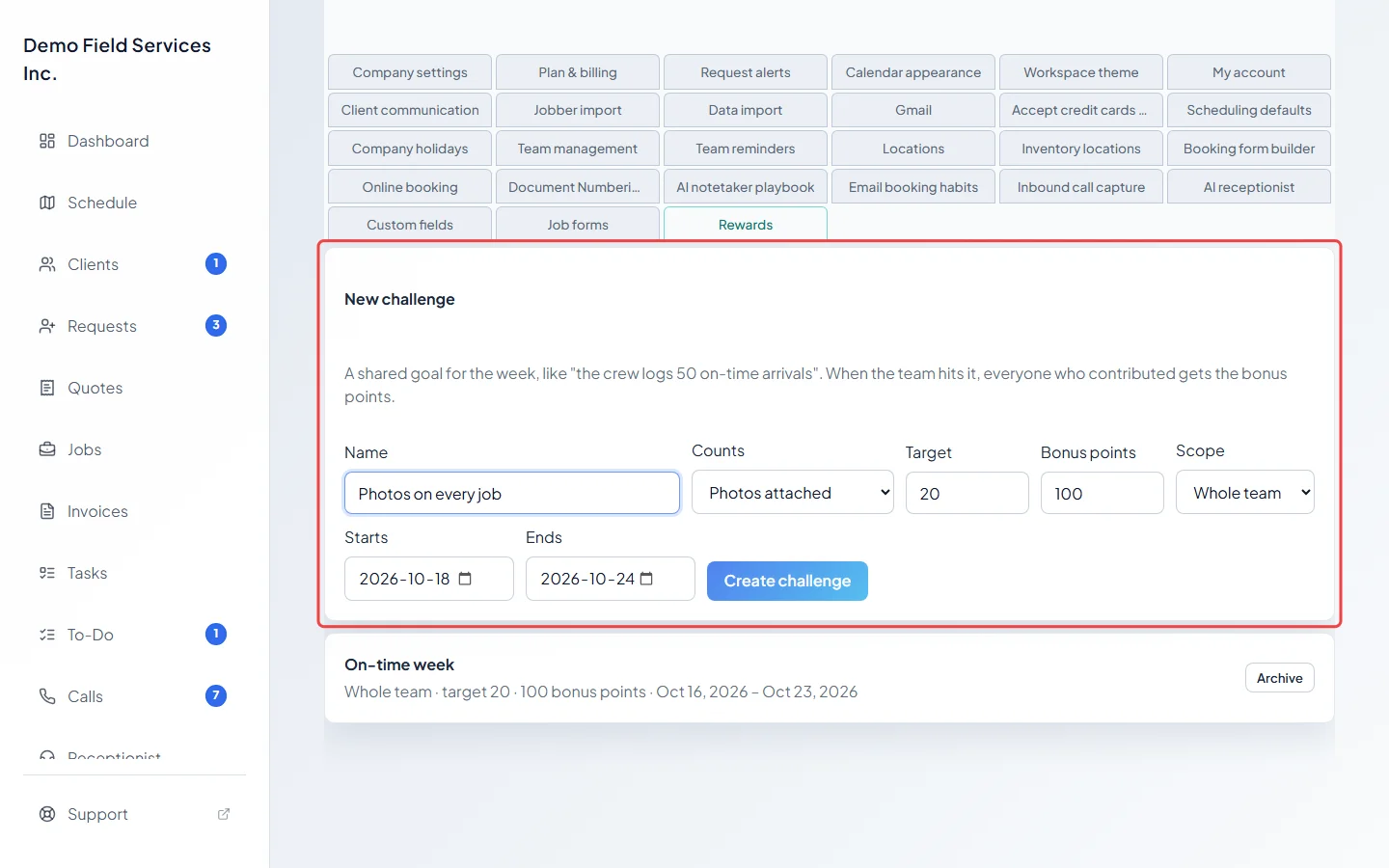
Fill in New challenge:
- Name: what your team will see.
- Counts: the earning rule that counts towards it, such as on-time arrivals.
- Target: how many are needed.
- Bonus points: what’s paid when the target is reached.
- Scope: Whole team adds everyone’s count together; Each person needs each technician to reach the target on their own.
- Starts and Ends: the dates it runs. They start filled in as today and six days from now, one week in all.
-
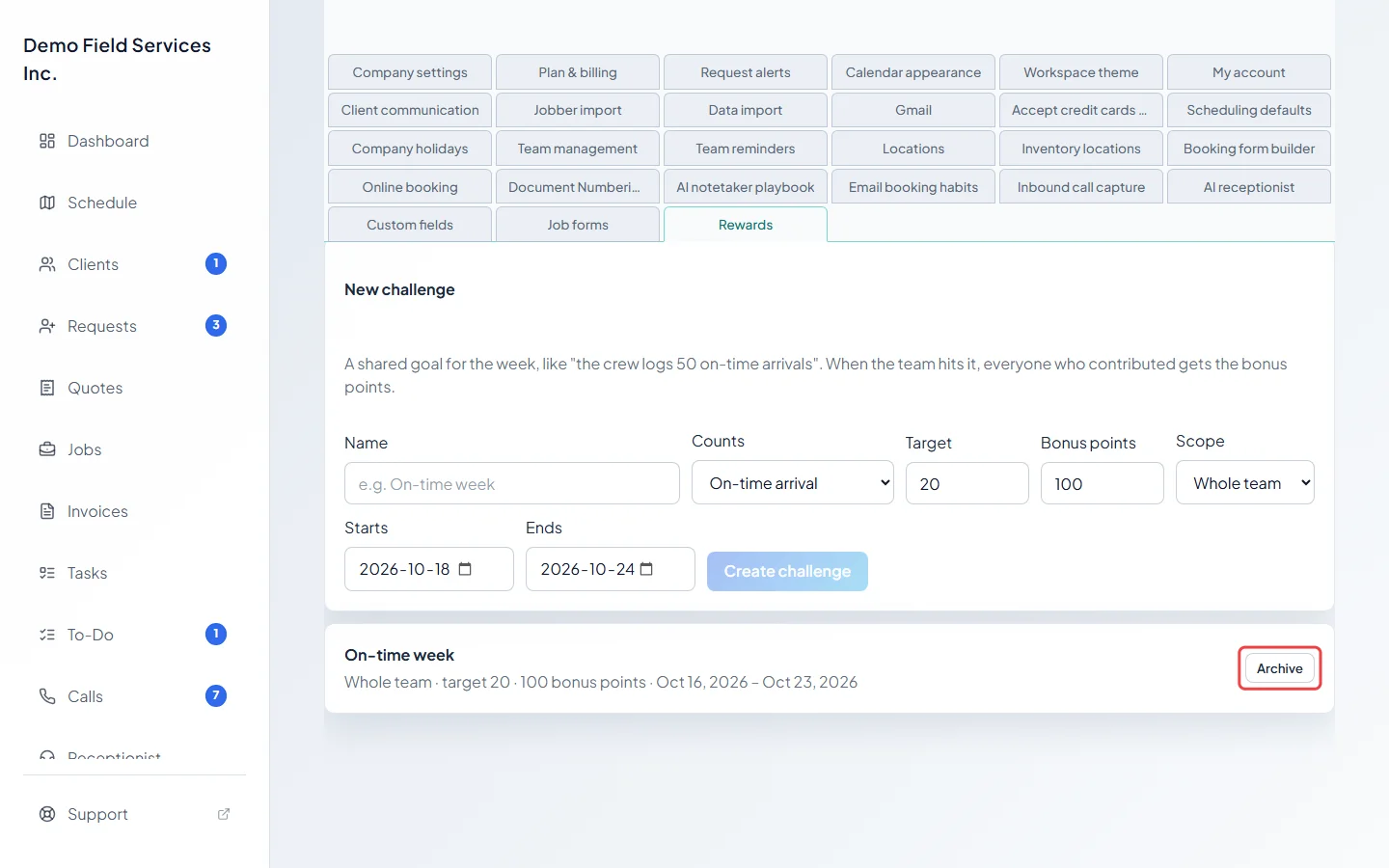
Click Create challenge. It appears in the list below with its scope, target, bonus and dates. Click Archive to end one early; an archived challenge can’t be brought back.
How a challenge pays out
Section titled “How a challenge pays out”- Progress on My Rewards updates as points are earned from the earning rule you picked, between the start and end dates. The bonus is paid by the evening check, which keeps looking for a week after the end date.
- Only work that earned points counts, so the rule must be switched on, and its daily and weekly limits also cap the challenge.
- Whole team: once the team’s total reaches the target, everyone who counted at least once gets the bonus points, and the challenge shows ”✓ completed”.
- Each person: each technician gets the bonus when they reach the target themselves.
- Each technician gets a notification when they earn the bonus.
- Technicians see running challenges on their My Rewards page under “This week’s goals”, with a progress bar and their own part of a team goal.
Good to know
Section titled “Good to know”- A challenge can only count something an earning rule tracks. See Earning rules.
- Challenges can’t be edited after they’re created. Archive one and create a new one instead.
Related articles
Section titled “Related articles”Checked against Astragal on October 17, 2026