

Business hours
Tell Astragal when you’re open, so online booking, your phone line and your client portal follow the same hours.
Who can do this: Admins, dispatchers and accountants.
Also called: opening hours, office hours.
-
Open Company settings and scroll to Business hours at the bottom. Each day shows its hours, or Closed. A new company starts open Monday to Friday, 8 to 5.
On a computer: Left menu → Settings → Company settings On a phone: More → Settings → Company settings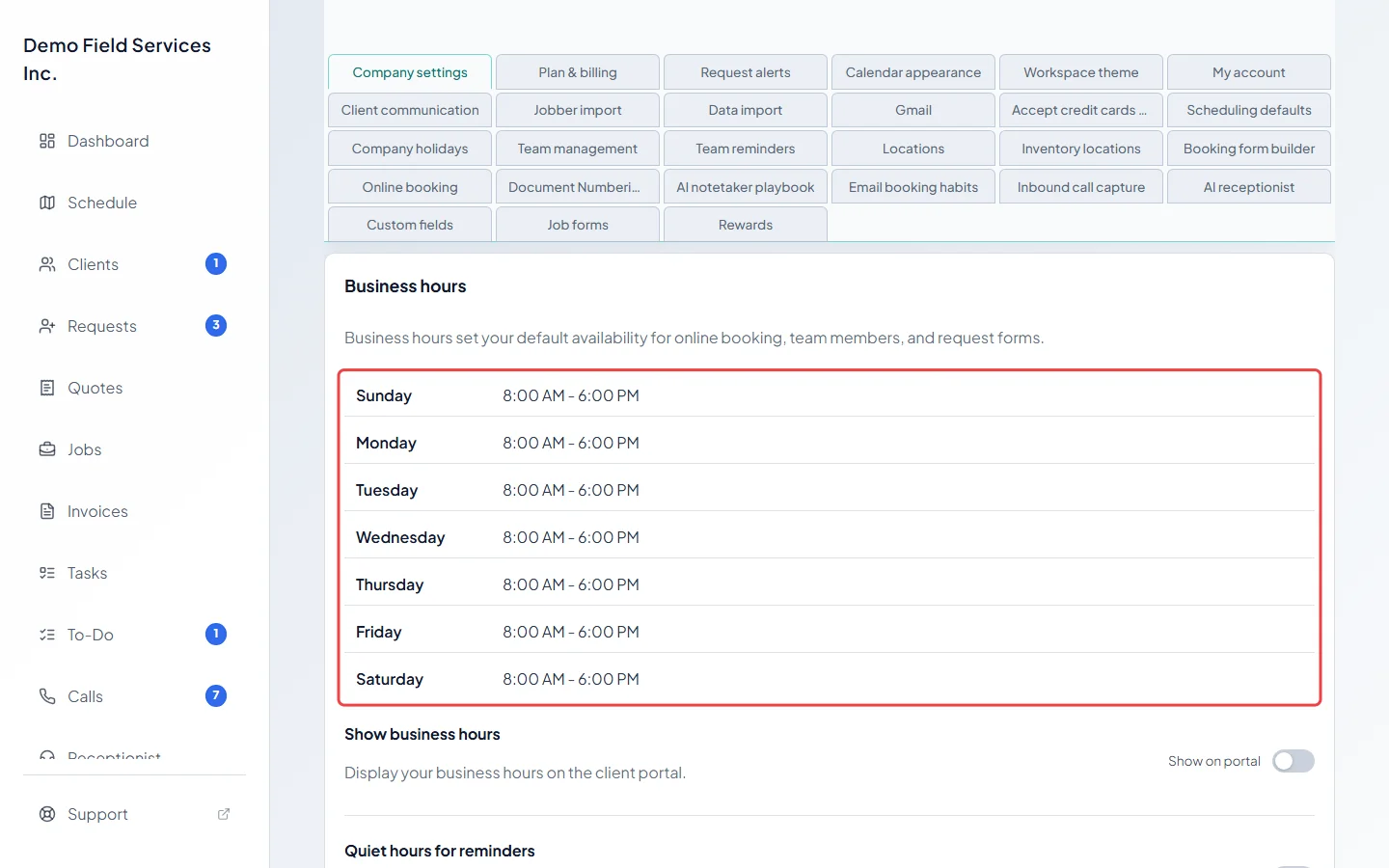
-
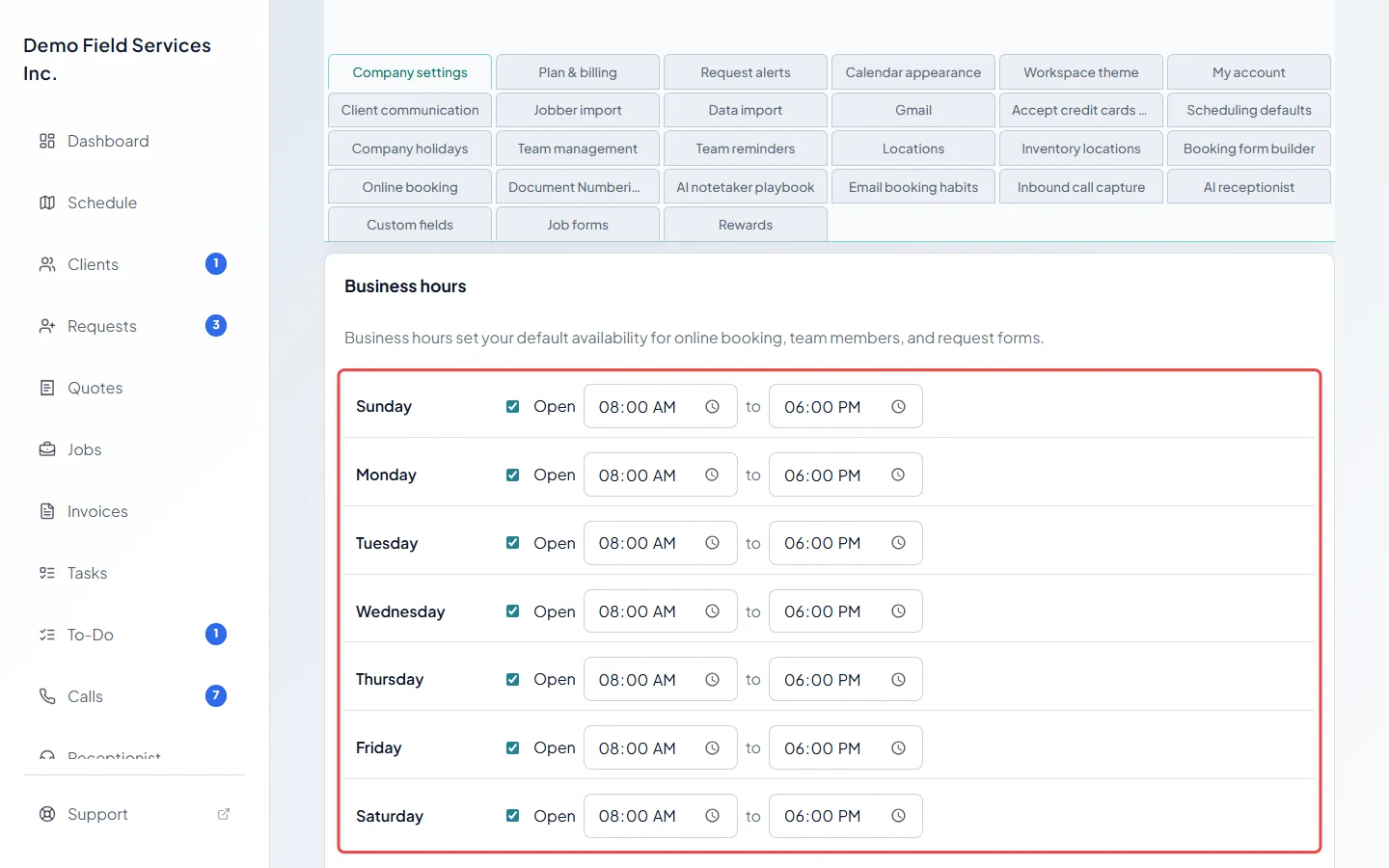
Click Edit, beside Save business hours at the bottom of the part. Tick Open for each day you work and set the start and end times. Untick Open to close that day. To throw away your changes, click Cancel, which takes the place of Edit.
-
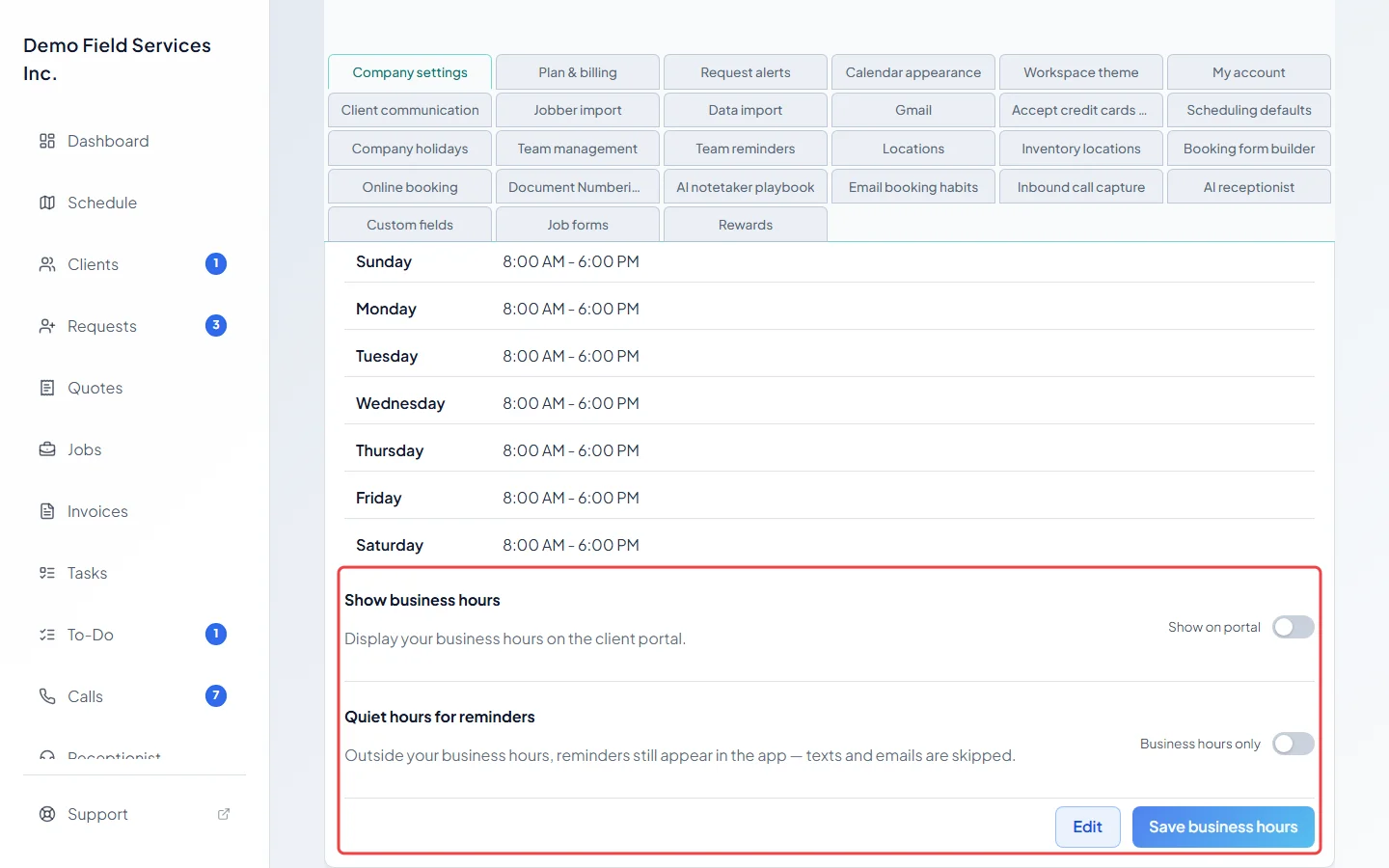
Turn on Show on portal to list your hours on the client portal’s home page. Turn on Business hours only under Quiet hours for reminders so reminders your team gets at saved locations (like a warehouse or supplier) send no texts or emails outside your hours. They still show in the app, but the skipped text or email isn’t sent later. Click Save business hours. You don’t need to click Edit for these.
What your hours change
Section titled “What your hours change”- Online booking: customers can only book on open days and within your hours. See Setting up online booking.
- Phone calls (with the phone line add-on): your hours decide whether a call is answered as open or closed, and so who rings and what callers hear. See Who rings and what callers hear.
- Request form: a date question set to Limit date to enabled business days only lets people pick days you’re open.
- Client portal: your hours appear there only when Show on portal is on.
- Route optimizing: a day’s route is planned from your opening time.
Good to know
Section titled “Good to know”- Each day’s end time must be later than its start time, or Astragal won’t save.
- Your hours use the timezone in Regional settings. See Company info and branding.
- Closed days for holidays are set separately. See Company holidays.
- Each team member also has their own working hours. See Working hours.
Related articles
Section titled “Related articles”Checked against Astragal on October 18, 2026