

Bank deposits
See each deposit your card processor paid into your bank, and which client payments and fees made it up.
Who can do this: Anyone who can open Reports (see The reports page). Your company needs card payments connected (see Accepting card payments).
Also called: payouts, bank reconciliation.
-
Open Reports and pick Bank deposits under Money. Set Start and End, or click a quick date button; this report has no other filters. A deposit shows when its arrival day falls in the range.
On a computer: Left menu → Reports On a phone: More → Reports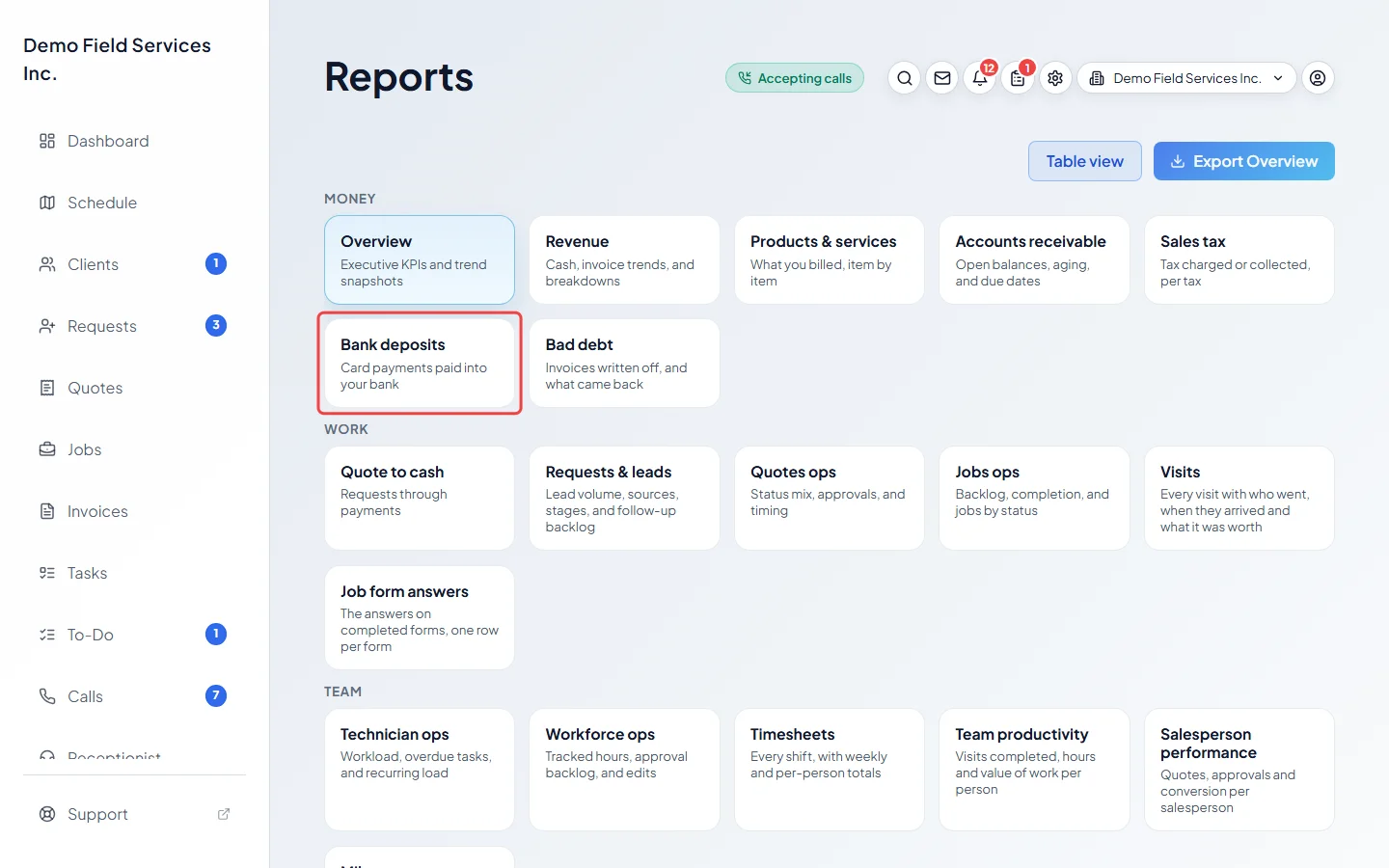
What the report shows
Section titled “What the report shows”The figures at the top are “Deposited”, “Deposits” and “Card fees”. The list has one row per deposit: Arrived, Gross (card payments), Refunds, Fees, Deposited (what reached your bank), Status and the number of Payments. Search by date or amount with Search deposits by date or amount…, or click a column heading to sort.
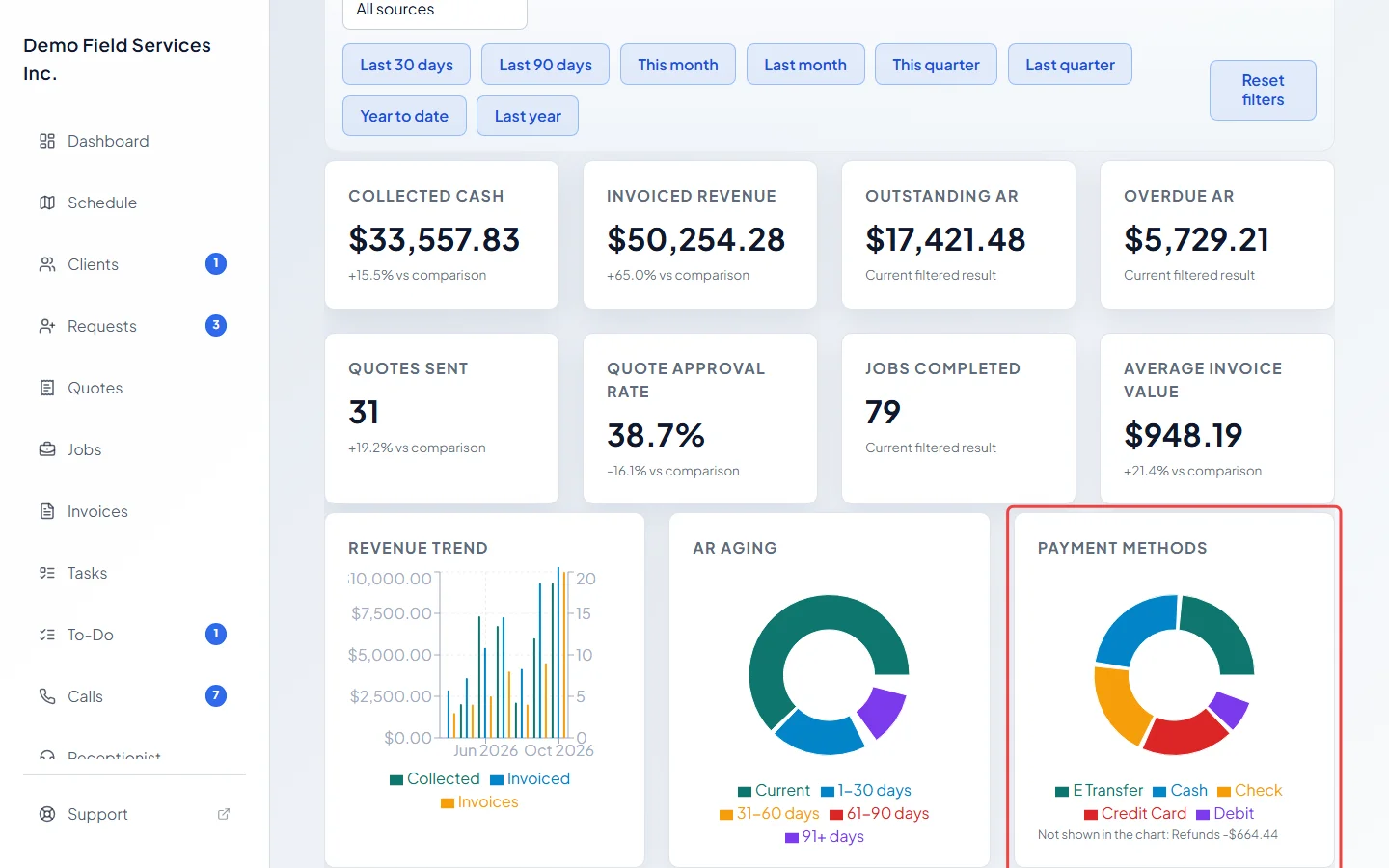
Only card payments show up here. To see how your card payments compare with cash, cheque and other ways clients pay, look at the Payment methods chart on Overview.
Open a deposit
Section titled “Open a deposit”Click the ▸ arrow at the start of a deposit to list every payment, refund and fee in it, with its Type, the client, the Invoice, and the Gross, Fee and Net amounts. Click a client or invoice to open it. Payments Astragal can’t match to a client show the processor’s description instead.
Download the deposits
Section titled “Download the deposits”- The Export button at the top right downloads one line per deposit.
- Payments in these deposits above the list downloads one line per payment inside every deposit in the range, which is handy for matching against your bookkeeping. See Exporting a report.
Good to know
Section titled “Good to know”- Deposits are read live from your card processor every time you open the report. Nothing is stored or changed there. If the processor can’t be reached, the report asks you to try again in a minute.
- If card payments aren’t connected, the report says “Deposits appear here for card payments taken through the app. Connect card payments in Settings to see them.”
- Deposits from a card account you connected before and later replaced are still shown, marked “(earlier account)”. If that old account can’t be read any more, a note under the list says so.
- Fees and payment counts are worked out for the 100 most recent deposits in the range. Past that, older rows show only the deposited amount and a note asks you to pick a shorter range.
- Only card payments taken through your connected Stripe account are here. Cash, cheque and other payments you record yourself never go through it.
- Arrival days are counted in UTC (Greenwich time).
Related articles
Section titled “Related articles”Checked against Astragal on October 17, 2026