

Email booking habits
Teach the email booking assistant how your business normally books work, so its suggestions match what you’d do yourself.
Who can do this: Admins.
Also called: booking rules, booking rulebook.
When you book a job straight from an email, the assistant has to decide things the email doesn’t say: how long the work takes, what arrival window you promise, and who usually goes. These habits are worked out from your own past jobs, written as short plain sentences, and you stay in charge of every one. See Booking from an email.
-
Open Email booking habits. Each habit is one line, with its switch and its Edit and Remove buttons. Below the list, a line says how many past jobs the habits were worked out from, and when.
On a computer: Left menu → Settings → Email booking habits On a phone: More → Settings → Email booking habits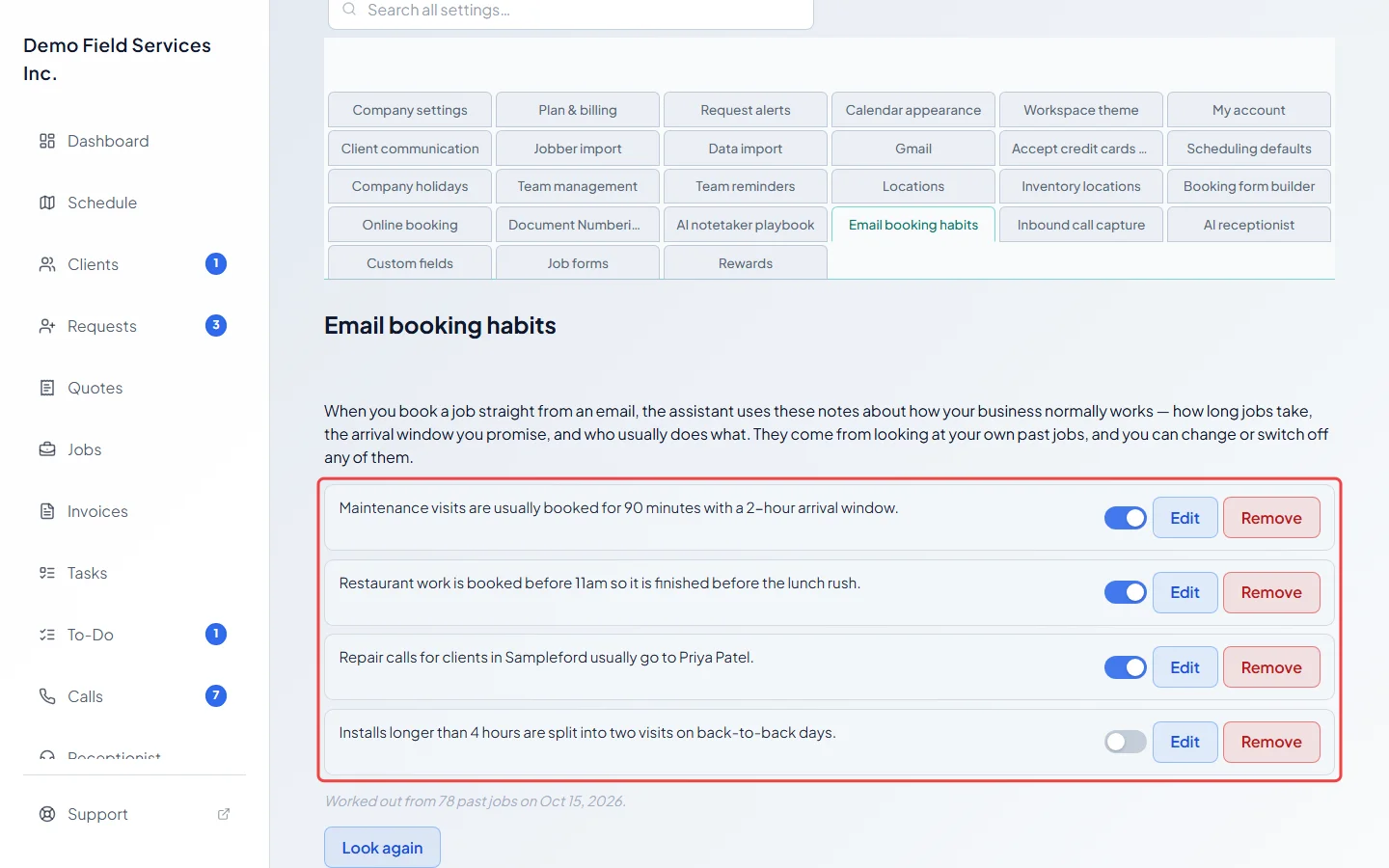
-
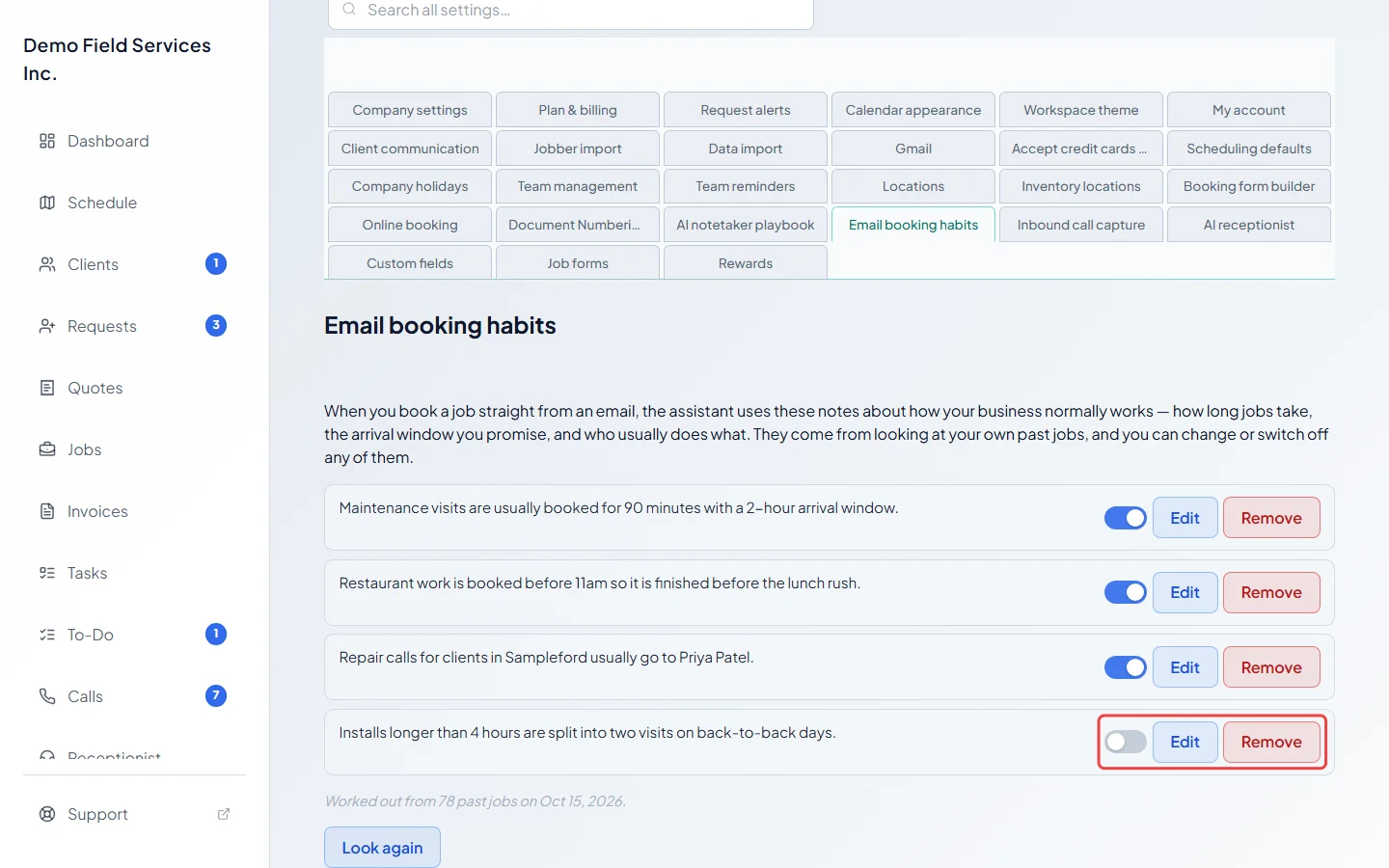
Use a habit’s switch to turn it off or back on. A habit that’s off is kept but not used. Changes save straight away.
-
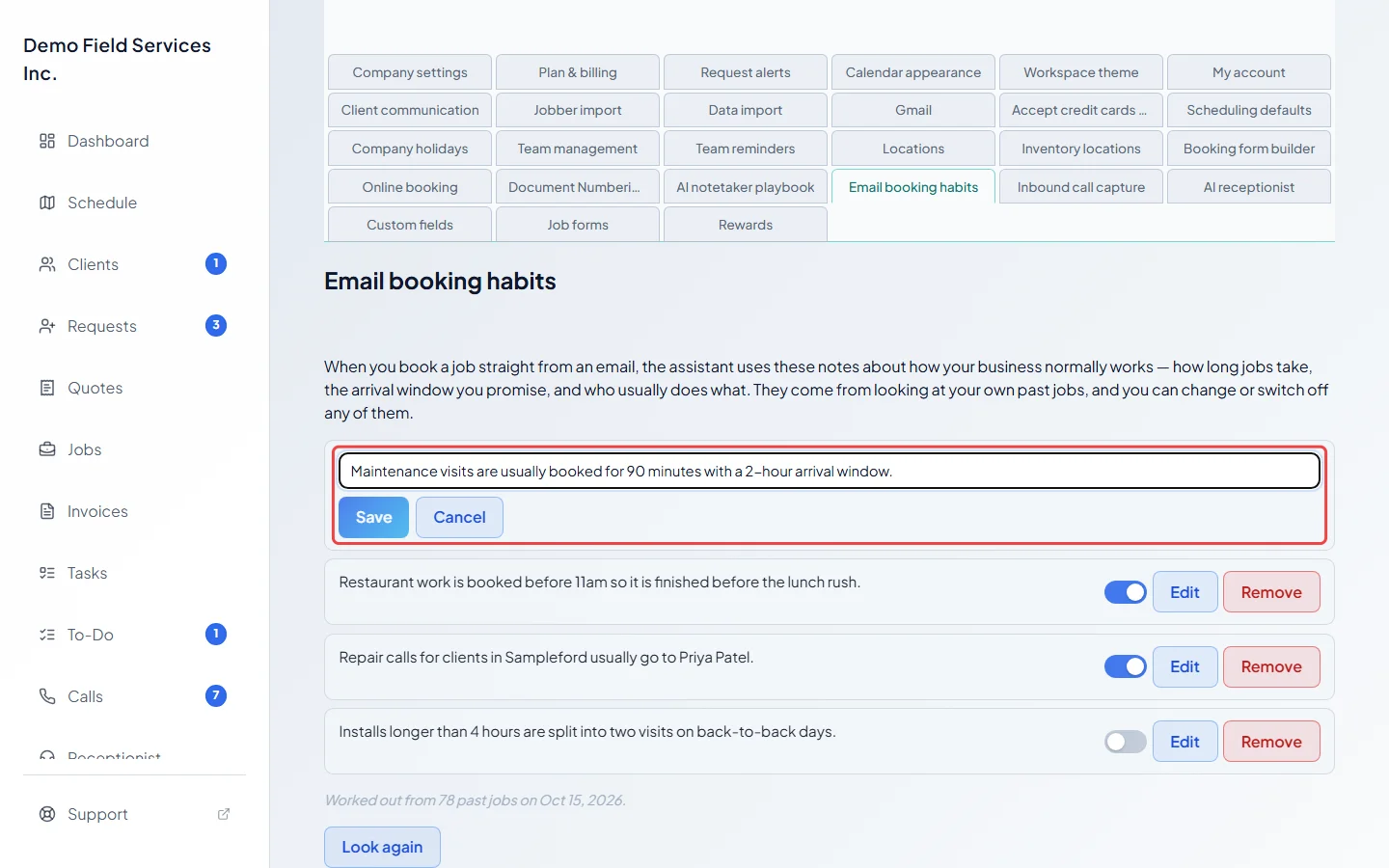
To reword a habit, click Edit, change the sentence (up to 280 characters) and click Save, or Cancel to leave it. To delete one, click Remove, then Remove again to confirm, or Keep to change your mind.
-
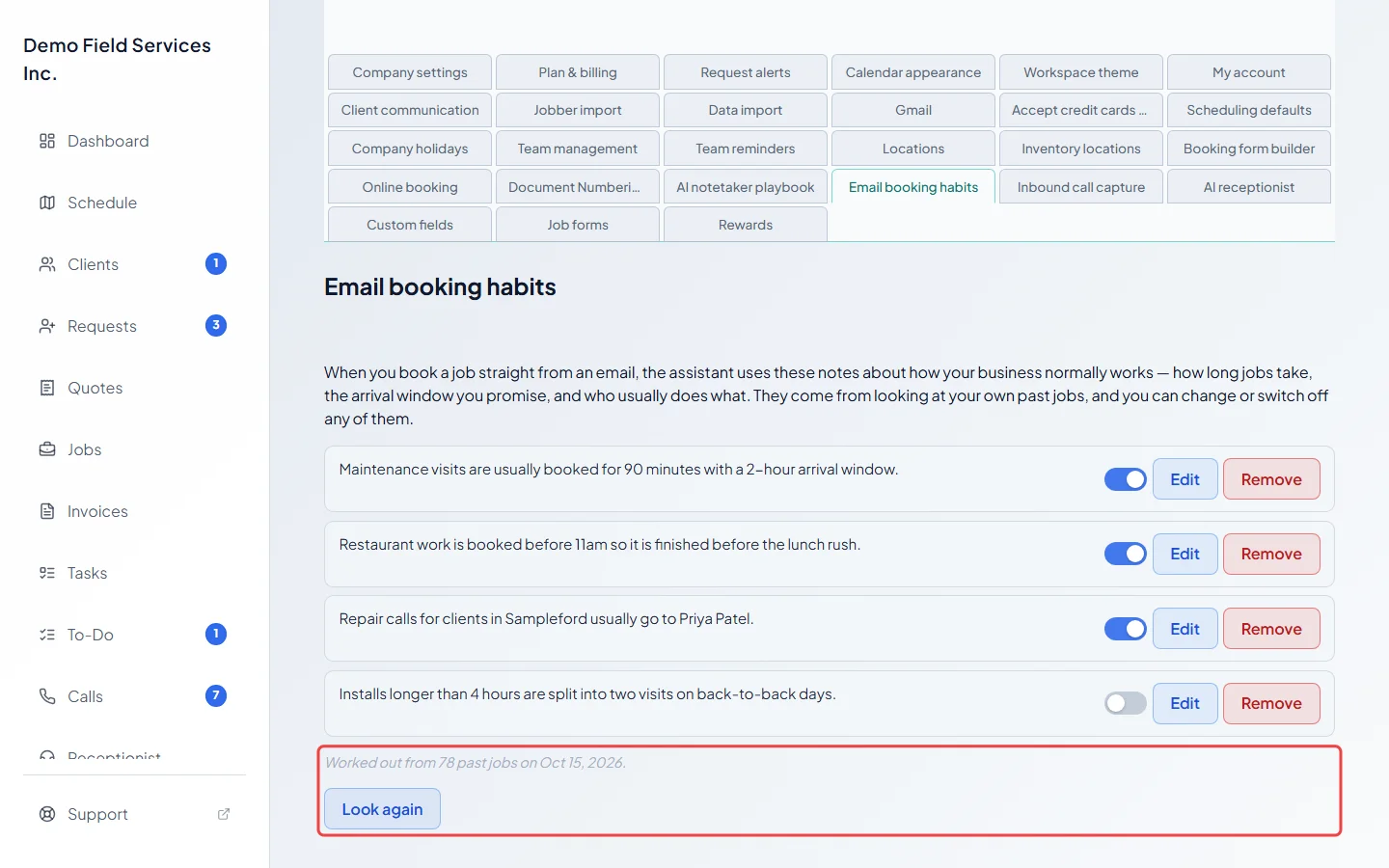
To bring the habits up to date with your recent work, click Look again, then Re-analyze. Astragal looks at the past 18 months of scheduled jobs and refreshes the list. Habits you reworded yourself are kept as you wrote them, and a habit you switched off stays off if it comes back.
Good to know
Section titled “Good to know”- If nothing has been learned yet, the section says “Nothing learned yet.” Click Look at my past bookings to work out your habits. It needs at least 10 jobs scheduled in the past 18 months; with fewer, it asks you to book a few more first.
- There are at most 15 habits.
- A habit you removed can come back after Look again if your jobs still show it; switch it off instead if you never want it used.
- Only habits that are switched on are used, and the email always wins: if a client asks for something different, the assistant follows the email.
- Only summaries of your past jobs are looked at, such as typical lengths and who usually does which work, not your clients’ details.
- The habits don’t need a connected Gmail account: they’re also used when you paste an email into the assistant, which comes with the same plans as Gmail. See Connecting Gmail.
Related articles
Section titled “Related articles”Checked against Astragal on October 18, 2026