

Blocking unwanted callers
Keep spam and robocalls away from your team, while making sure the people who matter always get through.
Who can do this: Admins, dispatchers and accountants.
Also called: spam calls, blocking a number.
-
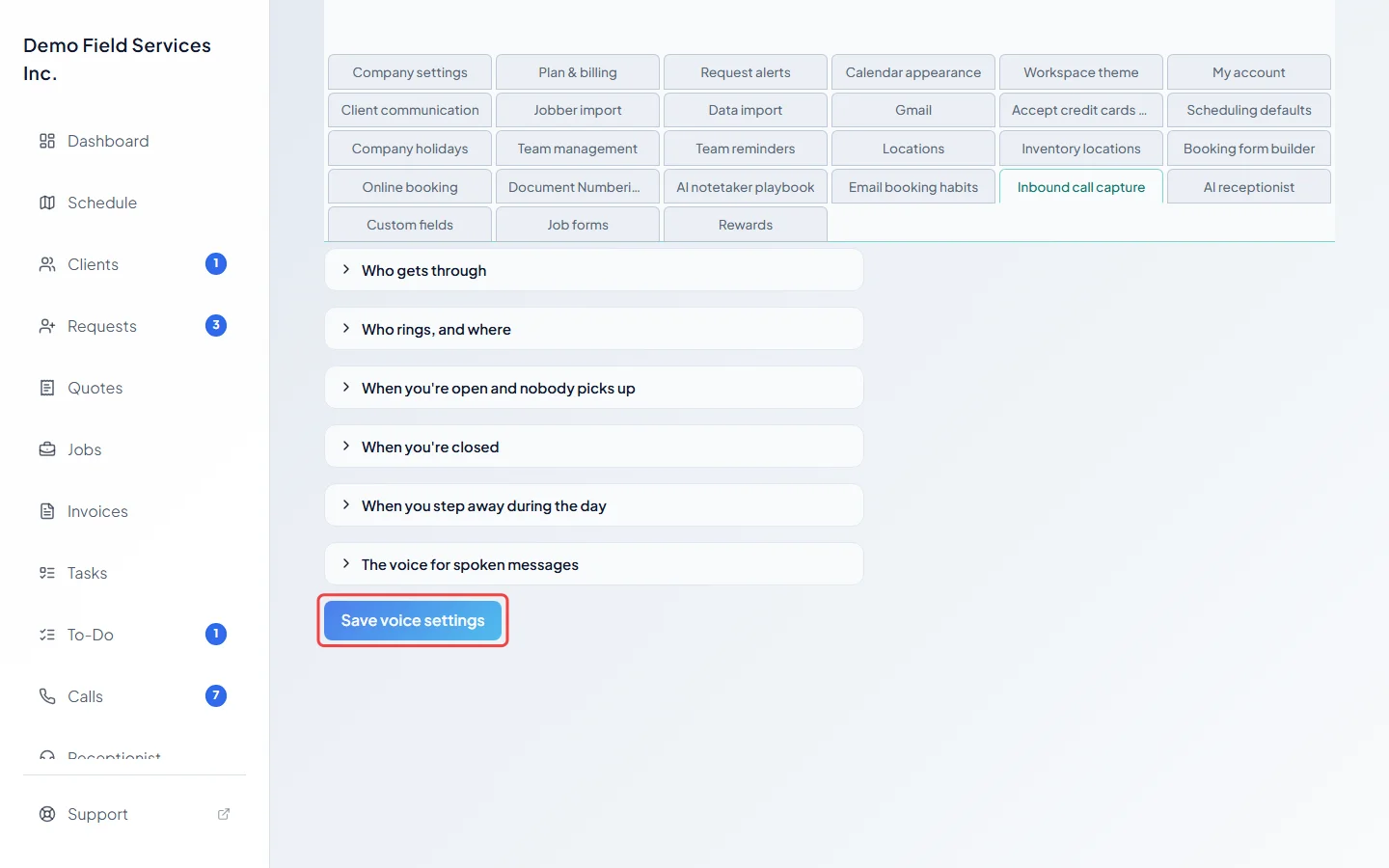
Open Inbound call capture and then Who gets through. Tick any of Block hidden / private caller IDs, Block international callers (anything outside North American +1 numbers) and Block unverified callers (calls flagged as likely spam). The last one stops most robocalls, but can also block real people calling from internet phone apps.
On a computer: Left menu → Settings → Inbound call capture On a phone: More → Settings → Inbound call capture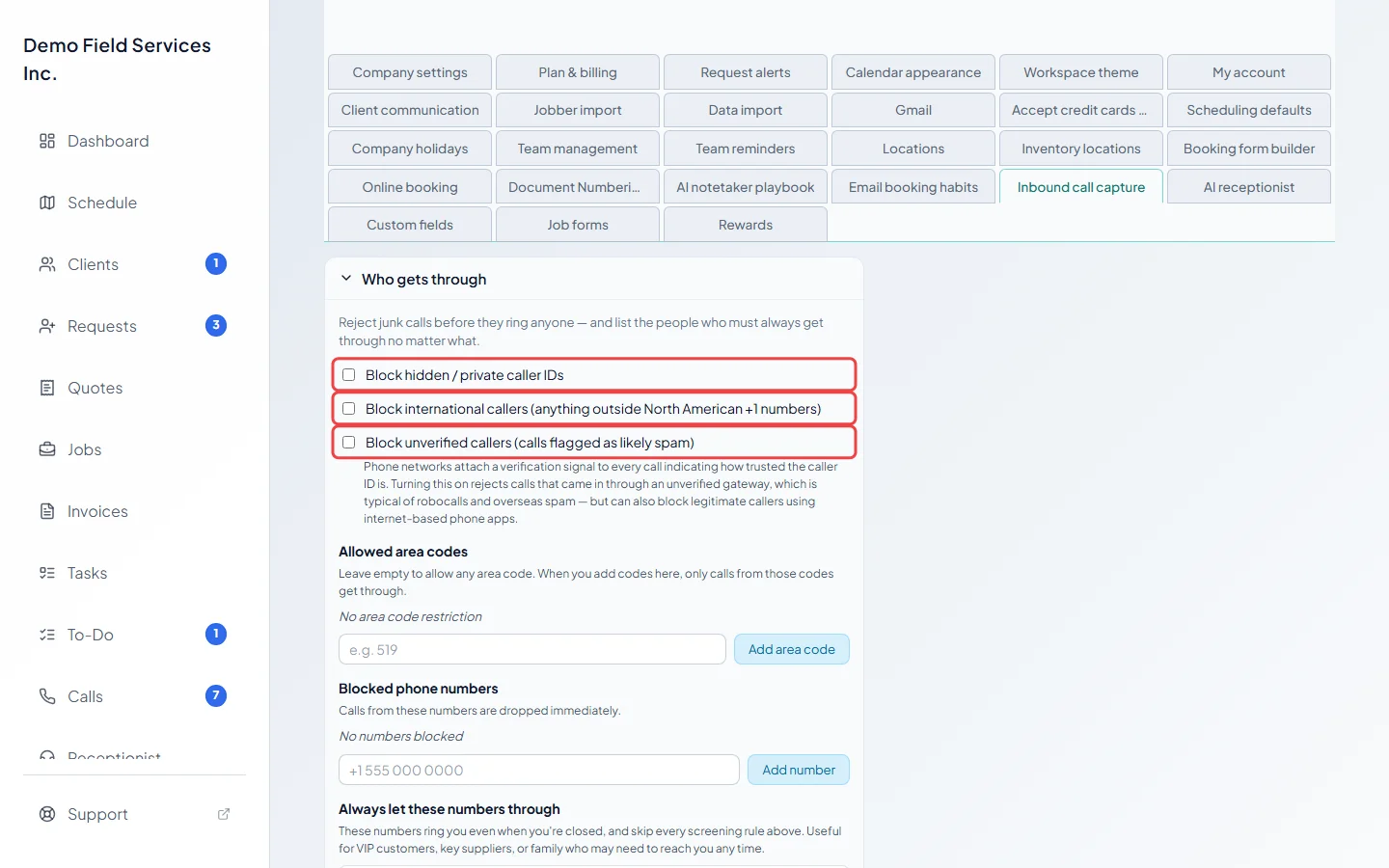
-
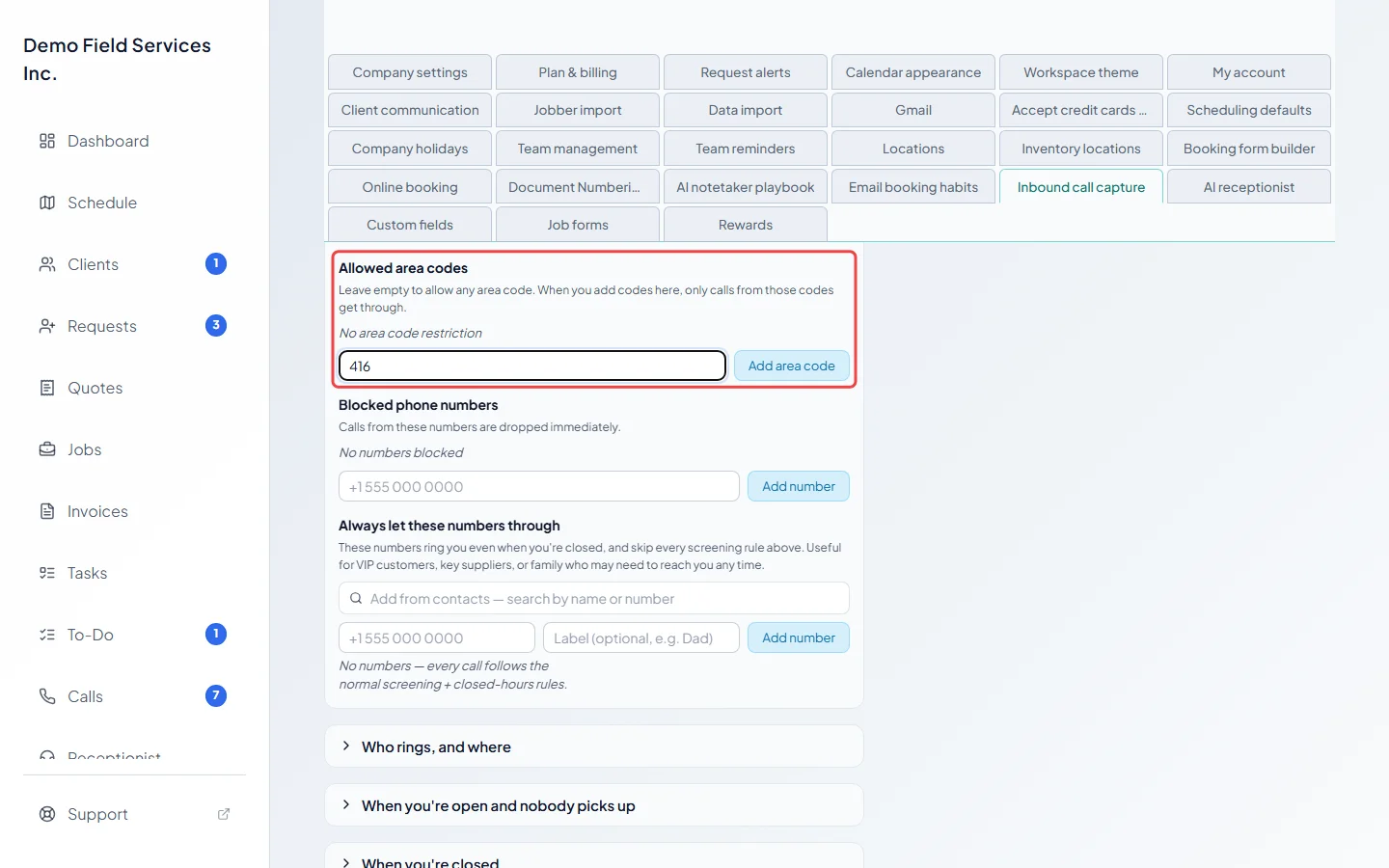
If you only serve certain areas, add their area codes (exactly three digits) under Allowed area codes and click Add area code. Once you add one, only calls from those area codes get through. Leave the list empty to allow any area code.
-
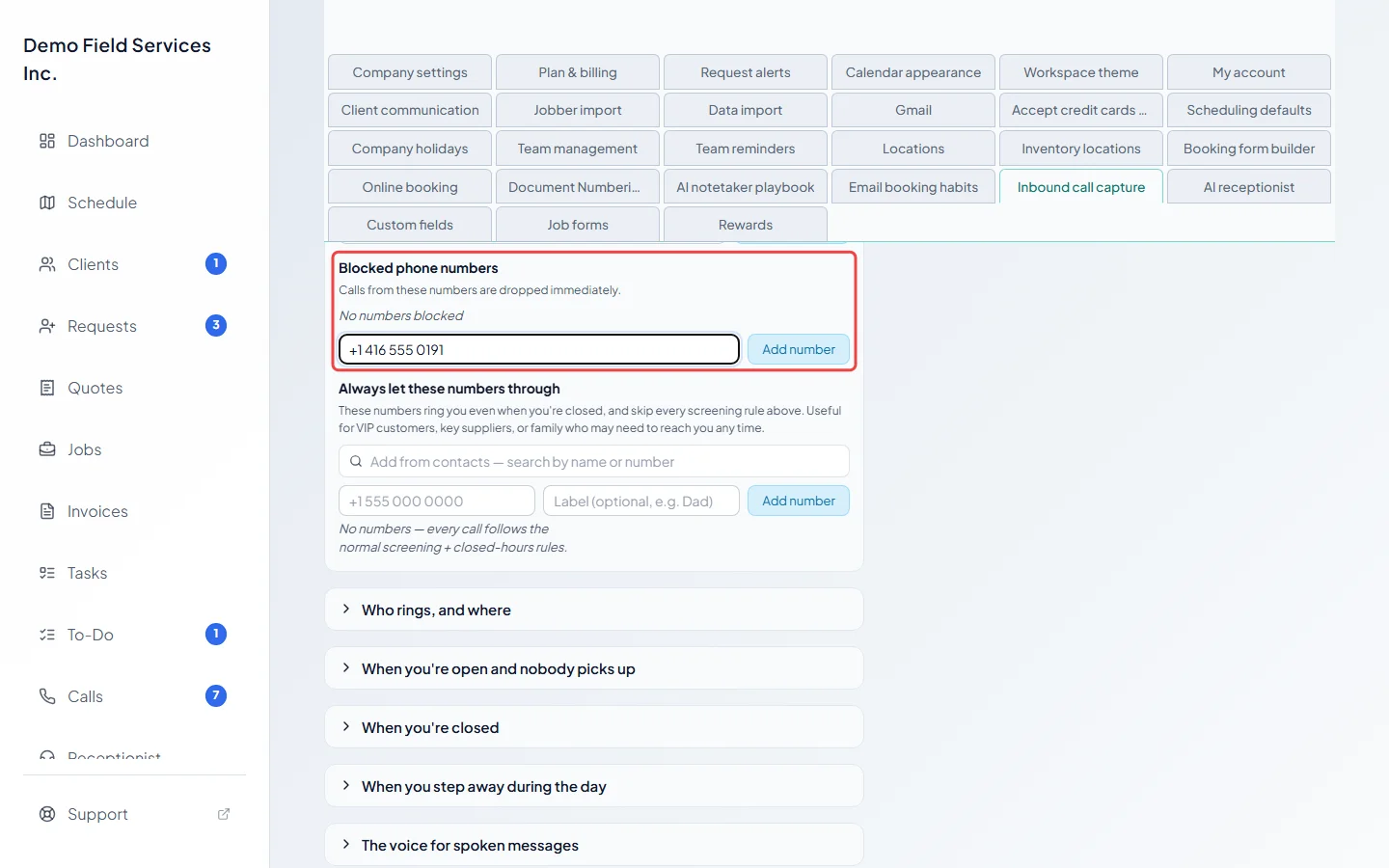
To block one number, type it (at least 7 digits) under Blocked phone numbers and click Add number. Calls from it are dropped straight away. Click the × on a number to unblock it.
-
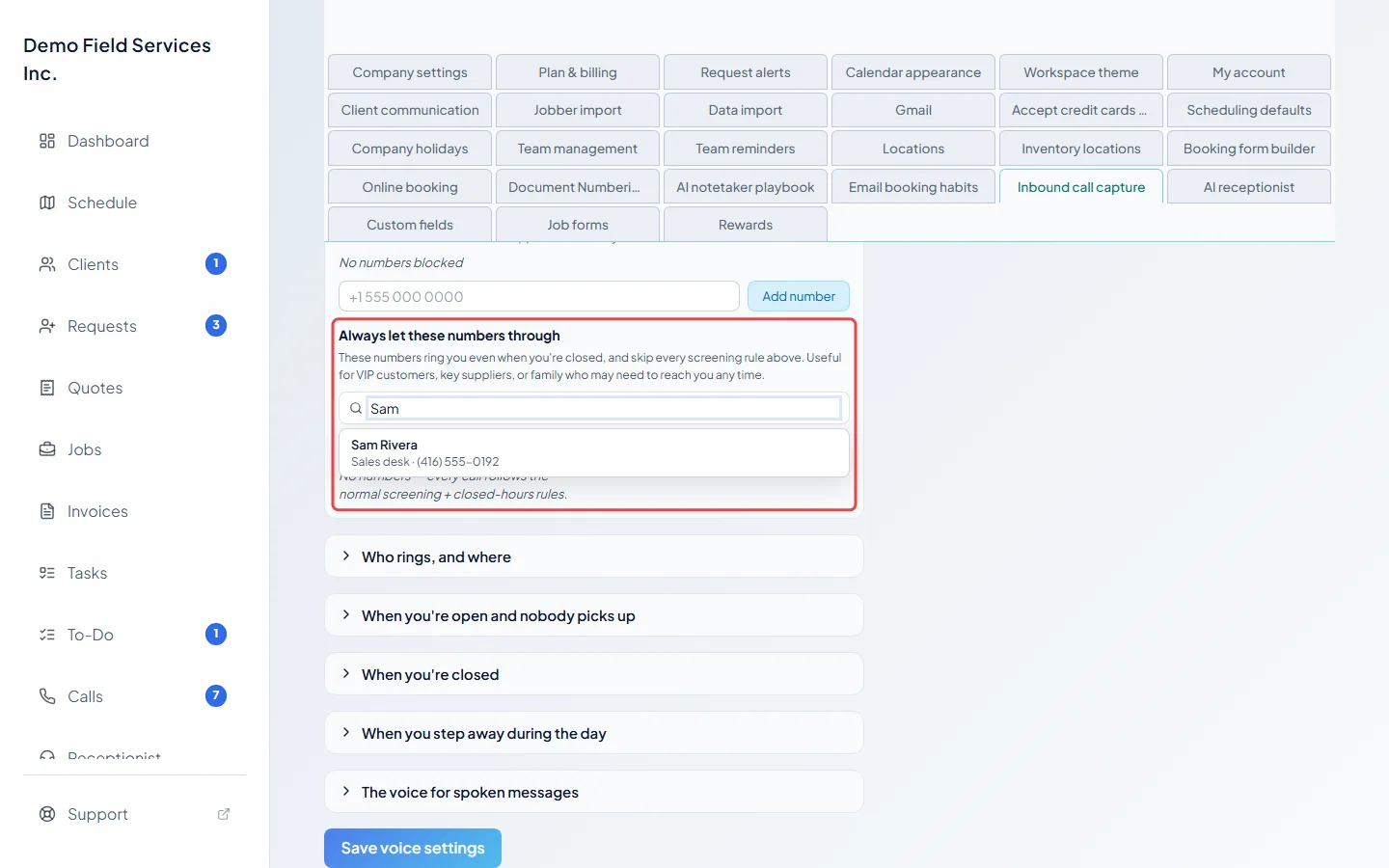
Under Always let these numbers through, add the numbers that must always reach you, such as key clients, suppliers or family. Search your phone contacts in the box at the top, or type a number and an optional label and click Add number. These numbers ring you even when you’re closed, and skip every rule above.
-
Click Save voice settings. Nothing changes until you save.
Block a number from the call itself
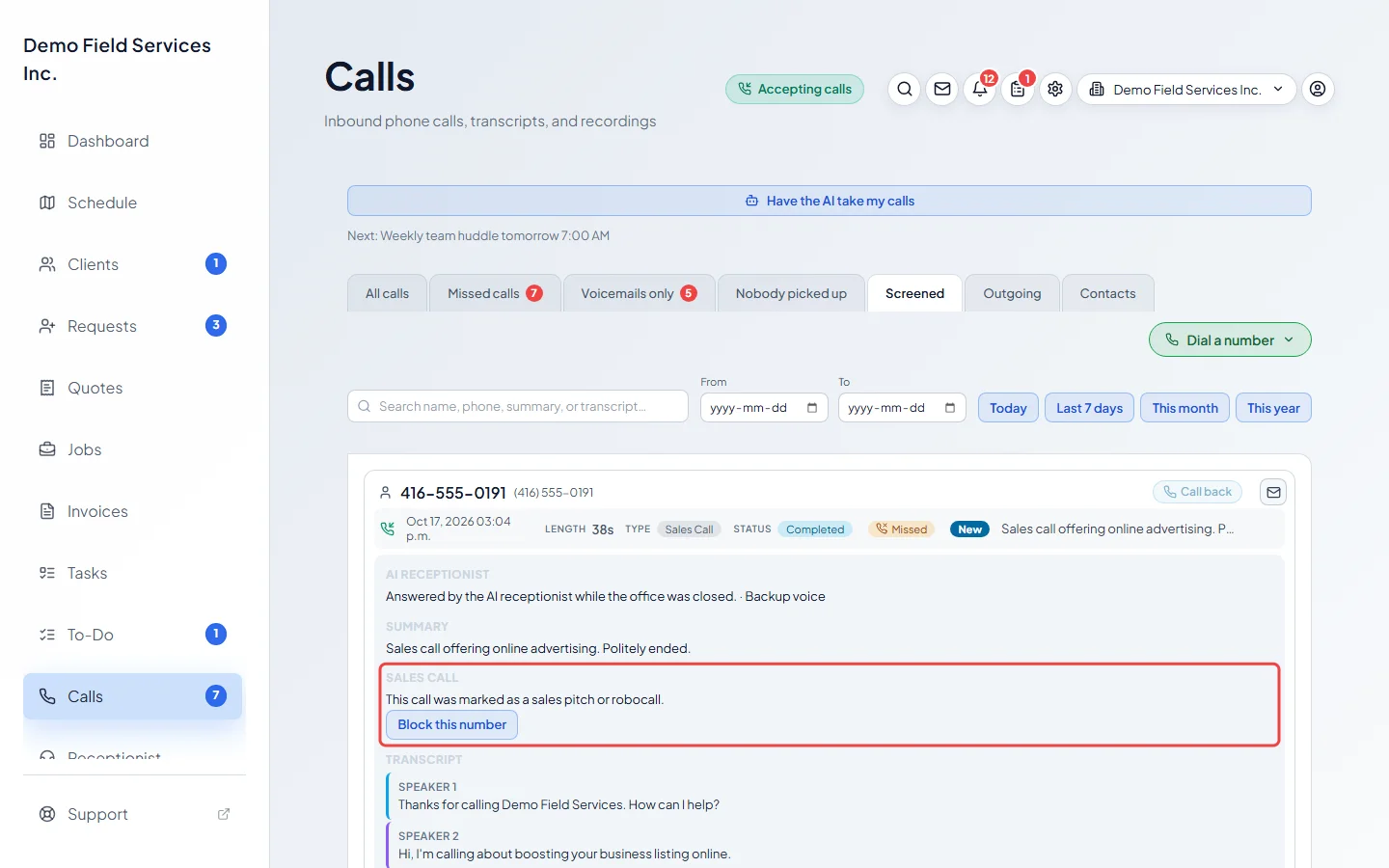
Section titled “Block a number from the call itself”When the AI receptionist ends a sales call, the call shows up under Screened on the Calls page. Open it and click Block this number to add it to Blocked phone numbers straight away, with no need to save. Only admins, dispatchers and accountants can, and it isn’t offered for private numbers.
Good to know
Section titled “Good to know”- The AI receptionist can also end sales pitches and robocalls itself. See What the AI can do for callers.
- Add to allow-list on a phone contact puts all of their numbers on the always-allow list in one click. See Phone contacts.
- Numbers on the always-allow list also ring you during a scheduled break or while your calls are covered.
Related articles
Section titled “Related articles”Checked against Astragal on October 17, 2026