

Who customers reach first
Choose which technician a customer’s calls and texts go to when more than one is on their visit.
Who can do this: Admins and dispatchers.
On the live tracking page, customers can call or text the technician coming to them. When several technicians share a visit, the customer reaches the highest one on this list who is on that visit.
-
Open Team management and scroll past the team list to Who customers reach first.
On a computer: Left menu → Settings → Team management On a phone: More → Settings → Team management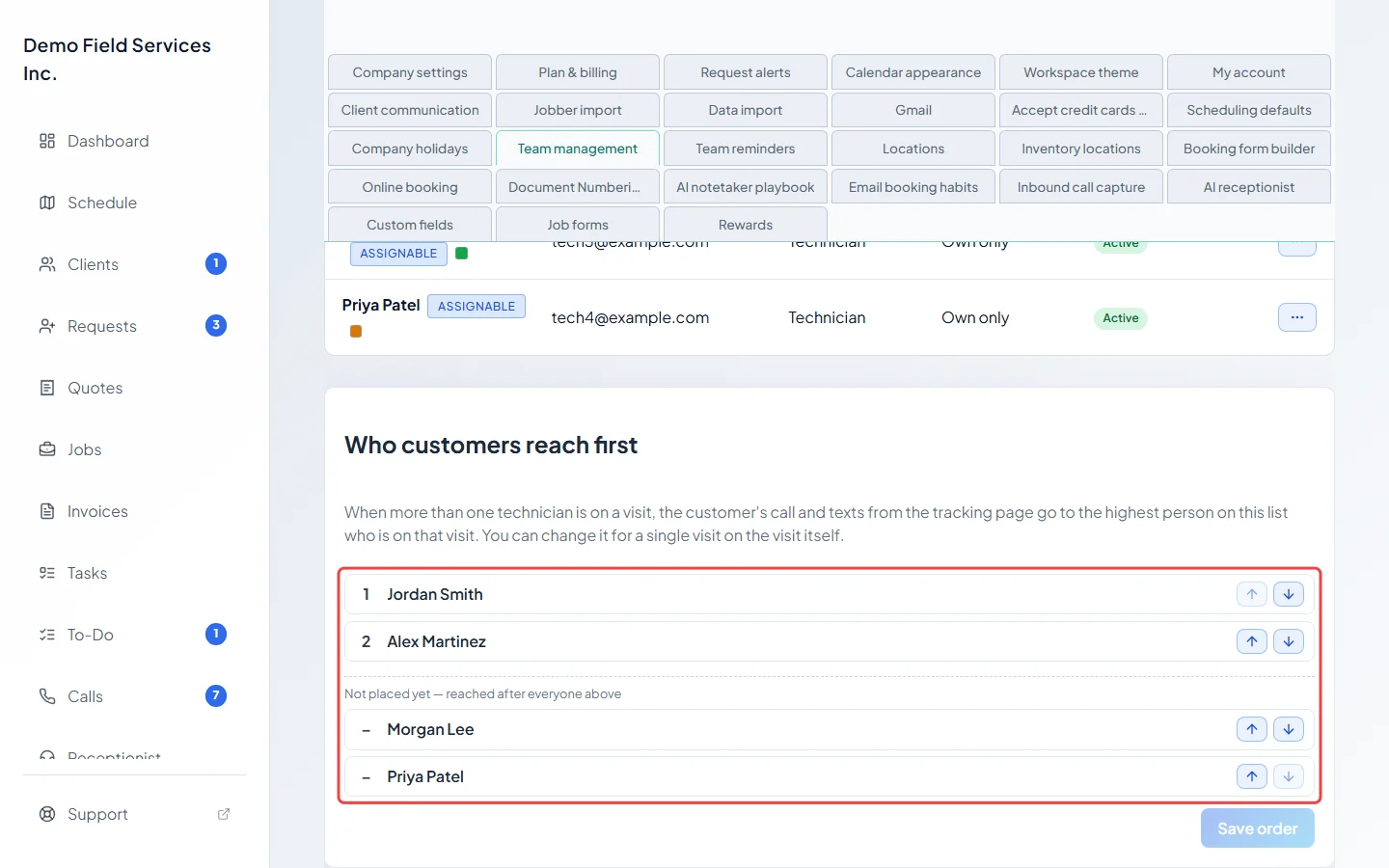
-
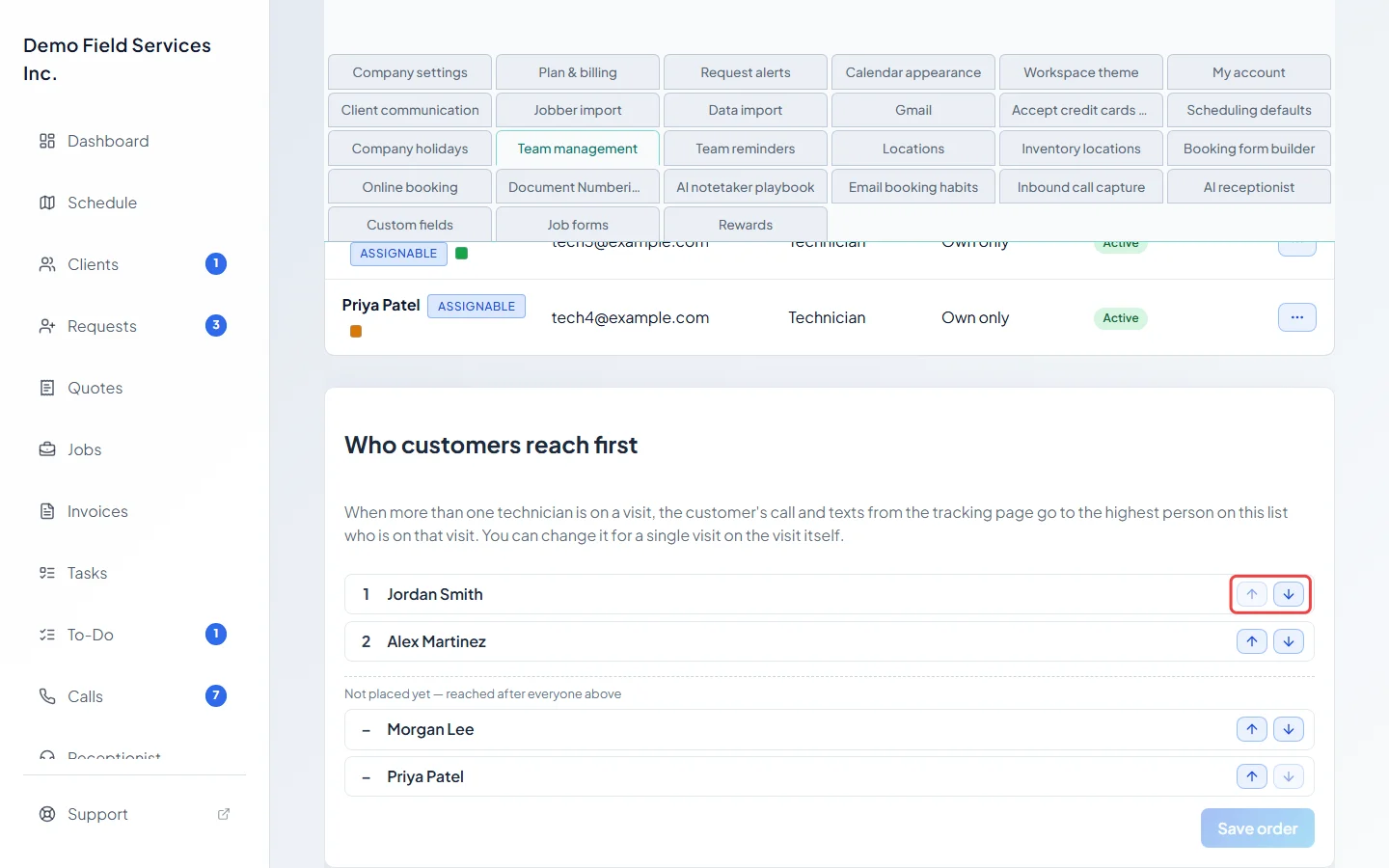
Use the up and down arrows to put people in order. The person at the top is reached first. Moving someone from below the “Not placed yet — reached after everyone above” line places them in the order.
-
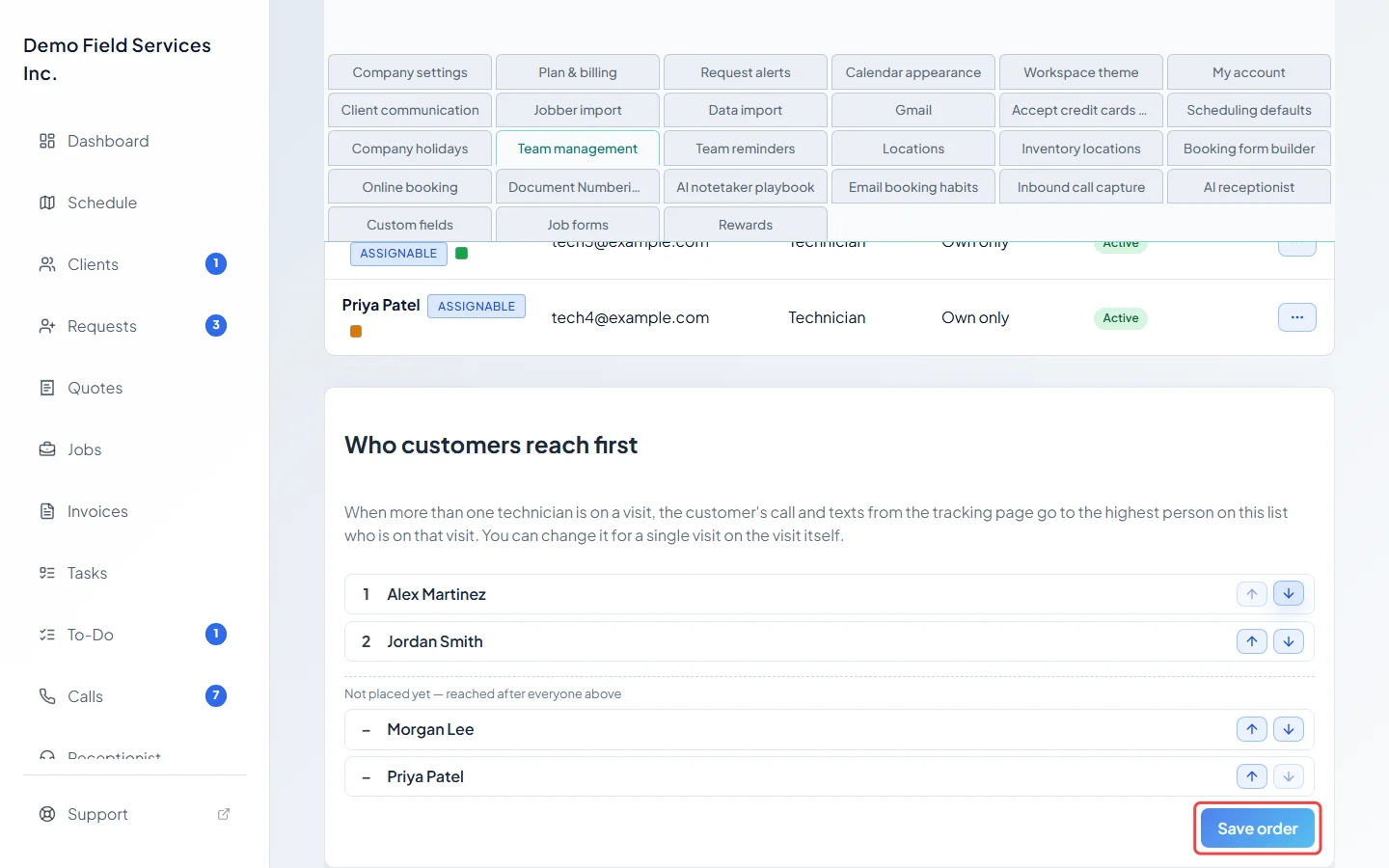
Click Save order. It lights up once you’ve changed the order.
Good to know
Section titled “Good to know”- People below the “Not placed yet” line are reached after everyone above, in alphabetical order.
- A person tagged No phone or login — calls skip them is never put through to a customer, wherever they sit. Give them an active login and a phone number on their profile to change that.
- Only people set to Make assignable (show on calendars and assignment lists) are listed. Anyone deactivated or marked as a former employee drops off the list.
- For one visit, job or request with two or more technicians, pick someone else in Customer calls go to under the technicians.
Related articles
Section titled “Related articles”Checked against Astragal on October 17, 2026