

Paying, invoices and failed payments
Your card, your receipts and your billing dates all start from the plan card on Plan & billing.
Who can do this: Admins add or change the payment method. Dispatchers and accountants can see the billing screen but not change it.
Also called: card on file, receipts.
On a computer: Left menu → Settings → Plan & billing On a phone: More → Settings → Plan & billingAdding or changing your card
Section titled “Adding or changing your card”- With no card on file yet, the button is Add payment method. Choose your plan and add-ons first; the button stays off while you have unsaved picks, with the hint “Update your plan below first, then come back and add your payment method.”
- Once you pay by card, the button is Manage billing.
Add payment method opens the payment provider’s secure checkout page to enter your card. Manage billing opens its billing pages, where you change the card, update your billing address and email, download invoices and receipts, or cancel. We never see or store your card number.
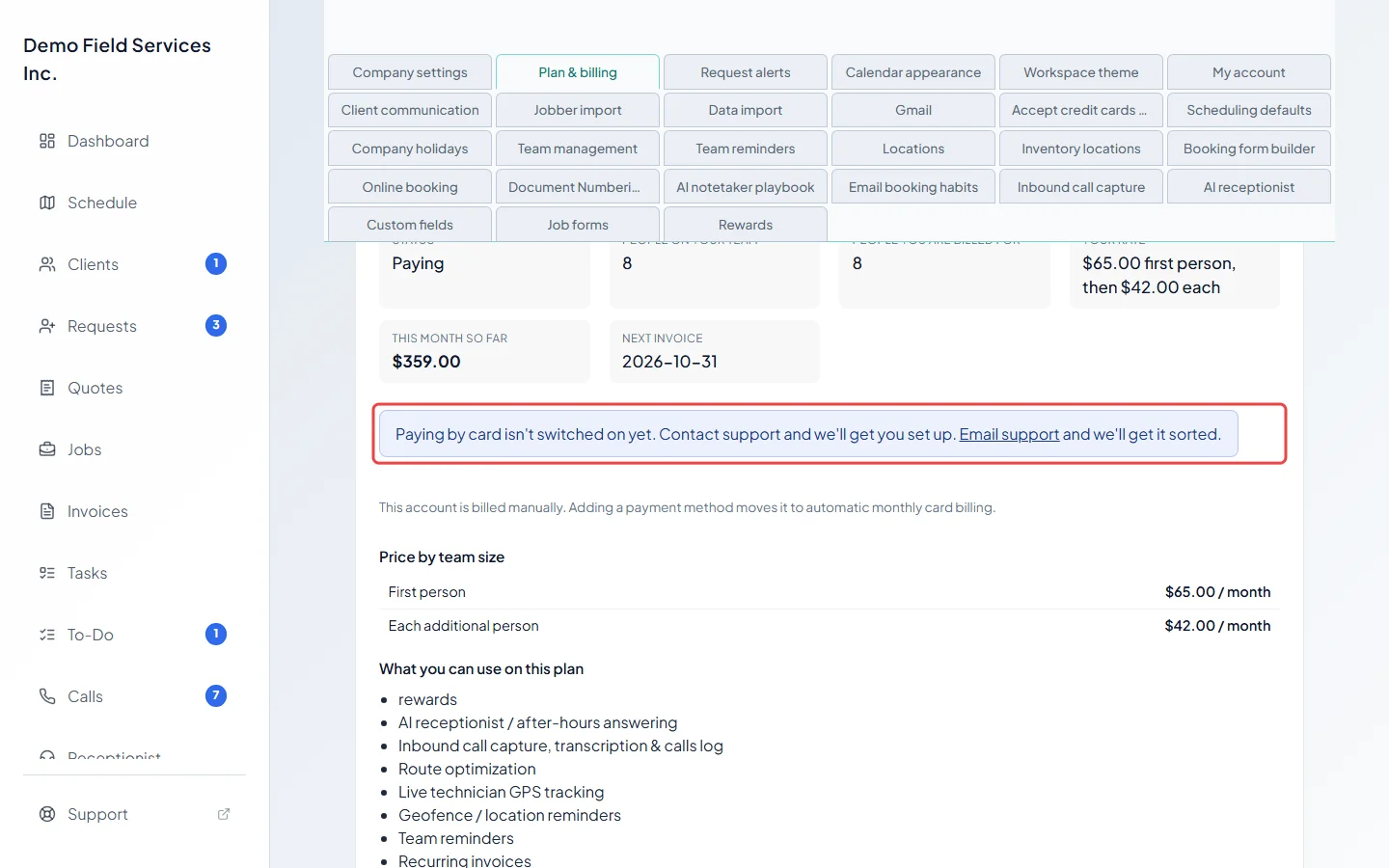
If the screen says “Paying by card isn’t switched on yet. Contact support and we’ll get you set up.” instead, there’s nothing to fix on your side: email support@astragalhq.com.
When you’re billed
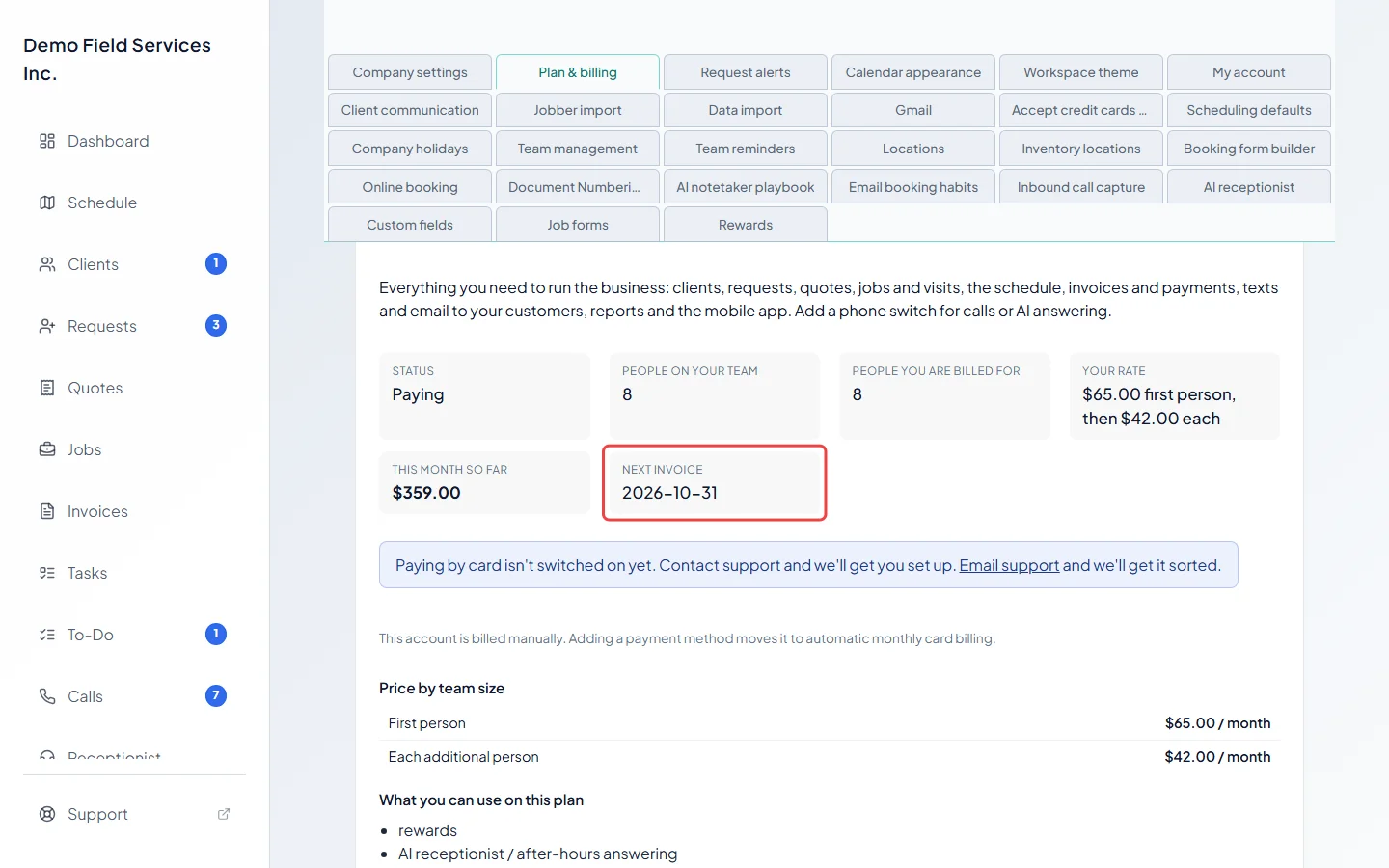
Section titled “When you’re billed”Next invoice on the plan card is the date your billing month turns over.
- Your plan and add-ons are charged at the start of each month, for the month ahead.
- Anything over your included amounts is charged after the month ends, as its own line naming the month.
- On Starter, the fee is charged after the month ends on its own receipt. See The Starter plan.
- Taxes are added where they apply.
Billed by hand
Section titled “Billed by hand”A few companies are invoiced by hand instead of by card. The plan card then says “This account is billed manually. Adding a payment method moves it to automatic monthly card billing.”
If a payment fails
Section titled “If a payment fails”The status changes to Payment did not go through, and a banner tells everyone: “A payment has not gone through. Everything is working normally, but the account turns read-only on” a date, if it isn’t sorted. Admins get an Update your card link to Plan & billing, where Manage billing lets them change the card. The account owner is emailed as soon as the payment fails, again after 3 and 7 days, when the account turns read-only and when it’s paused.
- For 14 days everything keeps working while the card is retried.
- After 14 days the company turns read-only: everything is still there and everyone can sign in and look, but nothing can be created or changed.
- After 28 days the company is paused, and signing in says the account is paused because a payment is outstanding.
As soon as the payment goes through, everything comes back on by itself. We never charge interest or a late fee.
Related articles
Section titled “Related articles”Checked against Astragal on October 17, 2026