

What Astragal is
Astragal runs the day-to-day of a field service business: requests, quotes, scheduling, the work itself, invoices and payments.
Who can do this: Everyone. What you see depends on your role.
Also called: overview, tour, introduction.
Astragal is for any business that sends people out to do work at a client’s property, whatever the trade and whatever the size. You use it in a web browser on a computer, and your team uses the Astragal app or the same website on their phones.
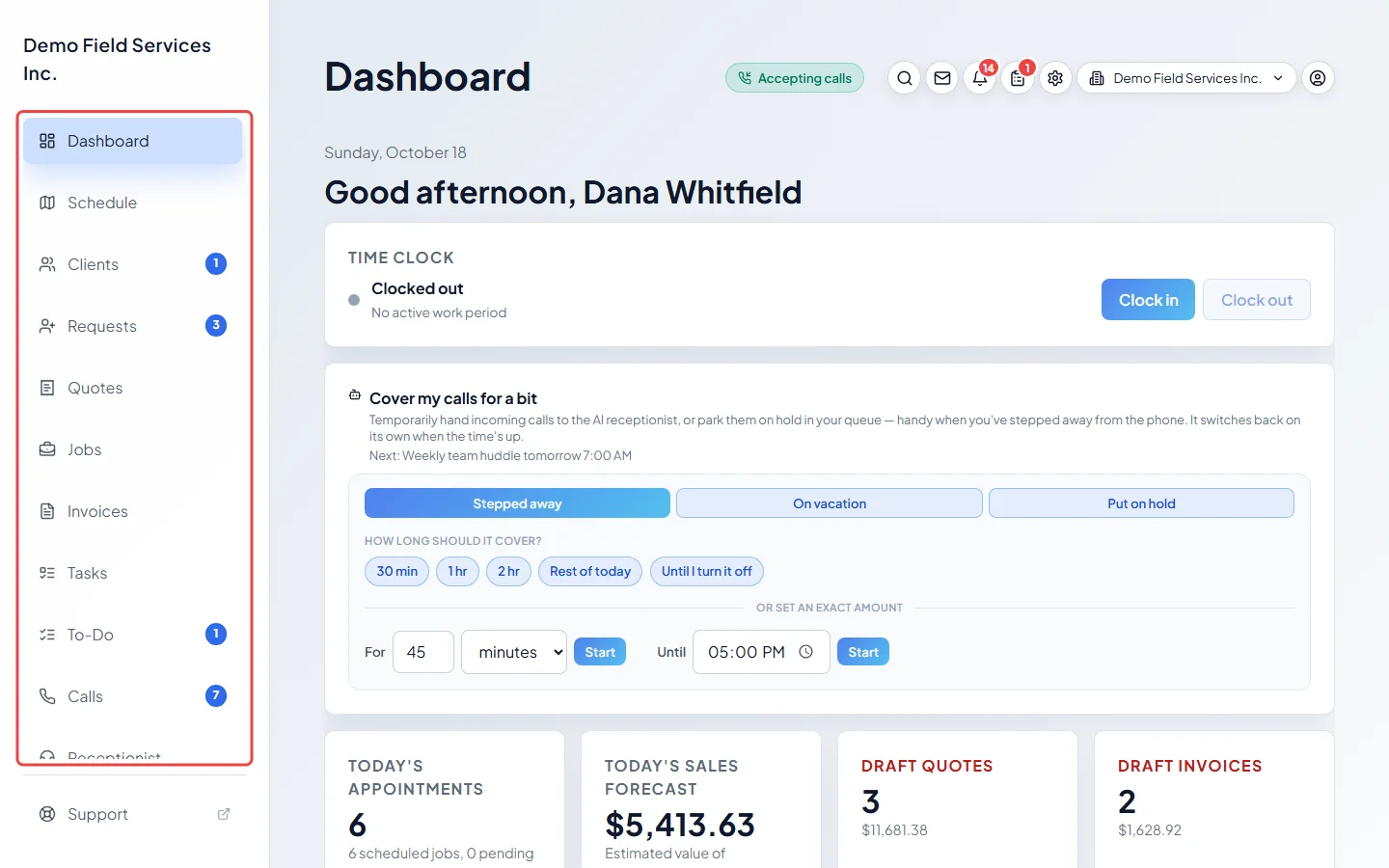
How the work flows
Section titled “How the work flows”Most work follows the same path, and Astragal has a page for each part of it:
- A client asks for work. It lands in Requests, whether it came from a phone call, your online booking page, an email or you typing it in.
- You price it in Quotes and send it. The client approves it online, or you approve it for them.
- The approved quote becomes a job in Jobs, with one or more visits on the Schedule.
- Your team sees their visits on their phones, tells the client they’re on the way, fills in the job form and finishes the visit.
- You send an invoice from Invoices and record the payment, or the client pays by card online.
Everything else (reminders, follow-ups, reports, timesheets) helps one of those parts happen faster or stops something slipping through.
On a phone
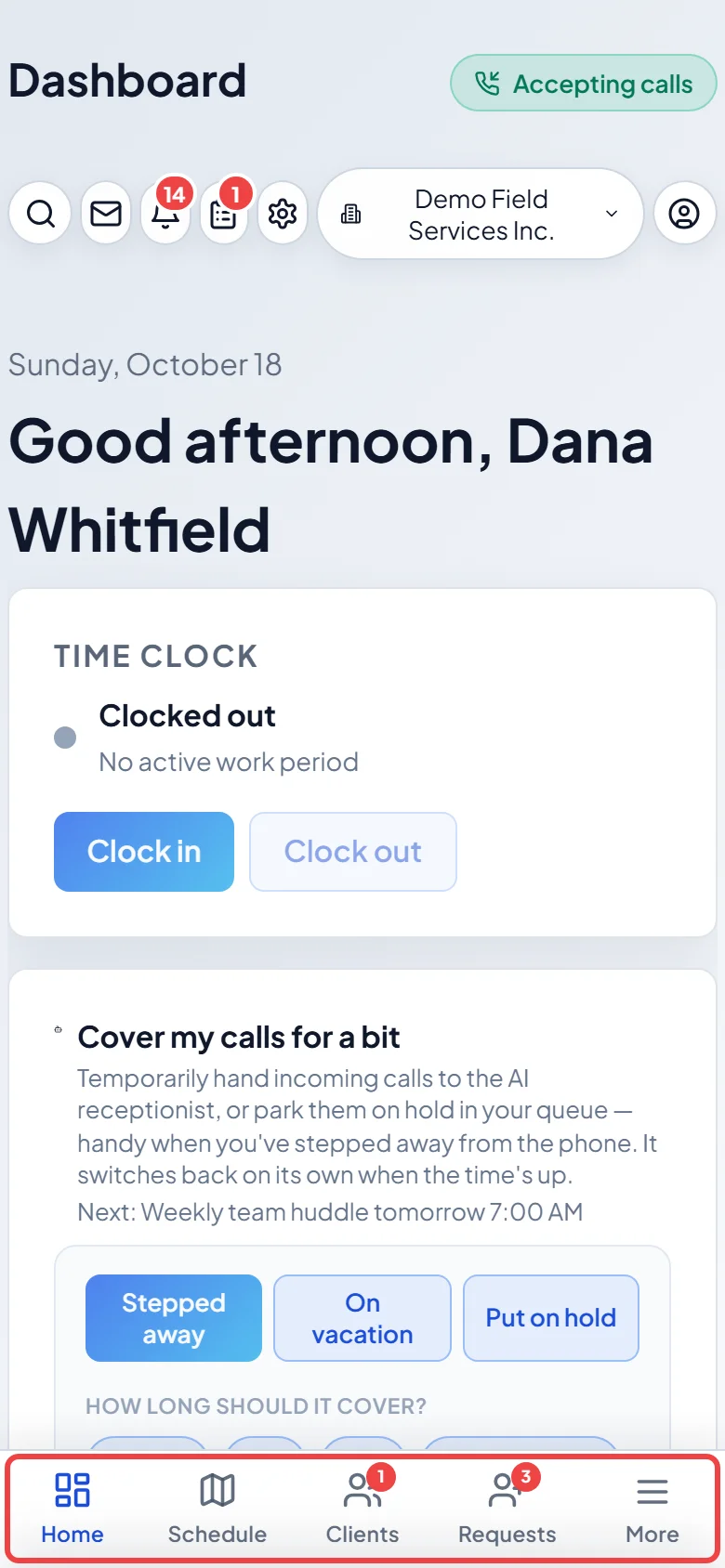
Section titled “On a phone”On a phone, the bar at the bottom has Home, Schedule, Clients and Requests (only the ones you’re allowed to see). Tap More for everything else.
Each person in your company has a role that decides what they see:
- Admin: everything.
- Dispatcher: everything an admin sees, including Settings and Reports, except Templates. For running the day.
- Accountant: the same as a dispatcher, without Reminders. Usually looks after invoices and payments.
- Technician: their own visits and tasks, plus anything else an admin allows.
Inside each page, what someone can change depends on their permissions.
Extras you can add
Section titled “Extras you can add”- Online booking: a public page where clients book themselves into your schedule. See Setting up online booking.
- Client portal: a page where each client sees their quotes, visits and invoices and pays online. See The client portal.
- Phone line and AI receptionist: paid add-ons that answer calls, take bookings and keep every call in Astragal. See Phone add-ons.
Where to start
Section titled “Where to start”- Owners and office staff: Set up your company, the first of six short steps.
- Technicians: Your first day on the phone.
- Coming from another app: Moving your data from Jobber or another app.
Related articles
Section titled “Related articles”Checked against Astragal on October 18, 2026