

Scheduling defaults
Set the length and arrival window new work starts with, so you don’t have to type them every time.
Who can do this: Admins, dispatchers and accountants.
Also called: default appointment length, arrival window, time window.
-
Open Scheduling defaults and pick how long new work lasts: Default appointment duration for jobs, Default task duration for tasks and Default request duration for requests. Each goes from 15 min to 720 min (12 hours).
On a computer: Left menu → Settings → Scheduling defaults On a phone: More → Settings → Scheduling defaults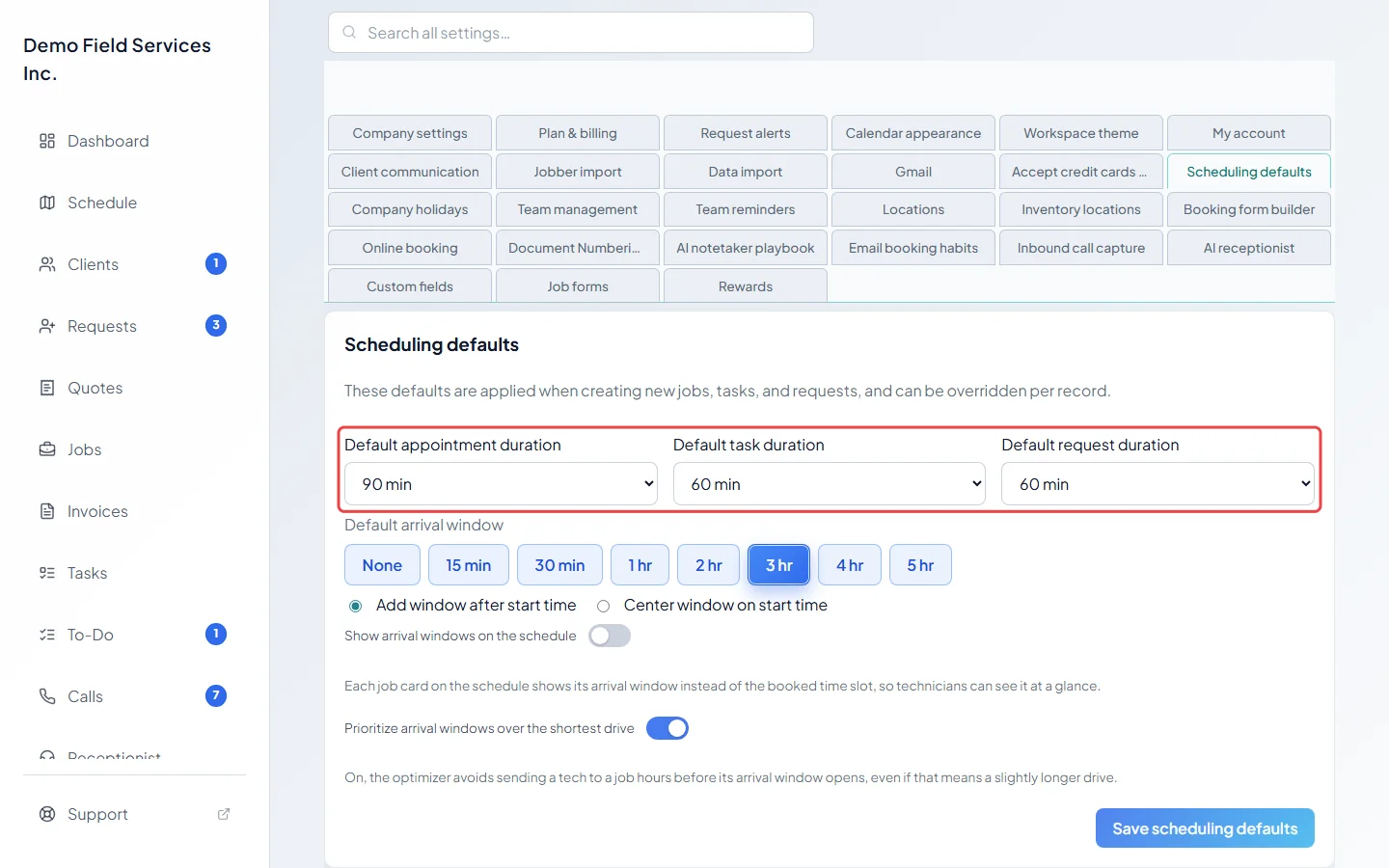
-
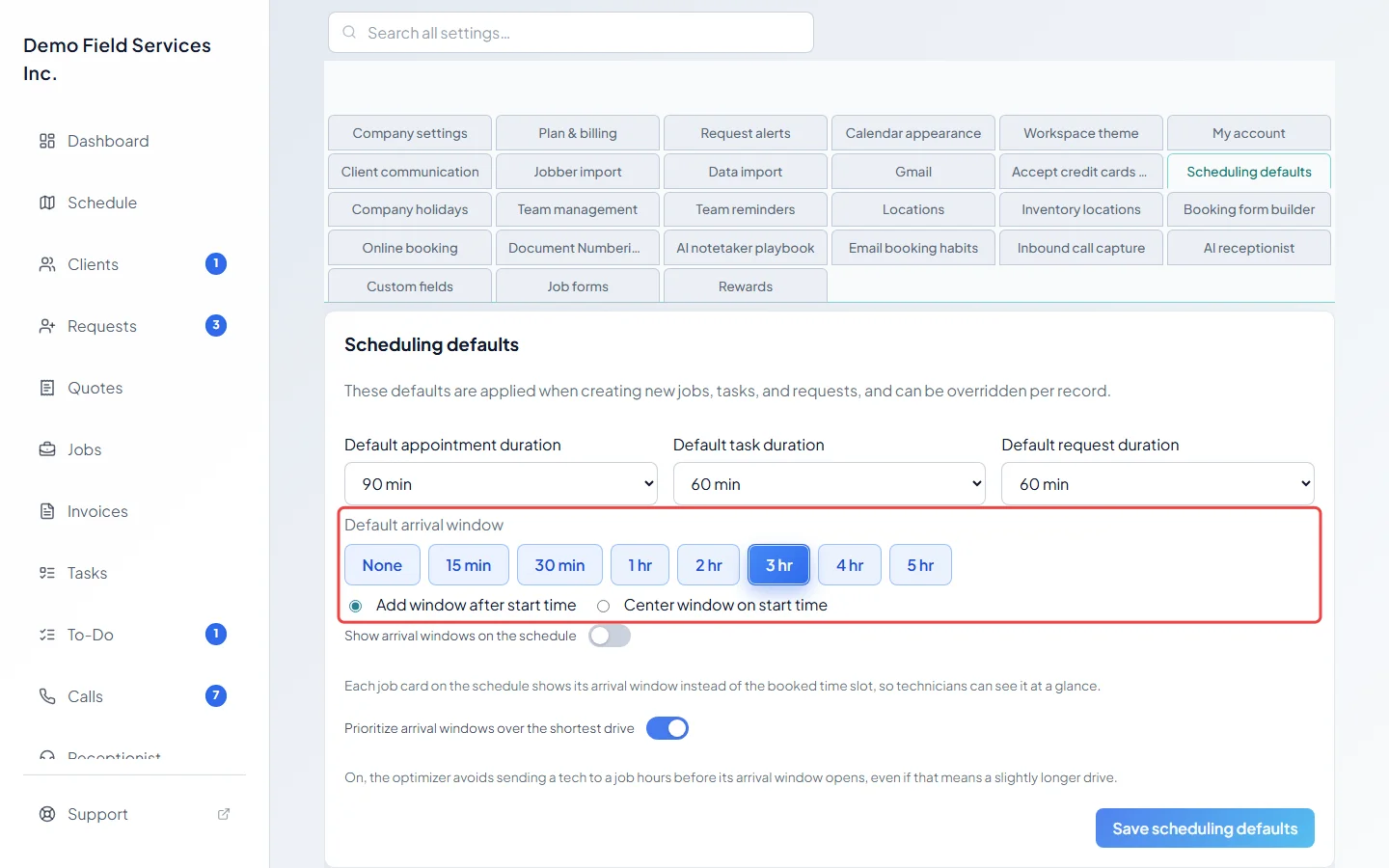
Under Default arrival window, pick how wide a window you promise clients, from None up to 5 hours. Then choose where the window sits: Add window after start time (a 9:00 visit with a 3 hour window means 9:00 to 12:00) or Center window on start time (7:30 to 10:30).
-
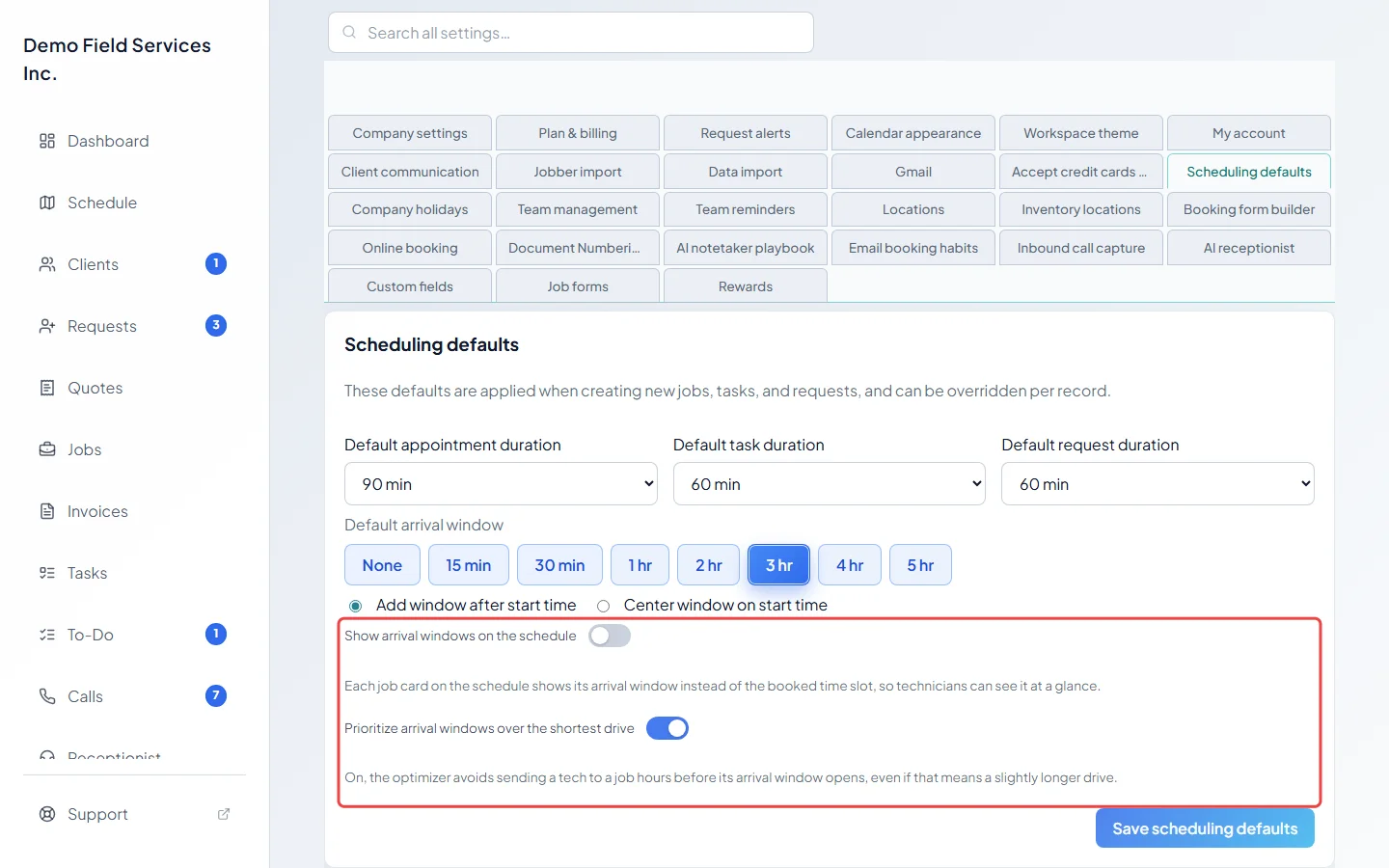
Turn on Show arrival windows on the schedule if job cards on the schedule should show the arrival window instead of the booked time. Leave Prioritize arrival windows over the shortest drive on so the route optimizer and online booking avoid sending a technician to a job hours before its window opens, even if the drive is a little longer. The same switch is on the map’s route panel; changing it there changes it here too.
-
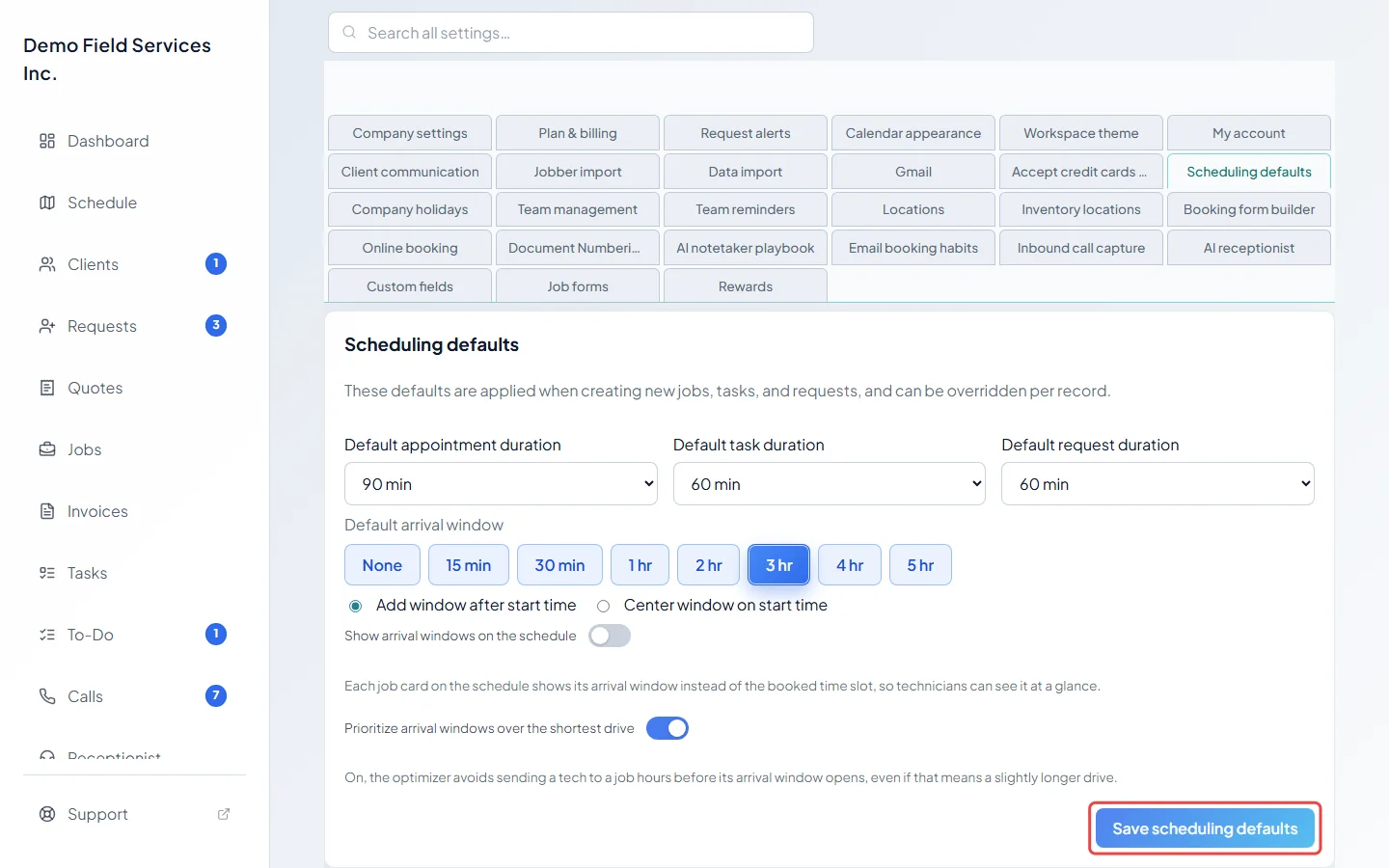
Click Save scheduling defaults. Nothing on this card is saved until you do.
Good to know
Section titled “Good to know”- These are only starting values. You can change the length on any job, task or request, and the arrival window on any job or request.
- Jobs saved without their own arrival window follow whatever the default is now.
- A new company starts with 60 minutes and a 3 hour window after the start time, unless you changed them while setting up your company.
Related articles
Section titled “Related articles”Checked against Astragal on October 18, 2026