

Privacy and recordings
What is recorded on your calls, where it’s kept, and how to tell callers.
Who can do this: Admins, dispatchers and accountants change the recording settings. Admins, and the people on the incoming calls list, can see and play calls.
Add-on: Phone lineAlso called: call recording, recording consent.
What’s kept from each call
Section titled “What’s kept from each call”For each call, Astragal keeps the caller’s number, when it happened and how long it lasted, who answered or placed it, the recording, the transcript, a short summary and, for calls the AI receptionist took, its notes. Voicemails are kept the same way. All of it is on the Calls page. There’s no button to delete a call; to have one removed, email support@astragalhq.com.
Recordings aren’t deleted automatically. After 45 days they’re moved into Astragal’s own storage, so they still play. A caller can ask the AI receptionist not to record them: the recording stops and the audio is deleted.
Who can see and hear calls
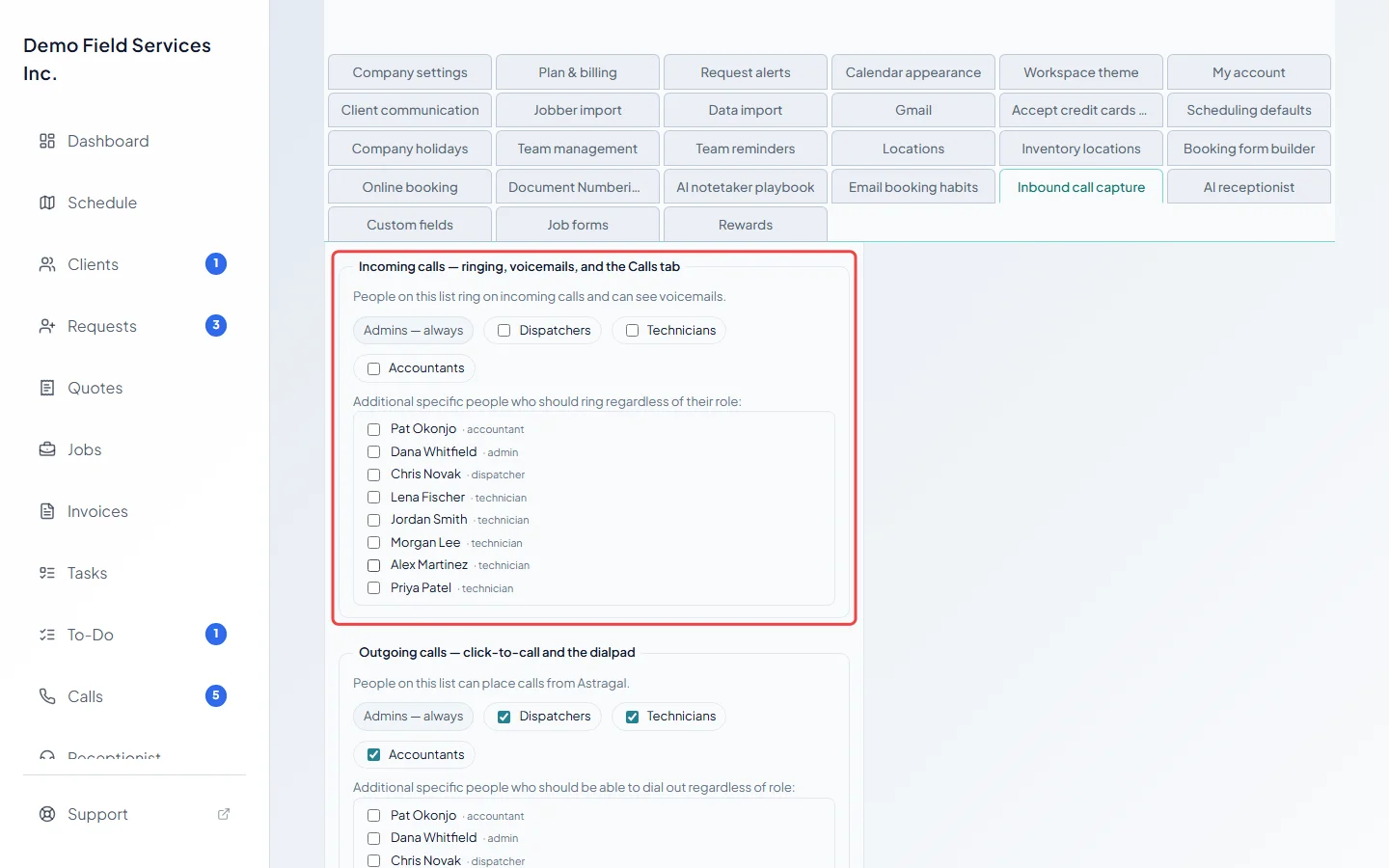
Section titled “Who can see and hear calls”Only admins and the people on the incoming calls list under Who rings, and where can open the Calls page and play recordings. See Who rings and what callers hear.
Calls your team answers
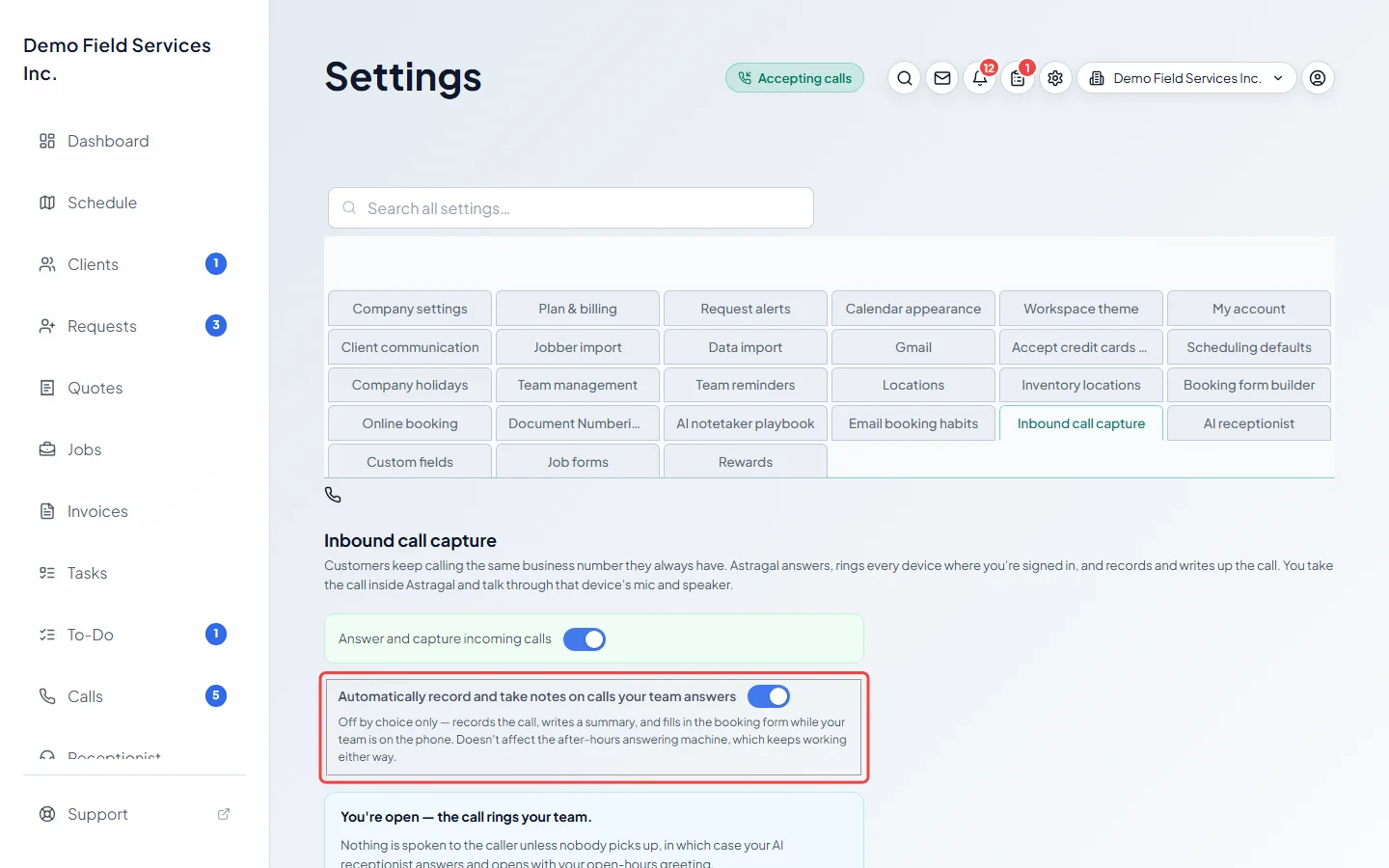
Section titled “Calls your team answers”Automatically record and take notes on calls your team answers is on unless you turn it off. While it’s on, those calls are recorded, transcribed and written up, and the booking form fills in as you talk. Turning it off doesn’t change the after-hours answering, which keeps working either way. During a single call, Pause live AI in the call window stops sending what’s said to the AI for the rest of that call; the call itself is still recorded.
Telling callers they’re recorded
Section titled “Telling callers they’re recorded”Some regions require you to tell callers a call is recorded. Check the rules where you work.
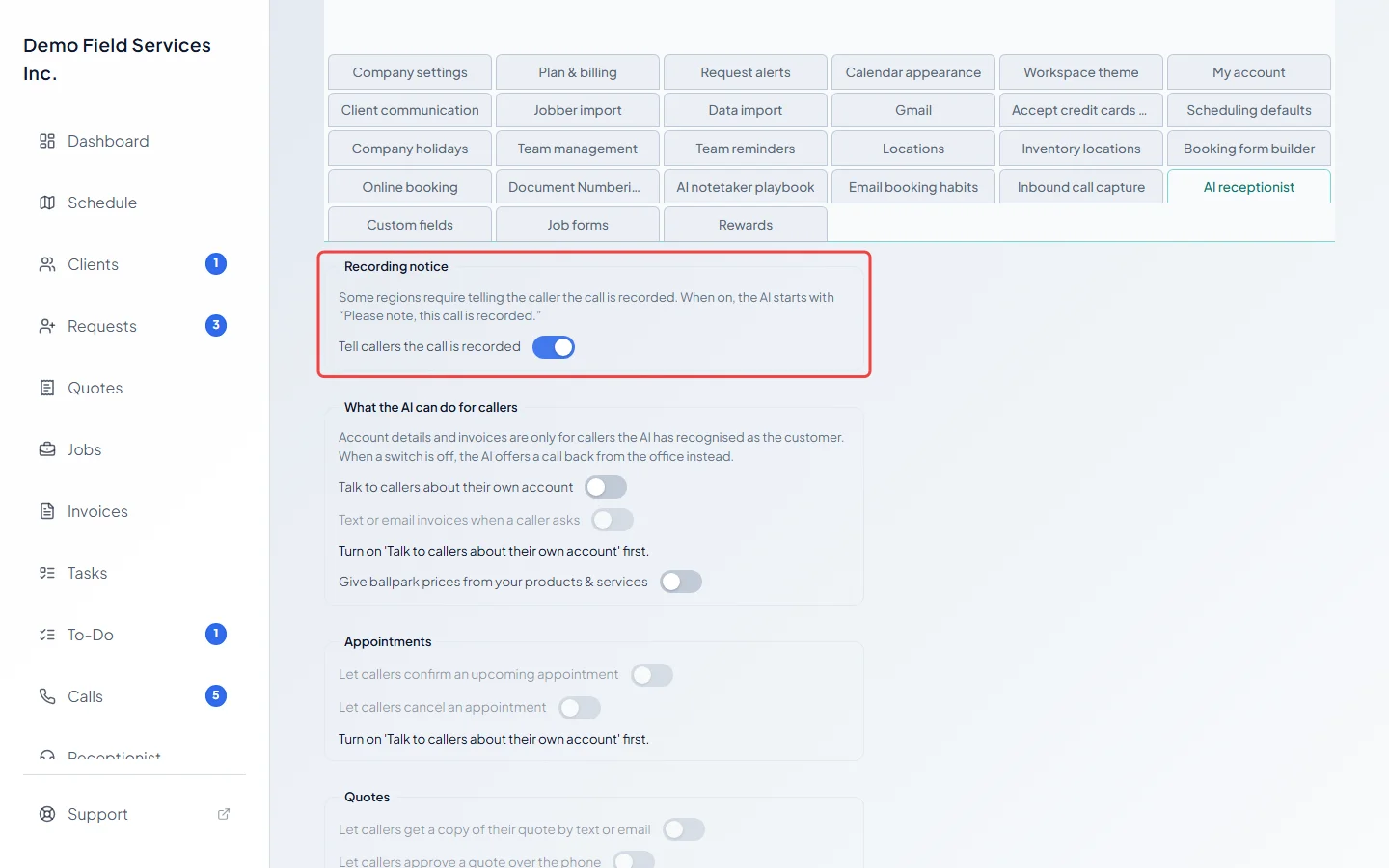
- When the AI receptionist answers, Tell callers the call is recorded makes it start with “Please note, this call is recorded.” It’s on unless you turn it off.
- When the AI receptionist phones a client for you, it always says the call is recorded.
- On calls your team answers, Astragal doesn’t play a notice. Add one to your greetings, or say it yourself.
How the AI uses your calls
Section titled “How the AI uses your calls”Call audio and transcripts are processed by speech-to-text and AI services to write the transcript, the summary and the booking details. After you save a booking from a call, the AI may also add a short rule about your business to its playbook. It’s told not to save details about a single client. You can read, edit and remove every rule. See Teaching the AI with rules.
Related articles
Section titled “Related articles”Checked against Astragal on October 17, 2026