

Filtering a report
Narrow a report down to one client, one property, one technician or one lead source.
Who can do this: Anyone who can open Reports (see The reports page).
-
Open the report you want. The filter bar shows only the filters that report uses, so the choices change from report to report.
On a computer: Left menu → Reports On a phone: More → Reports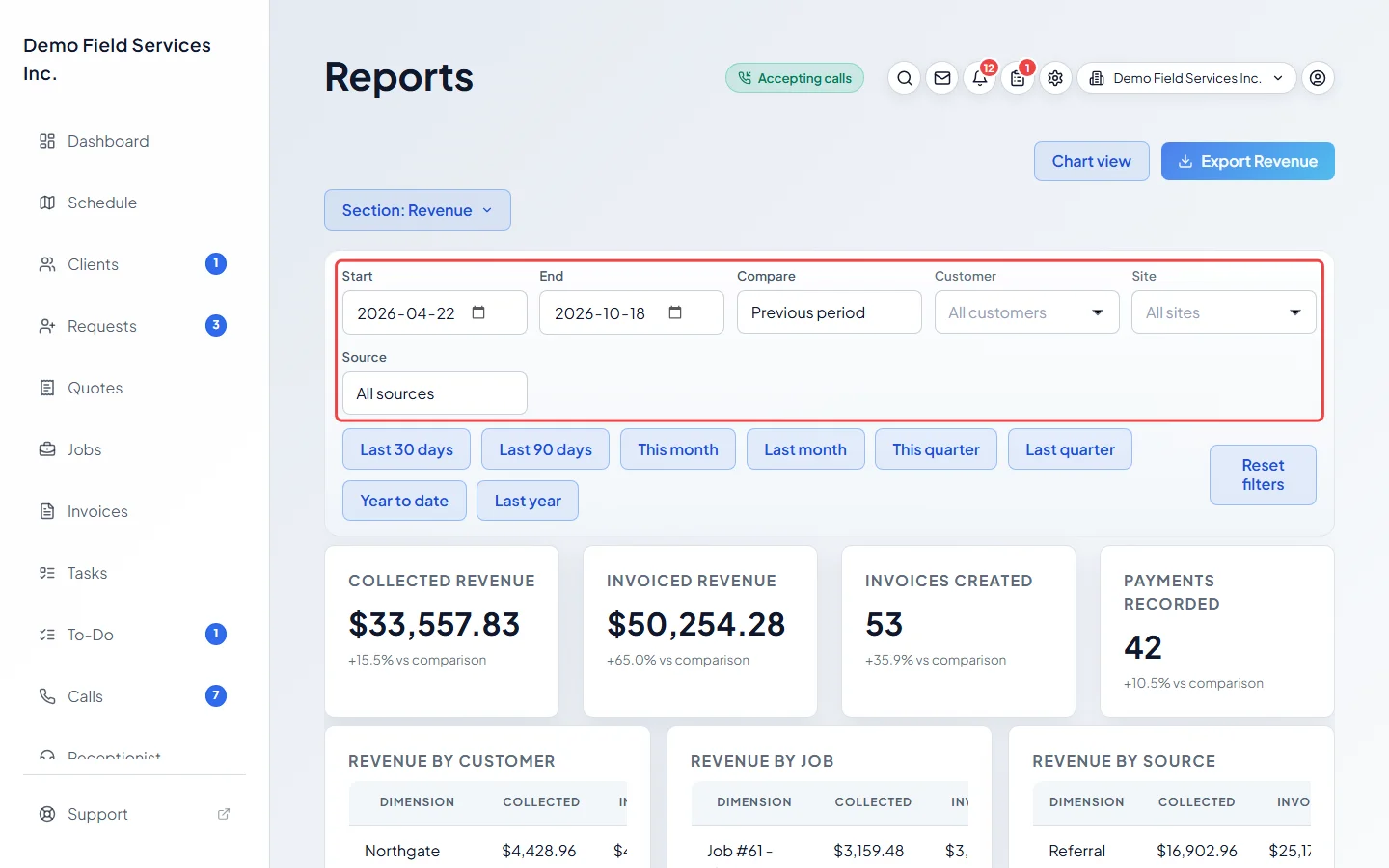
-
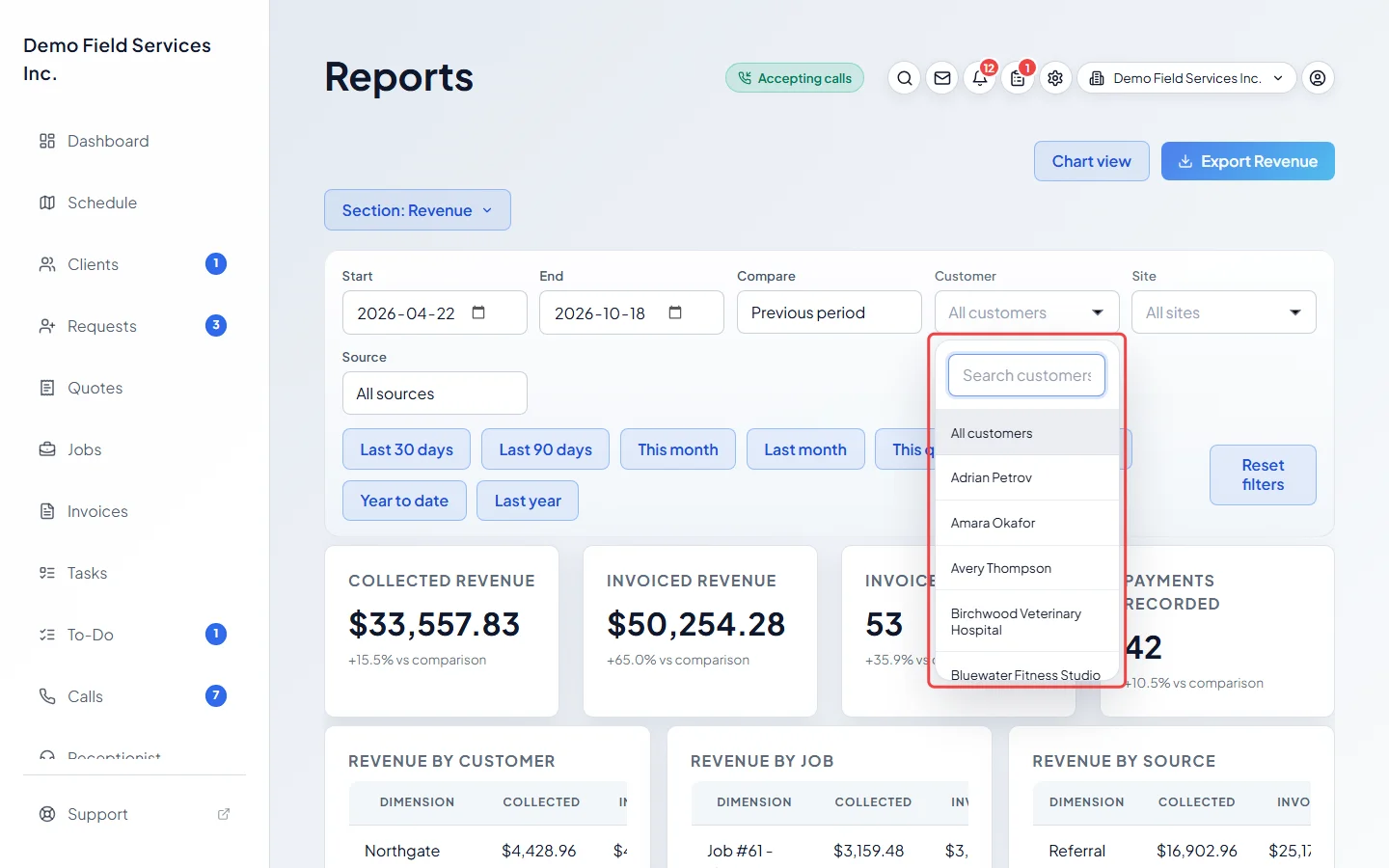
To look at one client, click Customer, type part of their name in Search customers, and pick them. All customers puts it back. Once a client is picked, Site lists only that client’s properties.
-
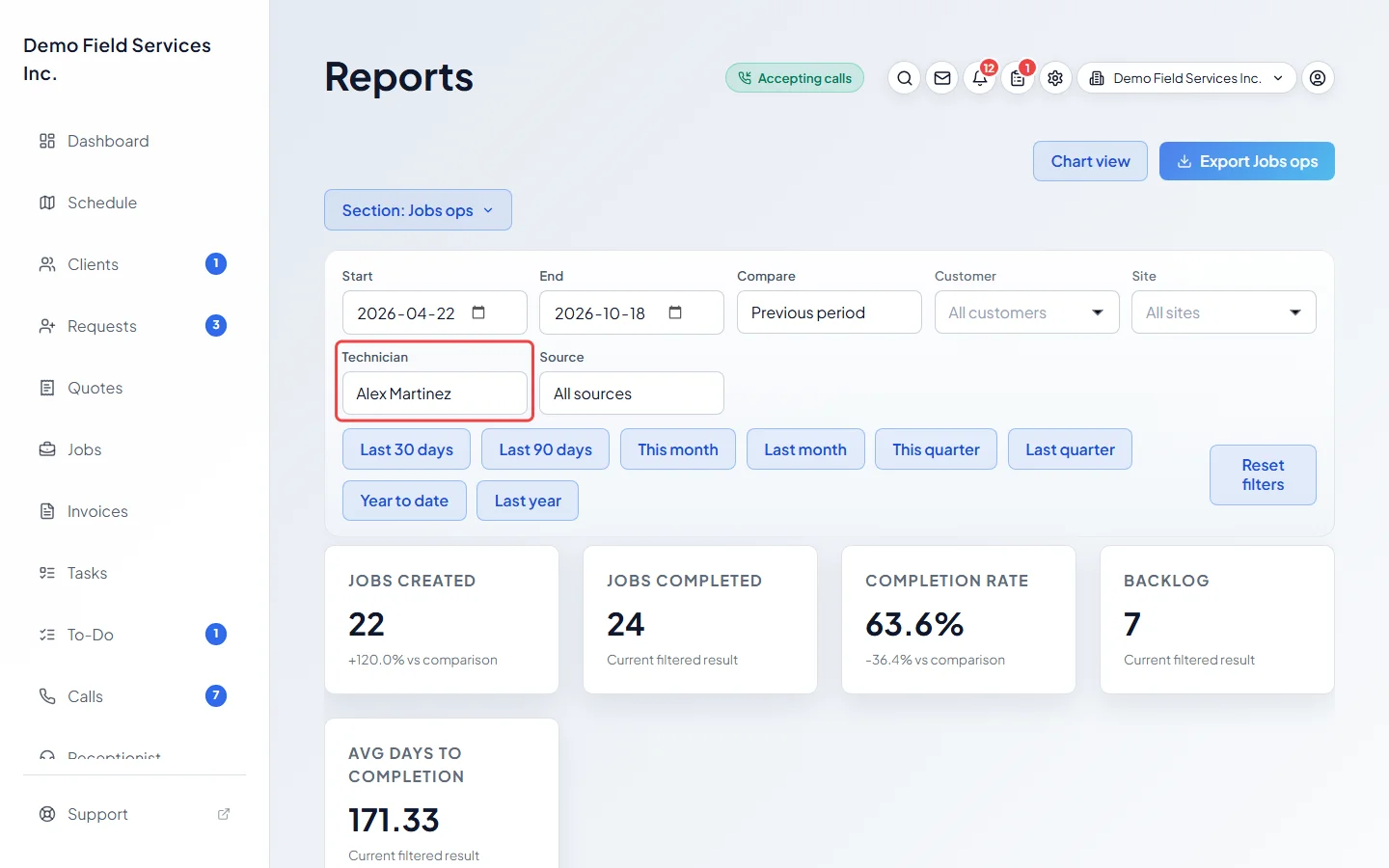
Where the report has them, pick a Technician or a lead Source from their lists. All technicians and All sources clear them.
-
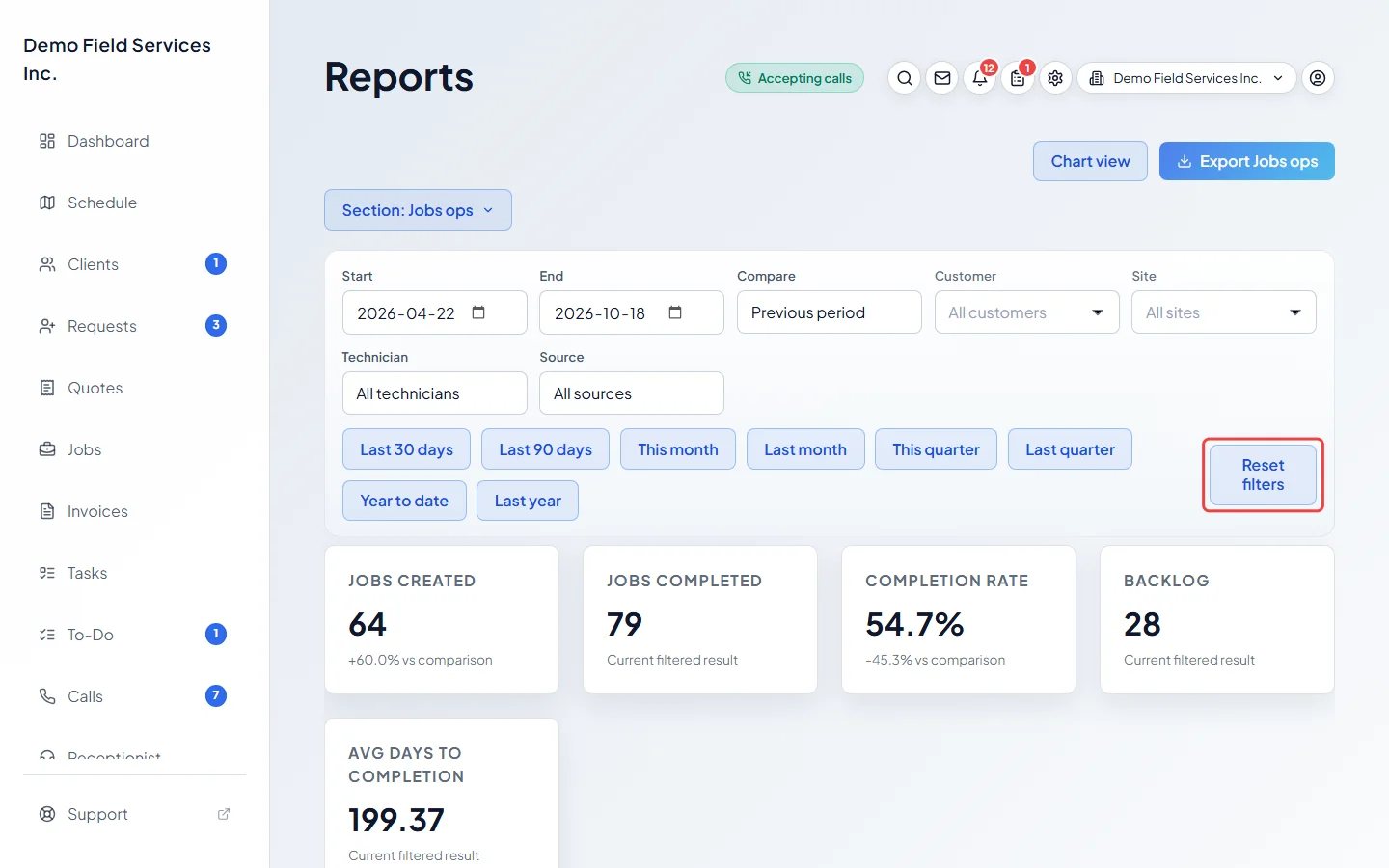
Click Reset filters to clear every filter, including the dates. You stay on the same report.
Good to know
Section titled “Good to know”- Which filters each report has:
- Overview, Revenue, Products & services, Accounts receivable, Quote to cash, Quotes ops, Customer value, Communications, Portal ops, Inventory ops and Purchasing ops: dates, Compare, Customer, Site and Source.
- Requests & leads, Jobs ops, Technician ops and Workforce ops: the same, plus Technician.
- Sales tax: dates and Show tax. Bank deposits and Salesperson performance: dates only. Bad debt: dates and Customer.
- Visits: dates, Technician, Status and Include unscheduled. Job form answers: dates and Form. Timesheets and Team productivity: dates and Technician. Mileage: dates, Technician, Unit and Only while clocked in.
- Customers who haven’t been back: No work in the last and Source. Contact list and Property list have no filters.
- Inventory ops and Purchasing ops show the client, property, technician and source filters, but their figures don’t change with them. Workforce ops uses only the dates and Technician.
- Source is the client’s lead source (where they heard about you). The list shows every lead source set on a client who isn’t archived.
- Filters stay in the page address, so a bookmark keeps them.
Related articles
Section titled “Related articles”Checked against Astragal on October 17, 2026