

Barcode scanning
Use the Scan screen to record stock going out or coming in by scanning a product’s barcode instead of looking it up.
Who can do this: Admins, dispatchers and accountants.
Also called: scanner.
-
Open Scan. In the Astragal phone app, a Scan button next to the Barcode box opens the camera. On a computer, click into the box and use a barcode scanner, or type the code.
On a computer: Left menu → Inventory → Scan On a phone: More → Scan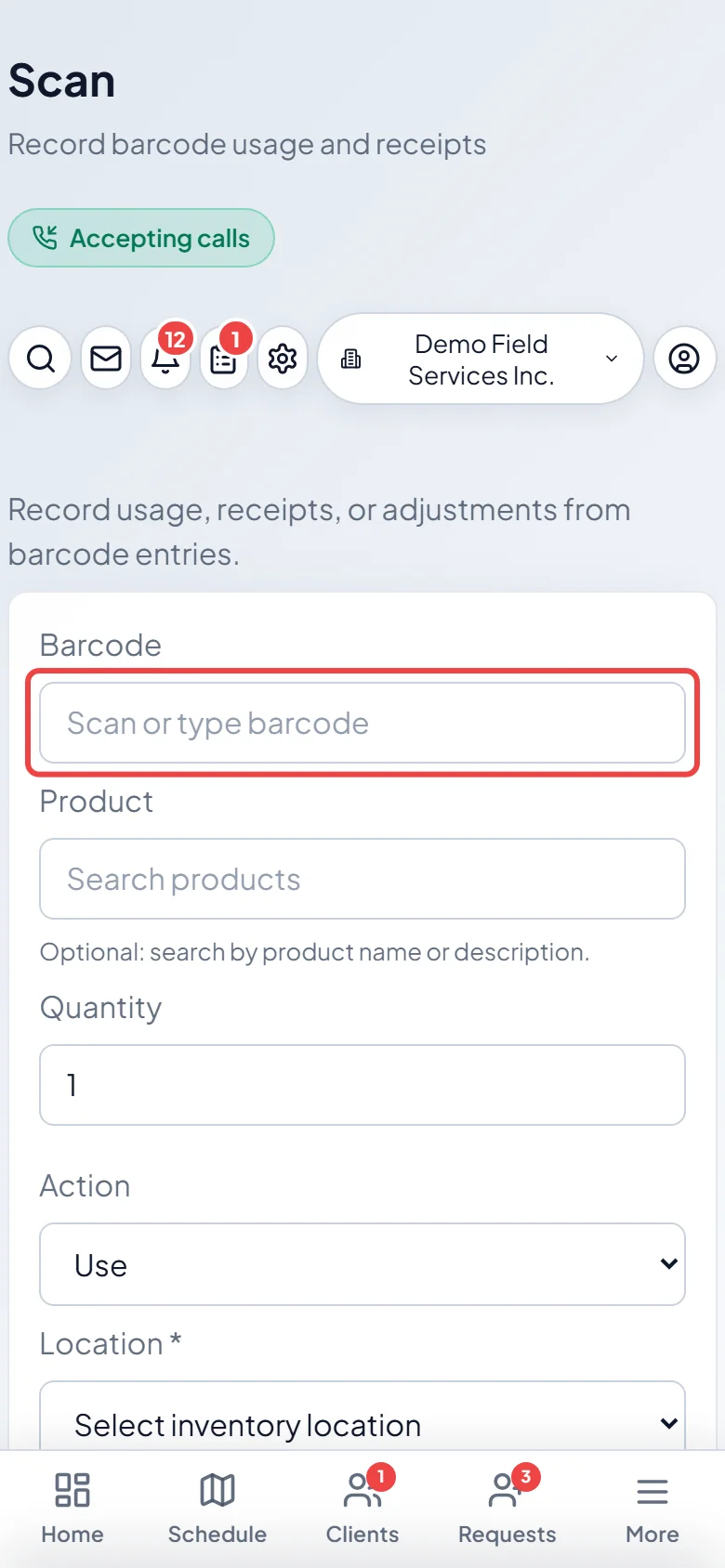
-
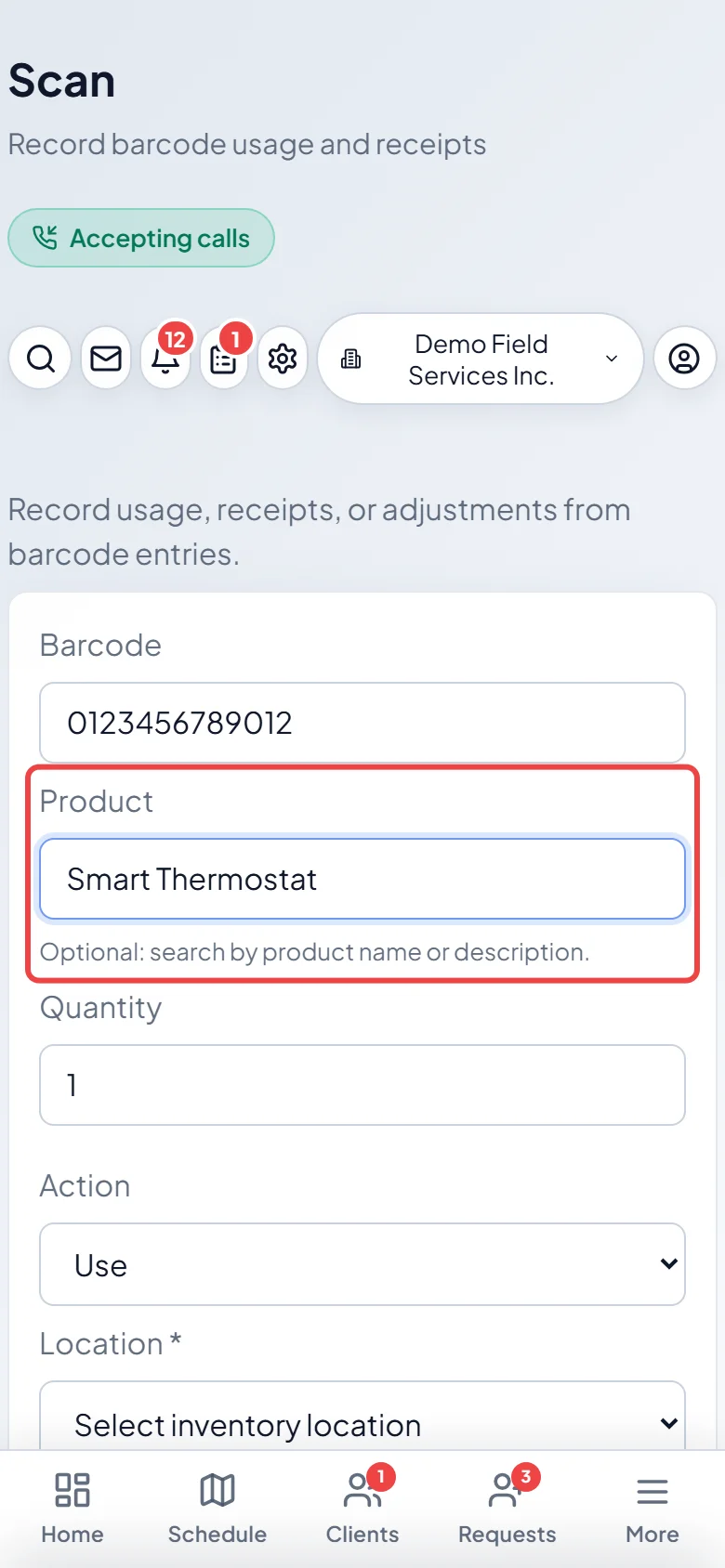
Scan or type the code. A barcode is needed every time. If it belongs to a product, that product fills in the Product box by itself. Searching the Product box by name is only for a code that isn’t linked to a product yet.
-
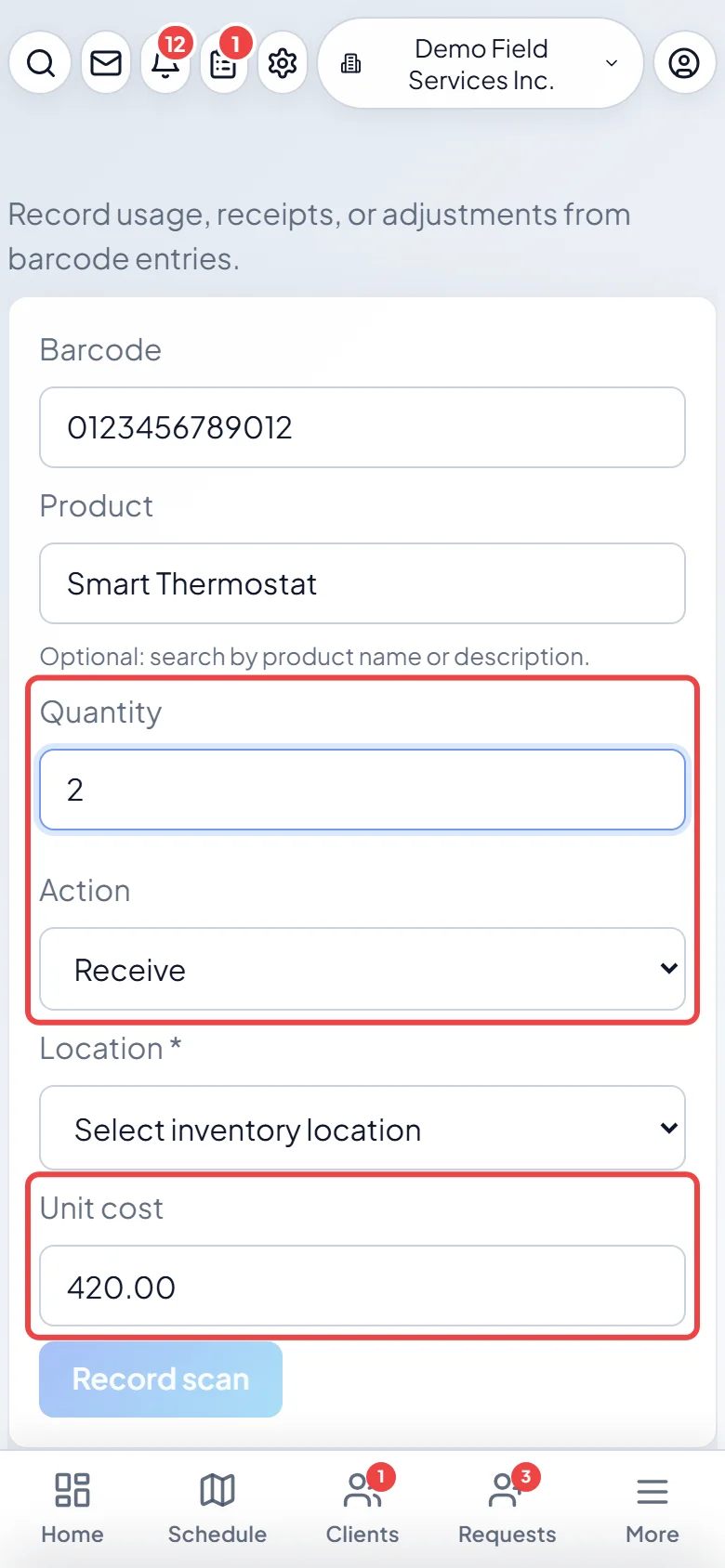
Type the Quantity and choose the Action: Use takes that many out of stock (never more than that location has), Receive adds that many coming in, and Adjust adds that many you found. For Receive and Adjust, a Unit cost box appears with the product’s saved cost; change it if you paid something else.
-
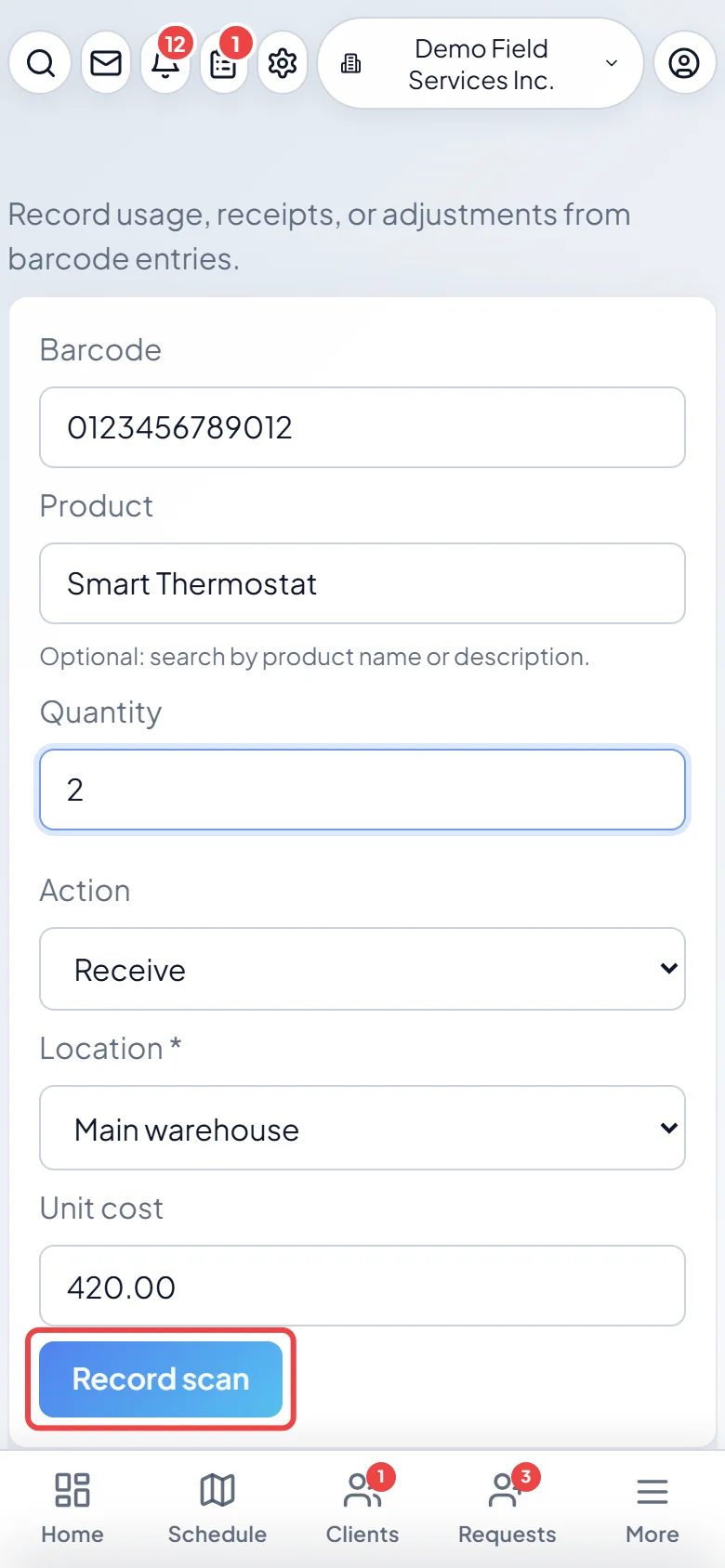
Choose the Location the stock is at, then tap Record scan. The screen clears for the next item and keeps your location and action, so you can scan a pile of items quickly.
Giving a product a barcode
Section titled “Giving a product a barcode”Open the product in the catalog and type or scan its code in Barcode (optional), then click Save item. Use the code printed on the packaging, or any label you print yourself. Each code can belong to one product only.
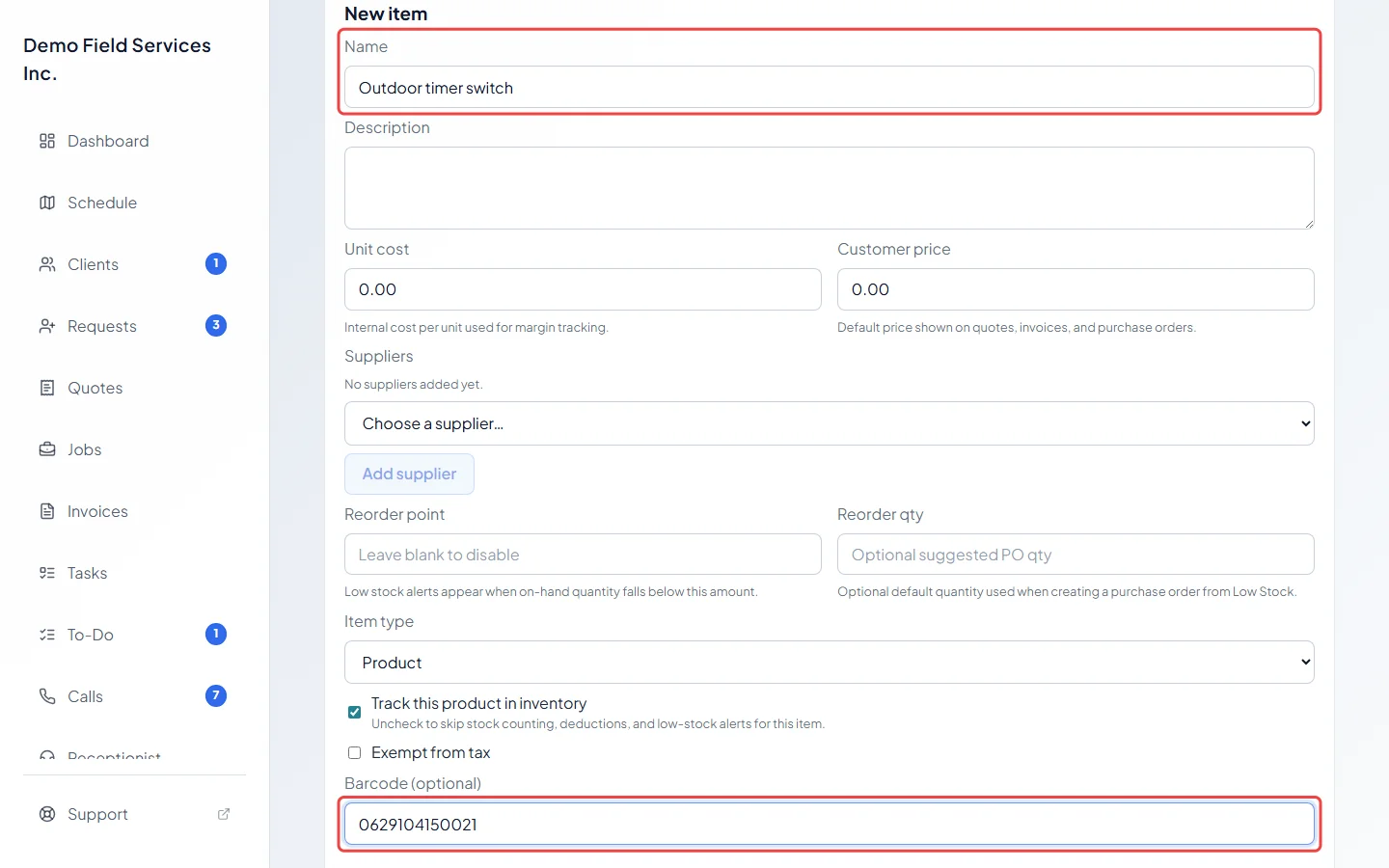
If you scan a code that no product has yet, Astragal says “Unknown barcode”. Pick the product in the Product box and tap Record scan again: the code is saved on that product, so it works straight away next time.
Good to know
Section titled “Good to know”- To take stock away for a reason such as damage, or to set an exact count, use Adjust inventory in the catalog instead. See Stock tracking and locations.
- Quantities are whole numbers above zero.
- Every scan shows in the product’s history.
Related articles
Section titled “Related articles”Checked against Astragal on October 17, 2026