

Missed calls and voicemails
Work through the calls that need you: the ones nobody answered, the messages people left and the calls the AI receptionist dealt with.
Who can do this: Admins, plus anyone on the incoming calls list under Who rings, and where.
Add-on: Phone lineAlso called: voicemail, answering machine.
-
Open the Calls page and click Missed calls. These are incoming calls nobody on your team answered. The number on the tab counts the ones nobody has opened yet, and each new one has a New tag.
On a computer: Left menu → Calls On a phone: More → Calls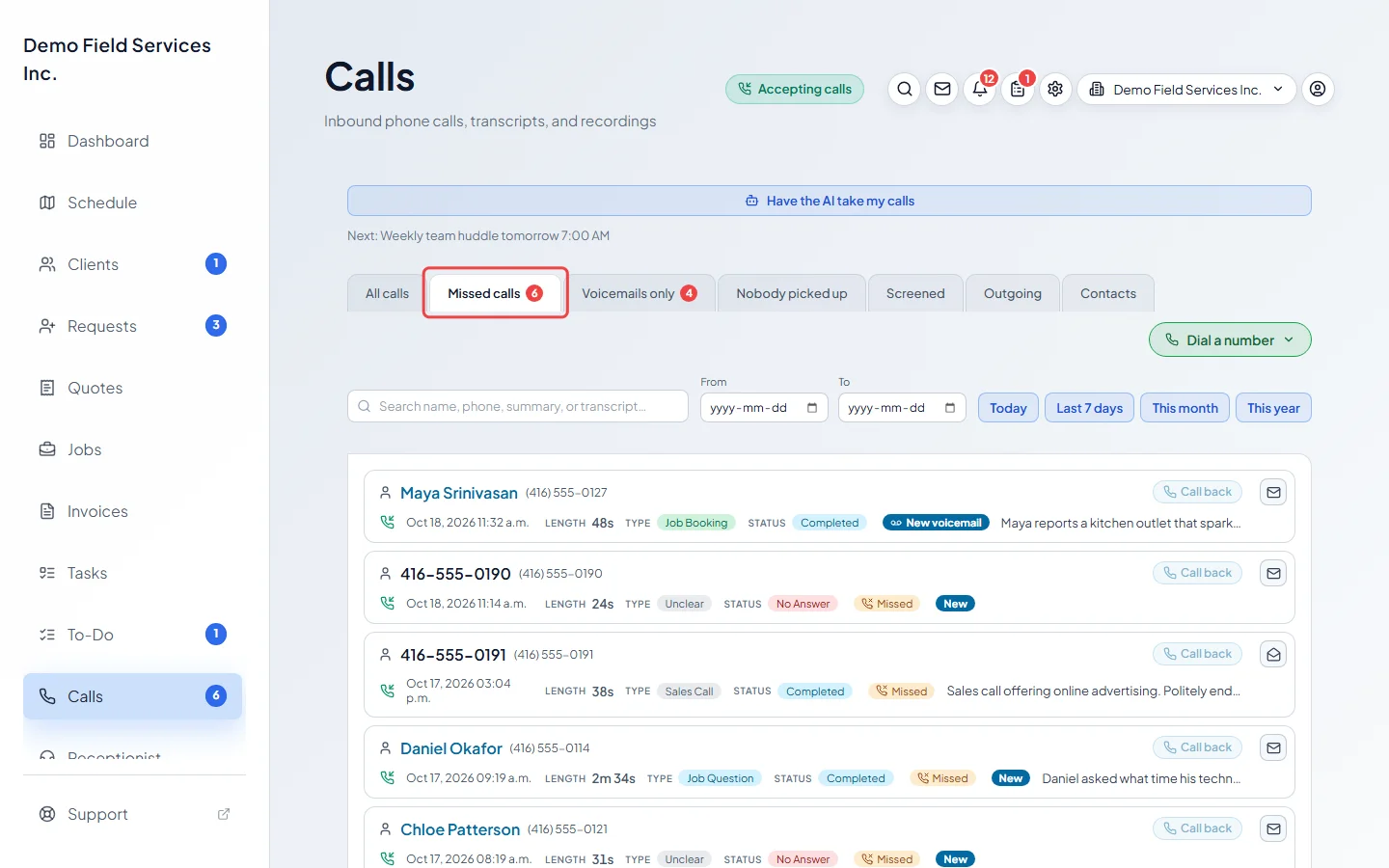
-
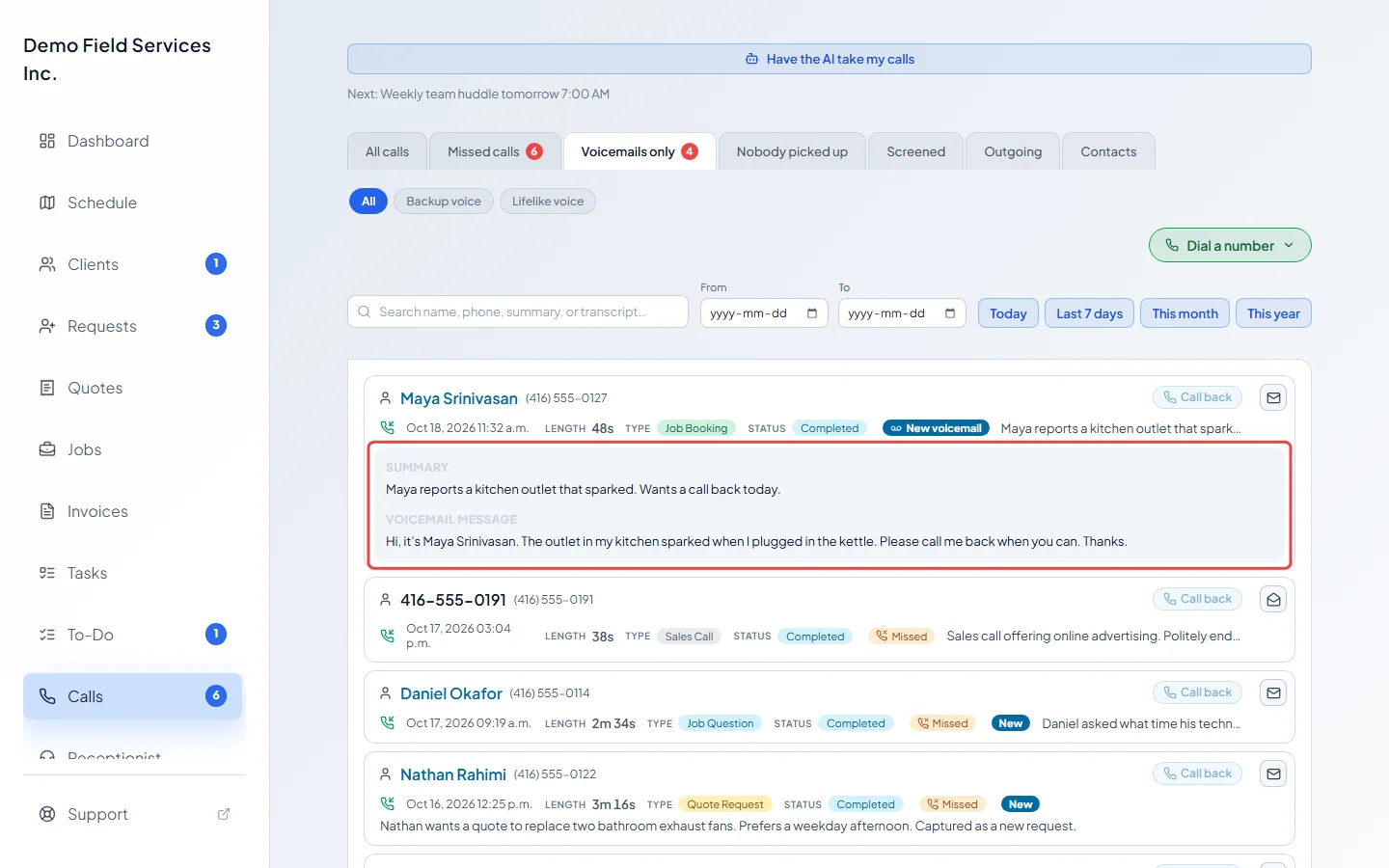
Click Voicemails only to see messages callers left, plus every call the AI receptionist talked to, since the AI takes a message for you. Click one to read the Voicemail message and play the recording. For a call the AI took, you see an AI receptionist note saying why it answered, and the Transcript. An unopened one says New voicemail.
-
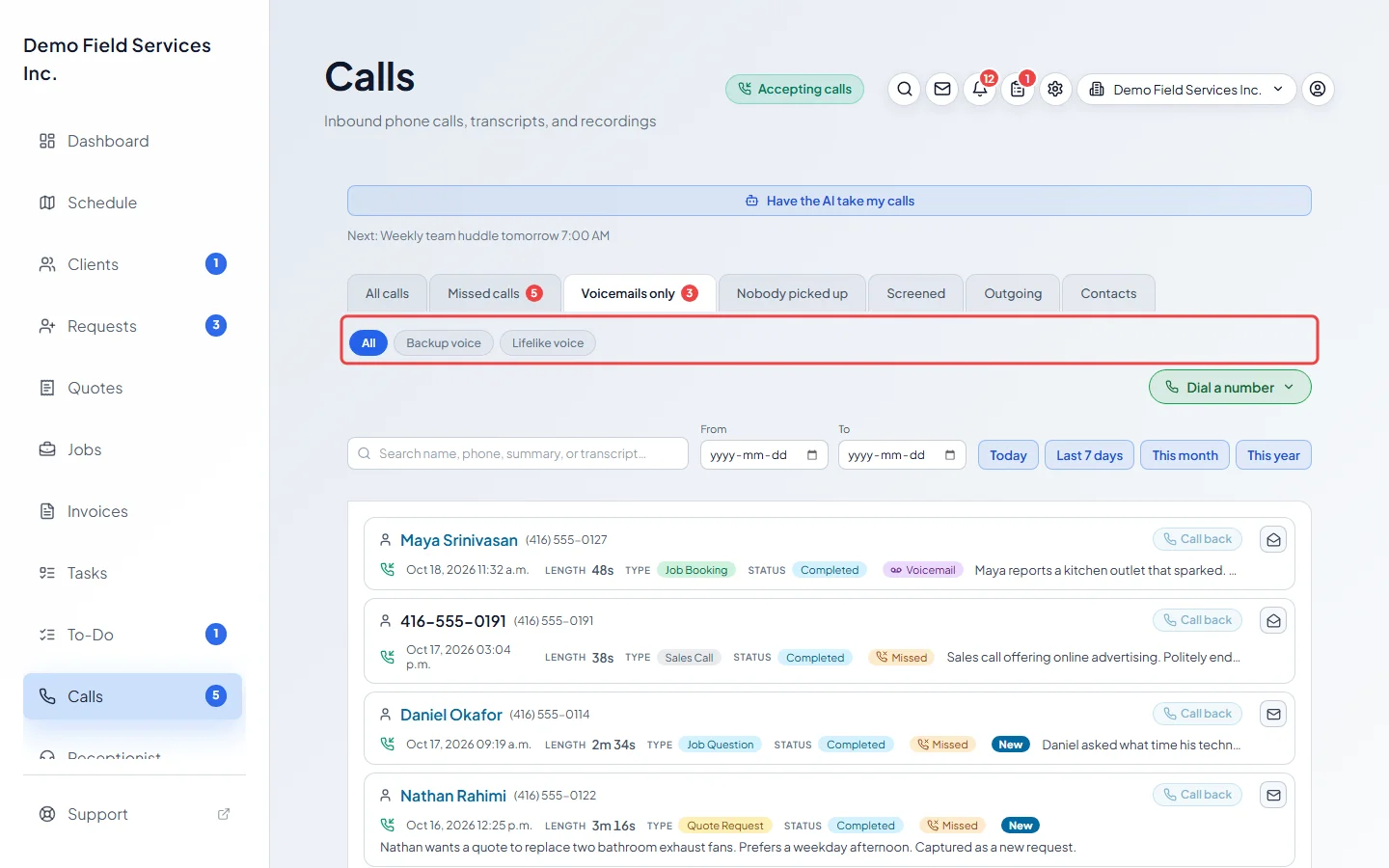
On the Voicemails only tab, pick Backup voice or Lifelike voice to see only the calls the AI answered in that voice (real voicemails are hidden then), or All for everything.
-
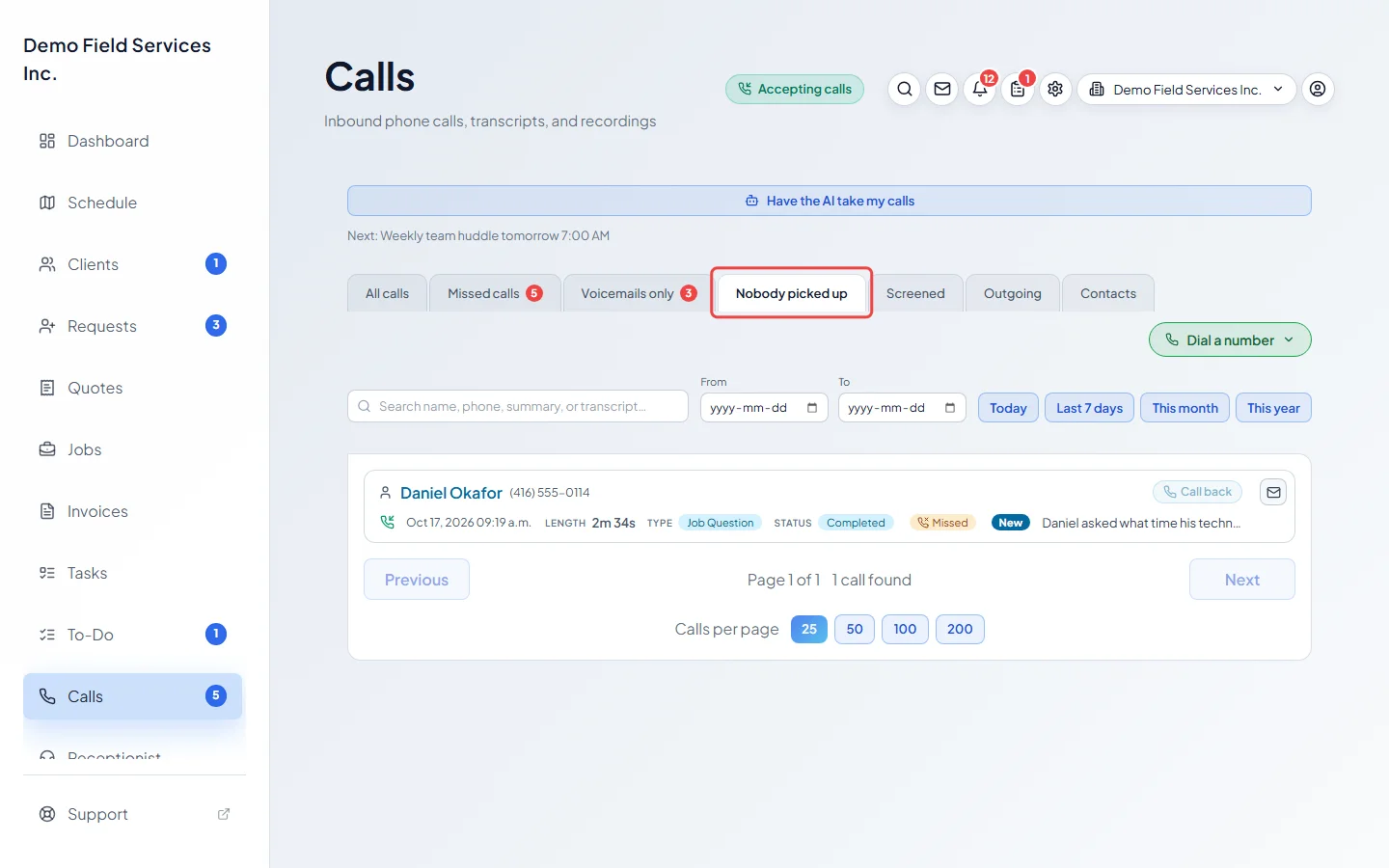
Click Nobody picked up to see the calls the AI receptionist answered during your open hours because the phones rang out, someone pressed Decline, the caller gave up waiting on hold, or nobody was signed in. This is where you see what that switch is doing for you.
-
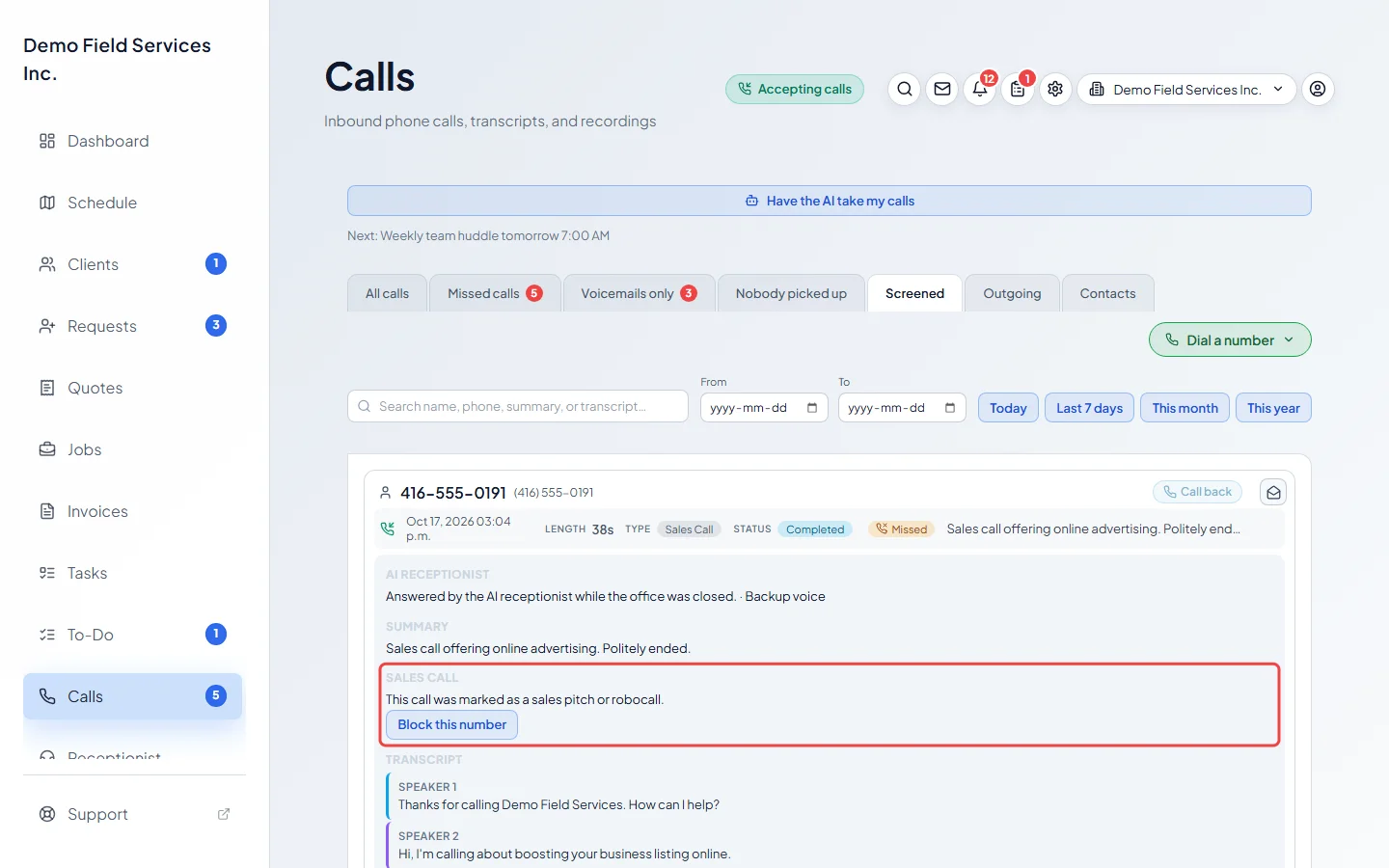
Click Screened to see sales pitches and recorded robocalls the AI receptionist politely ended. Open one and click Block this number so that number can’t get through again.
Good to know
Section titled “Good to know”- Opening a missed call or voicemail marks it seen. Use the envelope button at the end of a row to mark it new again.
- Call back next to the caller’s name rings them back from your business number.
- A message can take a minute to arrive after the caller hangs up. If a missed call says nothing has been recorded yet, close it and open it again.
- Only admins, dispatchers and accountants can block a number. You can unblock it again under Who gets through. See Blocking unwanted callers.
- To change what callers hear before they leave a message, see Who rings and what callers hear.
- You can get an email every Monday with the questions the AI couldn’t answer. See What the AI can do for callers.
Related articles
Section titled “Related articles”Checked against Astragal on October 17, 2026