

The tasks list
Find a task, tick it off when it’s done, or open it to see the details.
Who can do this: Everyone who can see the schedule. Technicians see the tasks assigned to them (those set to Edit everyone’s schedule or higher see all tasks), and can tick off their own tasks if they are set to View and complete their own schedule or higher. Only people set to Edit and delete everyone’s schedule (admins, dispatchers and accountants always are) can delete tasks.
-
Open the tasks list. On a phone each task is a card showing the client (or Stop and the address), who it’s assigned to and when it’s scheduled. Tasks with no time say Schedule later.
On a computer: Left menu → Tasks On a phone: More → Tasks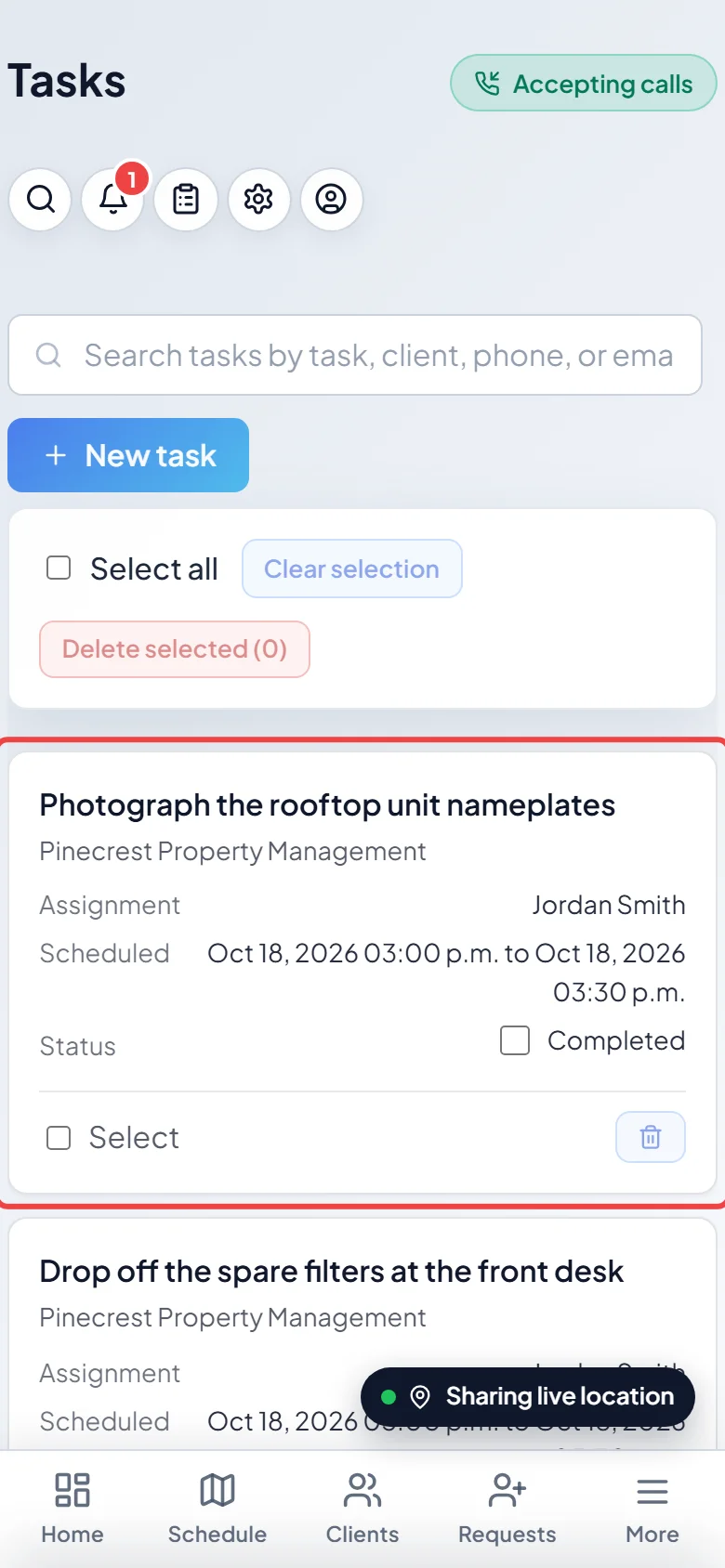
-
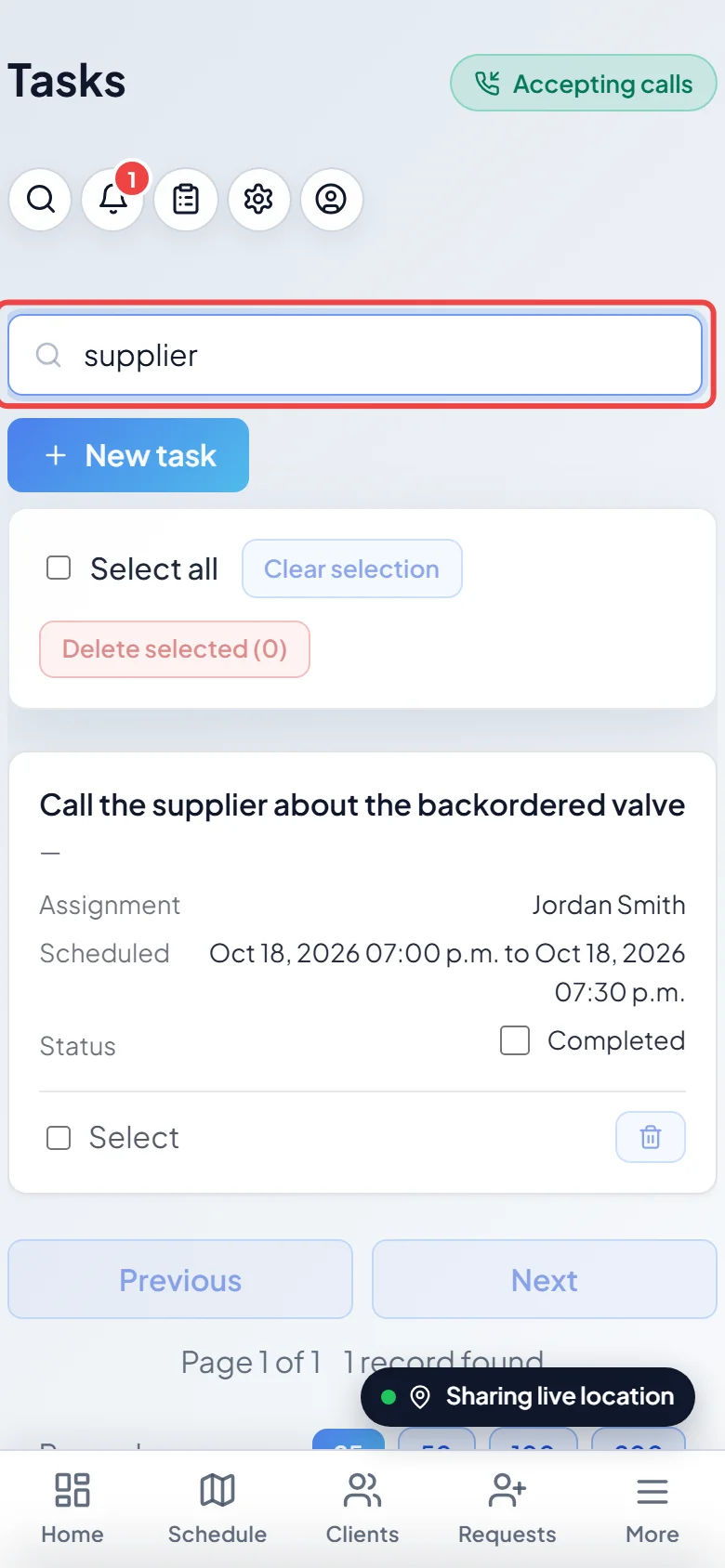
To find a task, type in Search tasks by task, client, phone, or email. The list narrows as you type.
-
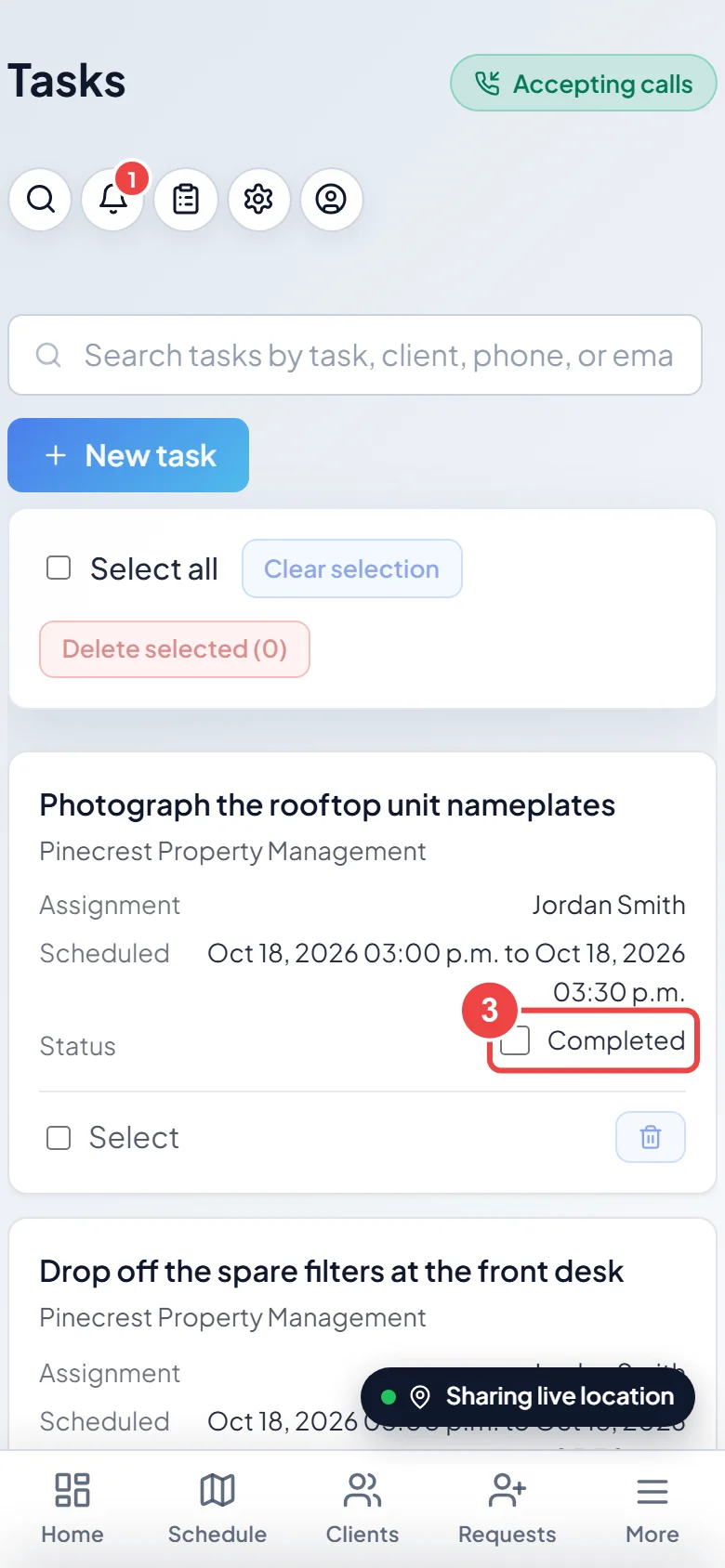
When a task is done, tick Completed on its card. Untick it to put it back.
-
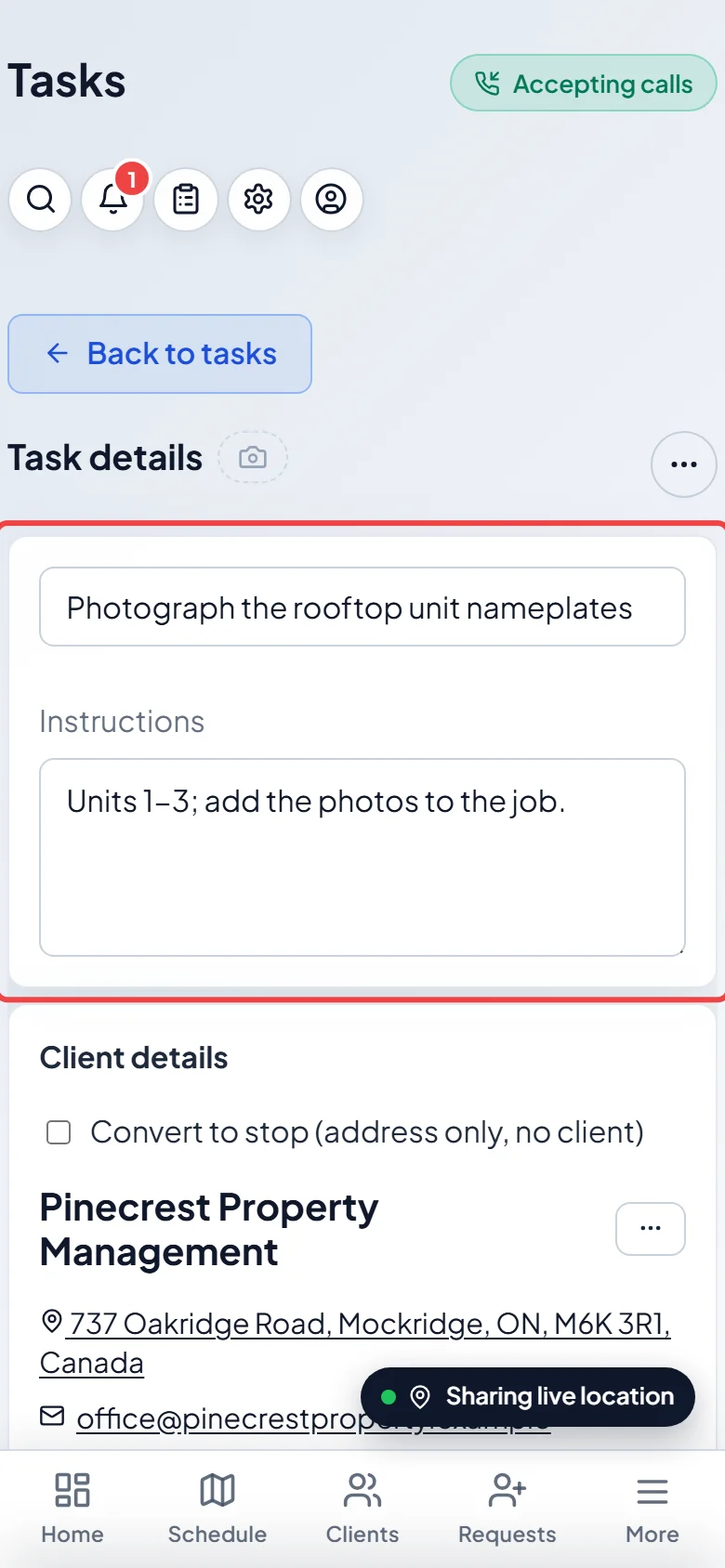
Tap a task to open its details. You see the title, Instructions, client, schedule, team and Internal notes. Tap Mark Completed to finish it or Navigate for directions to the address (on a phone both are under the ••• button at the top), or change the details and tap Save.
Good to know
Section titled “Good to know”- On a computer the list is a table with Task, Client, Assignment, Scheduled and Status columns. Click a heading to sort by it, and use Previous, Next and Records per page to move through long lists.
- To delete tasks, tick them and click Delete selected, or open a task and click Delete. Astragal asks first. Deleting from the list removes only that one task. To delete the rest of a repeating series, open the task and choose Delete, then Delete all future tasks. Deleting can’t be undone.
- If you can’t edit a task’s details, you see “You can update this task’s completion status, but not its details.” and the button reads Save status.
- Navigate only opens directions. It doesn’t send the client an “on my way” message.
- To add a task, click New task. See Scheduling a task.
Related articles
Section titled “Related articles”Checked against Astragal on October 17, 2026