

Updating the app
Keep the phone app current. Most updates arrive by themselves the next time you open it.
Who can do this: Everyone using the Android or iPhone app.
Also called: new version, app update.
The app has two parts. Astragal itself (every screen and feature) loads fresh from the internet, so it updates by itself. The app around it, which handles ringing calls, alerts, location and Face ID, only changes when you install a new version from Google Play or the App Store.
-
To see which version you’re on, open App details in Settings → My account. Web app version is the Astragal you’re running and the date it was released. In the iPhone app, App version is the version you installed from the App Store. The Android app shows Not reported by this app.
On a computer: Left menu → Settings → My account On a phone: More → Settings → My account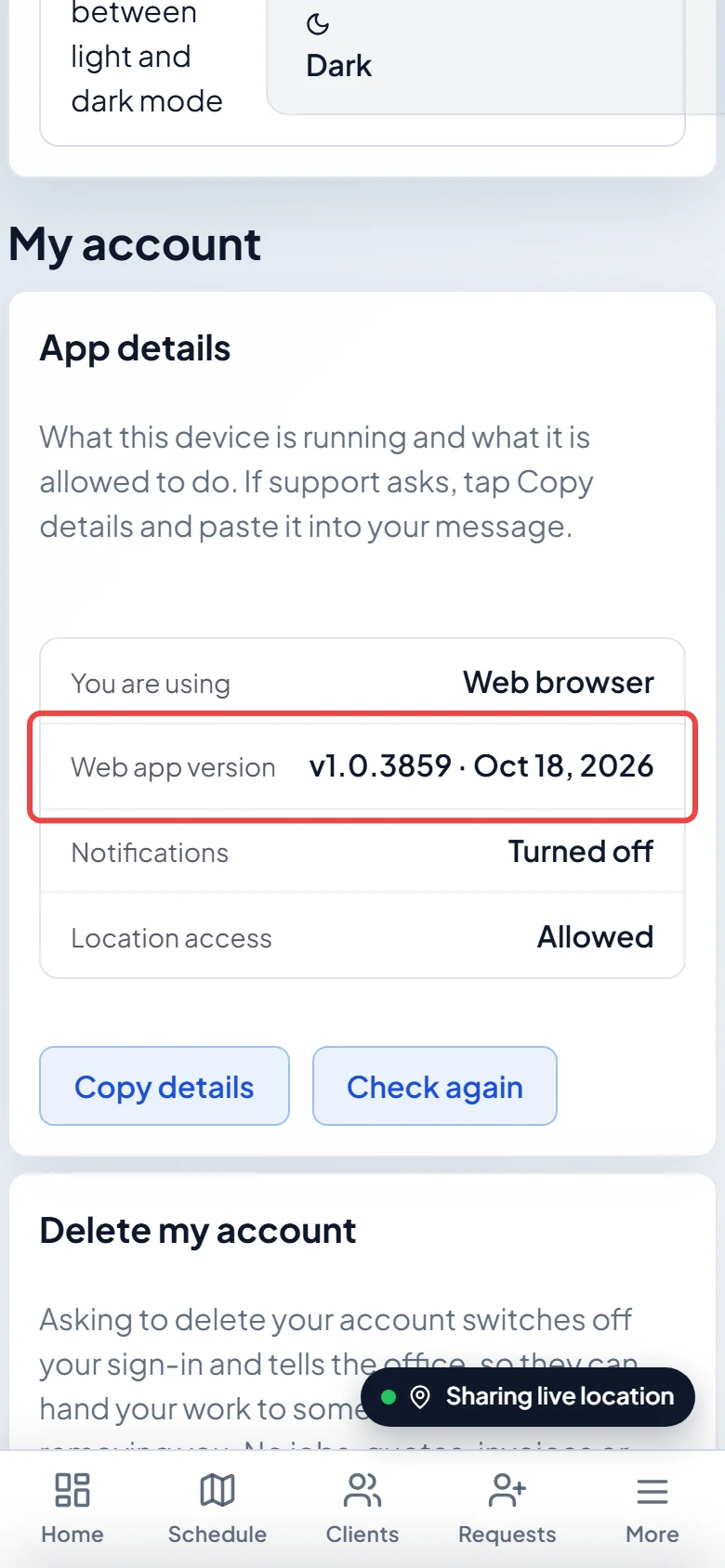
-
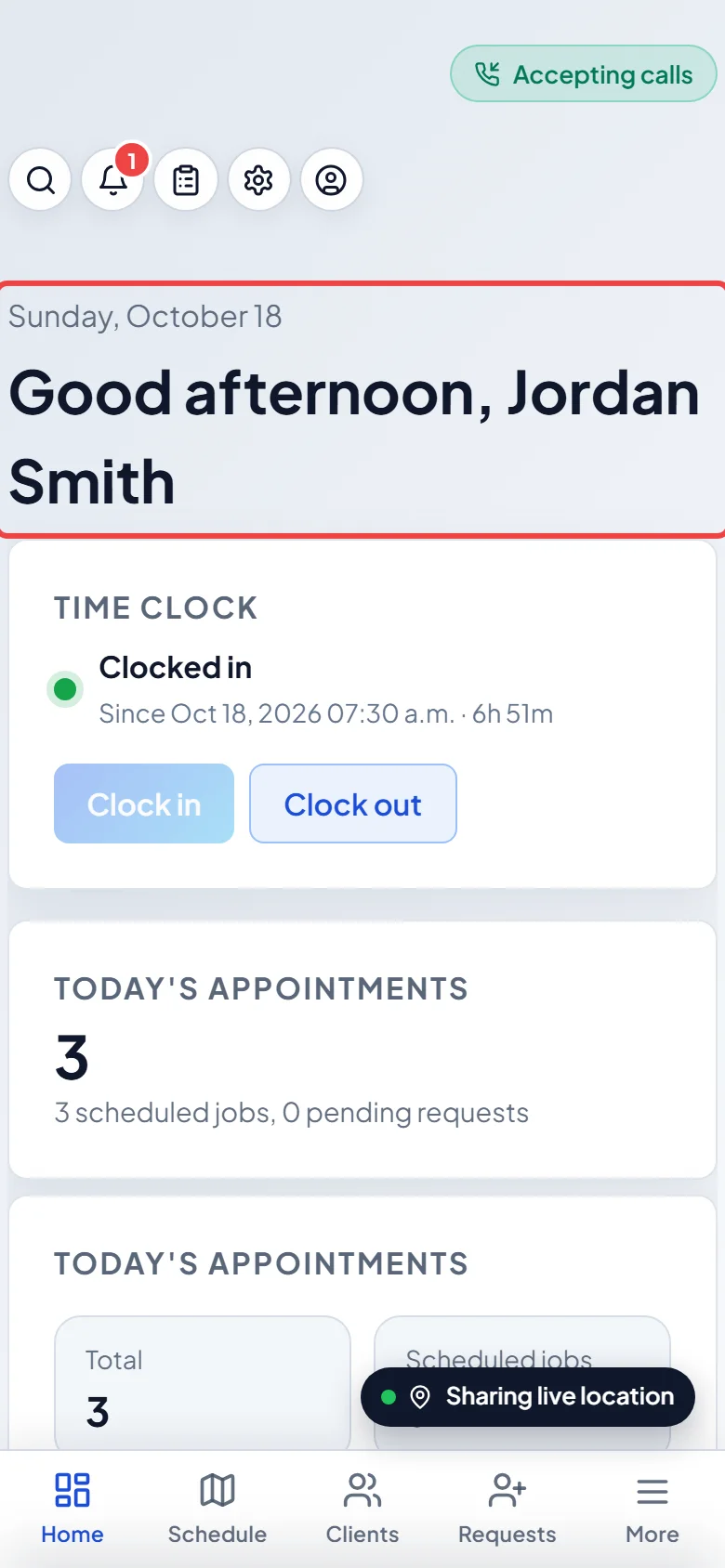
To get the latest Astragal, switch to another app and come back, or close Astragal and open it again. Each time the app comes back to the screen (at most once a minute) it checks for a new version and reloads itself onto it.
When it waits
Section titled “When it waits”Astragal never reloads under you:
- During a call: it waits until the call ends, then updates.
- With unsaved changes in a form: a chip says Update ready — tap to apply. Finish and save, and it updates next time you come back. Or tap the chip: if you’d lose what you typed, it asks first, with Update anyway and Not yet.
- With a job form open: it updates the next time you come back to the app.
Updating the app itself
Section titled “Updating the app itself”Install store updates when your phone offers them, or turn on automatic updates for Astragal in Google Play or the App Store. New phone features, such as better call ringing, need the newer app. If an iPhone shows Calling needs a newer version of the app., or support asks you to, update from the store.
Good to know
Section titled “Good to know”- Updates load over your connection. With no signal, you can still open today’s and tomorrow’s saved visits and fill in their job forms. See Working with no signal.
- Support may ask for both version numbers. Copy details in App details copies them. See App lock and app details.
Related articles
Section titled “Related articles”Checked against Astragal on October 18, 2026