

Who rings and what callers hear
Decide what happens to every call to your business number: who rings, and what the caller hears in each situation.
Who can do this: Admins, dispatchers and accountants. Technicians can see these settings but not change them.
Add-on: Phone lineAlso called: call forwarding, voicemail greeting, ring group.
Callers keep dialling the number they always have. Astragal answers it, rings everyone you choose, and records and writes up the call. The settings are grouped by the situation a caller is in; click a heading to open it.
-
Open Inbound call capture. Make sure Answer and capture incoming calls is on. The panel below it says, in plain words, what a caller gets right now (for example “You’re open — the call rings your team.”) and the exact words they hear. “From your Closed greeting. Edit it” opens the box that wording comes from; “Built-in wording” means you haven’t written your own yet.
On a computer: Left menu → Settings → Inbound call capture On a phone: More → Settings → Inbound call capture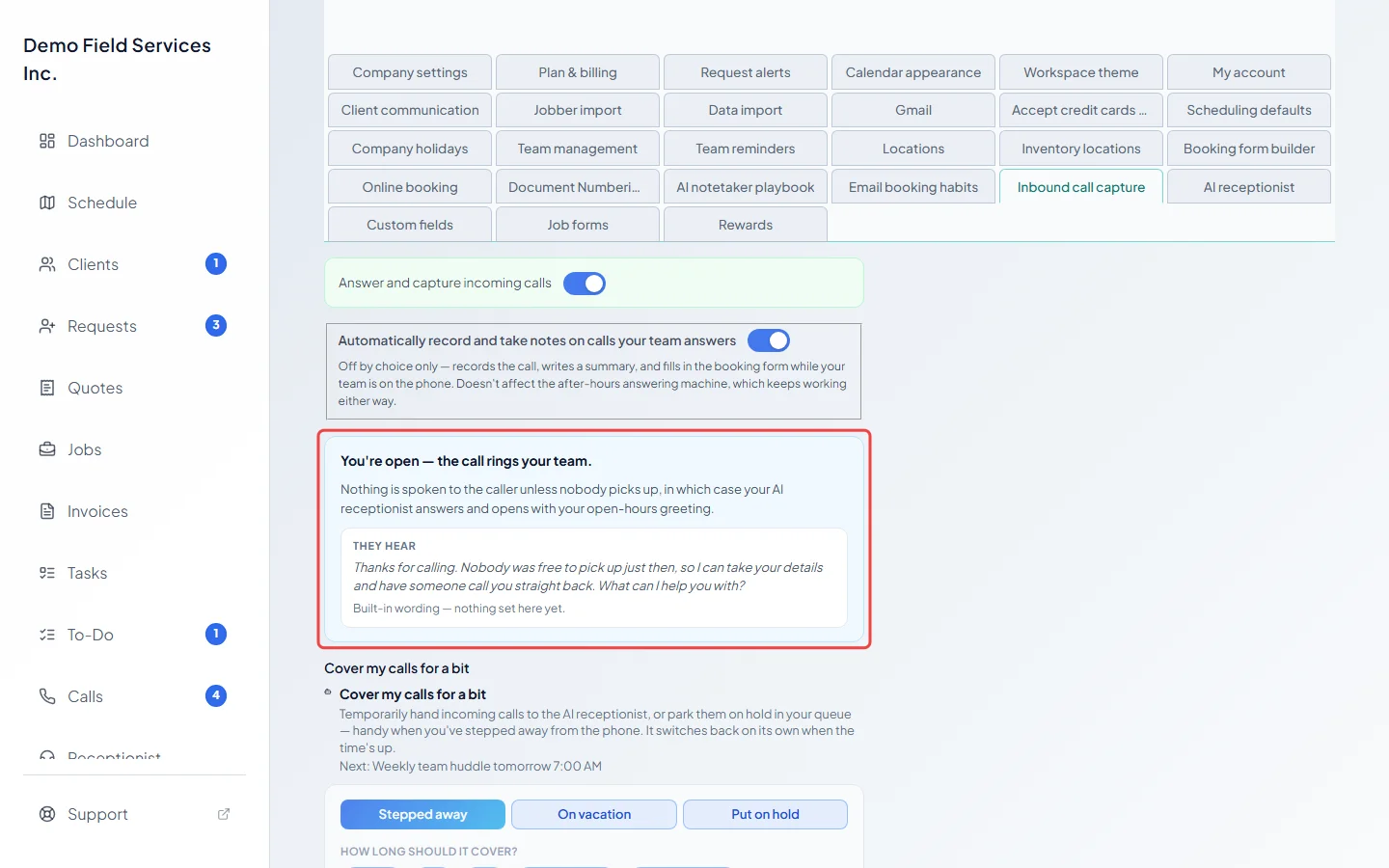
-
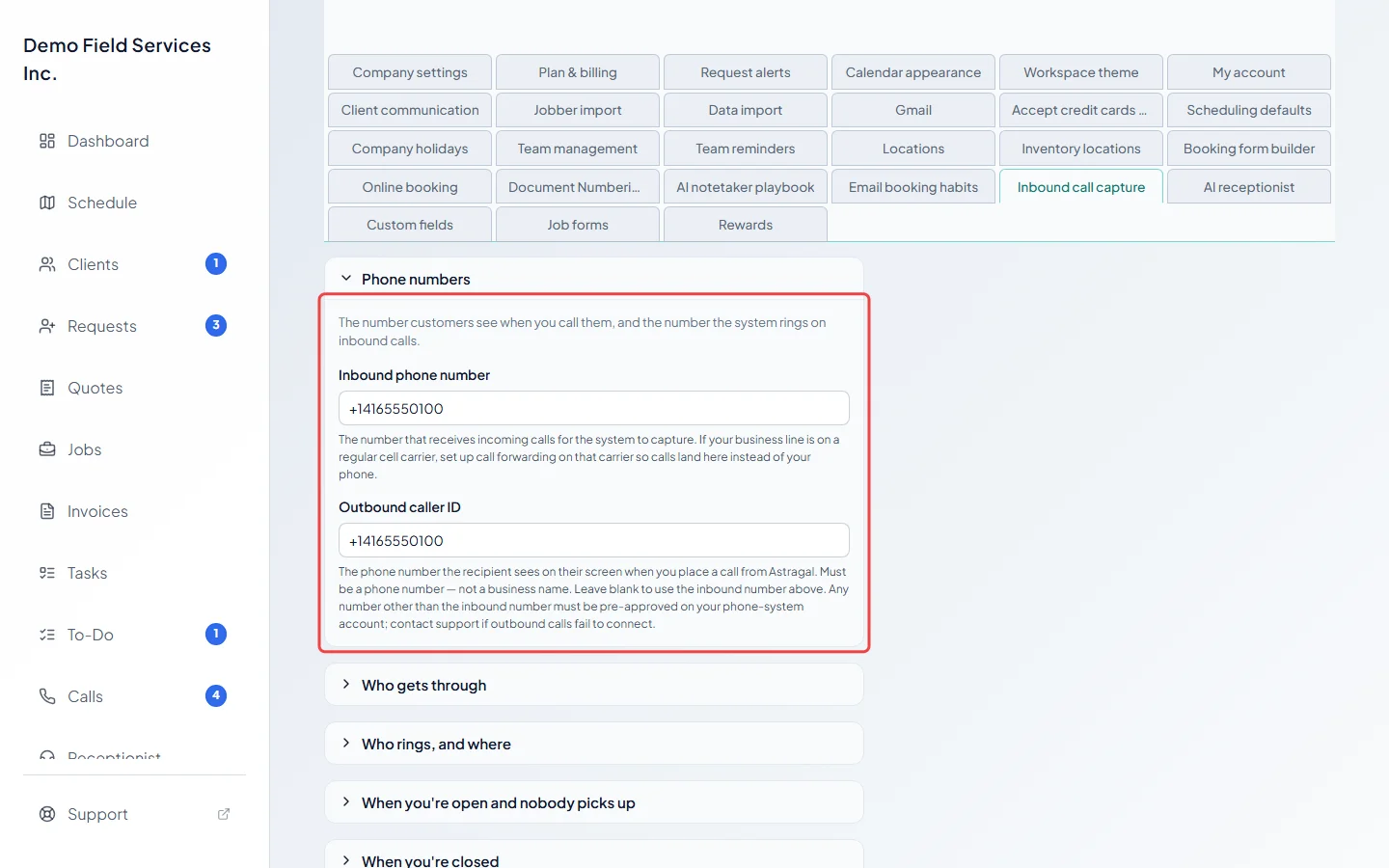
Open Phone numbers. Inbound phone number is the number that receives your calls. If your business line is with a regular mobile carrier, set up call forwarding with that carrier so calls land here. Outbound caller ID is the number people see when you call them from Astragal. Leave it blank to use the inbound number.
-
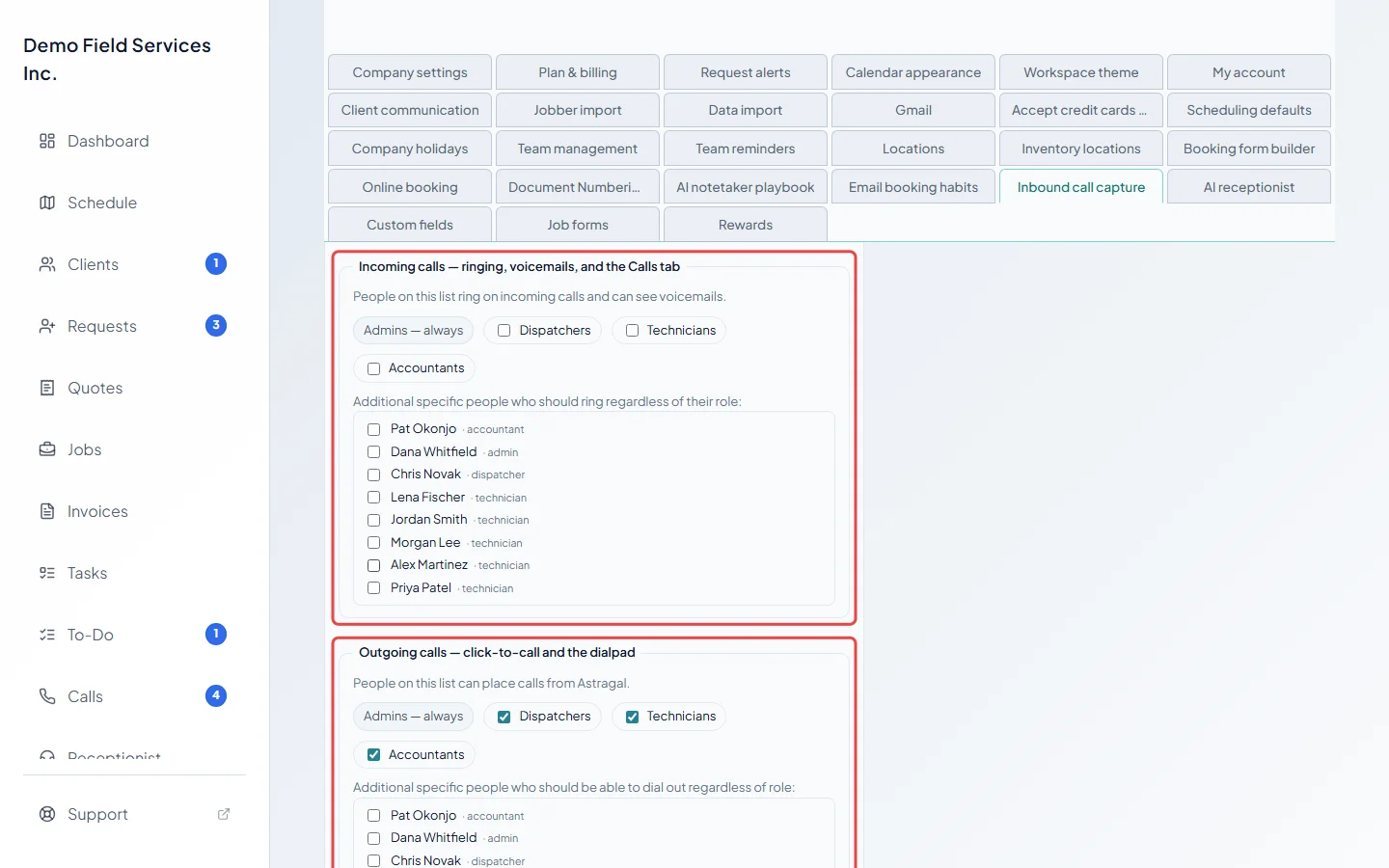
Open Who rings, and where. Under Incoming calls — ringing, voicemails, and the Calls tab, tick the roles and people who ring on incoming calls and can see voicemails and the Calls page. Under Outgoing calls — click-to-call and the dialpad, tick who can place calls. Admins are always on both. At first only admins ring on incoming calls, and everyone is on the outgoing list. Anyone who has left the team is shown under No longer on the team so you can remove them.
-
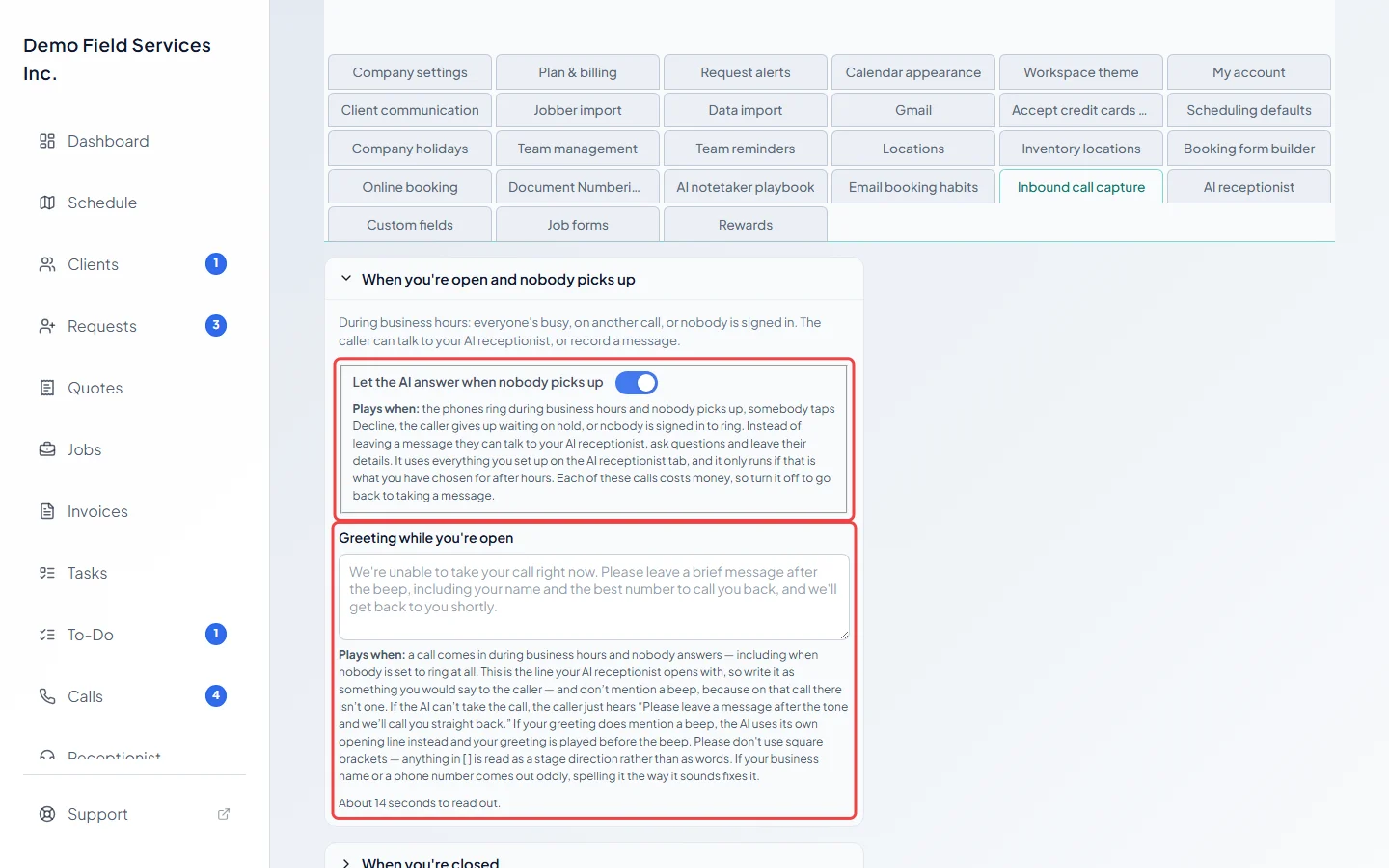
Open When you’re open and nobody picks up. With Let the AI answer when nobody picks up on, the AI receptionist takes calls nobody answers during business hours. Write your Greeting while you’re open: it’s what callers hear first. With the AI switch on, it’s the AI’s first words, so don’t mention a beep. A hint under the box says roughly how many seconds it takes to read out; most callers hang up on anything over 30.
-
Open When you’re closed and choose What happens to a call after hours: Voicemail — record a message, Text back a booking link or AI receptionist — talks to the caller. Only the boxes that choice uses are shown, such as the Closed greeting, the Closed spoken line and Closed text message, or the Closed opening line. In a text message,
{company_name}becomes your business name and{booking_link}the booking link (added at the end if you leave it out). Booking link (optional) sends callers somewhere other than the built-in booking form.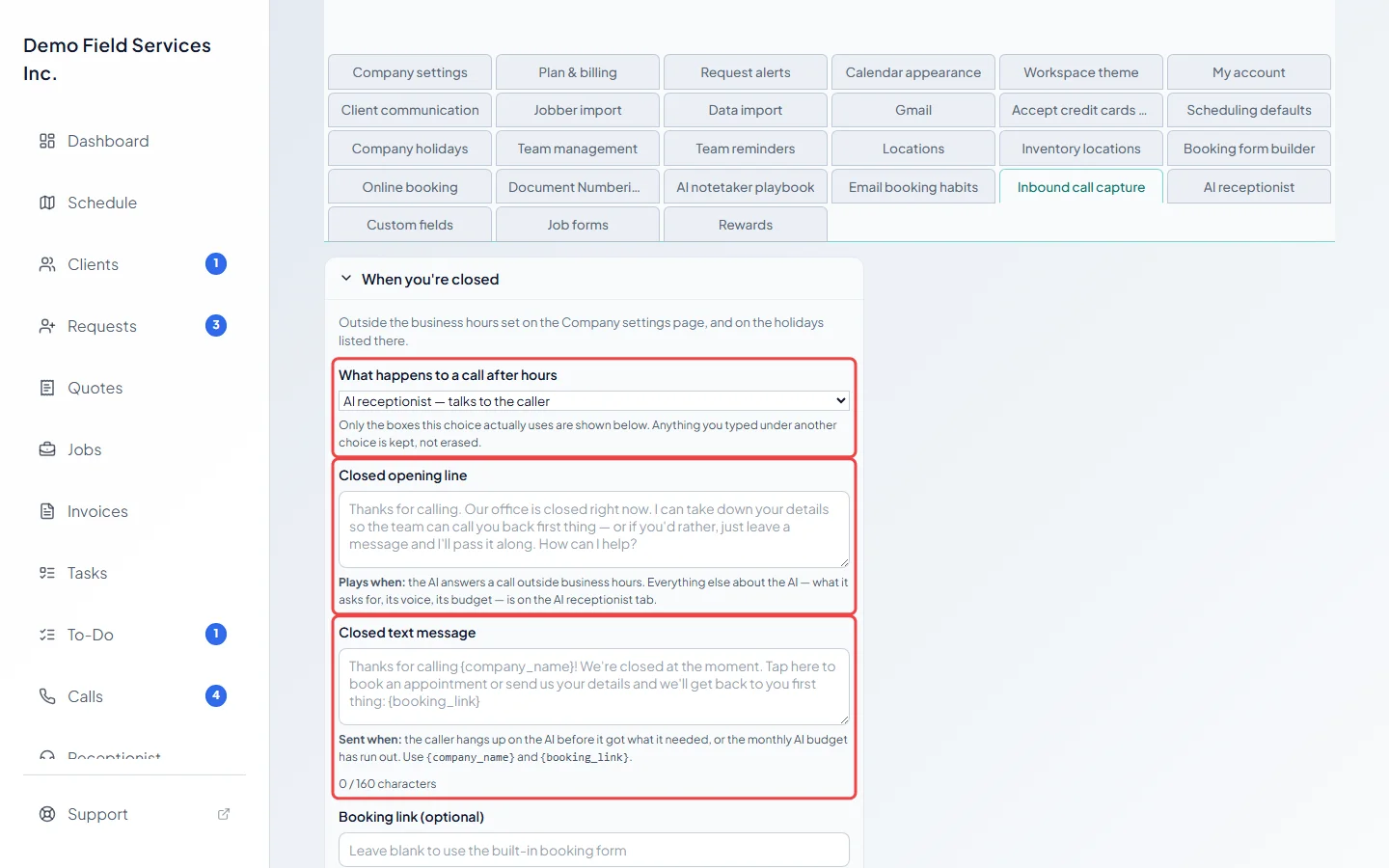
-
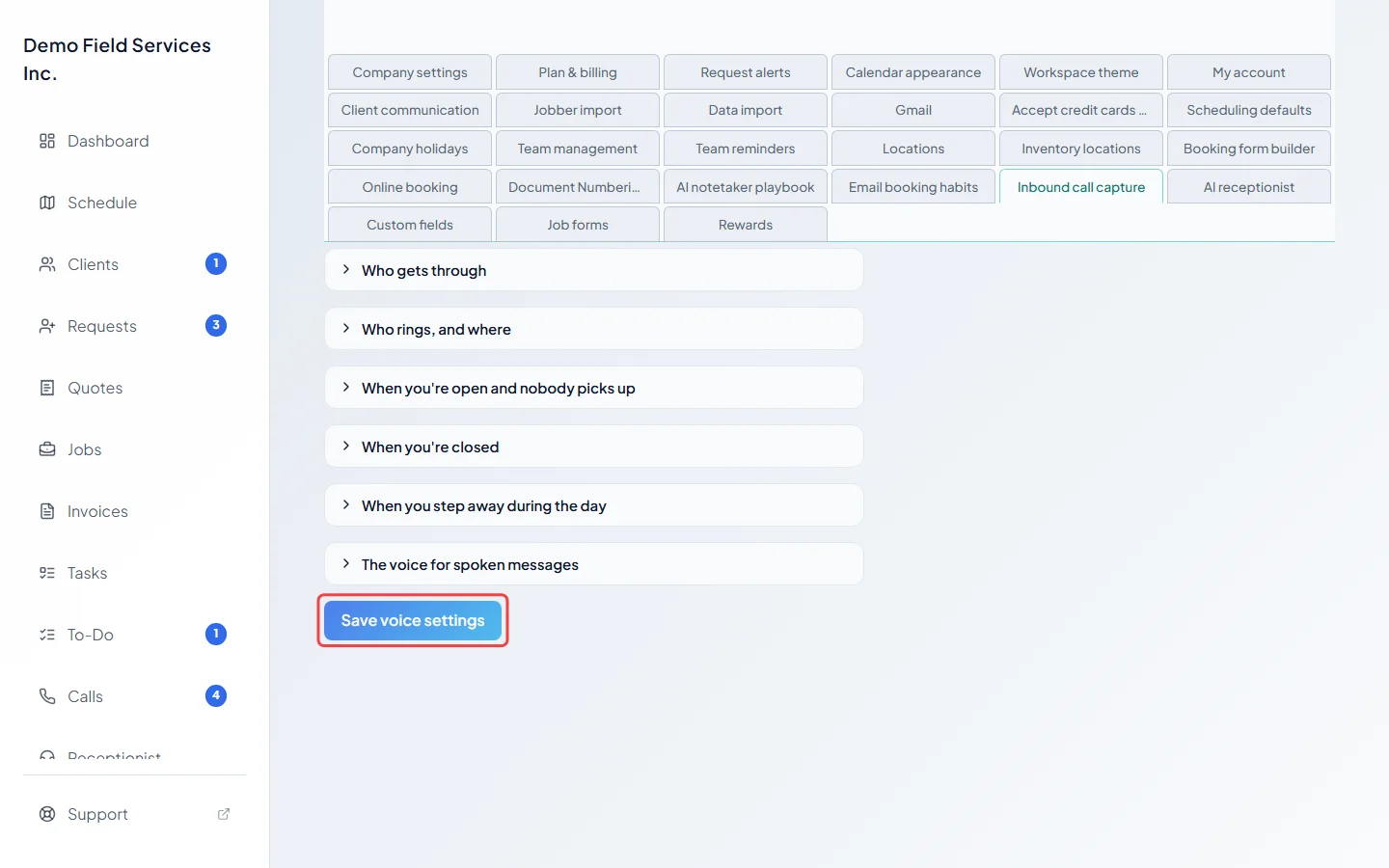
Click Save voice settings. The panel at the top updates to match.
Good to know
Section titled “Good to know”- Your open hours and holidays come from Company settings. See Business hours and Holidays.
- Leave any message box empty to use the wording shown in grey. Don’t use square brackets in spoken messages; anything in [ ] is read as a stage direction. If your business name comes out oddly, spell it the way it sounds.
- Text-message boxes show how long the text is, so you can keep it to one message.
- Automatically record and take notes on calls your team answers is on unless you turn it off. It doesn’t affect after-hours calls.
- You must keep at least one role or person on the incoming calls list, or nobody would ring.
- Without the phone line add-on, nobody’s phone rings and team calls aren’t recorded, but callers still get your AI receptionist, text-back or voicemail. The voicemail choice then works as a text-back, because there’s nowhere to hear the message. Automatically record and take notes on calls your team answers then only decides whether daytime calls the AI picks up are recorded.
- What callers hear while you step away, and on holidays, is in Stepping away and vacations. The voice that reads these messages is in Choosing a voice. Screening junk calls is in Blocking unwanted callers.
Related articles
Section titled “Related articles”Checked against Astragal on October 17, 2026