

Line items, taxes and totals
Build the price of a quote line by line, offer extras the client can choose, and see the tax and total add up.
Who can do this: Admins, dispatchers and accountants, and technicians set to View, edit, and create quotes or View, edit, create, and delete quotes.
Also called: line items, add-ons.
-
Open the quote and find Products / Services.
On a computer: Left menu → Quotes → open a quote On a phone: More → Quotes → open a quote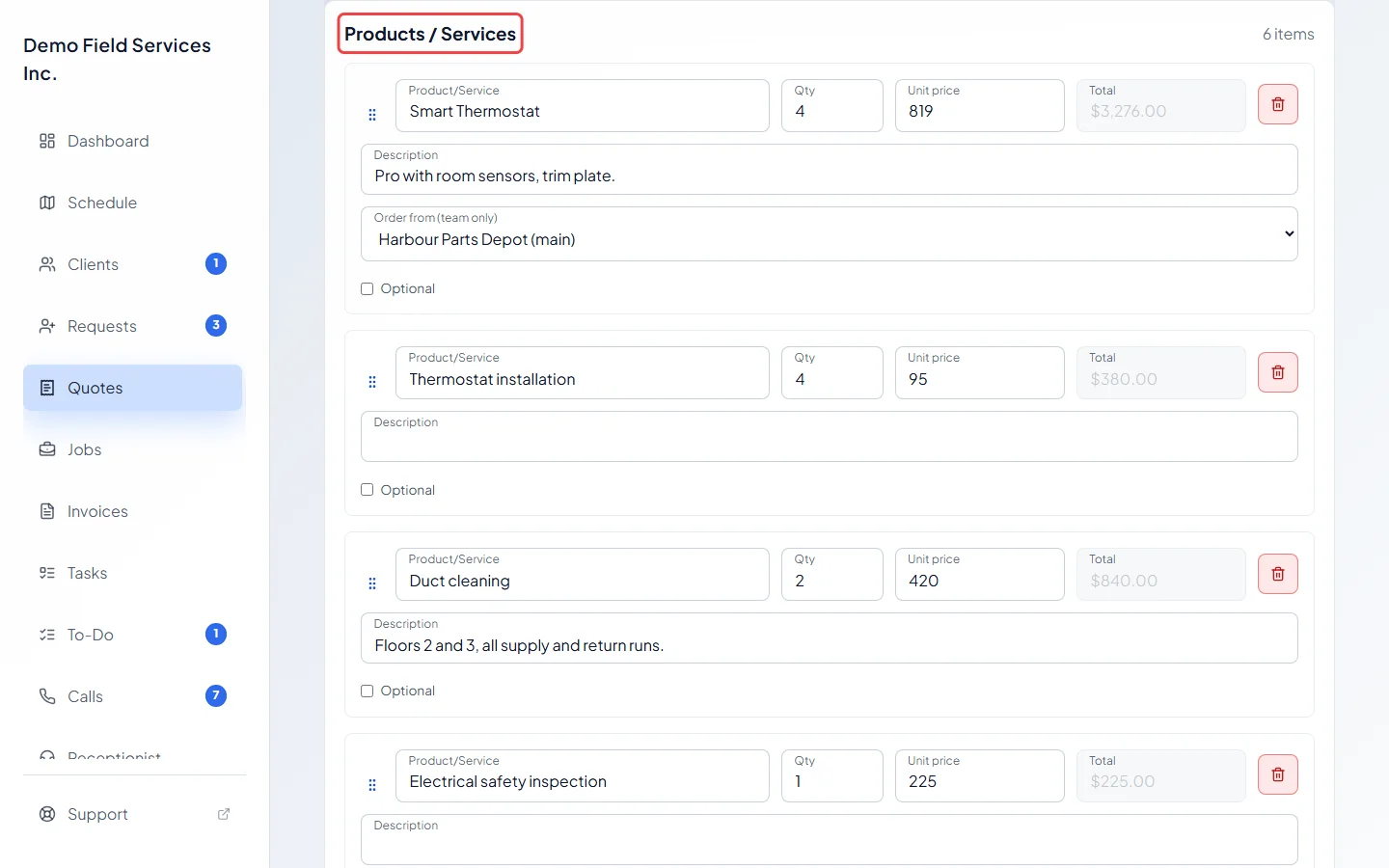
-
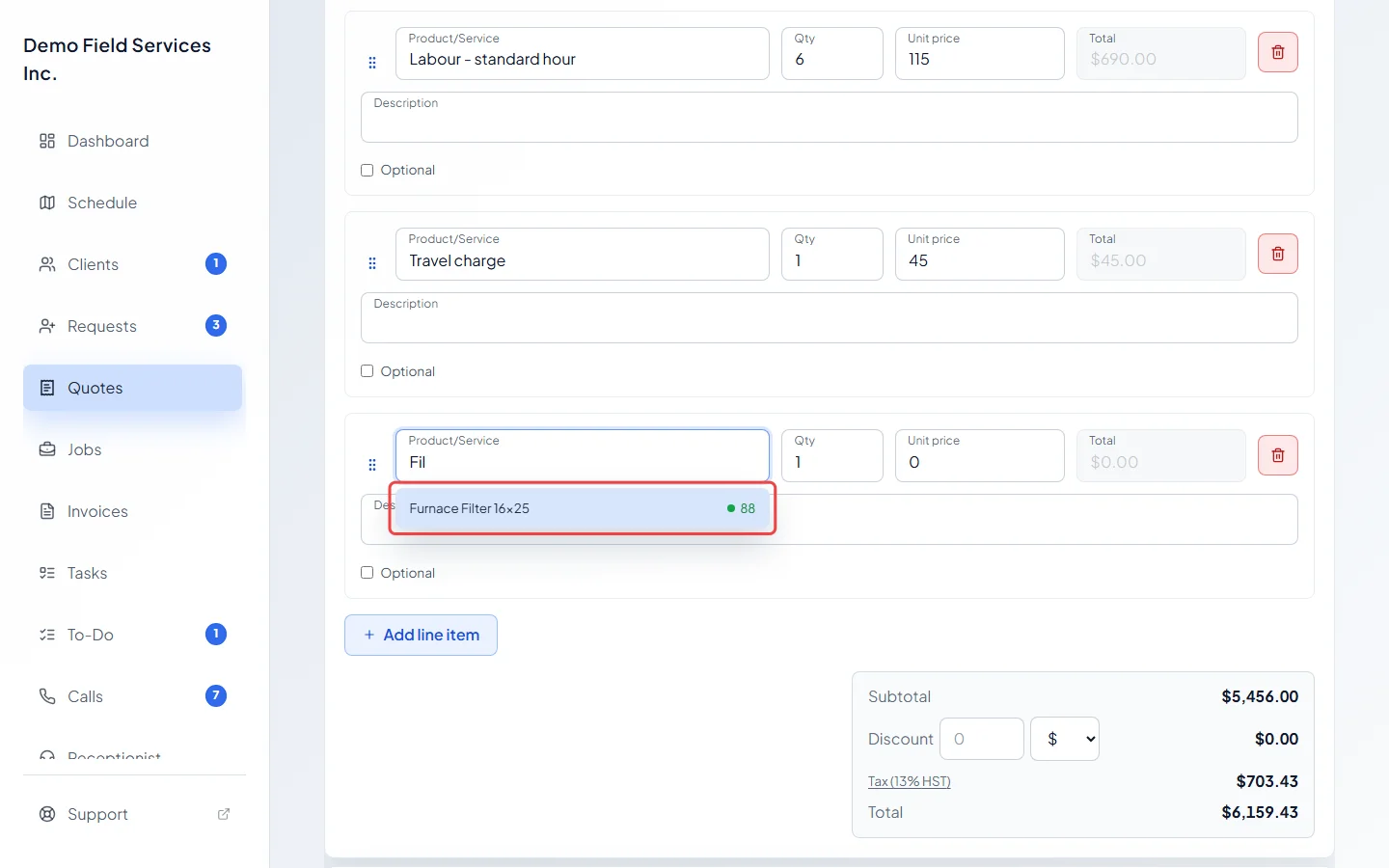
Click Add line item to start a new line. In Product/Service, start typing. Pick a match from your catalog to fill in its name, Description, Unit price and whether it’s taxed. A line you type yourself is always taxed. To sell something tax-free, use a catalog item marked Exempt from tax. The number beside an item is how many you have in stock. To use something that isn’t in your catalog, keep typing your own name, or click Create new item to add it to the catalog as you go.
-
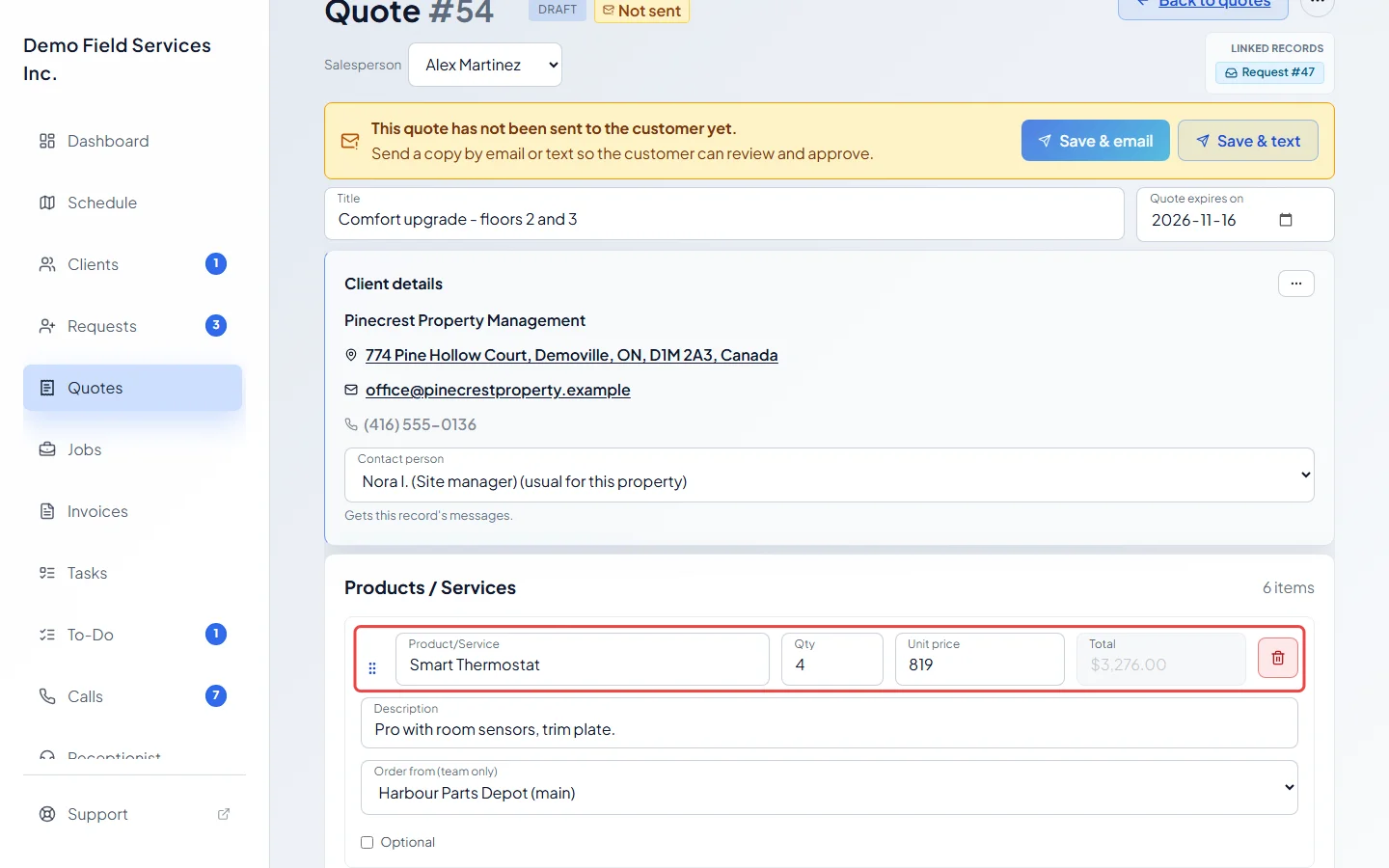
Set Qty and Unit price. The line’s Total updates as you type. Use Description for the details the client should read.
-
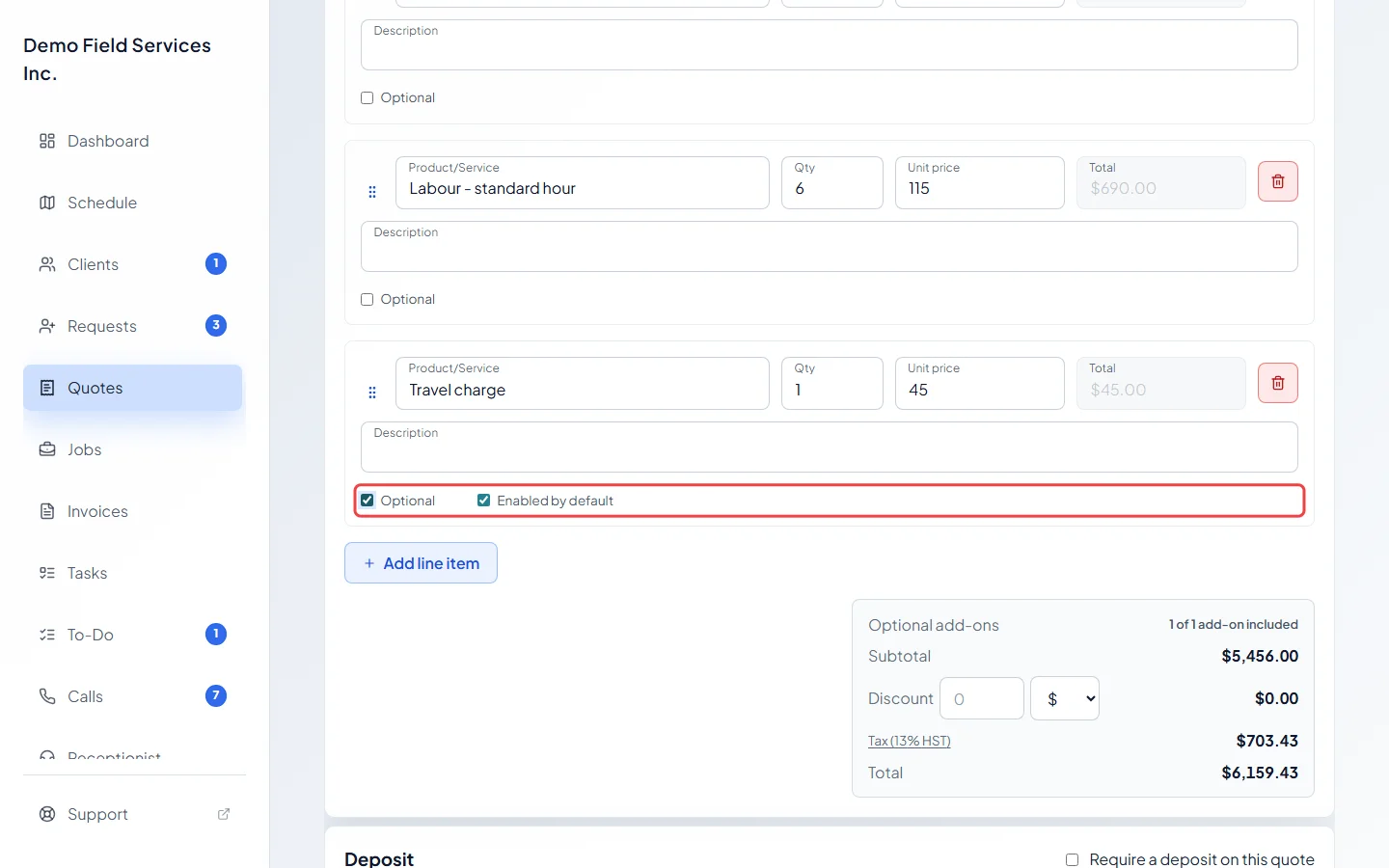
To offer a line as an extra the client can choose, tick Optional. Tick Enabled by default if it should start added. The client can switch it on or off from their portal before they approve, until a deposit has been paid.
-
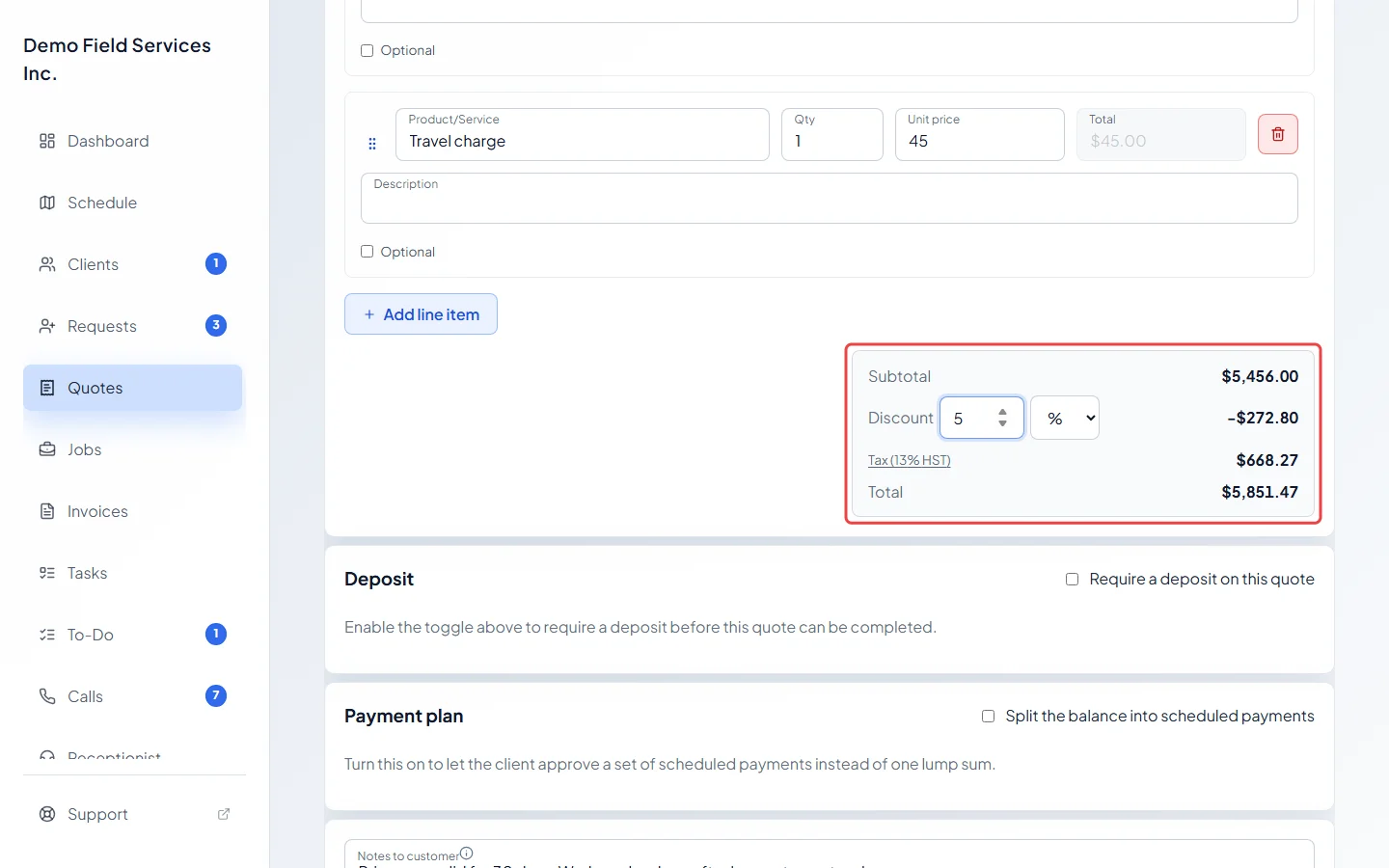
At the bottom, type a Discount and choose $ or %. Click the Tax line to pick a different tax rate.
-
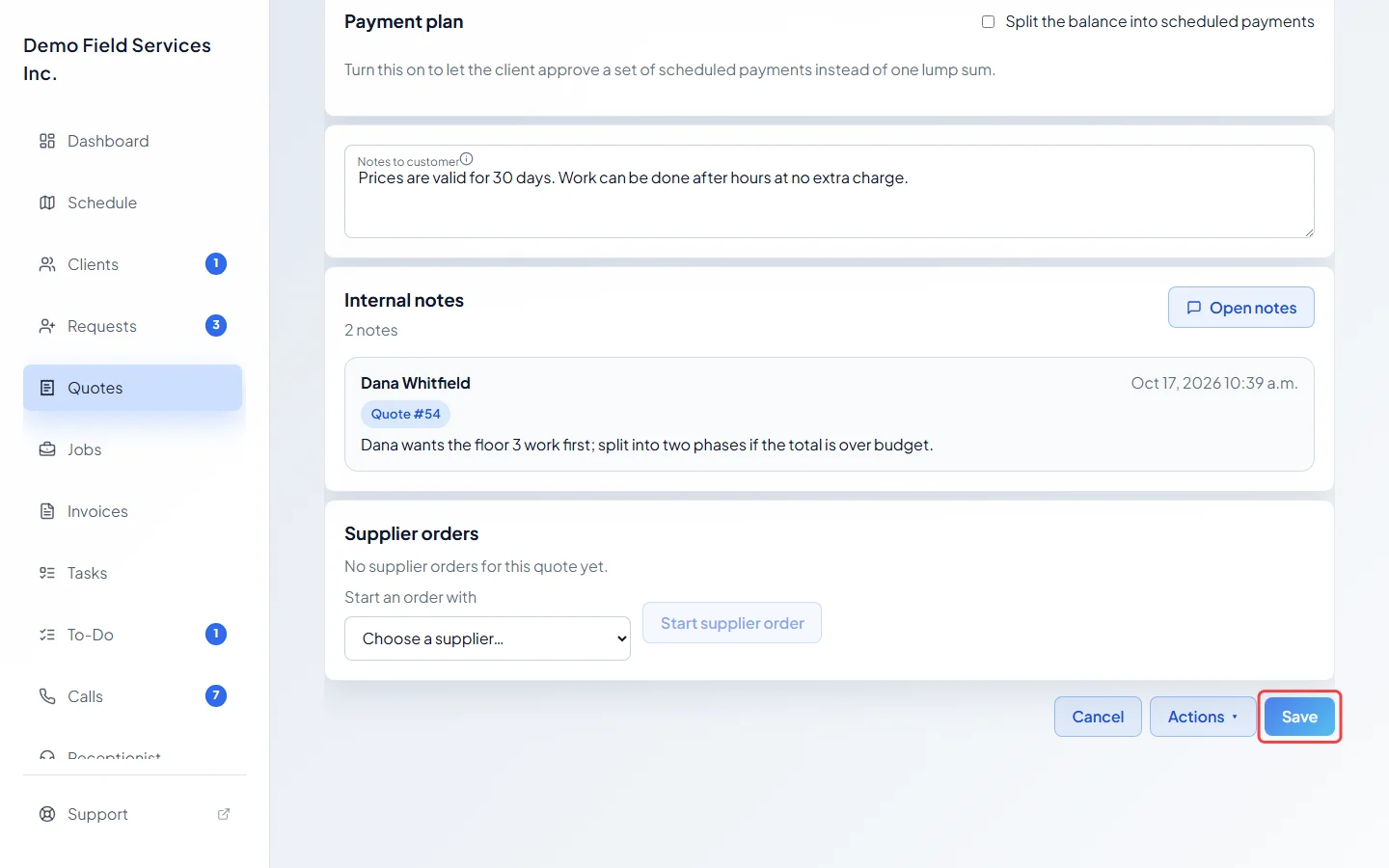
Click Save.
How the total is worked out
Section titled “How the total is worked out”- Subtotal adds up every line (quantity × unit price). Optional add-ons that aren’t added don’t count.
- Discount comes off the subtotal before tax. A percent discount is a share of the subtotal. A fixed discount can’t be more than the subtotal.
- Tax is charged only on lines that are taxed, after the discount is spread across them. A catalog item marked Exempt from tax is never taxed.
- Total is the subtotal, less the discount, plus tax.
When a quote has add-ons, an “Optional add-ons” line shows how many of them are included.
Good to know
Section titled “Good to know”- Drag the handle on the left of a line to move it. The client sees the lines in this order.
- Click the bin on a line to remove it.
- Order from (team only) under a catalog line picks which supplier to order it from, or Don’t order — we have it. The client never sees it.
- Your tax rates are set up in Company settings. See Taxes.
- If the line’s product has options, such as a model or a size, a Product options panel opens under it. See Choosing product options on a quote.
- Changing a price, line, discount or tax on an approved quote takes the approval away. Astragal asks you to tick a box saying you understand before it saves. See Quote approval and rejection.
- Once a quote is invoiced or turned into a job, its lines are locked. Change them on the job or invoice instead.
Related articles
Section titled “Related articles”Checked against Astragal on October 17, 2026