

Phone contacts
Keep a phone book of people who aren’t clients, so their calls show a name instead of a bare number.
Who can do this: Anyone who can open the Calls page can look up contacts. Admins, dispatchers and accountants, and team members allowed to add, edit or delete clients, can add, change or delete them.
Add-on: Phone lineAlso called: address book.
-
Open the Calls page and click Contacts. Search by name, company, phone number or email. A shield next to a name means their numbers are on the always-allow list. Only the first 500 contacts are loaded and searched.
On a computer: Left menu → Calls On a phone: More → Calls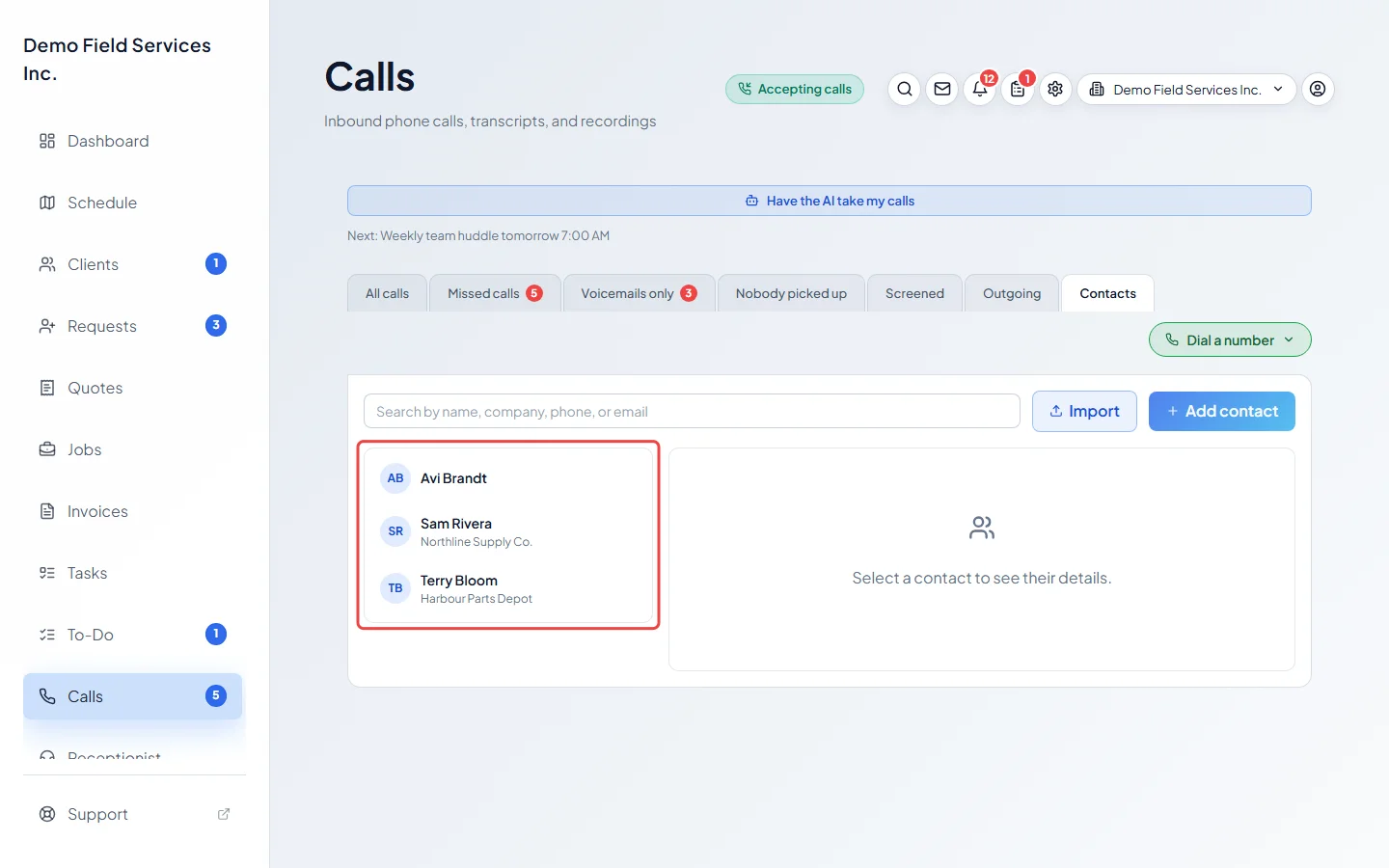
-
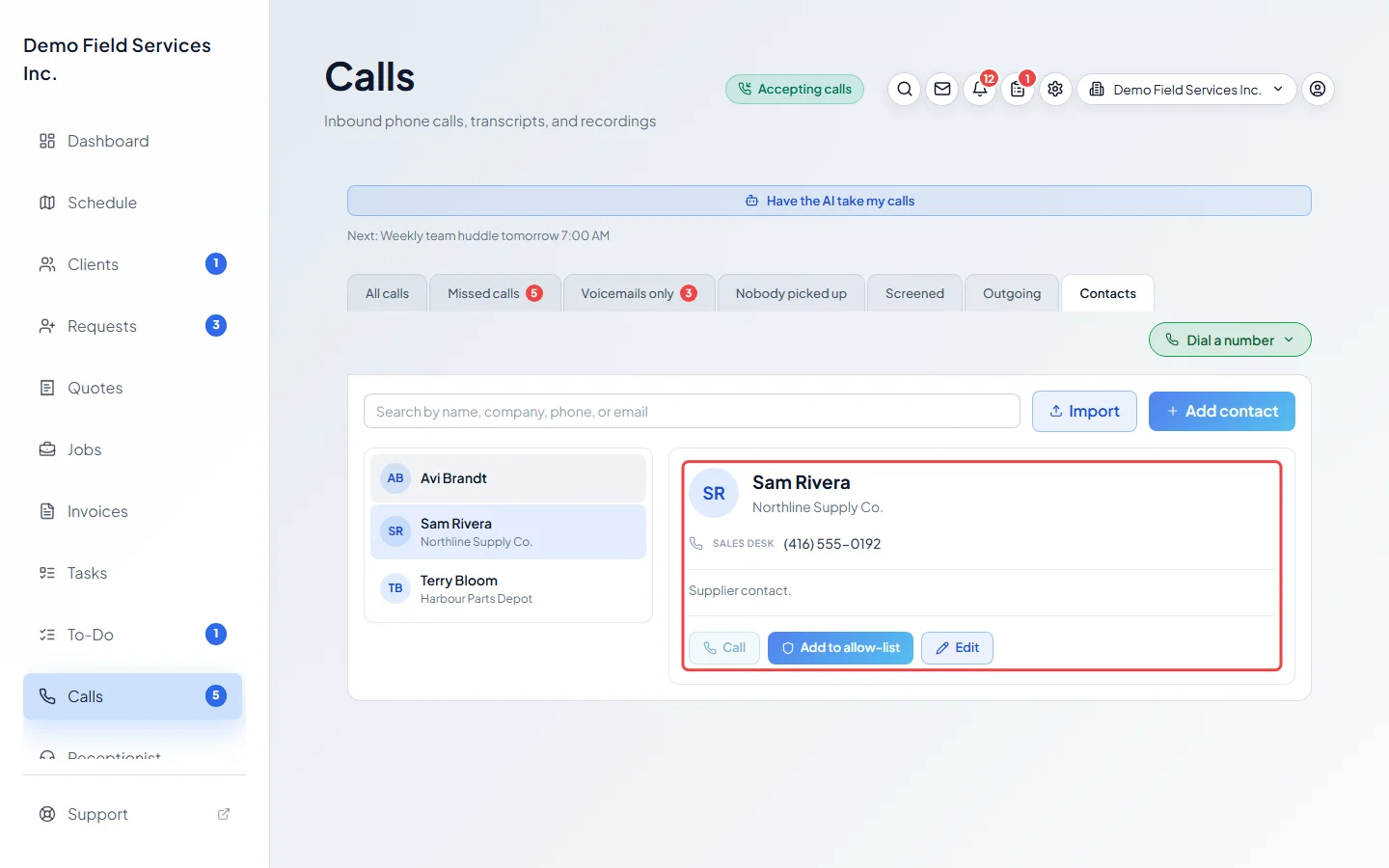
Click a contact to see their numbers, emails, address and notes. Click Call to phone them, or Edit to change them.
-
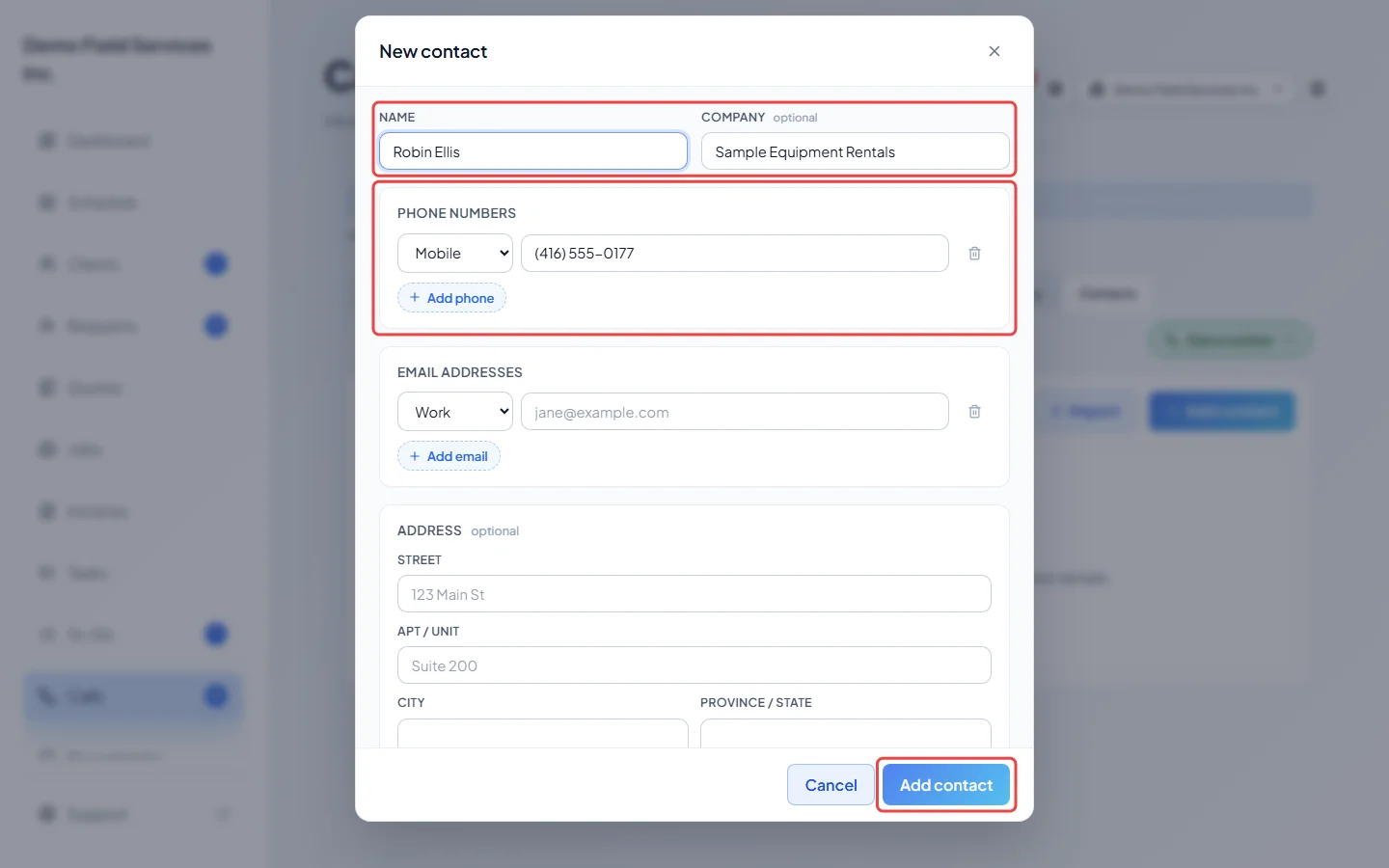
To add one, click Add contact. Type a Name (the only thing you must fill in), and add a company, phone numbers, emails, an address and notes. Pick Mobile, Work, Home or Other for each number. Click Add contact at the bottom to save.
-
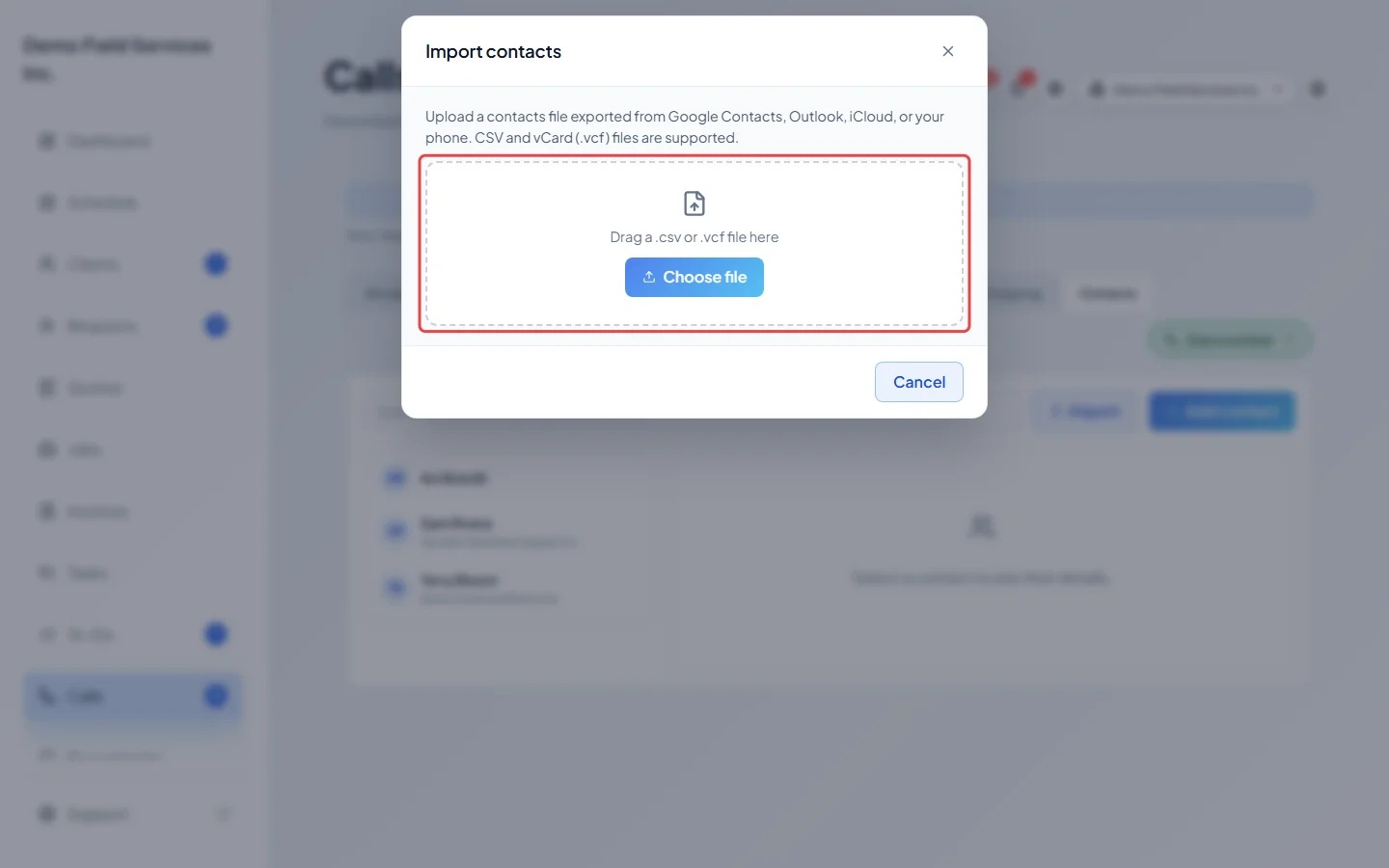
To bring in a batch, click Import. Drag in, or click Choose file to pick, a contacts file exported from Google Contacts, Outlook, iCloud or your phone (a .csv or .vcf file). In the phone app you can also tap Import from this phone.
-
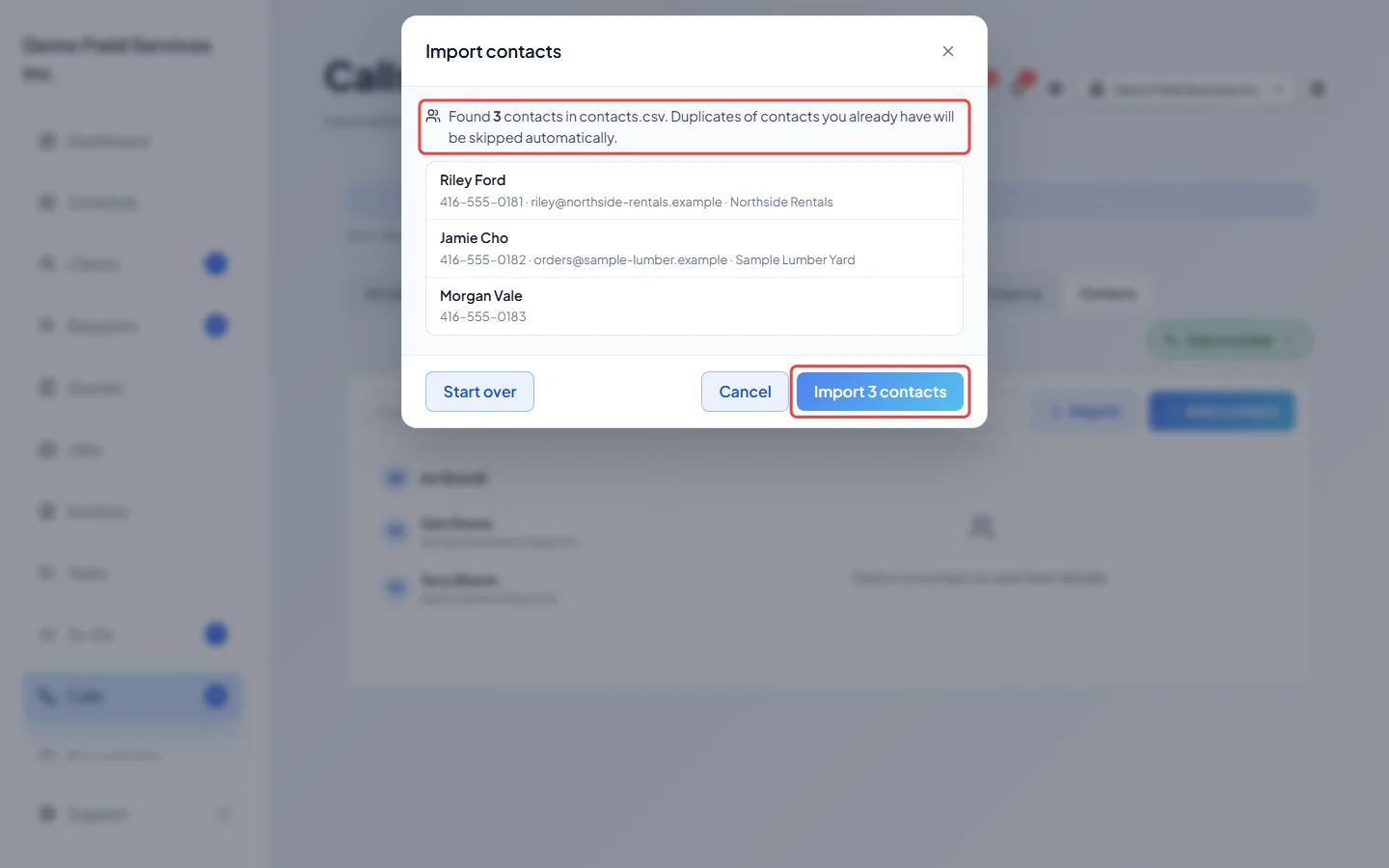
Check the list of contacts found, then click the button at the bottom that says how many contacts it will import. Contacts you already have are skipped, and so are entries with no name, number or email. Start over picks a different file.
Good to know
Section titled “Good to know”- A call from a saved contact shows their name on the Calls page with a Contact tag.
- Add to allow-list puts all of a contact’s numbers on Always let these numbers through, so their calls ring you even when you’re closed and skip every screening rule. Remove from allow-list takes them off. Only admins, dispatchers and accountants see these buttons. See Blocking unwanted callers.
- Delete is at the bottom of the edit form. Astragal asks before deleting.
- On an iPhone where you shared only some contacts with Astragal, the import says so and explains how to share more in the iPhone’s settings.
- Clients aren’t kept here. They’re on the clients list, and their calls already show their name. See The clients list.
Related articles
Section titled “Related articles”Checked against Astragal on October 17, 2026